I’m using blender 3.6 and ran into this rotation problem. I want to rotate the rudders so that they stay aligned with the tail.
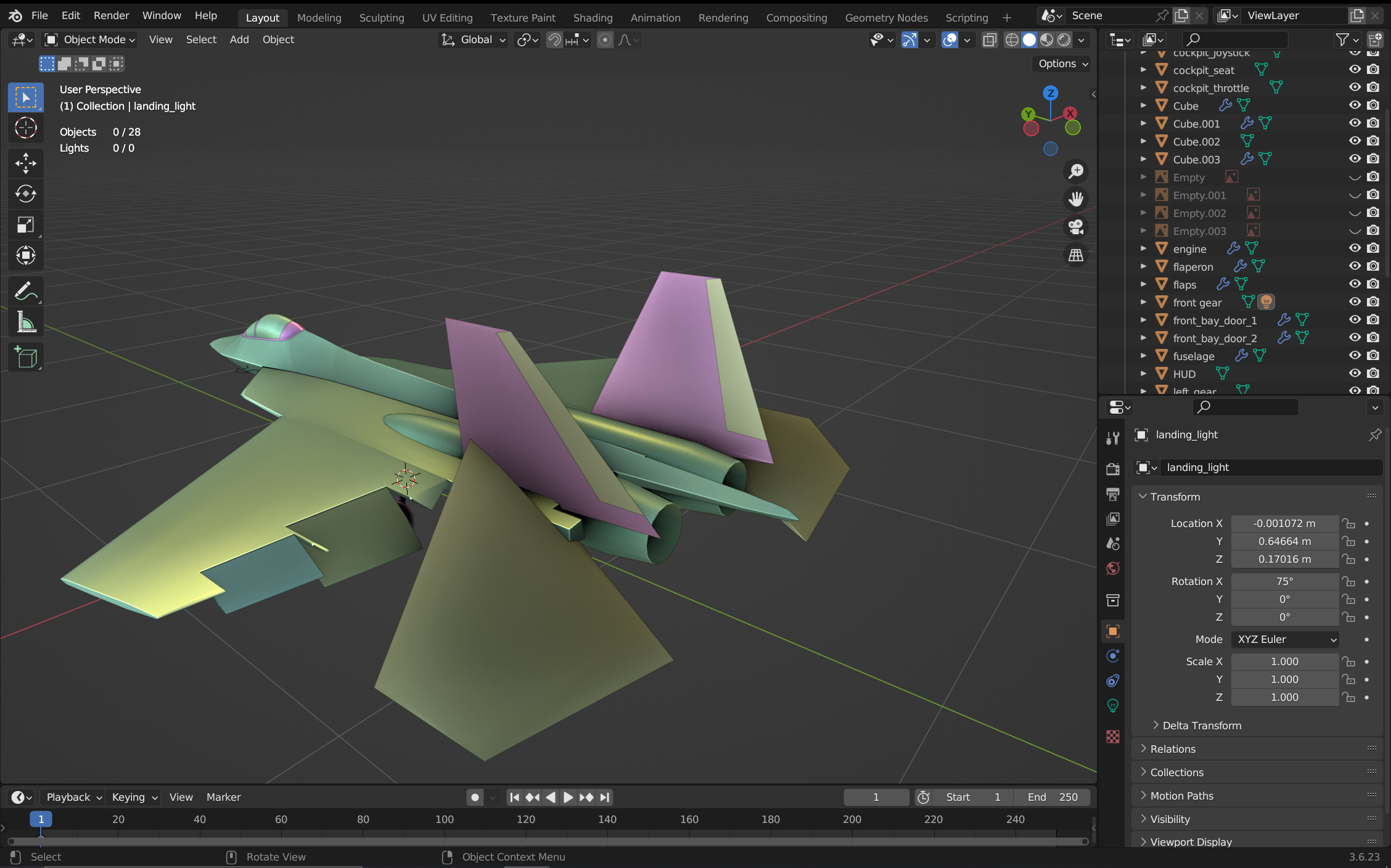
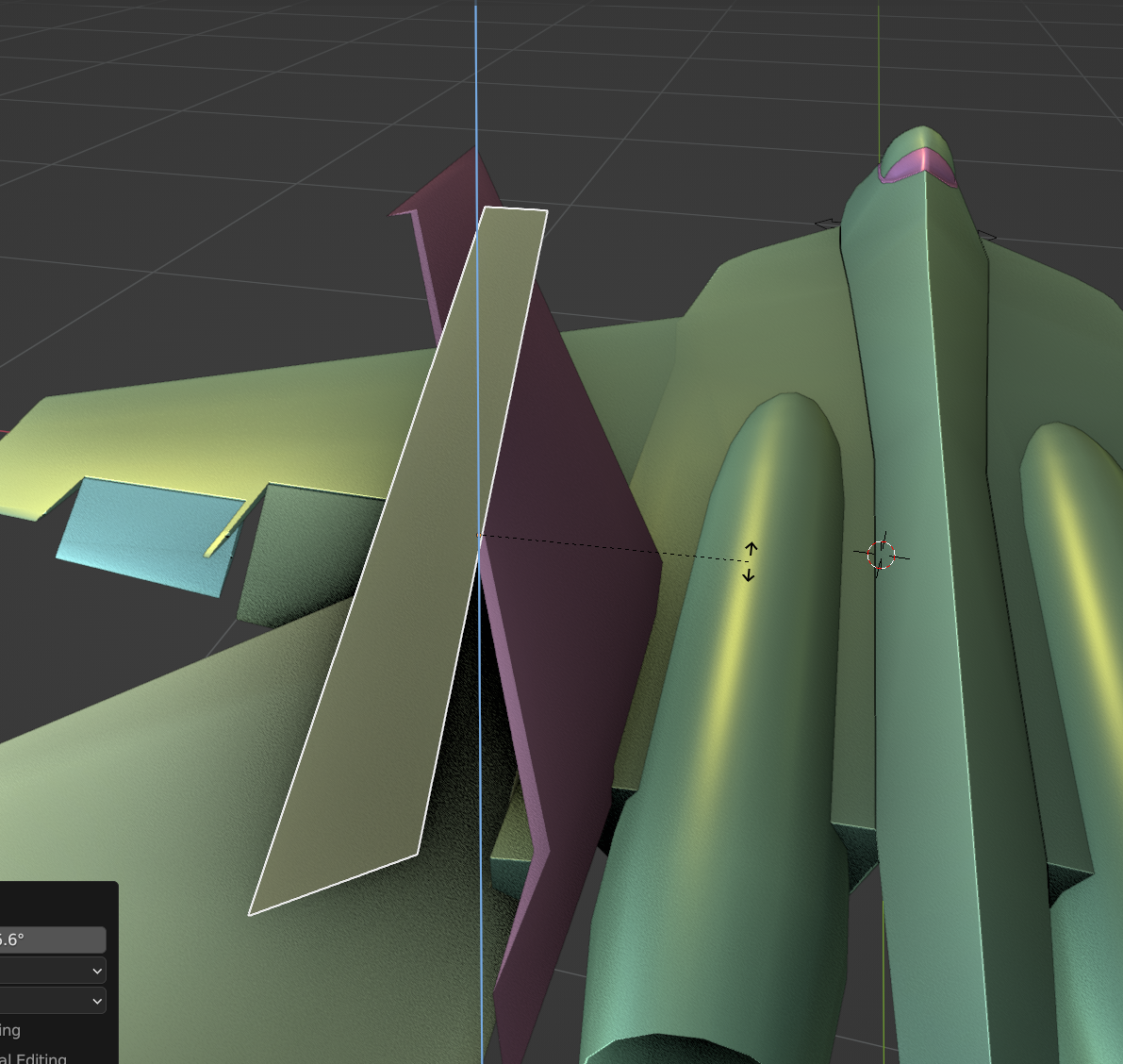
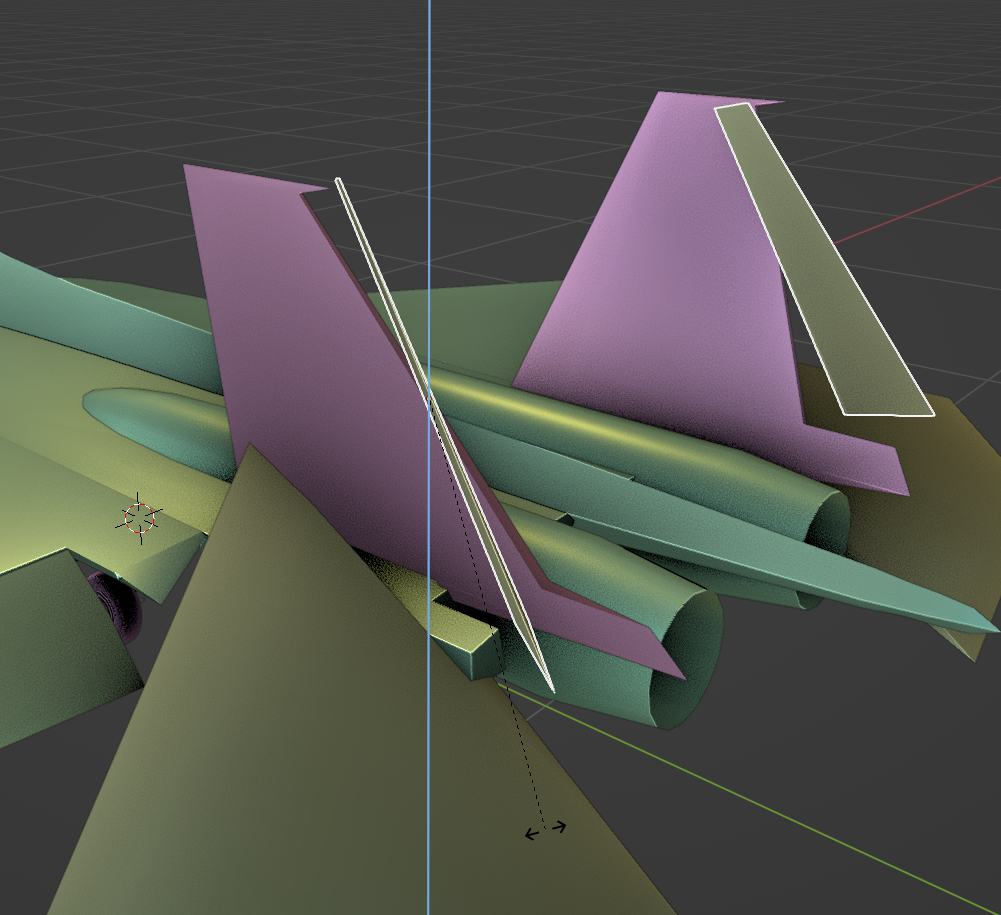
But when I rotate on any of the axes (especially z which I’m concerned with) I get:
Thanks in advance!
Welcome to the forum!
R to rotate and Z to lock on Z-axis locks it on the global Z-axis
If you press Z twice it will rotate on the local Z-axis instead, however if the objects rotation is applied (or modeled in place) the local Z-axis might also be aligned with the global.
If that’s the case you can create a custom rotation axis which allows you to align your Z rotation along a selected edge for example. I haven’t done that enough times to know the steps by heart but a quick google on “custom rotation axis blender” will give you the exact steps.
Welcome  ..
..
First: the rudders should be different objects.
You can select one edge (in Edit mode) which will be the new axis/orientation then add a new transform orientation via the plus sign in the Transform Orientation selection menu (3D view top midle). Back in Object mode on the top right under Options select Transform Affect Only: Origins and use the Menu: Object → Transform → Align to Transform Orientation.. deselect Origins.
Sometime this might be rotated 90 degree.
Thanks man! you saved a life today
You are welcome.