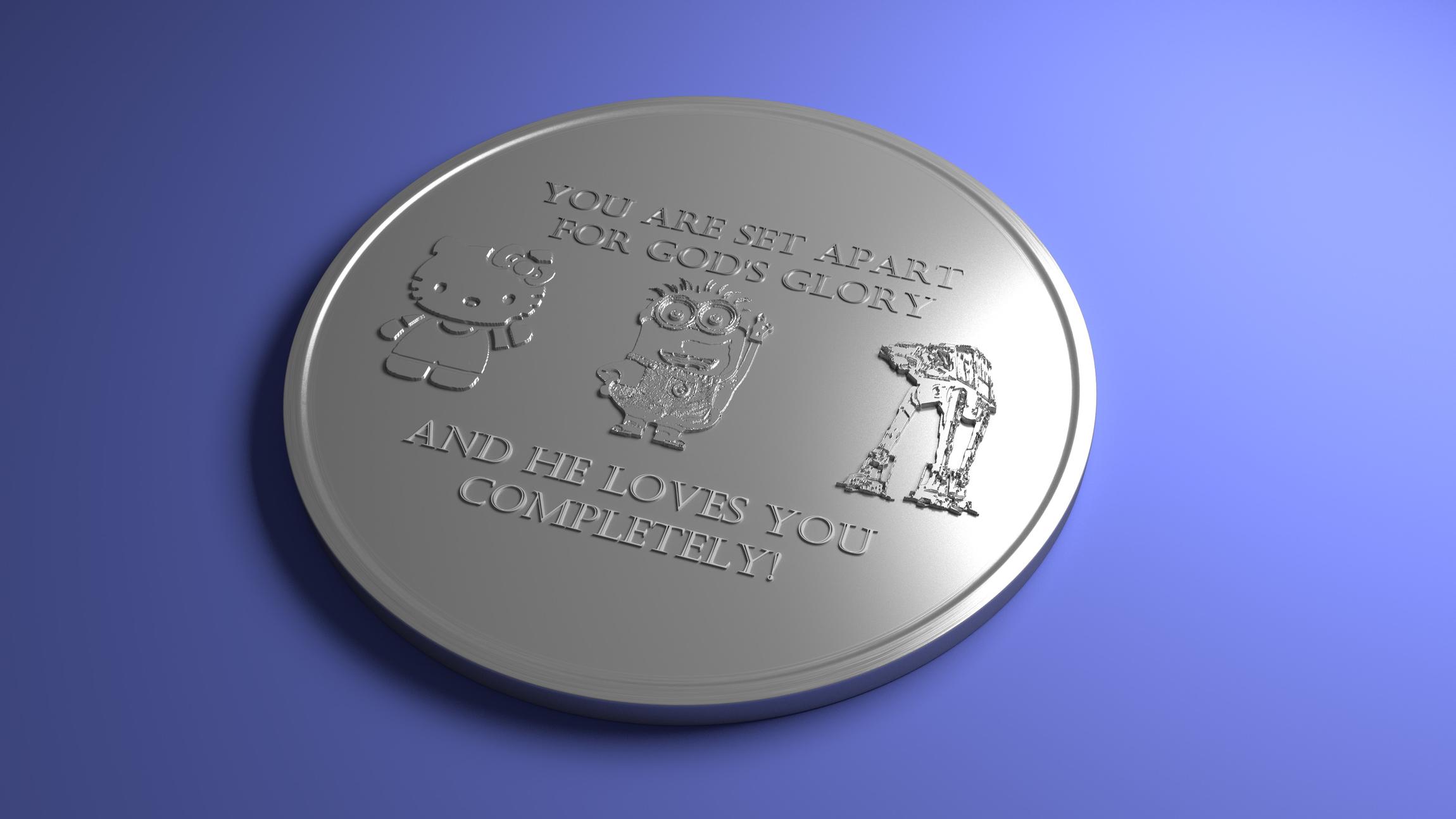
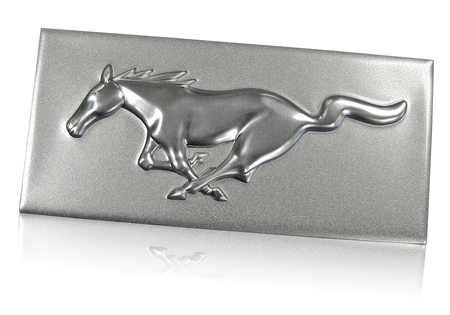
Hi, I am trying to make a several characters stick out of a surface as if they were on a US minted coin. I am currently importing images and using the displace modifier to make it 3D. I can’t seem to figure out a way to make the characters more “coin” like (see attachment for what I have so far). I want it to look more like this -> http://cdn2.hubspot.net/hub/60349/file-29879739-jpg/images/mustang-3d-emboss-engine-badge.jpg?t=1424296392000
Can someone give me some pointers on how to go about this, it is going to be 3D printed so I need geometry. :spin:
you could fake it somewhat by using the gradient tools in GIMP, but I think the best way, which is more difficult, would be to sculpt in your image and use normals baking to fake that surface on a more low poly version.
(edit) missed the part about the 3D printing…guess a normals map won’t do for that.
for the text you could also use the Boolean modifier
now this looks like it has a lot of very fine details
are you certain this can be printed so fine
in any case it will require high res modelling
happy bl
Thanks guys, I will give those a try.
Run a blur filter on the displace image. You wants softer edges. After that, apply the subsurfs and displace modifier and go into sculpt mode with a clay brush and give it it some custom sculpting for varying height which will give it highlights and more of a coin feel. f to adjust brush size, and of course experiment with the strength.
Looks cool.
Photox said right…
Blender Displacement + manual Sculpting
Thanks for the help everybody! I ended up using displacement and manually sculpting it.
Thanks for the help everybody! I ended up using displacement and manually sculpting. 