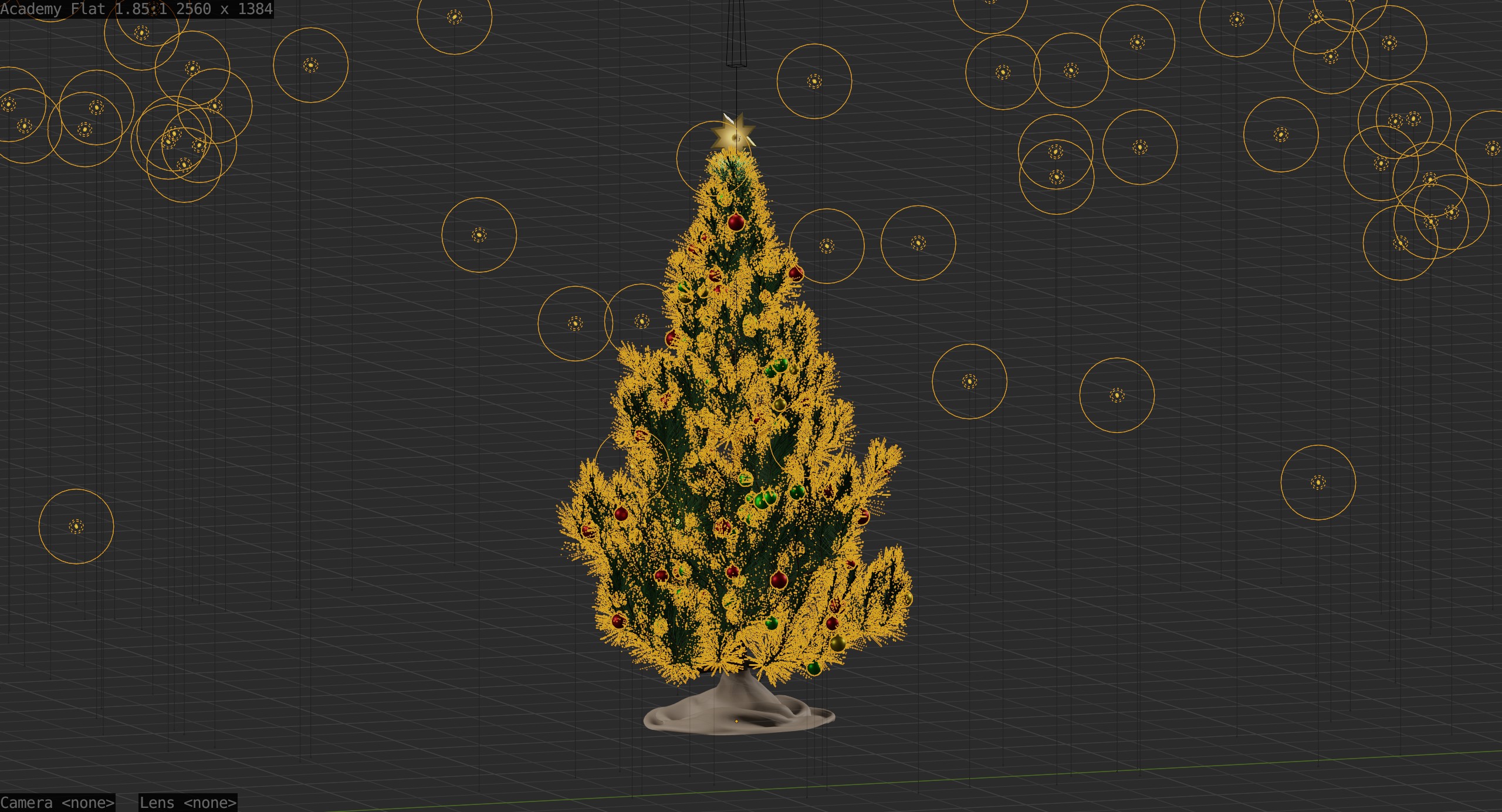
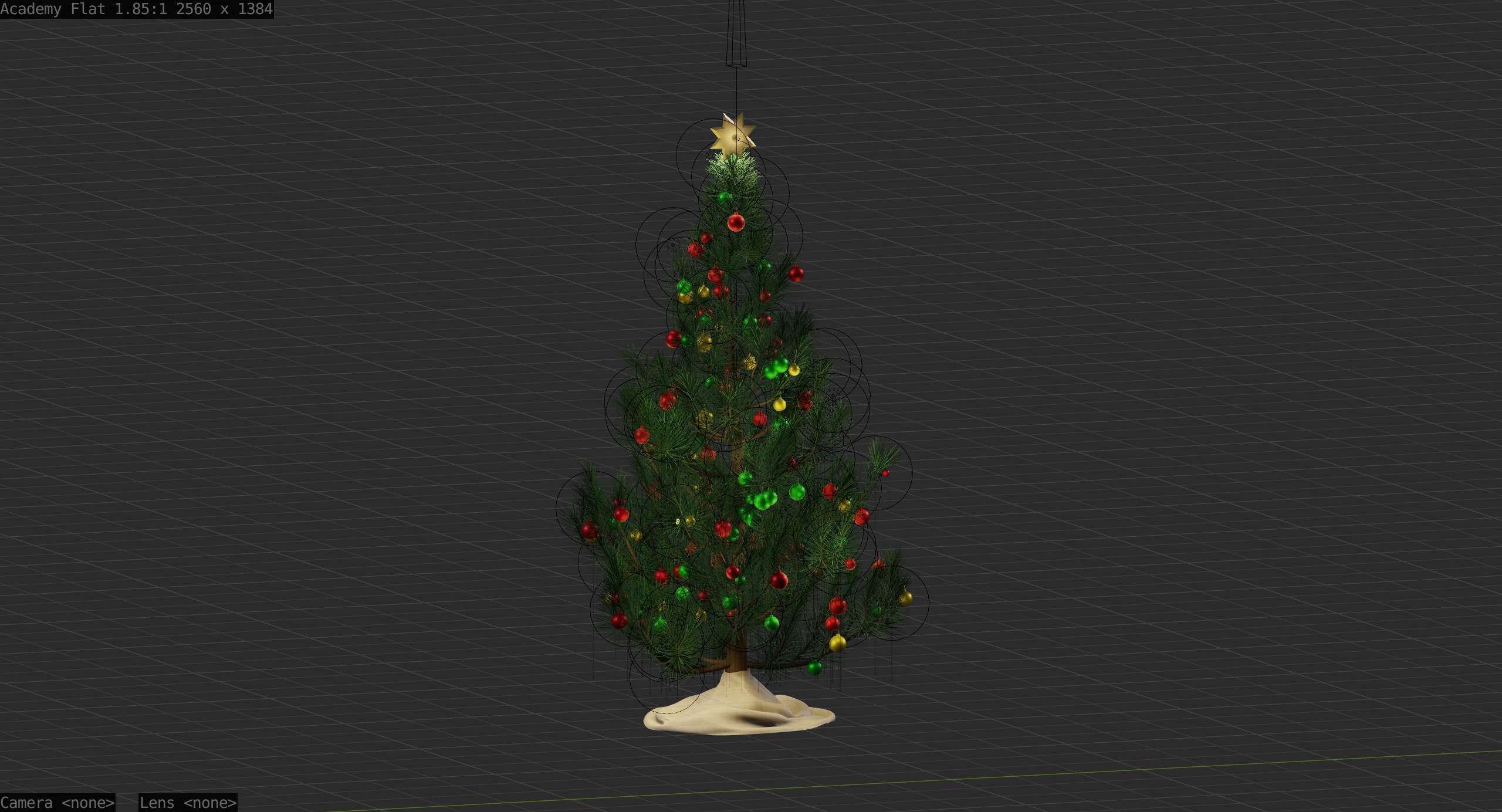
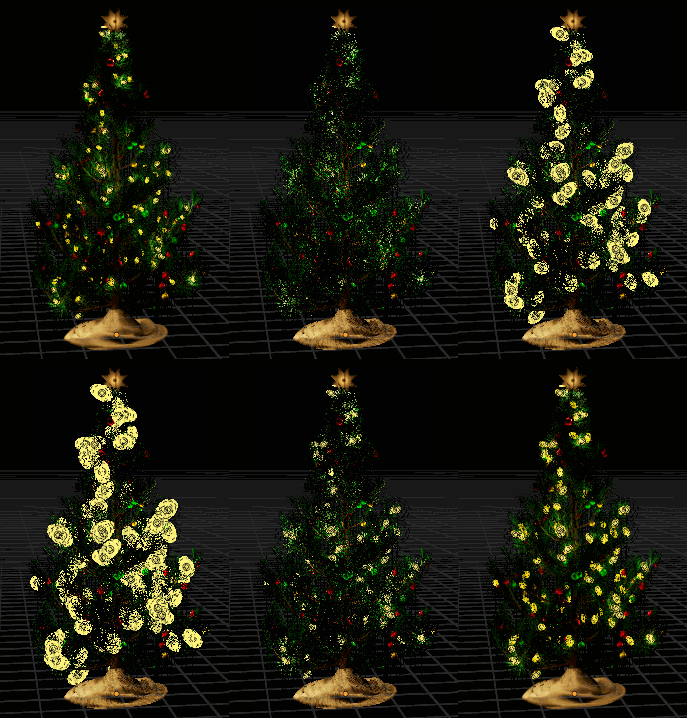
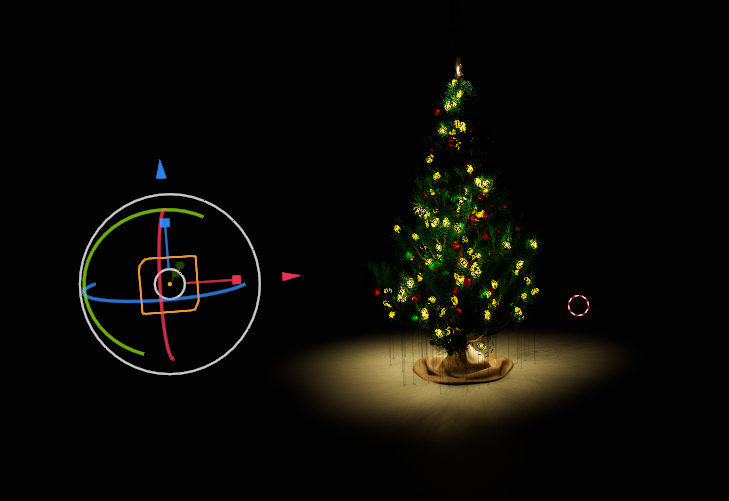
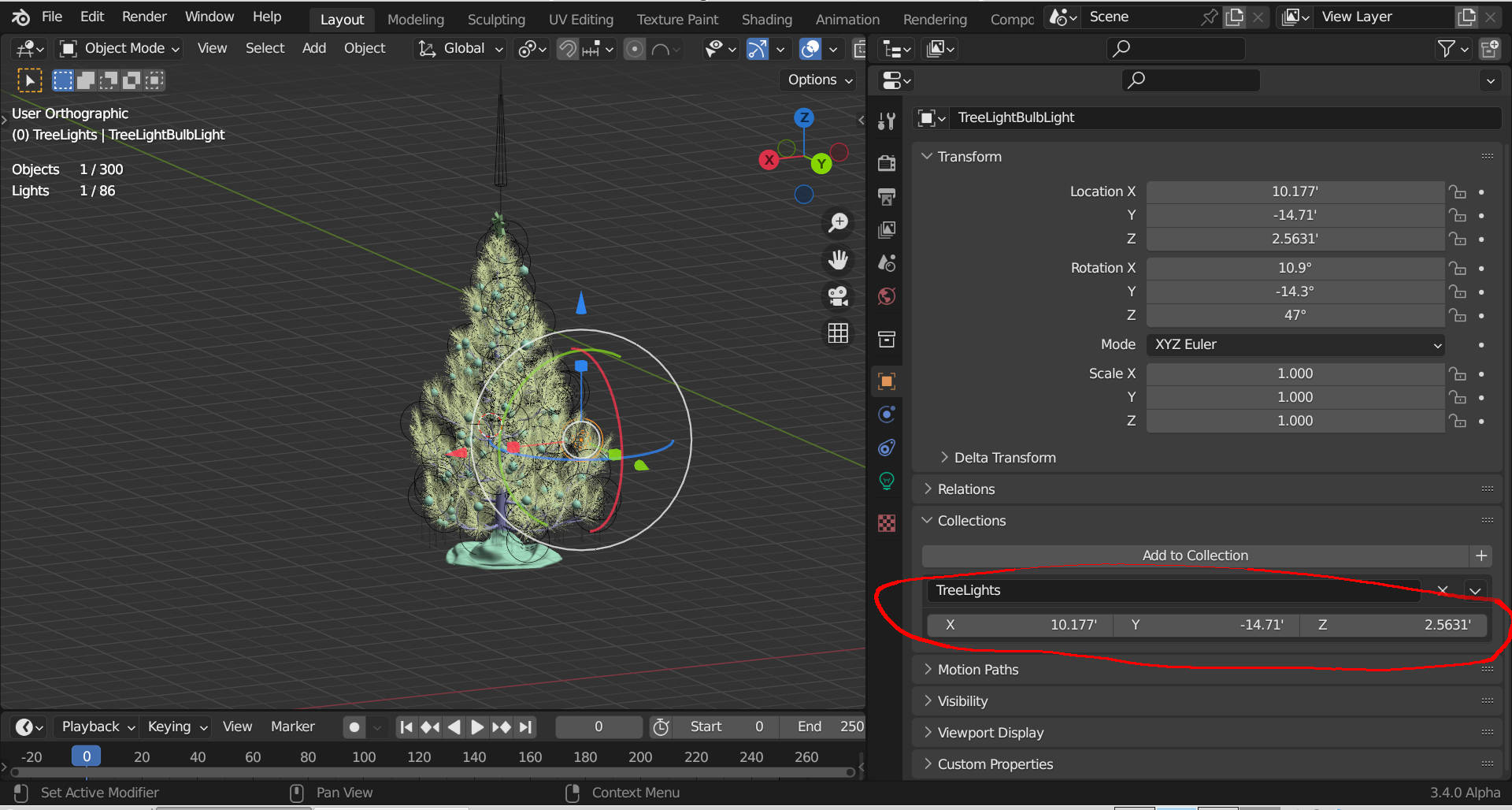
I want to spread instances of a mesh with a light in it on a Christmas tree. The mesh and light together make a light bulb for the tree’s lights. So each light must have both in the same place.
I made a collection with the bulb mesh and point light. Then a particle system on the tree leaves using the whole collection for each particle. Particle Properties → Render → Scale does not behave as expected.
When I scale the particles of the ornaments, single objects, they get bigger or smaller be remain at the same location. That is what I expect the whole collection particles to do but they do not.
When I scale the whole collection particles to minimum they are located on the tree leaves but the bulbs are tiny. That’s what I would expect. When I use a larger scale the the bulbs get bigger but the whole particle system is enlarged too moving them away from the tree. The particles should stay in place and just get bigger when scaled.
I think this is a bug but maybe I’m not doing it right.
This work around is usable but still has problems and isn’t a real solution.
The originals, the objects in the “light bulb” collection, have to be located at 0,0,0. Then the particle instances are located correctly on the tree and stay there when I select the tree empty and move the tree or scale them. If the originals are moved then the particles spread as in the previous post.
This behavior is bad. When a whole collection is used as a particle it should behave as single object particles do. I started this project in Blender 2.x and didn’t have this problem. Originals were visible, placed on the tree, and moved with it.
I don’t understand the need to place originals at the origin so there may be a way to move them that I don’t know of.
Problem
The originals must be visible in renders and must be at world 0,0,0. If not then the particles don’t appear either. That makes sense but maybe I don’t want a Christmas Tree light glowing in the middle of my floor? But I can’t turn off the render of the originals and I can’t move them to an unseen place.
Select TreeLightBulb and press ALT-G to move it back to world origin. Do the same thing with TreeLightBulbLight. This caused everything to line up and allowed particle scale to work correctly. I don’t think you can scale the radius of the lights, adjust that on your instance source for the entire tree.
Thanks Atom. See post above about this. It is an acceptable work around but not a solution.
I think the real solution may be that this is a bug or bad judgement by the devs. Then the solution is with them. Hopefully, I’m just not doing this right.
I can proceed with my project using this workaround by hiding the “floor light” with a rug or moving the floor or entire building up a little (ridiculous, shouldn’t have to do that).
Still interested in whole collection particle solutions if I’m just not doing it right or alternative non-collection methods.
I didn’t have a problem moving the TreeEmpty away from world origin. You could try moving it into the distance along the x-axis and then drop a cube at world origin to block any left over light…?
I have had this problem with GN nodes instancing collections.
Instead of sending all the lights to the world origin you can offset the collection instances with these settings (they effect the entire collection as a whole):
It is not a bug, it is a limitation of instancing collections, the collection its self has the origin in the centre, it does not use the individual origins of all the objects inside it.
That is why the devs added the offset settings from origin to work around this when instancing collections.
The problem is with the tree light collection used as a particle. If originals are not at the world origin then “floating” happens. With them at the origin (the work around) tree movement and particle scaling work as expected leaving the visibility of the originals at the required origin location as a small problem.
With cycles I would just use the bulb object with emission and no point light. Need to use eevee though.
Alternative: Is there a way to make two particle systems, single object particles, with the particles at the exact same locations? Same number, seed, etc.? Then I could make one for lights and one for bulbs and eliminate the collection.
Atom,
Did the particles “float” when you moved the tree with the empty? The image looks like the tree didn’t follow the empty.
DNorman,
I’ll play with those offsets and see what happens. Maybe they can move the originals away from the origin without causing “floating”. That would let me hide the original light in an unseen place.
Thank you Atom and DNorman! I appreciate your investigation, knowledge, and help.
Solution goes to DNorman. The collection offset settings fixed it. I moved the light and bulb objects 2’ below the origin then set the Z offset to -2. That moved the originals without causing “floating”. The tree can be moved, scaled, and rotated with no strange particle behavior and offsets allow moving the originals to an unseen location.
I found the collection offsets also on the collection panel and changed it there.
I also experimented with using two single object particle systems to place objects at the same locations. Given the same settings the instances do appear at the same locations. So that is an alternate way to do this. Here one particle system spreads cones and another spreads toruses. The original cone and torus are not in a collection, parented, anything.
An alternative: Instead of trying to instance a bulb object and a light, couldn’t you just give the bulb object an emission material? Then you’d only need to instance the bulb object.
That is exactly what I would do if rendering with cycles. I need eevee for my current project with this tree. Emission materials in cycles shine light into the scene lighting up other objects. In eevee they just make the emitter object look brighter. No light is sent into the scene to illuminate other objects.
Emission objects do not actually cast light in Eevee.
For Cycles using a real light will render much faster, in Cycles to get the same amount of light from an emission object its value has to be high and this would wipe out its surface colour.
Fair enough. Didn’t know it had to be done in Eevee. Slightly delayed rendering time would be better than having to mess about getting the dual particle system to work. With the black background in the image and the fact that Christmas lights don’t kick off that much light, I would think that an emission strength of 1.0 would be fine, thus maintaining the colour of the material.
I prefer cycles but for the animation I’m doing (Christmas thing, auto linked in the first post) a frame takes about 4 minutes to render with cycles vs. less than 20 sec in eevee. So I must use eevee for that project. Eevee also produces a semi-real nostalgic look that’s good for this one.
In B2.x these collection particles behaved like I intuitively expected them to. Or maybe they were at the origin and I didn’t know how they really worked.