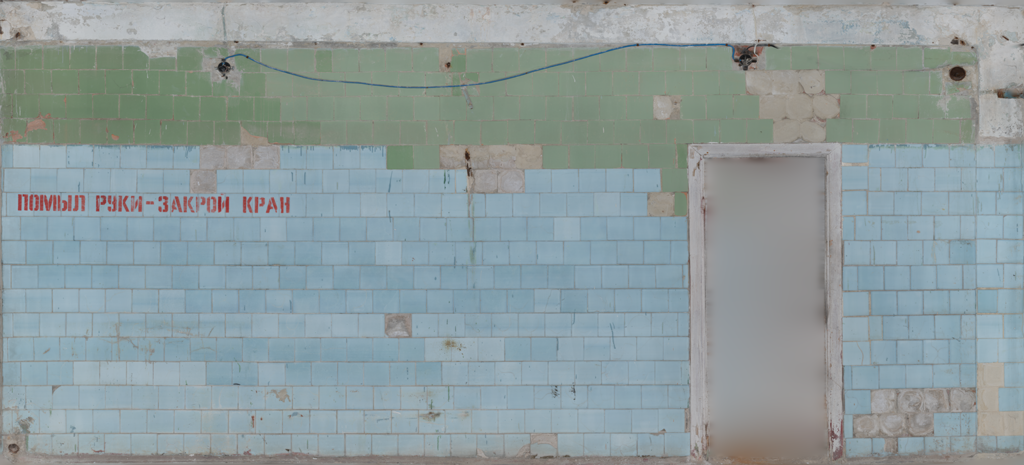
For example, I want to change the blue tiles to red tiles, but I want to keep the green tiles. Is it possible to do this in the Shader Editor?
You can try making a mask based on HSV.
Quick try
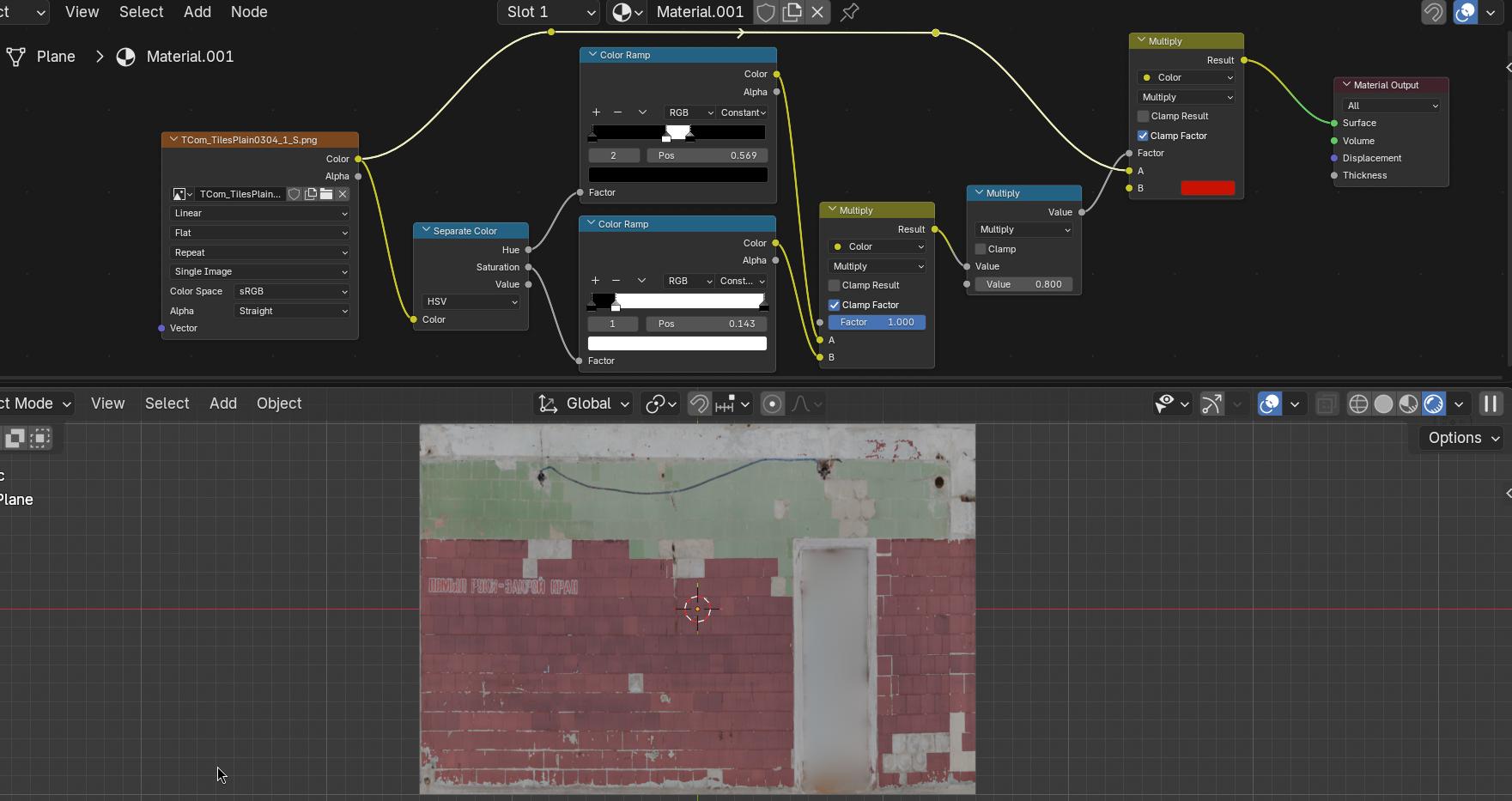
Note there are also some blue paint splotches that turn red at the top, you could also mask those out. Also some of the blue tiles are not “blue” or saturated enough for it to work.
For more accuracy it would be better to do this manually in an image editor ( Gimp Photoshop etc).
Thanks a lot for your reply! If I want to keep some of the blue tiles blue but change some of the blue tiles to red, would it be easier to do this in GIMP? Or is it possible to create a mask in the Shader Editor?
No sense in making life difficult. Yes, you can do it all in Blender, but life is simplest if you just modify your texture in GIMP.
Be sure to keep the original around somewhere in case you want to modify it again.
It’s a texture, not a material?
Yes it would, you could also use texture paint in blender but a dedicated image editor is much better.
Creating a complex procedural mask with nodes is “possible” but not practicle at all in this case, it is much easier to edit the image.
This image might not be the best “source” to do some colorchanges.. it seems there were already some.. if you use some auto white balance then you can see that in the pink markled areas there is some blueih/greenish mingle-mangle
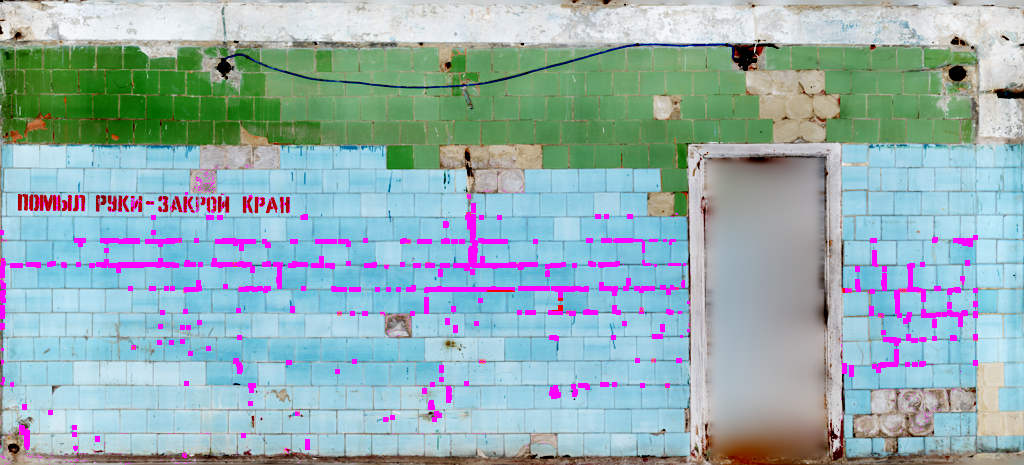
I assume the blue tiles were green before and was changed somewhere in the workflow.. ?? Here is the auto-whited..
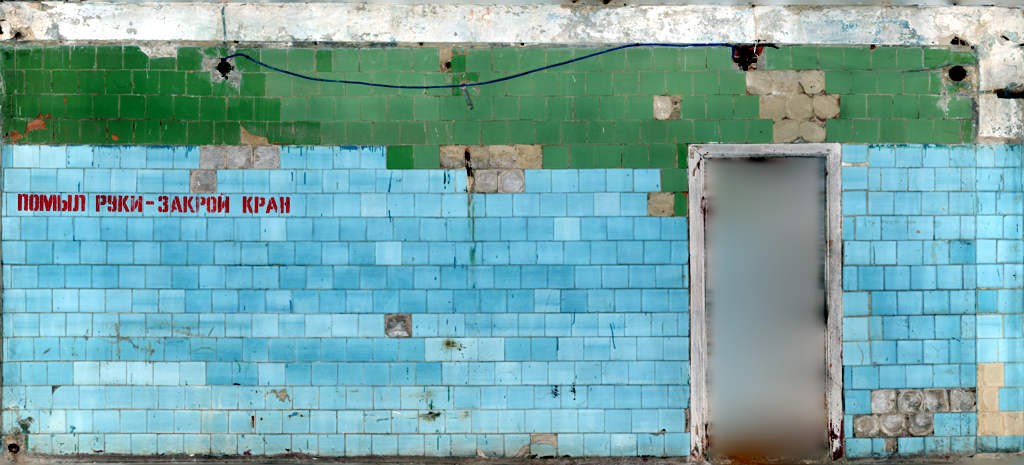
EDIT:
I also see now; this seems to be from textures.com.. hmmm… there seems to be some more “neutral” images which could be colored more easily.. IDK.