As the title says, I want to set a texture for a 12-sided die, but as you can see in the image, more than half of the top is wasted space, and I want to fill it neatly. What should I do?
What I want to do: I want to eliminate the wasted texture space and fill it neatly.
You could get a better coverage by splitting the single long UV island into sections. Right now, it’s constrained by its length.
An other way, which is probably the easier method, is to keep the current UVs, but use a texture with a 2:1 ratio, ex. 2048x1024. Those are widely used too and just as functional.
This is probably the most spatially efficient packing pattern. I laid this out manually in autocad, I often need to nest cnc files to optimize yield, so I have a lot of experience using autocad for this.
Textures are usually done in resolutions that are powers of 2 (ex. 256, 512, 1024, 2048). This ensures that the texture will work if it’s used with mipmaps (like in game engines), which is a system that divides the resolution in half again and again as the texture gets farther from the camera.
The 2 to 1 ratio allows having a power of 2 on both the width and height, because one is exactly double the other, so it will work with any system that needs those resolutions despite not being square.
It has nothing to do with the UVs themselves, it’s a neat coincidence that this object fits closely in that format.

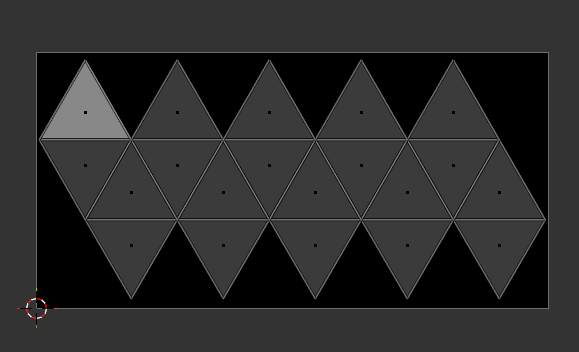
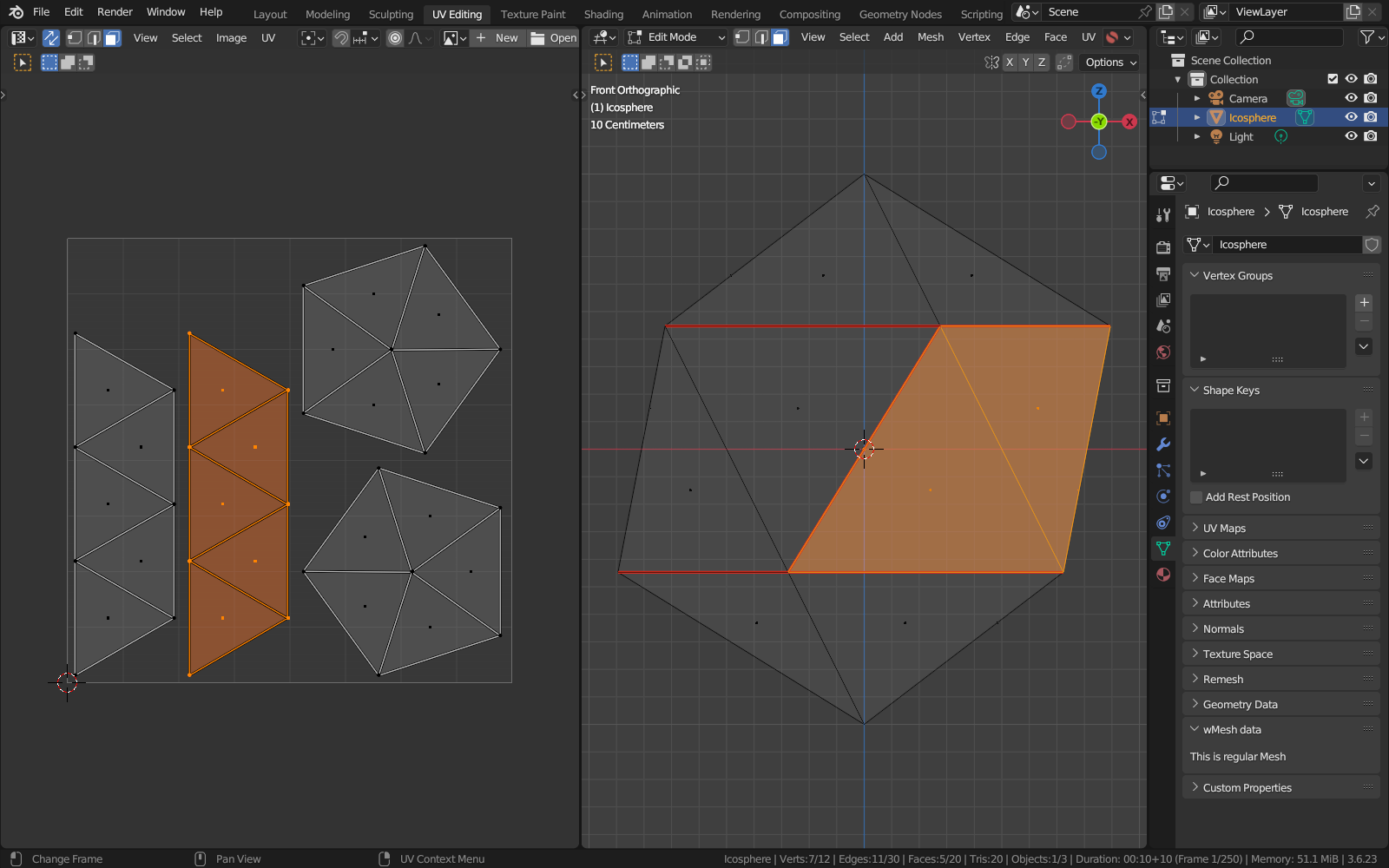

 ..but it’s the same principle (i even forgot to tell).. mark seams at top and bottom and “inbetween” and unwrap…
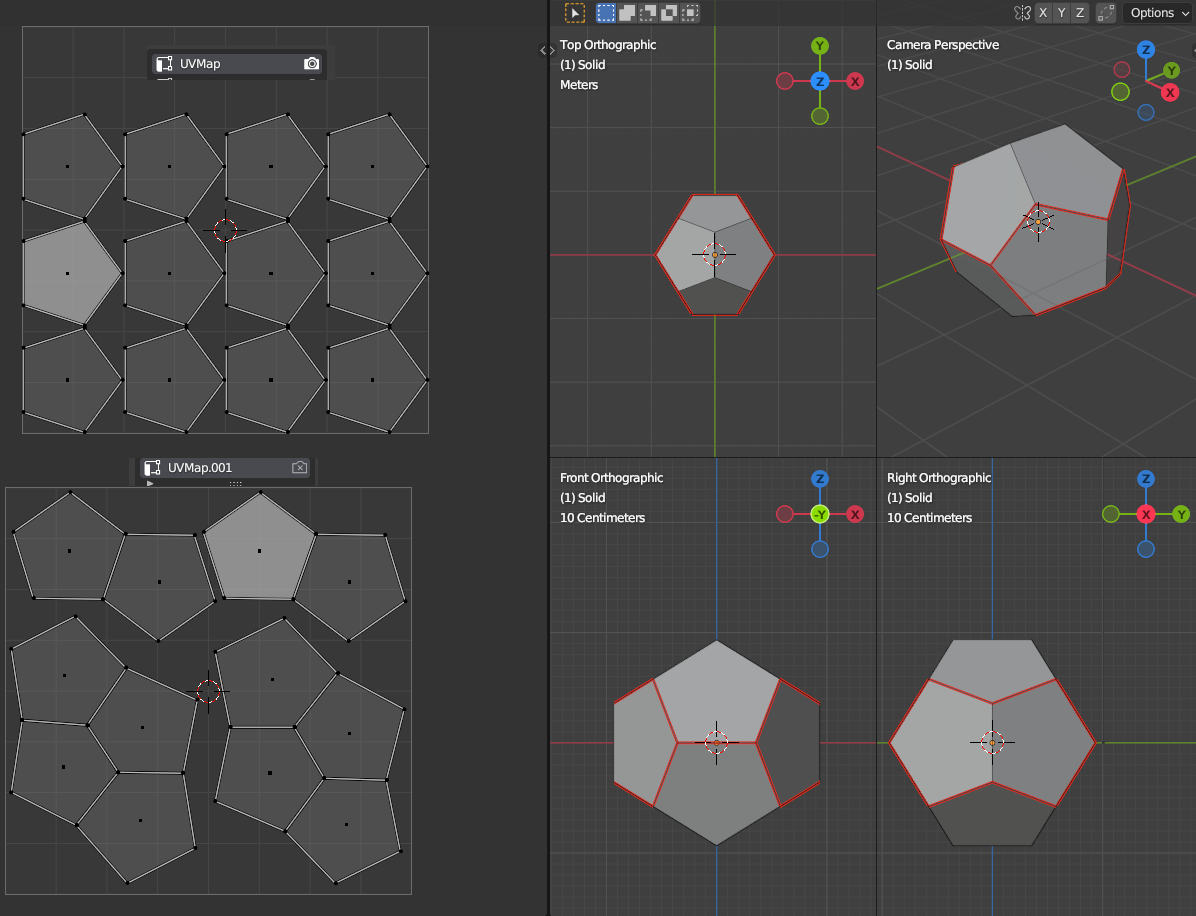
 this seems to be not getting a lot better..