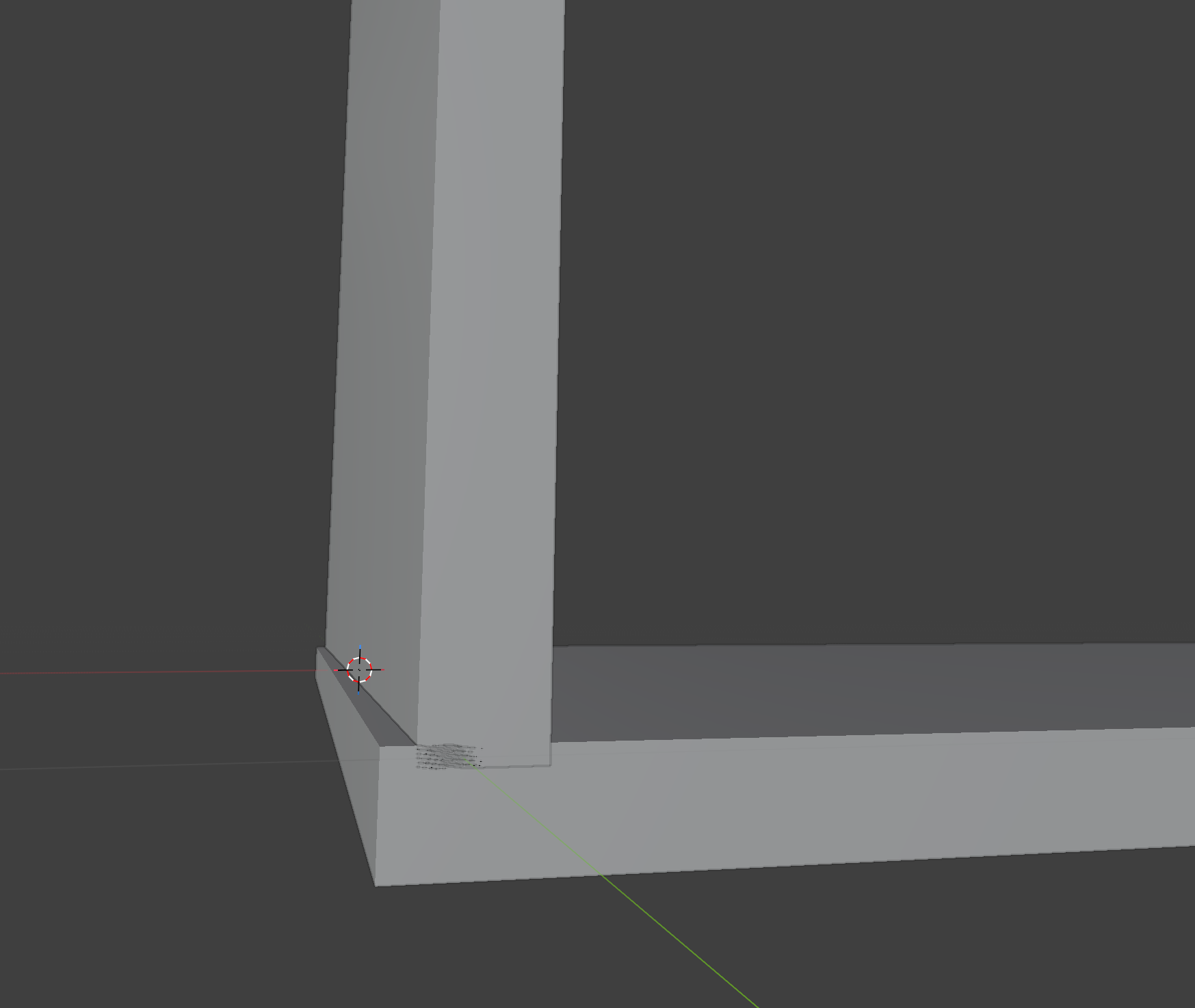
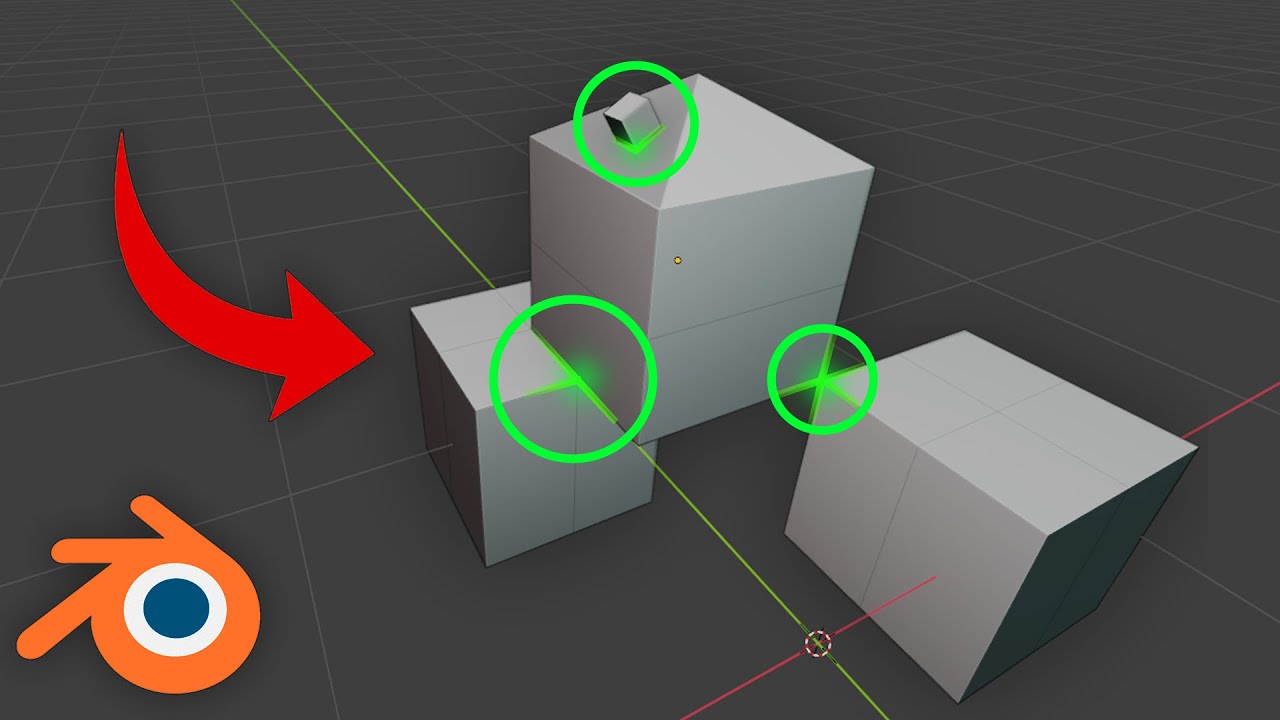
As the title suggests, the images show a wall and a floor.
Since both are modular components, how can I align the corners of these two objects?
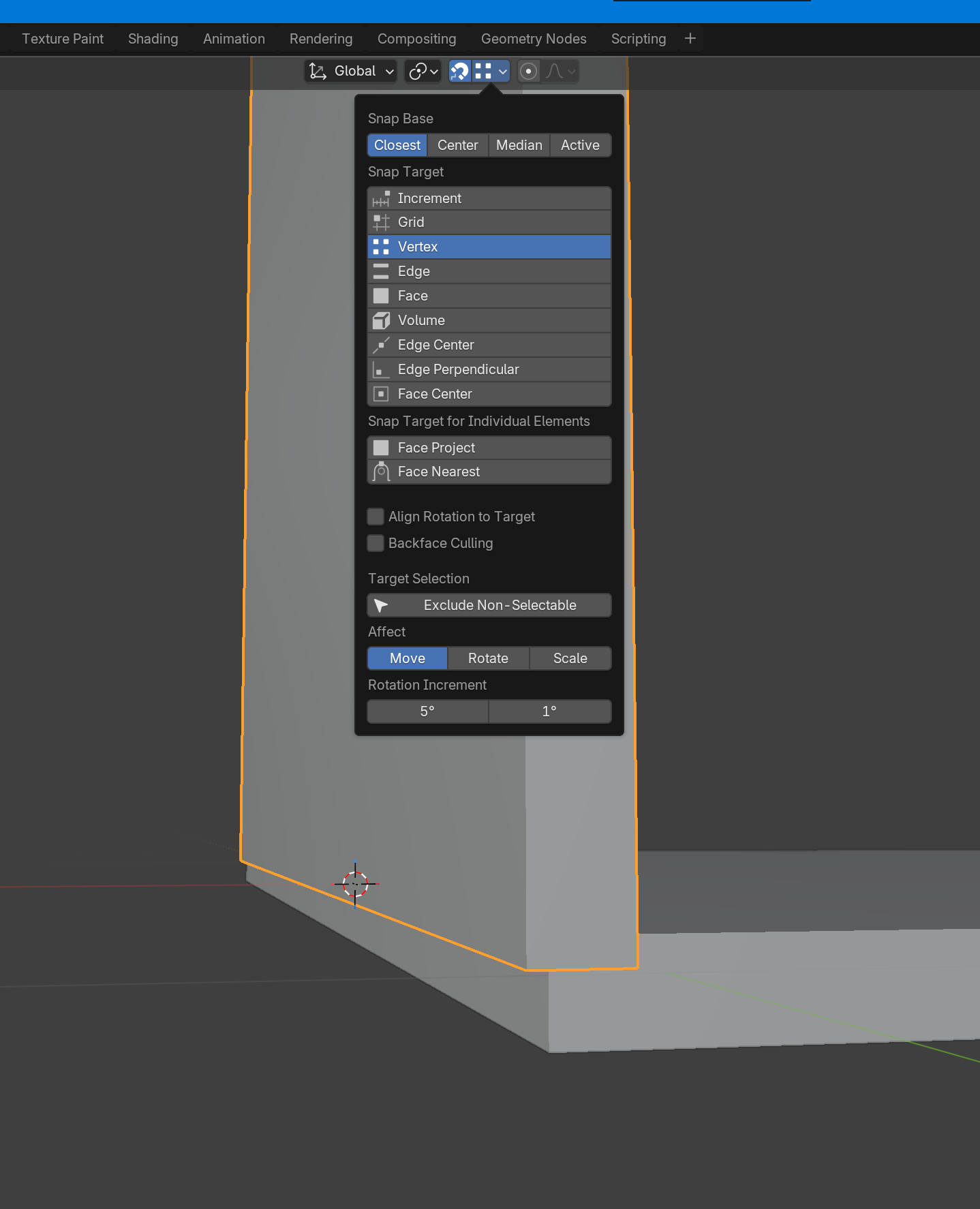
I’ve tried clicking the magnet icon at the top of the editor and adjusting the settings next to it. I looked it up on Gemini, but I still can’t figure out how to do it.
Is this even the correct approach for modular design in the first place?
I plan to use this in the Godot engine.
You have already enabled Snapping and set it to Snap to Vertex.
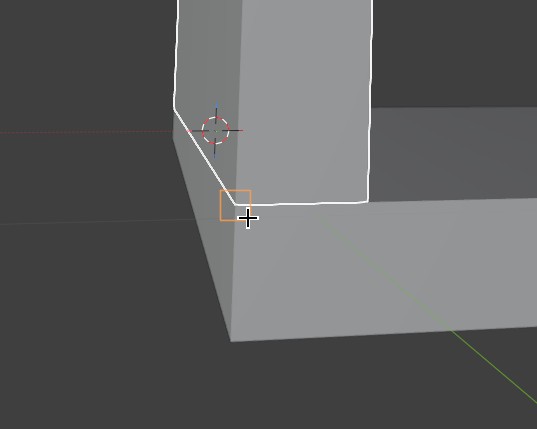
Now, select one of the objects, press G (to move it), move your cursor to the other objects corner. Et voilà!
Thank you.
What does “[Please move the cursor to a corner of the other object.]” mean?
What is the cursor telling me?
I tried moving it so that they would overlap using the G key, but it didn’t work.
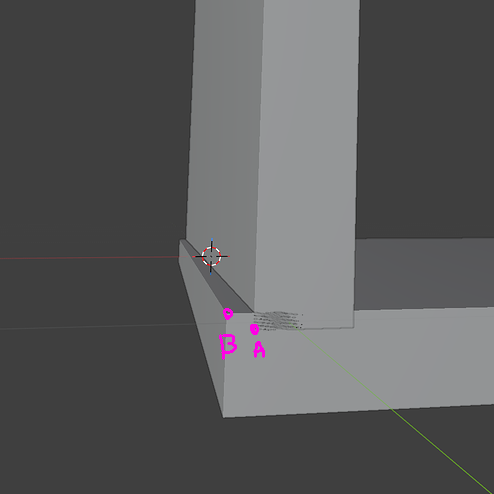
Or you can grab one object (select it, then press G).
Then press B, choose point on object you want to grab (corner in your case for example), click it and then choose point on second object where you want to snap it: