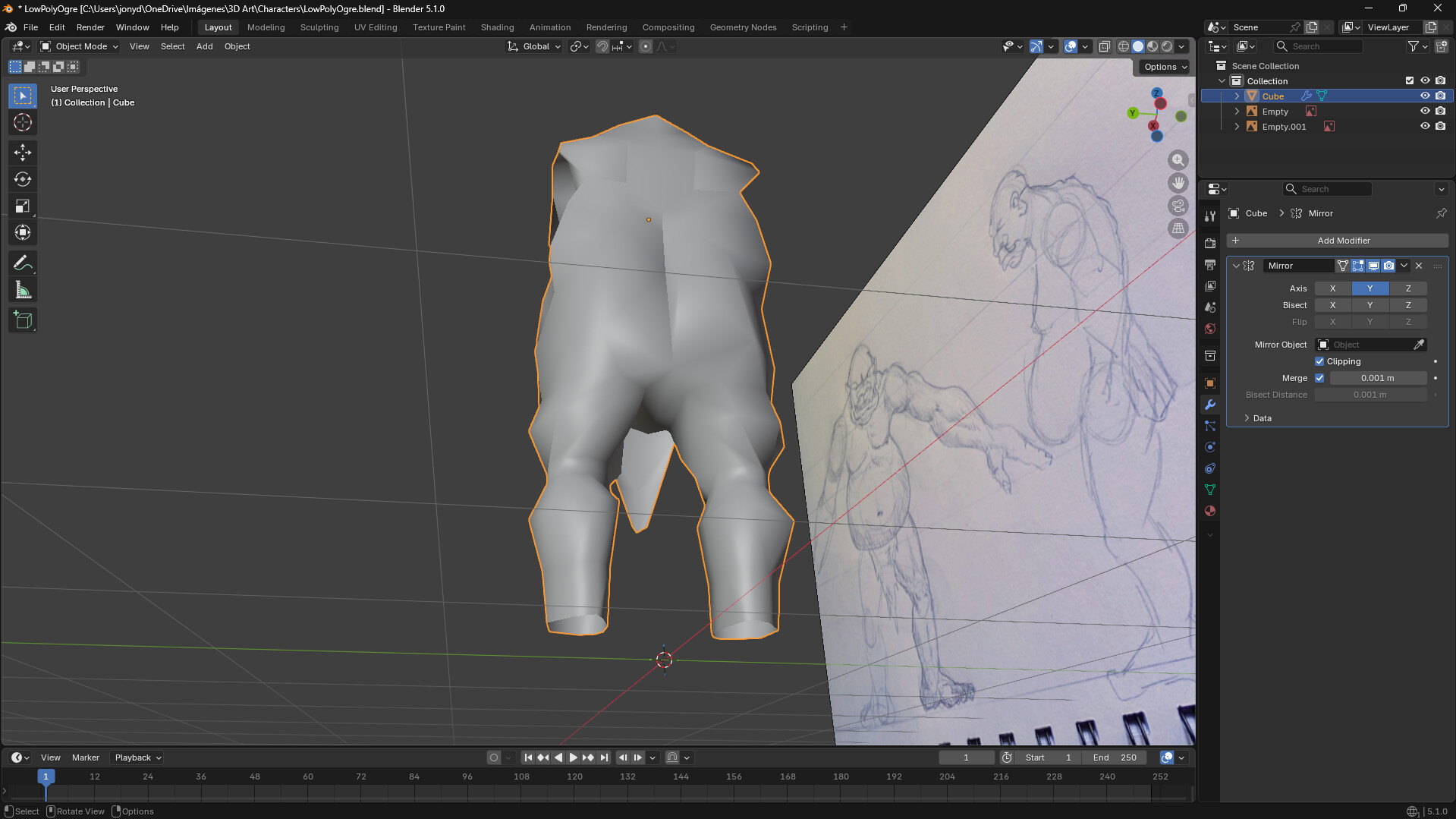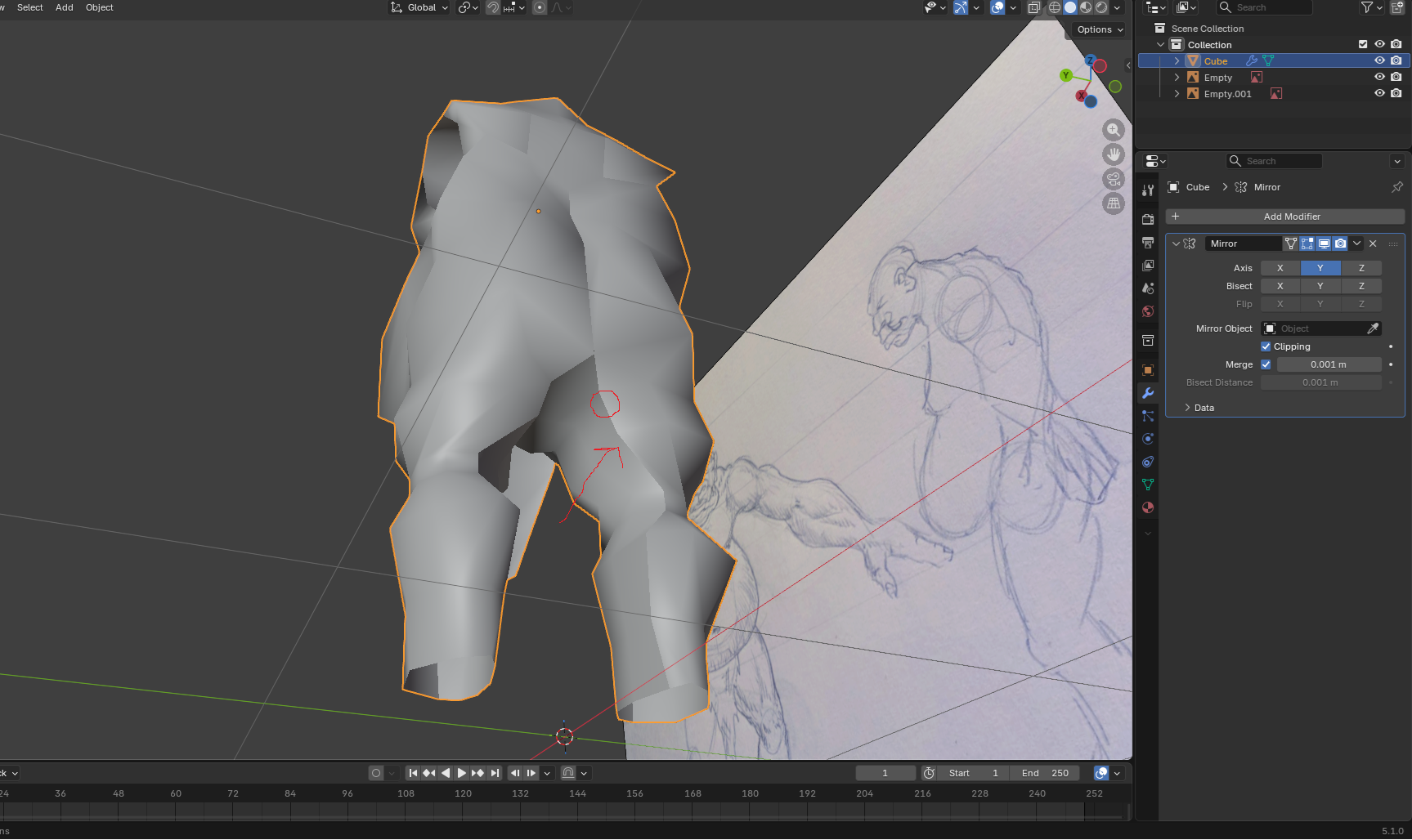
I keep getting these marks whenever I do hips extrusions, there’s another one on the front of the model, anyone knows why this happens and how can I avoid it?
Thanks in advance!
I keep getting these marks whenever I do hips extrusions, there’s another one on the front of the model, anyone knows why this happens and how can I avoid it?
Thanks in advance!
Hi, you probably have overlapping faces in the mirror joints.
Looks like inverted normals.
Check Viewport Overlays > Face Orientation
Possibly inverted normals on some faces? Select the whole mesh (in Edit Mode) and press Ctrl+N to see if it goes away.
No, I had checked that aswell, it was the damn normals!