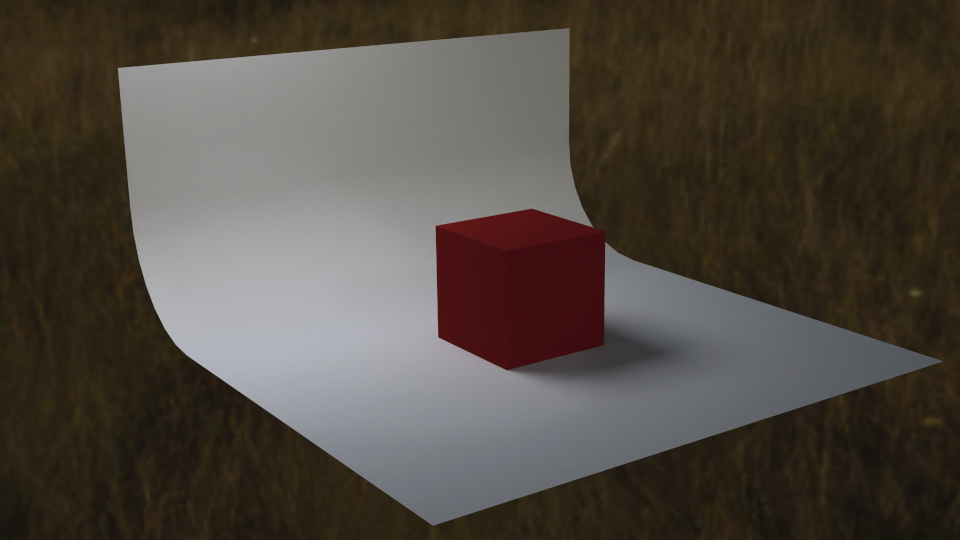
As far as I understand the flag system admins can also read private posts. So which way would you like to talk to me in private.
It’s just that we are way out of the subject now. For instance, before going serioulsy into Blender, I’d like to know what it can really do for a normal person, not a team or pros. Do you know of blender renderings that are actually as photo realistic as this? There is no model behind this image. I used a small rez video screenshot, set its size to 60cm high, then blurred it fiercely, and used my texture to build the High Frequency layer of the Split Frequency apparatus. Since the image is blurred, I could do the same thing with a Blender rendering. This would have some advantages but I don’t want to spend too much time learning the program. So, you see, I am not sure I need realistic rendering. A realistic rendering as some advantages as well but also some inconvenients (long story).
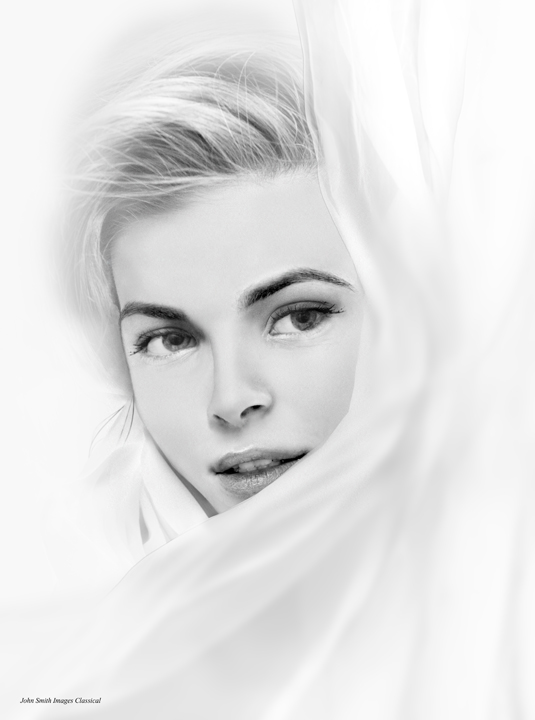
Wow this is a great photo. I’m not sure I understand the technique behind it. On Artstation you will surely find the best 3d renderings. 3d artists usually have a different idea of the look. But I am sure that in the future there will be more photo workflow in the 3d world.
To Blender I can say that the change from 3DSmax was not easy.
With 2.80+ it should be much easier today. But even at best a believable human face in 3d is extremely complex. I am sure that A.I. will simplify this in the near future. A simple search at Artstation gives e.g. this. The biggest advantage of 3d is and remains, what was once created can be used again and again in any situation. I am 100% sure that in 5 years there will be no need for real models anymore.
Imagine that this will be a real-time character for a computer game, very soon.
Wow, I’m impressed. The woman is really striking. It gives me an idea: I’d like to propose a challenge. to the community: I show 3 “photos” (they aren’t photos) of mine and ask if anybody is able to redo them and how long would that take.
What do you think of that?
Because I don’t think I can do what you showed in the link by myself. And then that would be only the beginning. I’d have to give the face an expression, find a lighting, find a rendering, the whole photographer job. If I can’t find someone to work with me I’ll stay basic and do it 2D.
Yeah, why not maybe somebody take the challenge.
Actually I was kind of hoping that you would say : “O.K. show me what you need and I’ll see what I can do”. I mean for an experienced Blender person, it would take about 10 minutes to give me a reasonable approximation of what is needed. (I’m joking).
Instead, I’m gonna work on a cylinder to have the light I want: 120° right (quite hard), 85-90° left (hard and very large) almost nothing at 30-45° left. Of course there is a contradiction here between hard and very large. I did it with a dragon in real photography, so I should be able to do it with Blender, don’t you think?
OHHH, I’m sorry but I’m too busy with my own stuff. And yes it always needs a lot of preparation with a new 3d project. But in the end you can easily change the faces or change the scene.
Nah don’t worry I was just kidding. I am unable to be serious more than 5 messages in a row.
Yes it’s always good to keep the smile in the face (espacaly in these times) 
Here are a few links that helped me to get back into Blender. They contain all tutorials (also) with the old version.
https://www.youtube.com/user/AndrewPPrice/videos
https://www.youtube.com/user/AgenZasBrothers/videos
https://www.youtube.com/channel/UCWWybvw9jnpOdJq_6wTHryA/videos
https://www.youtube.com/user/GlebAlexandrov/videos
https://www.youtube.com/user/mediagabbitt/videos
Finally, I’ll stay basic in Blender and work the finer shades in 2D. Since I’ve a lot to learn, I’ll look at the references you gave me.
Thank you for your help, it saved me weeks of trying and not succeeding and wondering if it is me or the program (I know now it’s me).
I’m amazed at the capabilities of the software.
I’ll post a “finished project” when I’m done.
Thanks again and all the best.
John
No problem, that is what this forum is for, to help people with Blender problems. You are always welcome.
Hi
Thanks for dragging me out of my comfort zone. I have updated my hardware so I have the 2.82 version and followed the tutorials you gave me plus a few other ones. Thanks a bundle. I have given you credit on the community here:
https://blenderartists.org/t/skin-textures-did-i-get-them-right/1229411