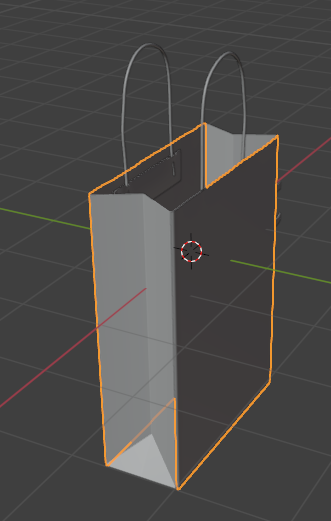
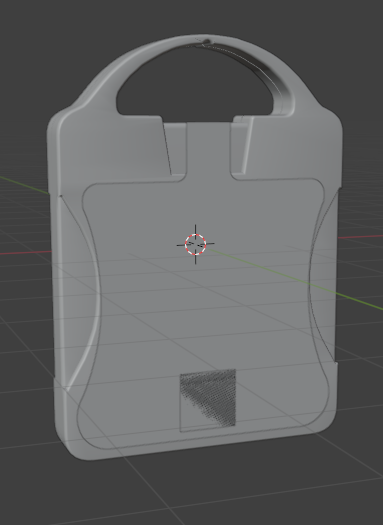
The text can be placed basically anywhere but on the surface. I have tried to find the appropriate location and size but I am not getting any idea how to do it through scripts that is suitable for all sort of models. Any help would be appreciated!
There is no general method and so you can’t write a general script for this… any script does not have any “idea” which side might be the one a human might stick this instantly.
As mentioned for your former USB-Stick object example where one would put this “from above”… this two might be better form “the one Y-side”. And for the thermo flask the text should be rounded as you suggested… (or maybe better alomg the Z axis… and also rounded…)
Also the placement is very difficult… Again you USB-stock: there is a hole… so better donot stick the text there…
So… no general solution possible… and ergo no “simple” script…