I’m following this tutorial. However, when I try to center my clock hands as well as the little sphere that’s supposed to be the middle part, it won’t let me. I even tried to manually type in 0 for the x, y, and z axes. But that still won’t center things. Take a look at my screenshot to see what I mean.
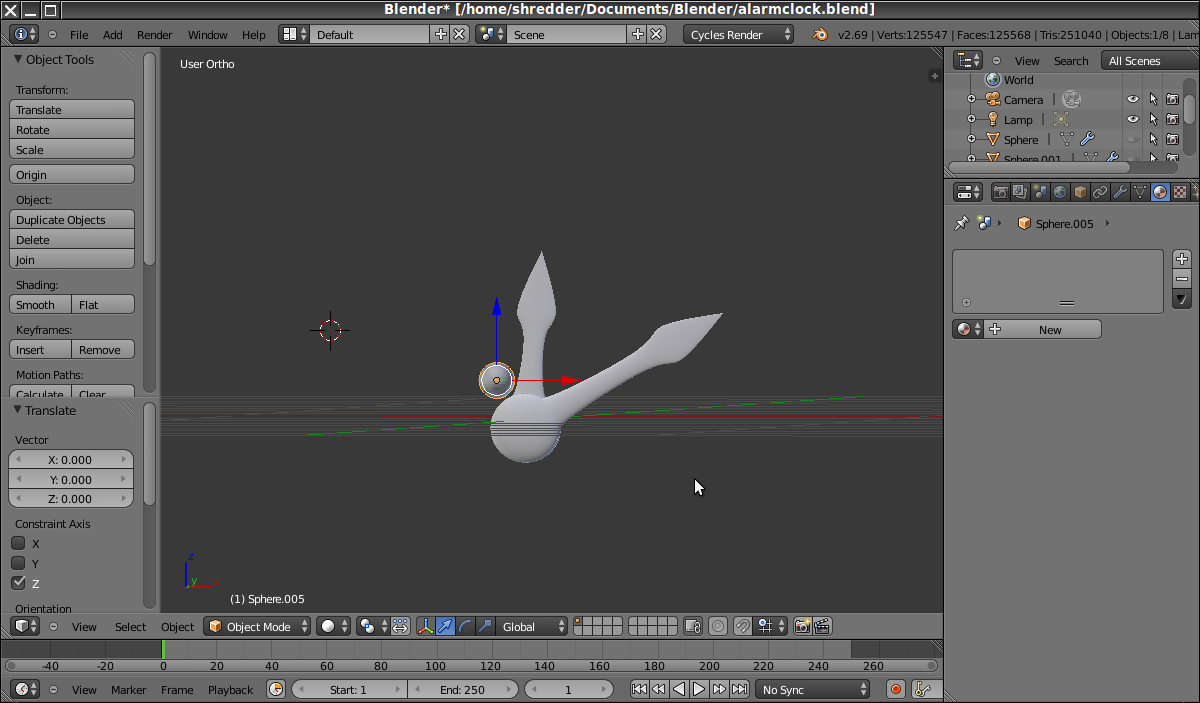
I want the round parts near the bottom to be on the same coordinate so that the small sphere is perfectly in the middle of the round parts near the base of the clock hands. Can someone tell me what I’m doing wrong?
Thanks