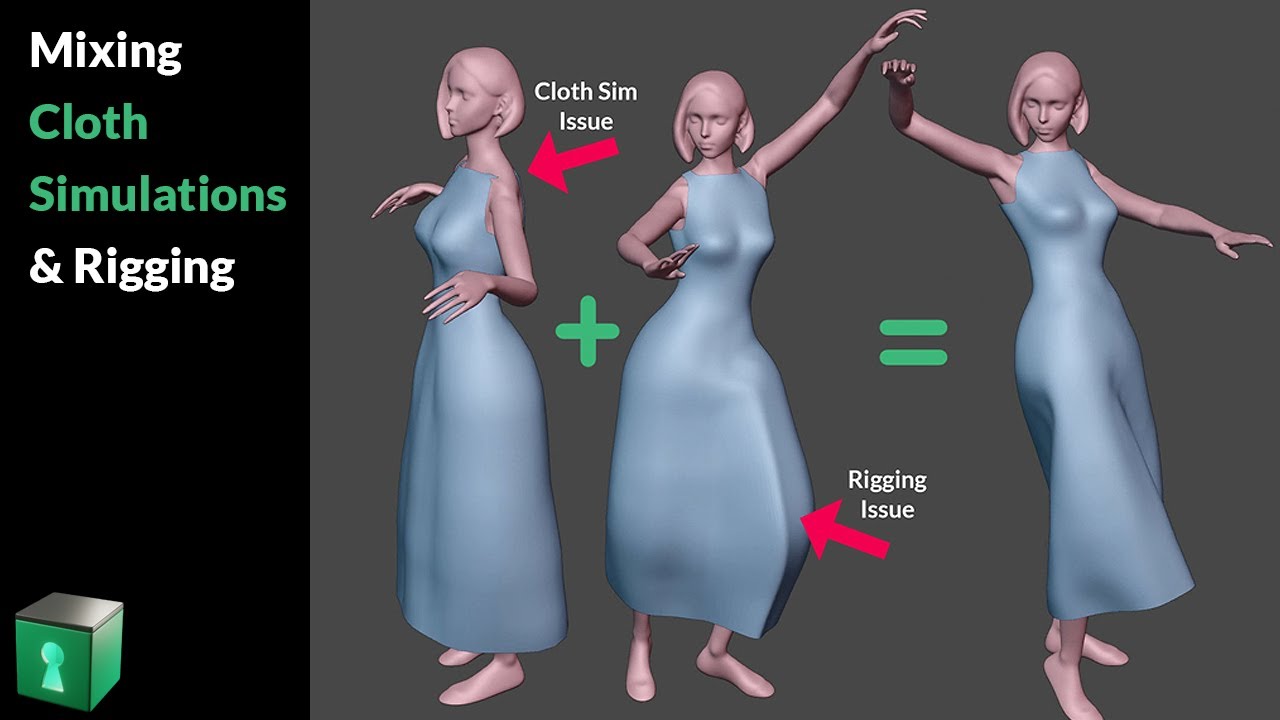
I have a cloth simulation for a piece of clothing that an animated character is wearing. The character is parented with automatic weights to a rig, but when I parent the cloth to the rig (with empty groups at first, but have tried all options), it stays in place when I move the rig.
That’s not the solution. You’ve misunderstood my problem (I phrased it poorly). I’ve already transferred the weights and the cloth moves just fine with the character animation. The problem is, when I try to move the entire rig to move my character around the scene, it moves the character,but not the cloth, unless the simulation is at frame 1 in which case it does.
The way you’ve set up the cloth is counter to standard procedures with the cloth simulator. The balaclava cuts through the bears body via the cheekbones, and Blender has a hard time calculating cloth sims that have to collide both inside and outside of another object. It will scrumple up like it does. You need to reshape the balaclava so that it better fits the dog (preferably whilst the armature is in rest position.)
To move the cloth around a scene, you just need to make sure the Armature is below the Cloth within the modifier stack with the balaclava object; this ensures the armature sets the “position” of the cloth and then runs the simulator afterwards. I would seriously reconsider renaming the balaclava object to anything but “defaultMaterial”… lol.
For very simple cloths like this, I feel the best option is to do away with the cloth simulator completely. It’s a very simple cloth that doesn’t move much outside of the movements you already have set up with the weightpainting. The cloth sim isn’t going to do much more.
If you insist on using a cloth sim, then the vid that Joseph has posted is definitely a valid method of doing it. You should follow it more closely ~ notably the bit straight after the bit where he assigns weight-paints to vertex groups.
I’ve tried every step of the video Joseph sent multiple times now, it makes no difference, the balaclava still will not move follow when I move the entire rig around the scene.
As for the balaclava touching the cheekbones, it makes no difference either, if I make it bigger so it doesn’t touch them, all it does is hang too loosely on him, it hangs perfectly as I currently have it, it just doesn’t follow the rig around the scene.
I also tried just removing the cloth sim as you suggested, but then it doesn’t hang at all, it moves around the scene at least that way, but no longer looks like cloth… I’m lost.
I’ve tried every step of this multiple times now, unfortunately it makes no difference, the cloth still will not move with the rig once the simulation has begun.
No! You just need to move the armature below the cloth within the modifier stack. Then rebake it. It’ll still crumple up for the aforementioned reasons.
Thanks! I want the crumple though. Makes it look like it’s blowing in the wind which adds to the running fast effect. That’s the whole point of adding the cloth.