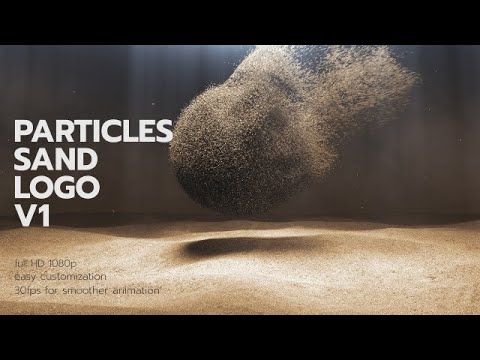
I did a simulation in Houdini and exported it as a .USD file (I only exported the P attribute because there are millions of particles - i want to have low file sizes).
Now I want to randomize the color of each particle that’s within the big sphere that’s in the video I linked above.
What would my node setup look like in the Geometry Nodes editor and the Shader Editor in Blender (I’m using Cycles btw)?
If there’s a way to do it without using Instance on Points (kinda bad on my ram), that would be great, since I’m currently using the Set Point Radius node.
Hello,
In the material assigned to your particles, you can have a random value per point with the node Point Info, and from there you can generate random color using a Color Ramp node or a HUe/Saturation/Value node. That should do the trick I think.
Thank you so much! Also, how do I make it so the particles don’t overlap when I increase their size?
I am afraid there is not a simple solution for that. I think you would have to do something like: For each particle, you loop through all the other particles, checks if the distance between the two particles is greater than the sum of their radii, and then adjust the radius to fix the intersection.