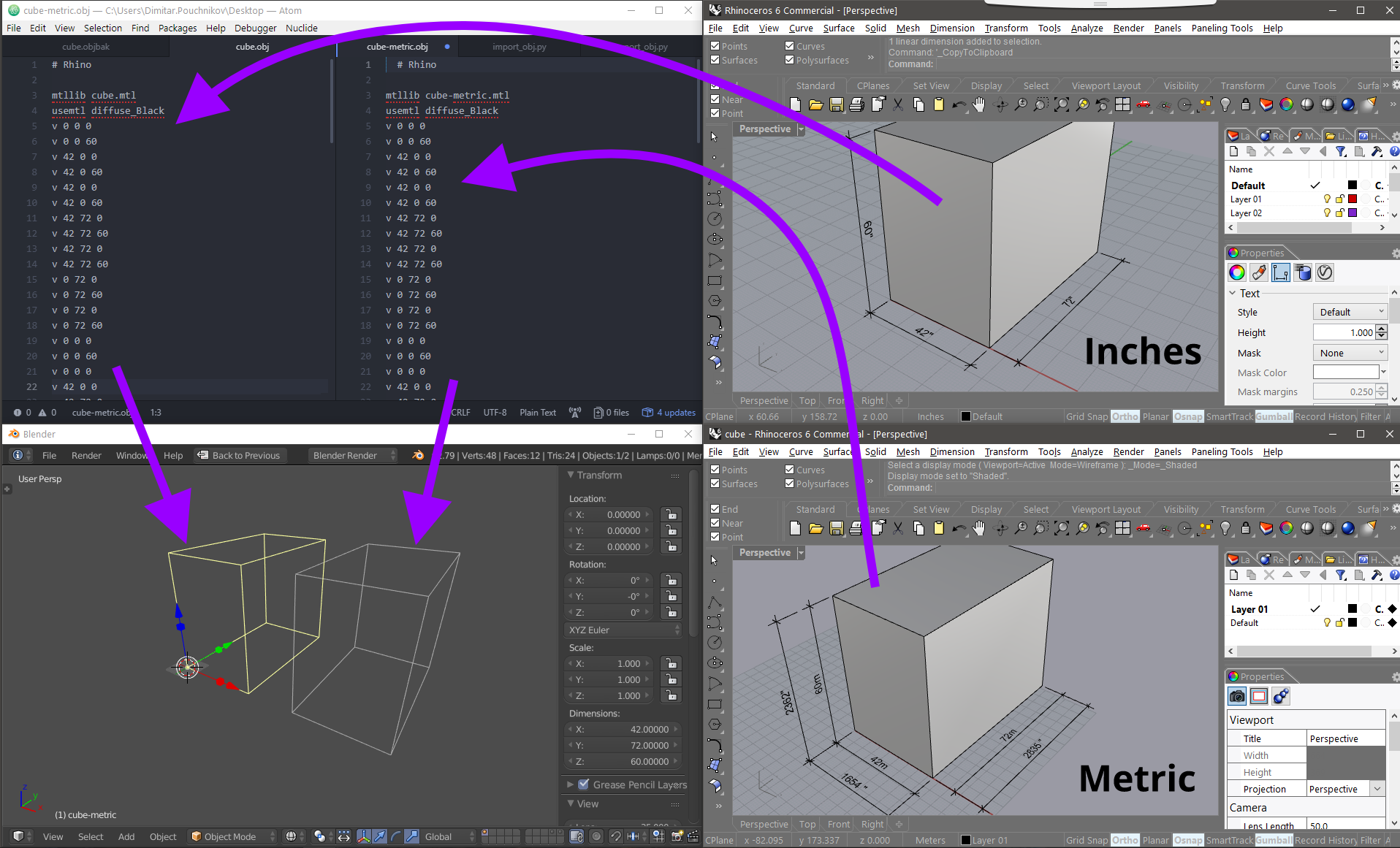
I work mostly in metric, but every once in a while, I have project that I need to work in imperial units. I am quite accustomed to working in feet and inches in programs like autocad, rhino, and sketchup, where the input in the program is universal - i type in feet or inches in all places - defining geometry, moving, modifying geomtery, etc.
When I used to work in imperial exclusively in 2.49 & 2.5x, I used the default blender units, where 1 unit is 1 foot, and modified the grid to a subdivision of 12. The issue is that when importing geometry from other programs, it would never come in with the right scale.
Now, I am experiemnting with Blender’s unit settings, trying both feet and inches as the default units, but when i input numbers when moving objects, it’s doing something odd that I suspect has to do with the conversion scales m to ft or m to in, that it assigns when changing the units. It works well with importing geometry from other programs, but that’s about it. But why does everything need to be centered around an absolute 1m unit and scale in relationship to it? So, I am defaulting to the way I am accustomed to working with imperial units in Blender, but at the same time I am wondering how are other people working in it?
(PS: I sure hope there is someone on the 2.8 development team that has worked extensively on projects in feet and inches that can help to implement a units system and input that works as seamlessly as in other programs)