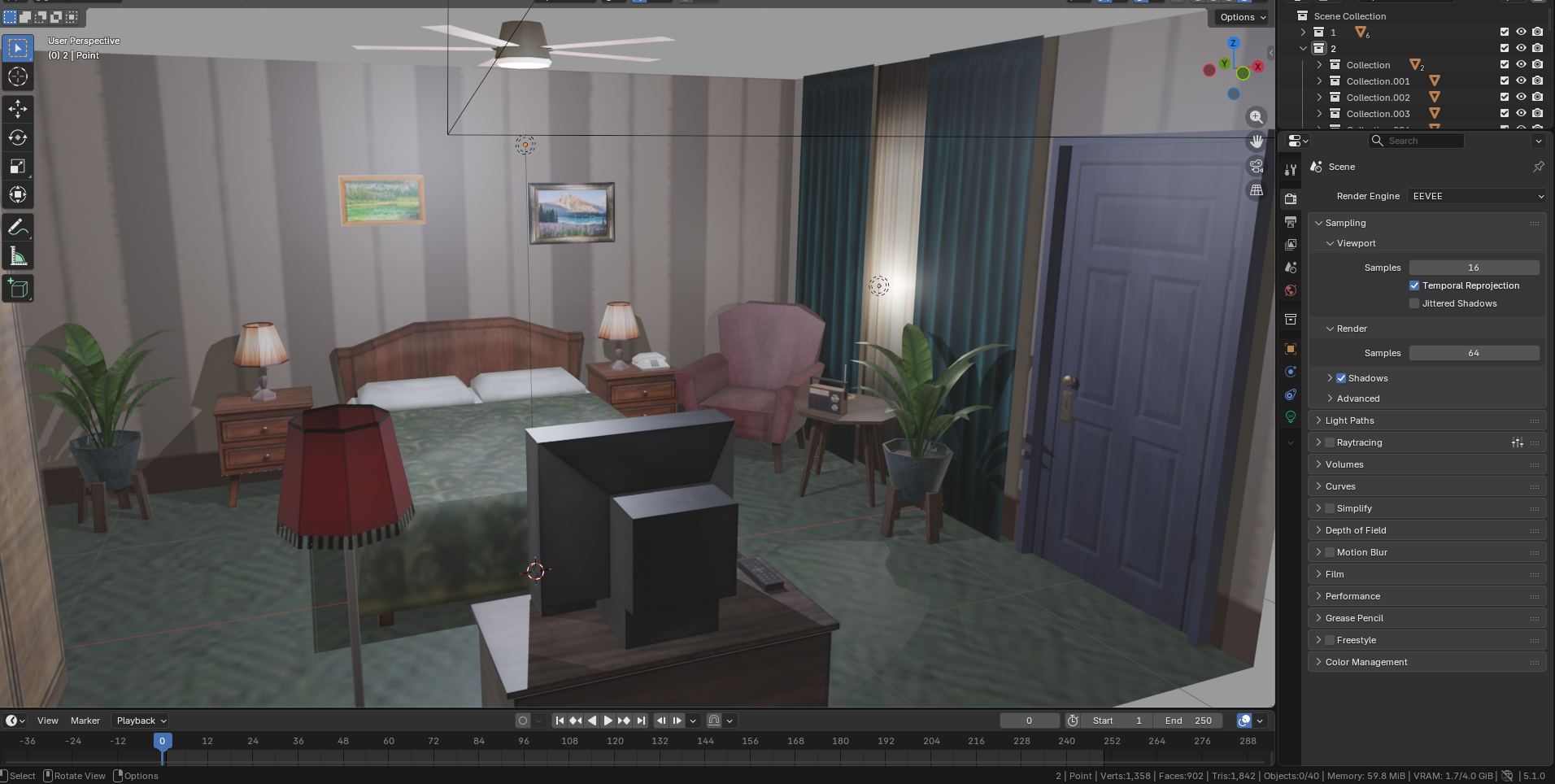
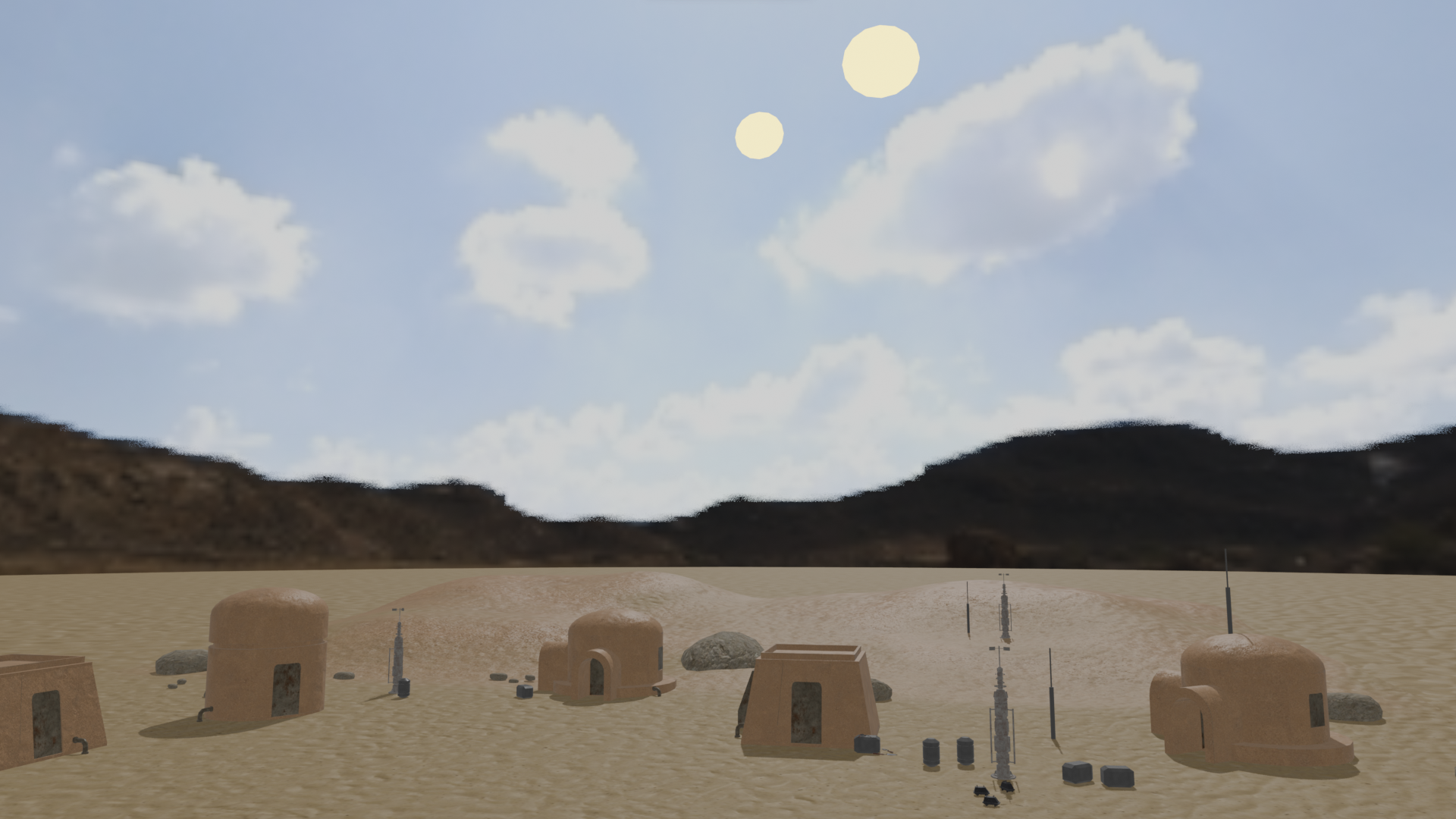
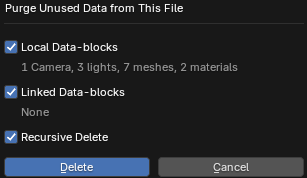
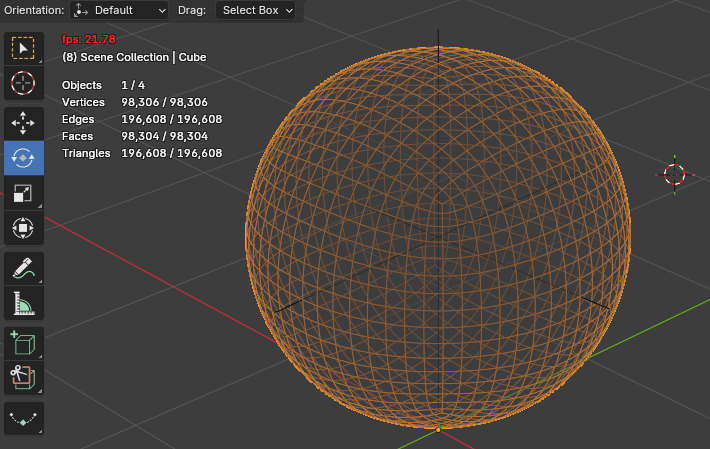
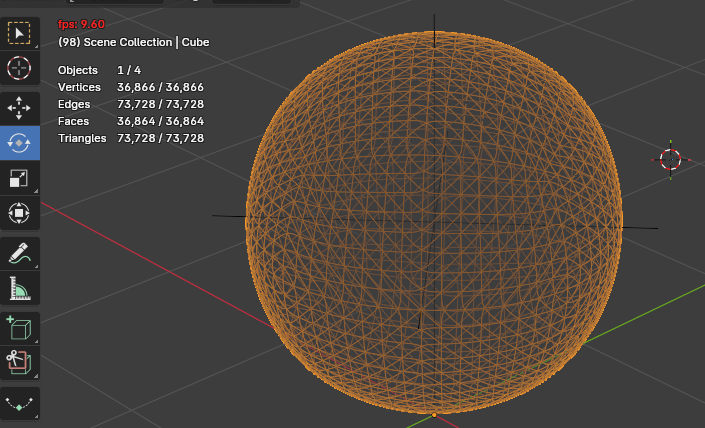
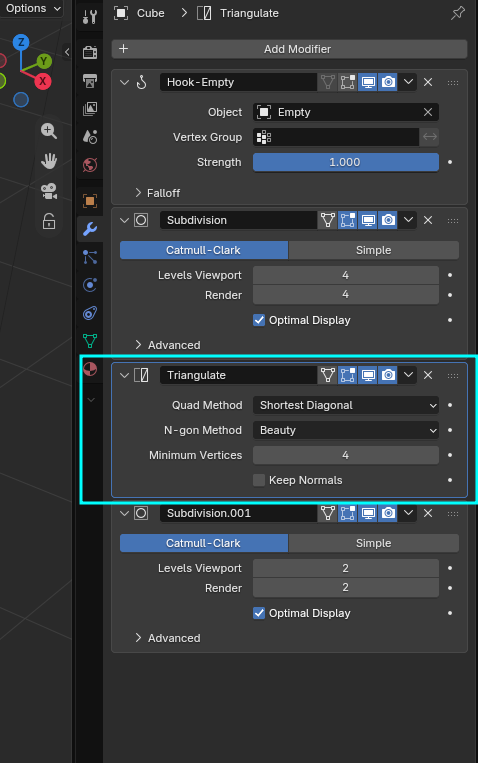
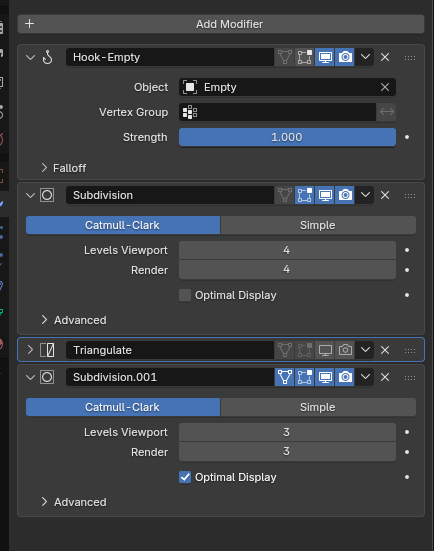
Hello, I would like to ask how I can improve performance on Blender, I have a low end PC so I want to keep it the lightest as possible to not force my PC. I also only use lighter artstyles like lowpoly and stylized and retro, so I’m not interested in high graphics, I only want to improve performance and make my scenes lighter.
I’m currently using blender 5.1. Should i use a previous version like 4.0 or so, would that help for better performance, or it’s the same?
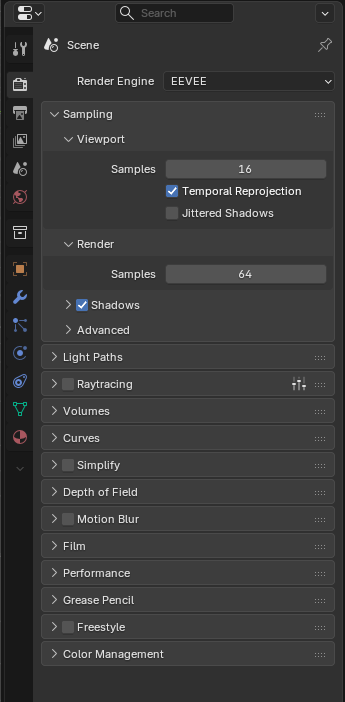
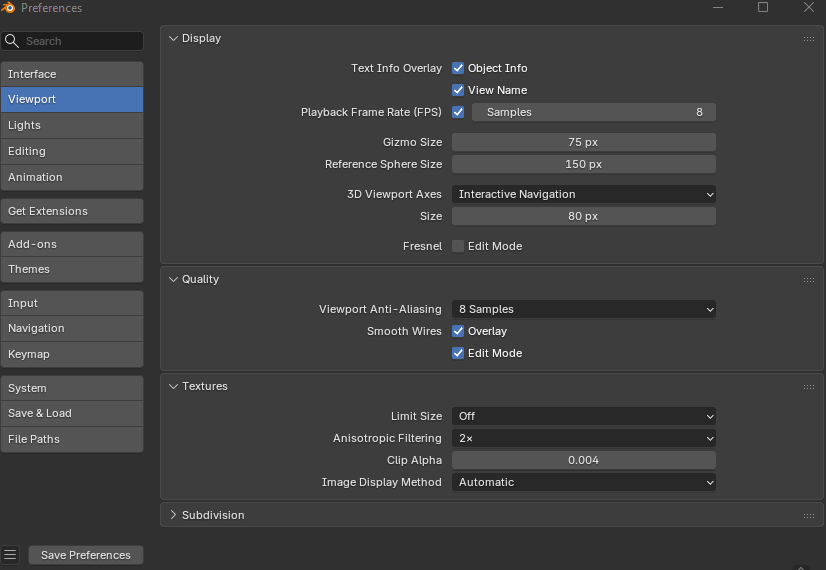
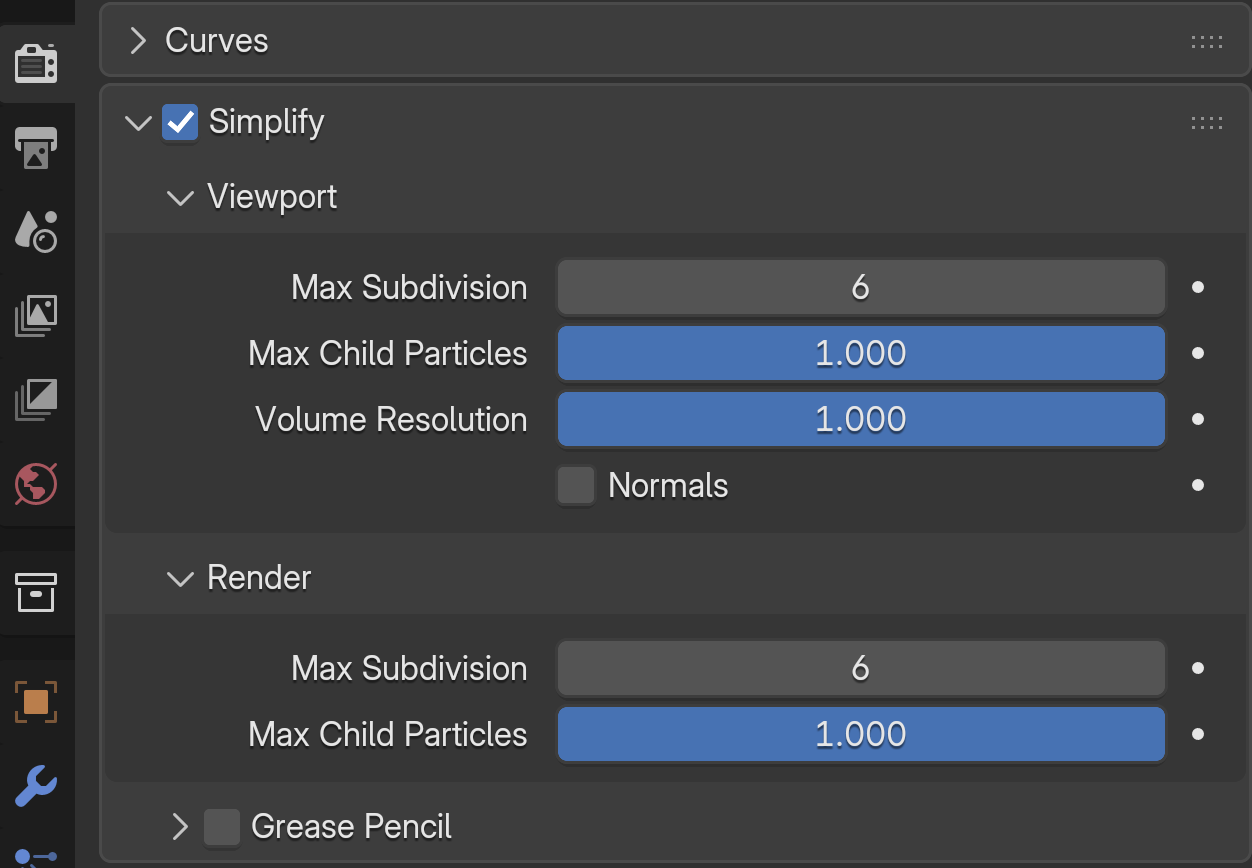
I use the Blender Eevee Render, I don’t use Cycles, I would like to know if there’s a way to improve performance with Eevee, mostly during viewport working and navigation
And would like to improve performance on the other Blender parts too, like solid view, material preview
For example, when having Blender idle or in viewport shading solid, it uses around 0.5Vram. is that normal? I’m not sure how that works, so not sure if it should be like that
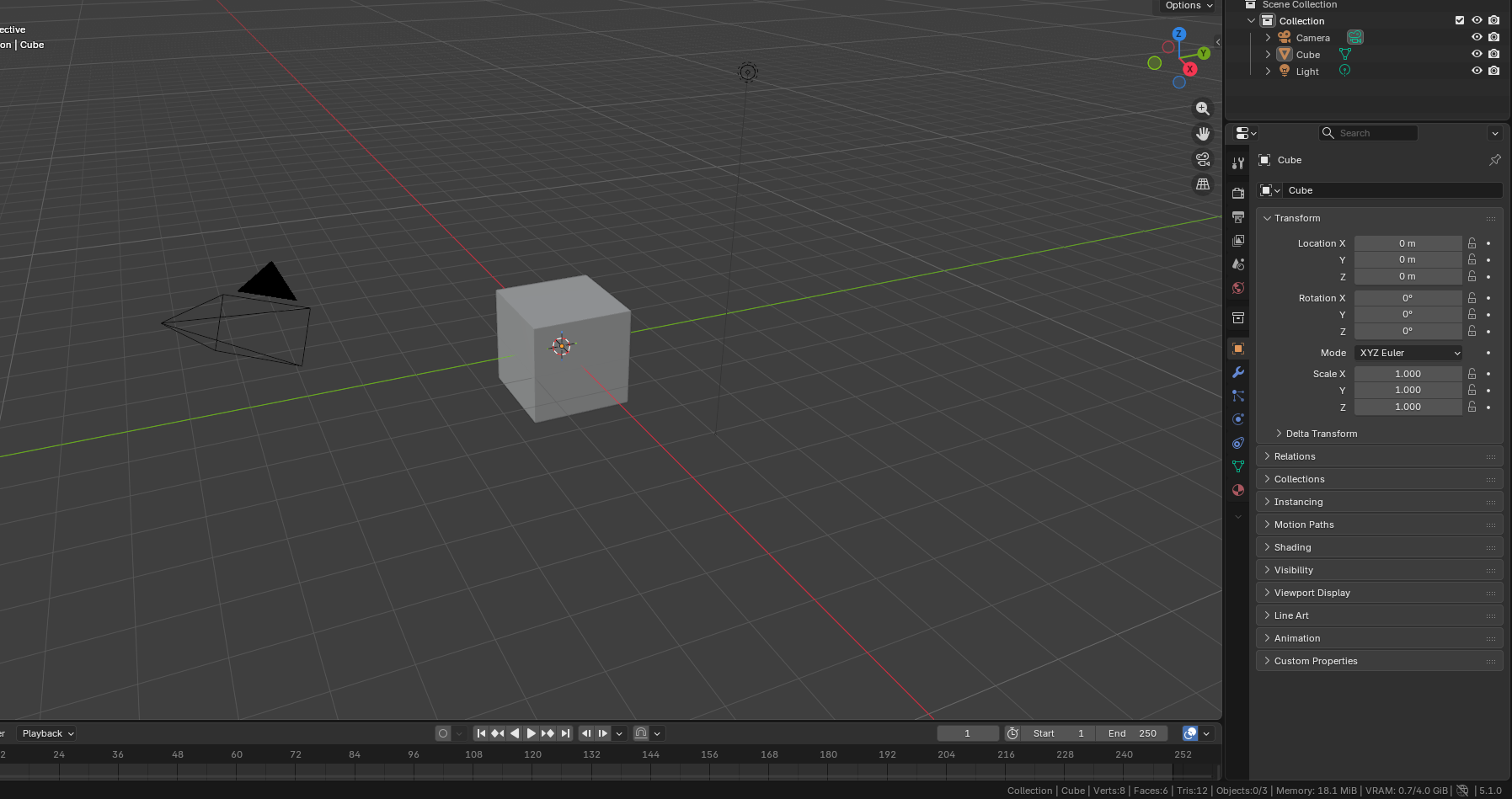
On scenes or models with textures on material preview and eevee preview, it goes around up to around 1.5-2 Vram. Is that normal, or it’s too much, I’m not sure because I’m only using lowpoly models and stylized styles and lower resolution textures like 256x256, and only Eevee render engine, shouldn’t it use less Vram than that?
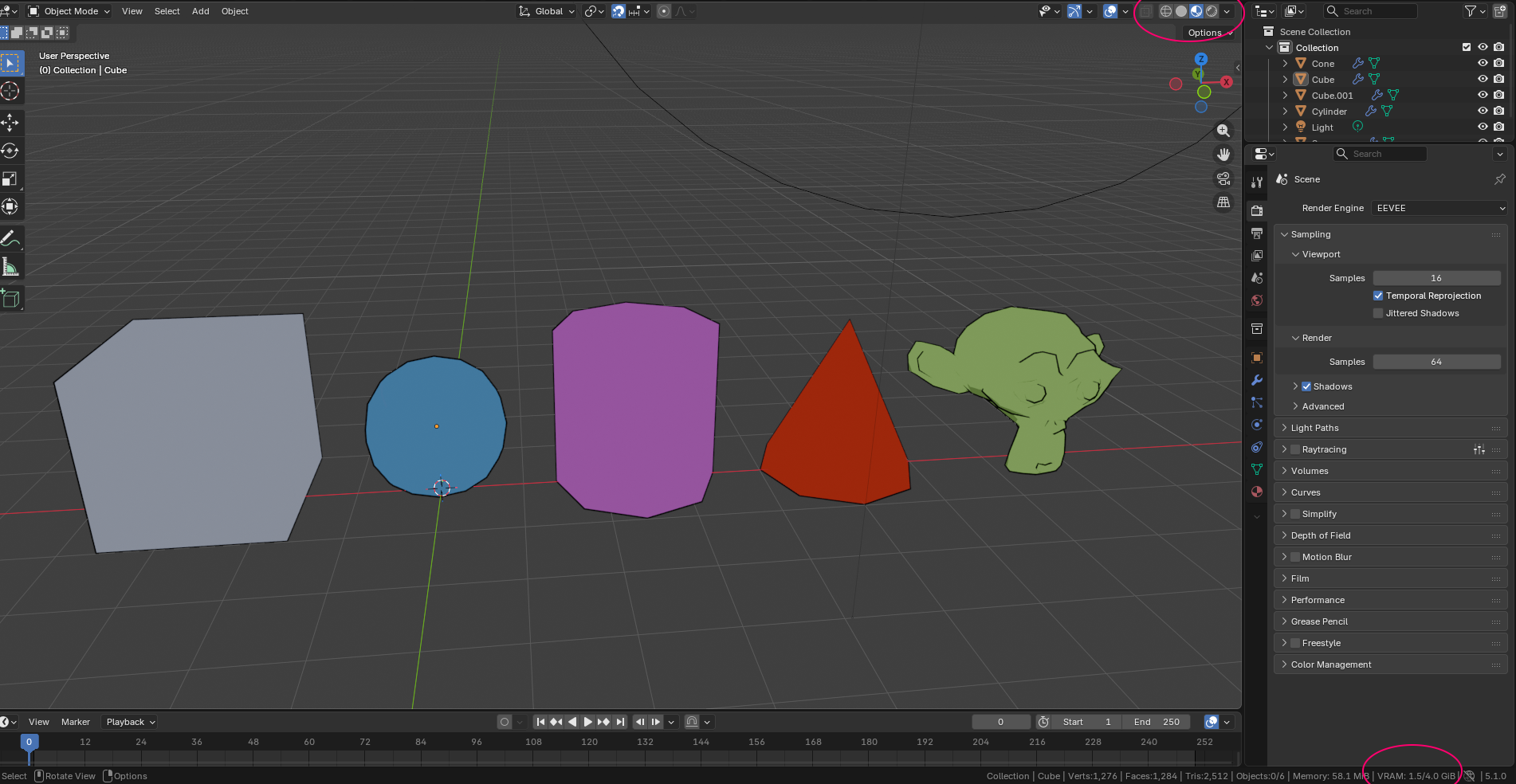
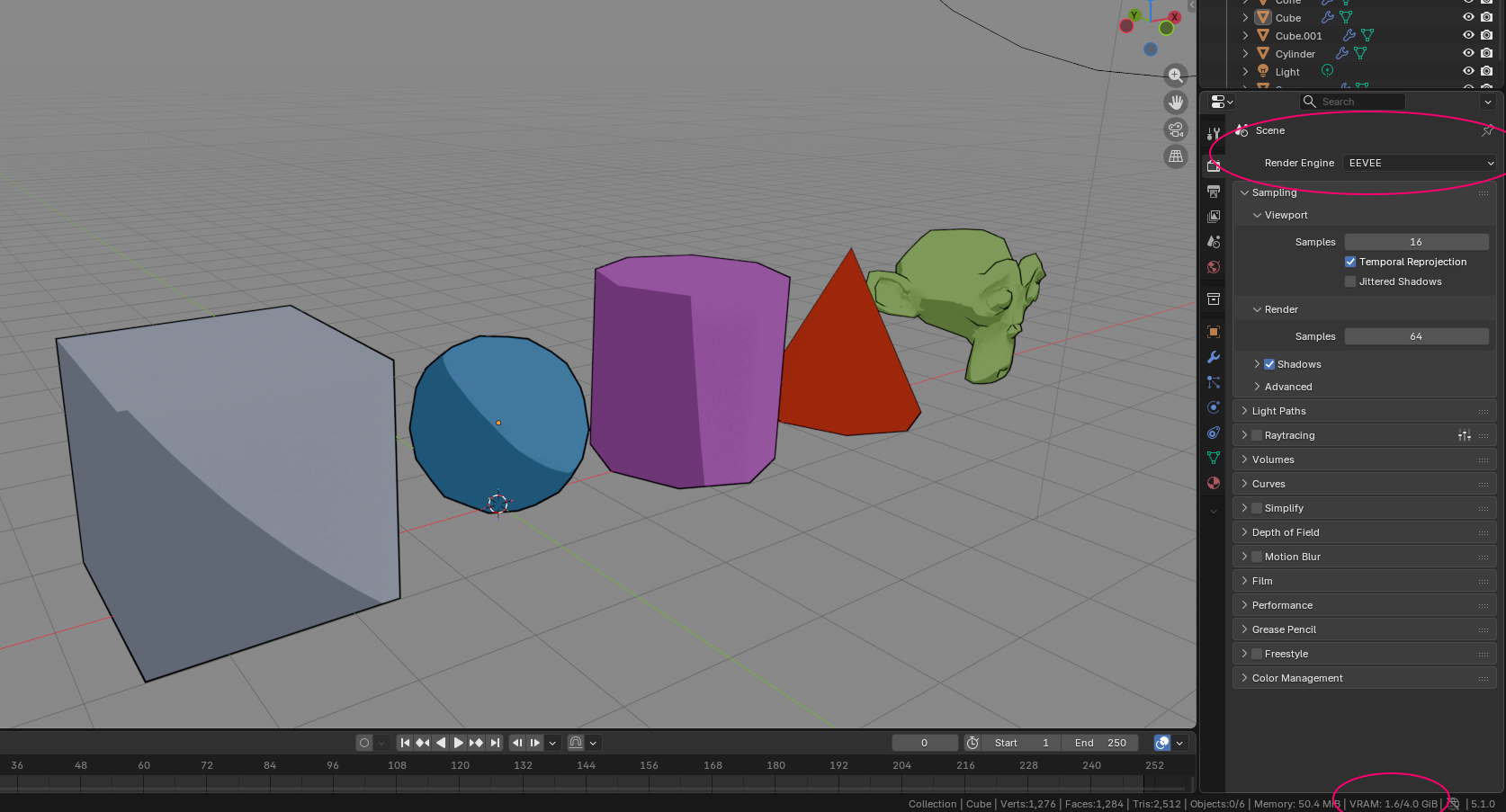
I couldn’t find much about all this. If someone knows about it, could you please help me with it. Thank you
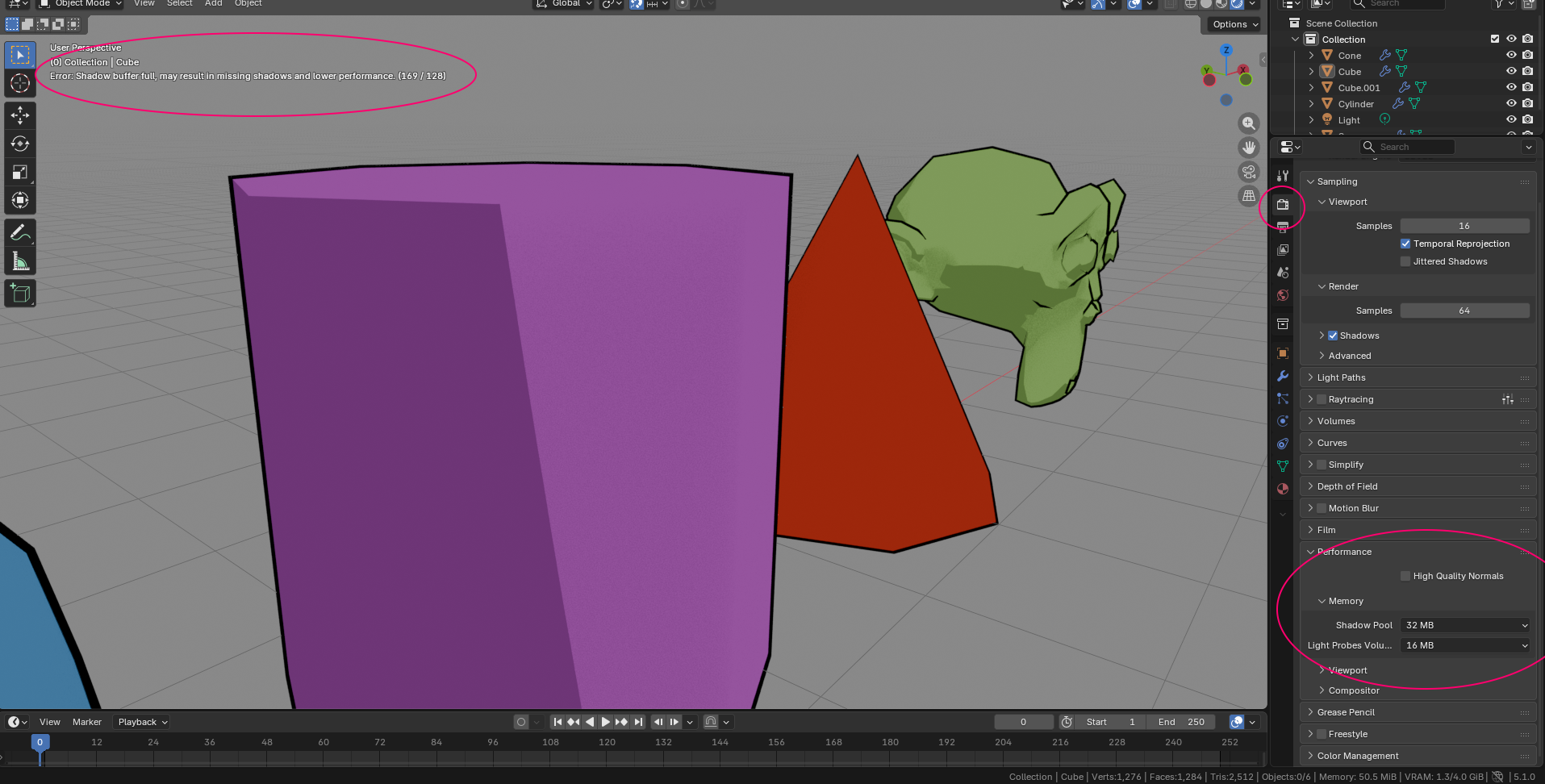


 . You shouldn’t exceed the 4Gb you have, but it’s ok to use the available memory to it’s full extent…