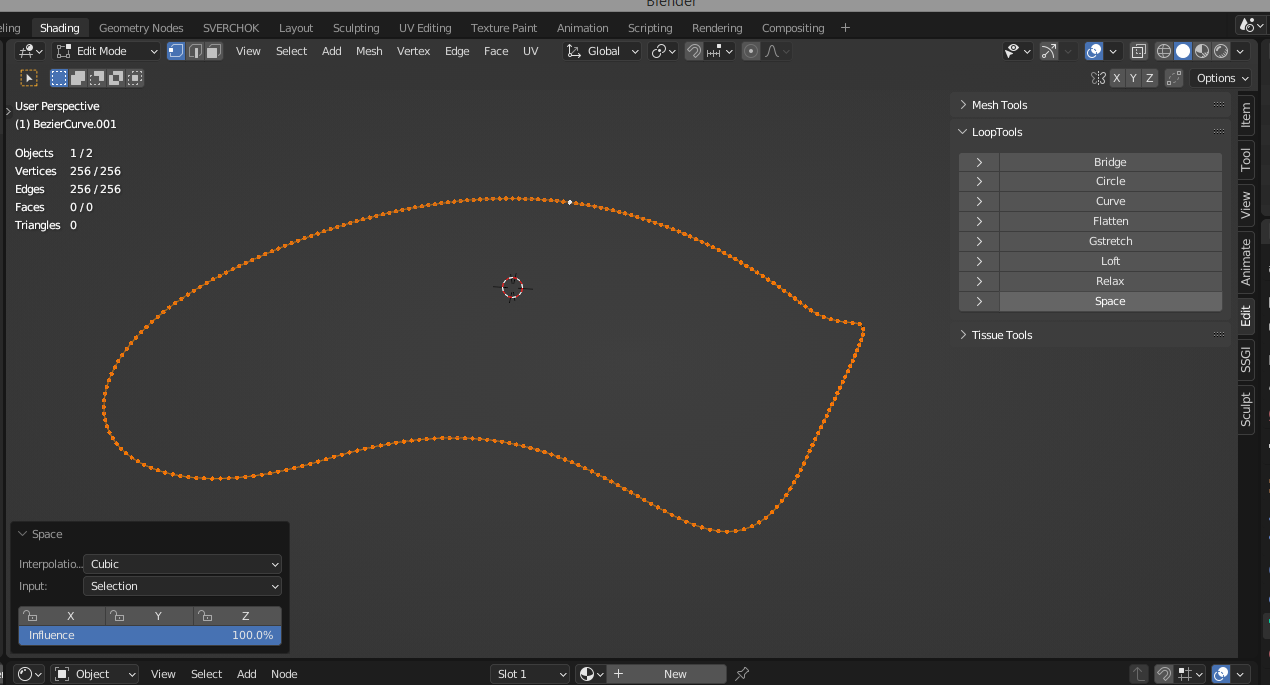
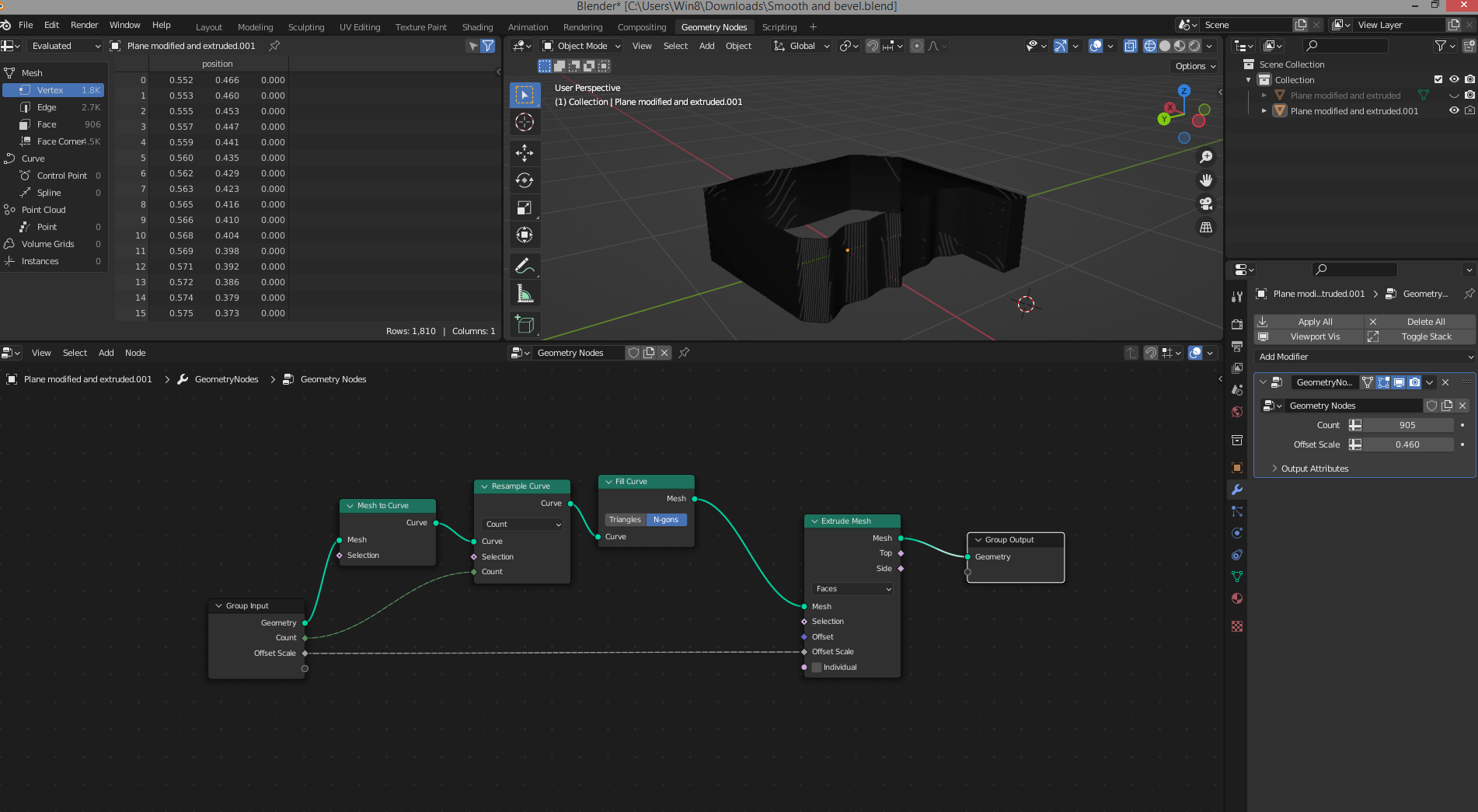
I’m I’m going to go crazy, for a 3d print I’ve been trying for hours to smooth the outline, and make a bevel on the edge
PLEASE if someone could give the trick cause I’m nuts now
blender file here : Smooth and bevel.blend (827.9 KB)
I was trying with the modifier with no result, I will try this way .
And for the contour smooth? With a subdivision my pc freeze…
Do you have an idea ?
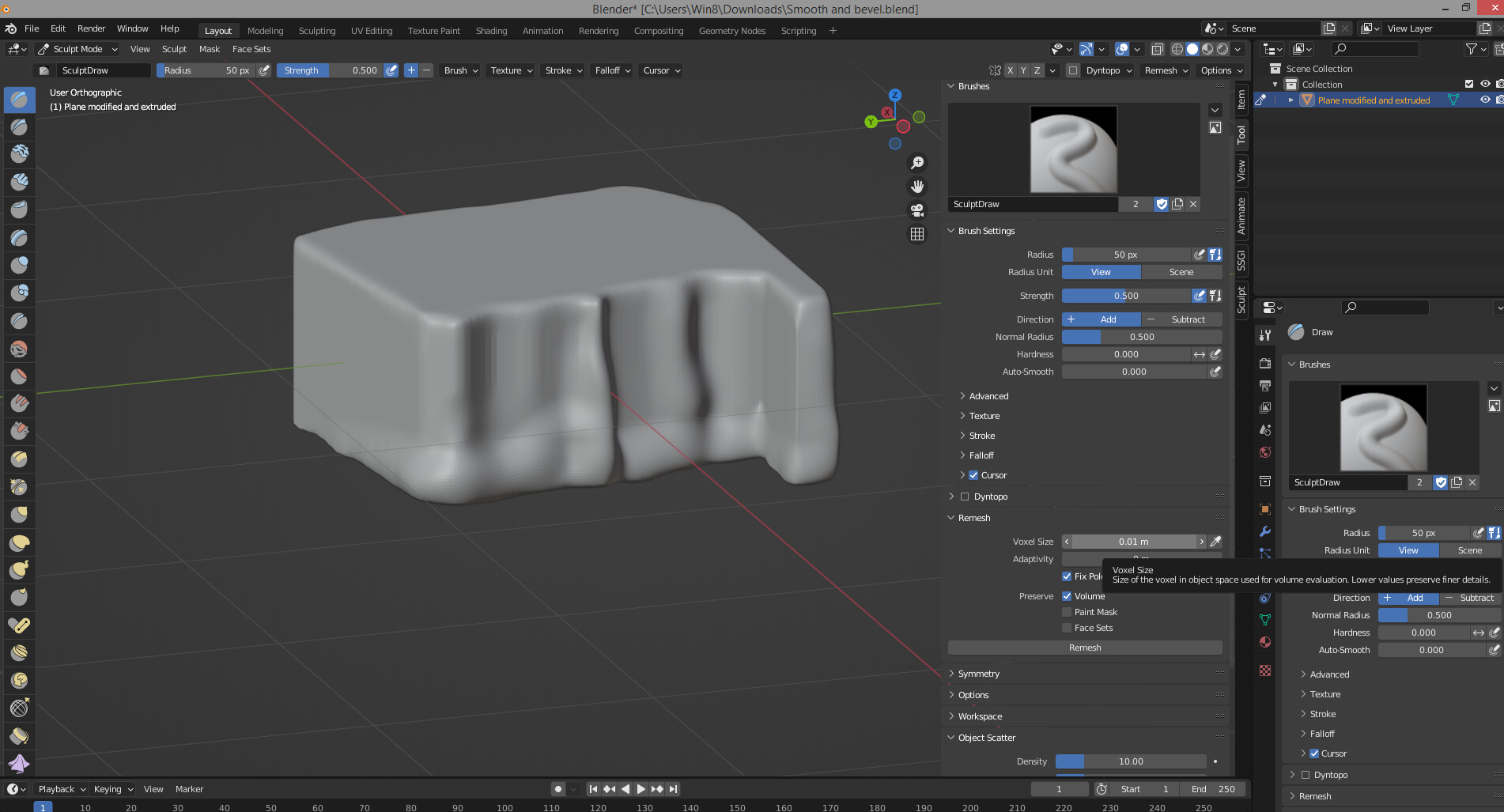
You can remesh the model in sculpt mode (make a copy of the model before you do this…, make sure you make the remeshing small enough… in sculpt mode then use the smooth and inflate brush to smooth out the bottom.
It could be a cliff right, but in fact it is a technical shape for a client.
The thing is that the contour must be smooth with no scale effect, but it has to be the exactly same shape…
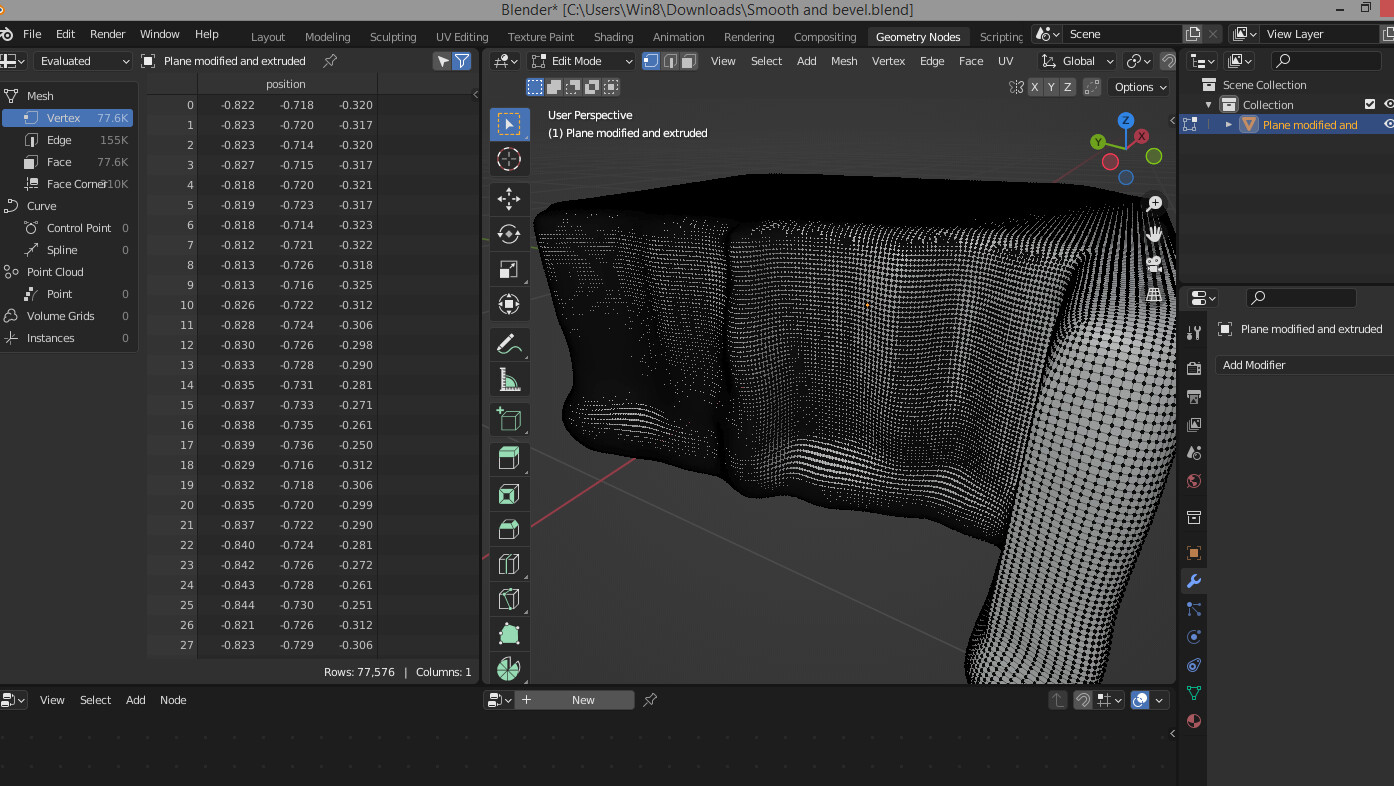
The remesh is definitly an option but sometimes my pc crash when I push too far. It’s definitly time for a new config’
Think about the difference between « shade flat » and « shade smooth », it is the same thing here, actually we see the flat steps but at the end it must be invisible…
It is a plane, I added points on it and move them to shape it.
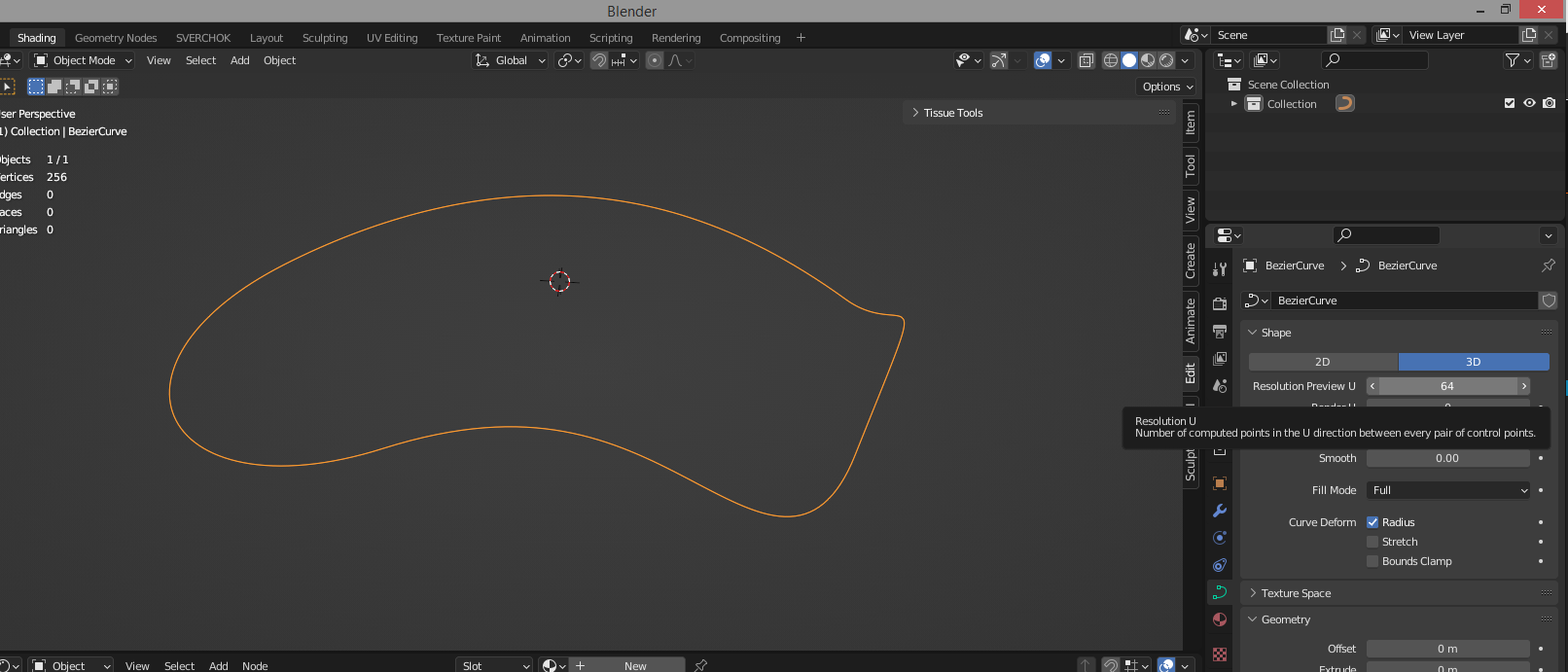
Before I tried curves, it was easier and smoother but the bevel was weird, because when you extrude a curve, after the mesh conversion the front/back faces topology are very bad…
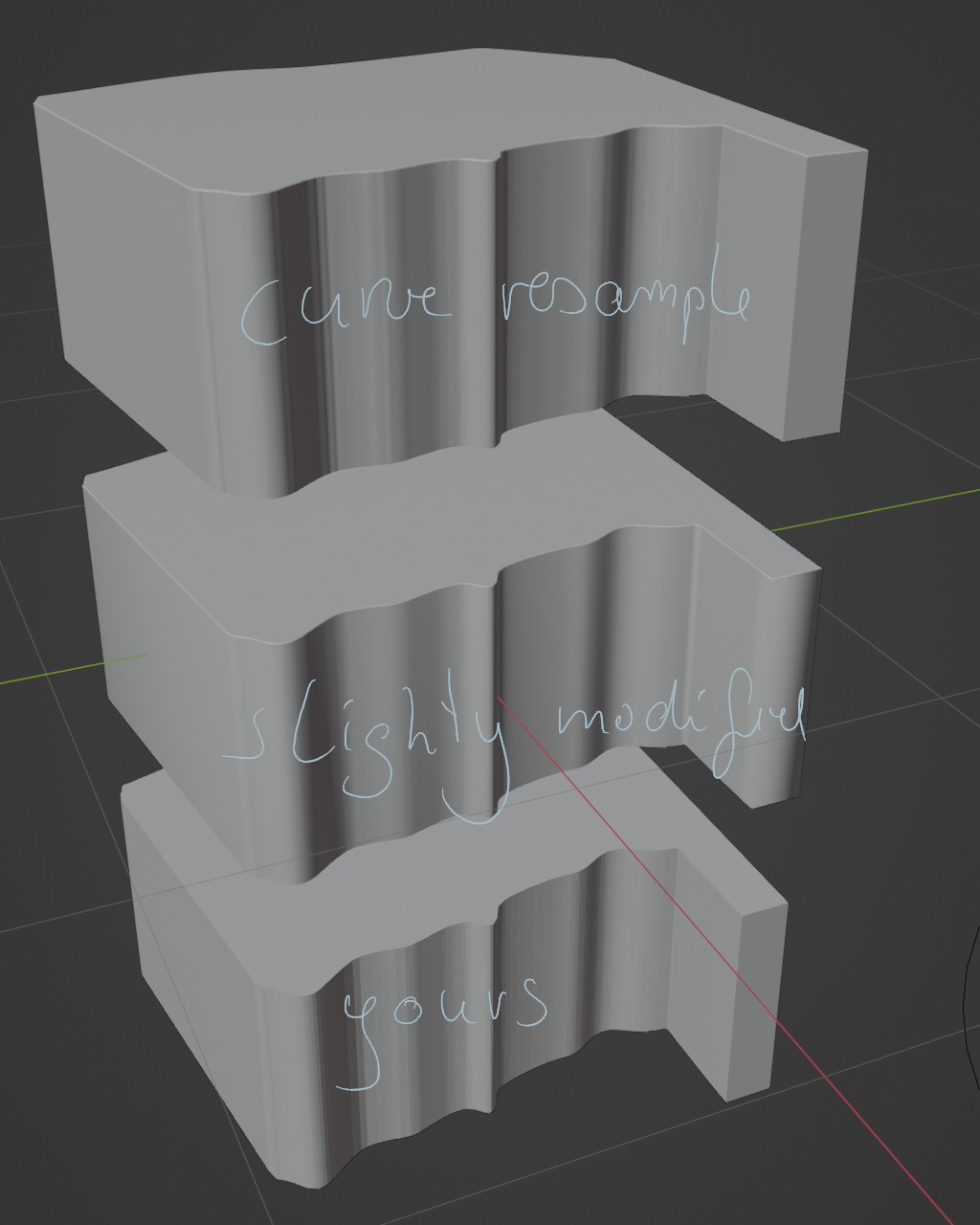
On the bottomis yours. In the middle is beveled as @AlphaChannel said and smooth shading ont the sides… (so it’s just an illusion) and because it will be 3D printed it will be stepped anyway… so i don’t understand
Top ist the plane converted to curve 2D bezier the curvy part also handles converted to auto type (smoother) and render Resolution U set to 96…
For me it seem to be you are unclear/contradictorily about what you want and also seem to NOT tried what was said… ???
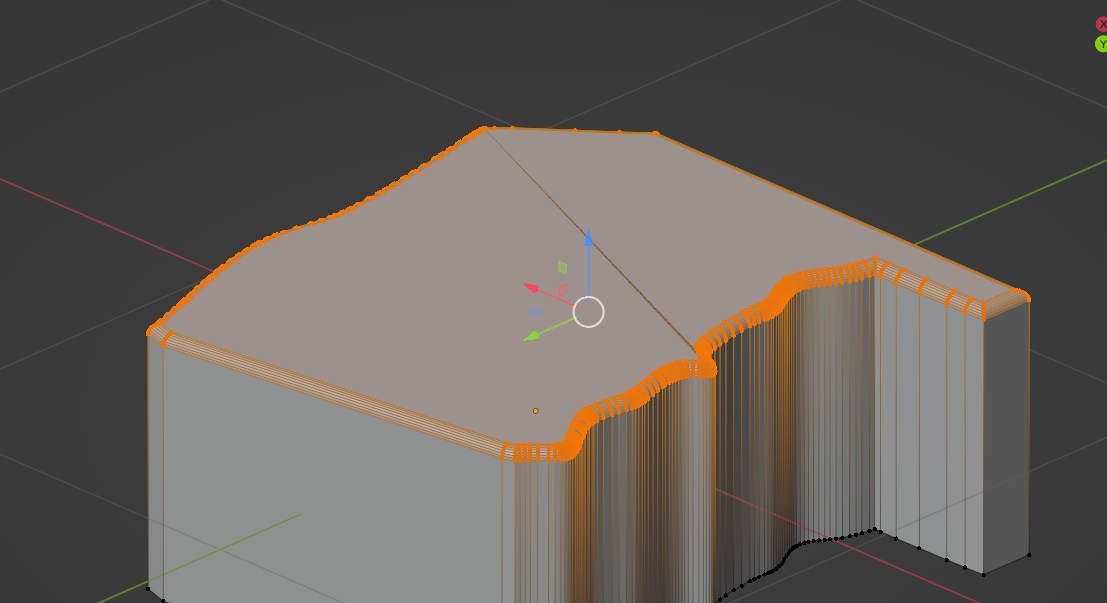
Your vertices aren’t nearly equal distributed any smoothing will not respect the overal shape in this wider areas. You have to set more points to do so. Your geometry is just insufficient for this and especially as @AlphaChannel asked how big is this and how is your wanted resoultion for print. If this is just 4x4cm for example then we are talking for nothing here. The ripples on the print a larger then the model…


 .
.