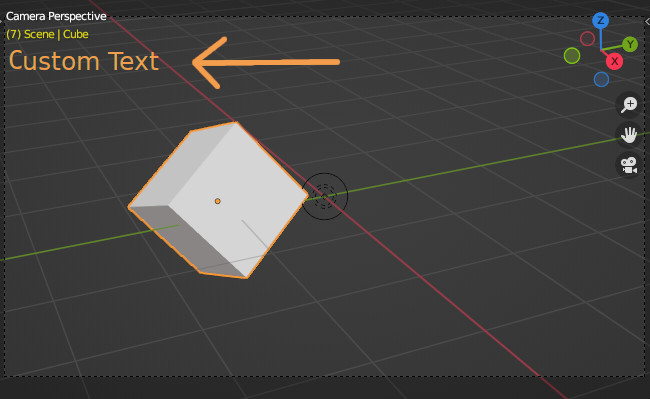
I have a question: How to create a custom text in View3D Overlay using python, like this:
In the Text Editor under Templates > Python there is a template called: Operator Modal Draw that does what you are describing.
By default it will draw text to the screen and trace a line over where your mouse moves in the viewport.
You can simply delete the parts you don’t need.
These lines (lines 12-15 in the template):
    # draw some text
    blf.position(font_id, 15, 30, 0)
    blf.size(font_id, 20.0)
    blf.draw(font_id, "Hello Word " + str(len(self.mouse_path)))
define where the text is drawn, and what it will be.
Thank you!