How to add Water Splash Detonation

KleeJDtoss2Water

I want to add a water explosion to this animation (the tossed object is a bomb). I would prefer a pre-generated animation I could copy and paste into this file, but have had no luck locating such a file online.

This is the effect I need generated:

WaterSpoutDetonationRS

How can this be achieved?

You could can do a “deep dive” into blenders simulation possibilities or look at somethign like this:

..maybe pay for somethink like that:

https://superhivemarket.com/products/burst-addon

..but maybe you need a more stylistic version so some 2D stylistic FX might help ??

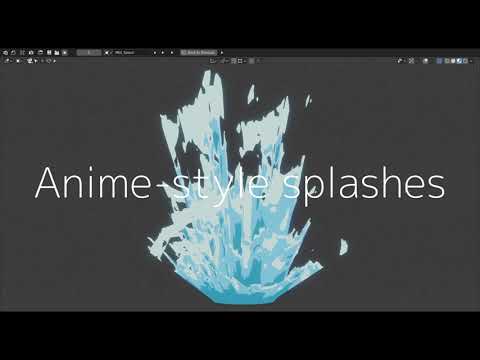
(This is “only” some water splash but maybe doing some explosion ina simialr way:)

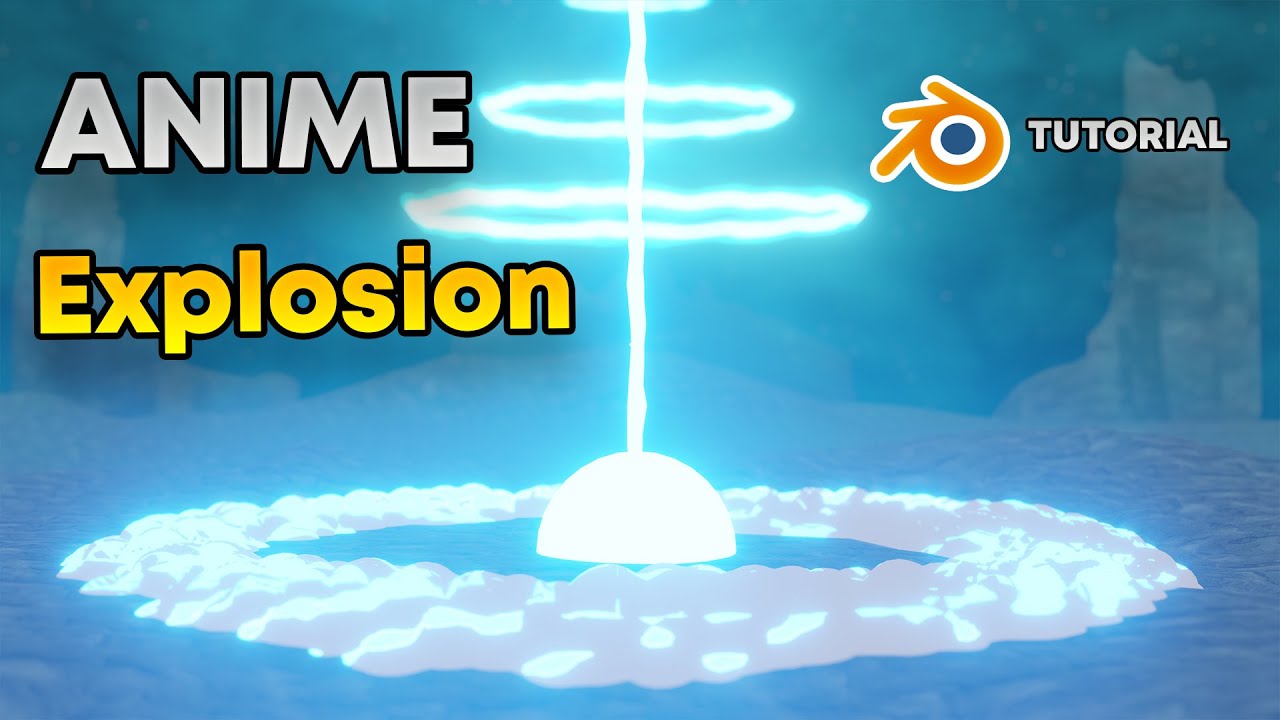
Or this (not directly “water” explosion):

You may have to elaborate this to get a more suited answer, because lot’s of possibilities and this is depending on the actual use case.

With Force Fields.

I would like to propose displaced meshes with toon shading. Here is an example and the file.

splash.blend (134.4 KB)

@etn249 Thank you, this is exactly the animation I can use.

How can I give the objects a fixed scale over the duration of the animation cycle?

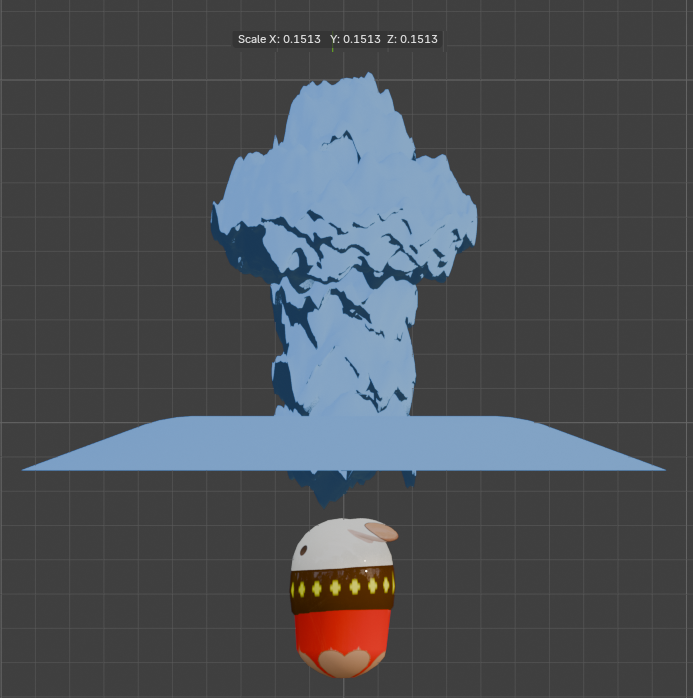
The scale needs to be 0.15 to match the size of the explosive bomb.

You can go to the animation curve editor and delete the scale curves.

You could also parent all the splash objects to a single empty and scale that and the whole animation will be preserved while it’s scaled.

I didn’t expect you to use my animation directly at all, it’s just an example so you can understand the concept and it’s not adjusted to your scene. You are probably better redoing the animation yourself so it has the correct scale and timing for what you need.

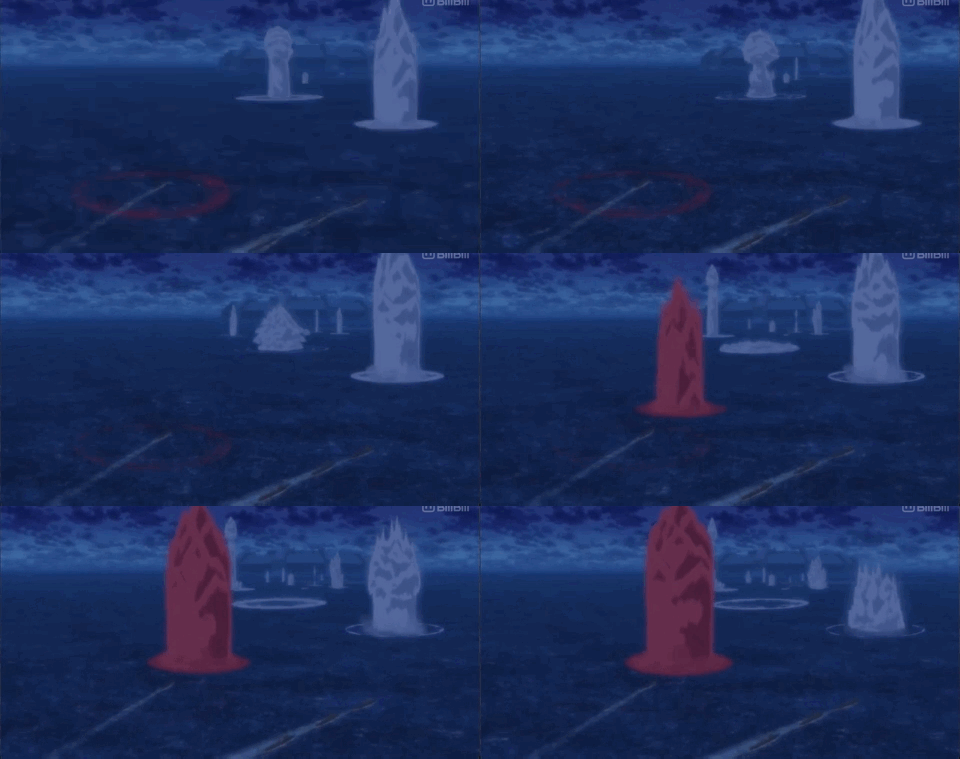
Thank you again for the additional advice.

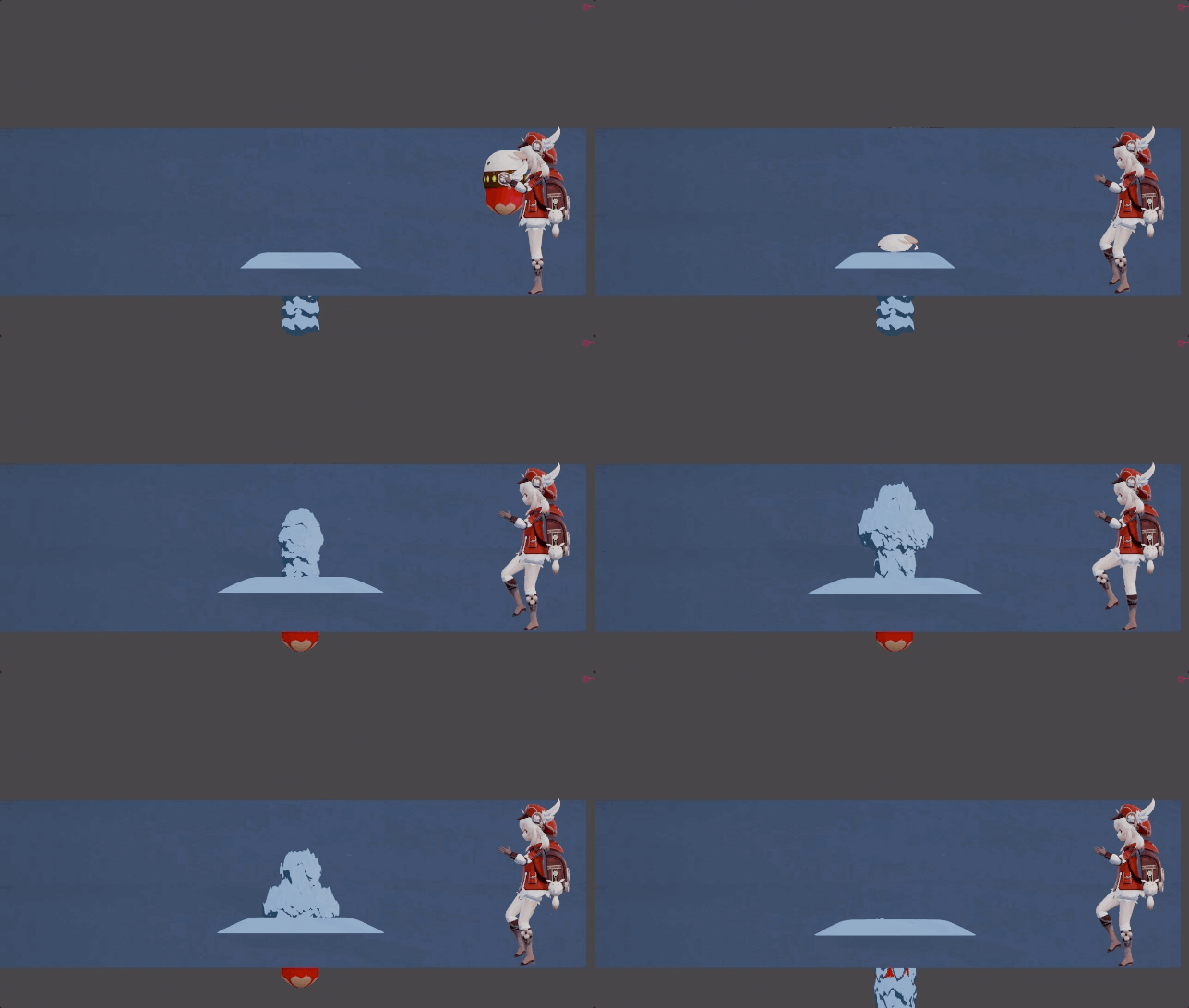
I parented to an empty to adjust the scale.

I can adjust the keyframe timing later as I work more on the character animations:

KleeJDWEtoss

Or you can use dynamic paint with displacement: