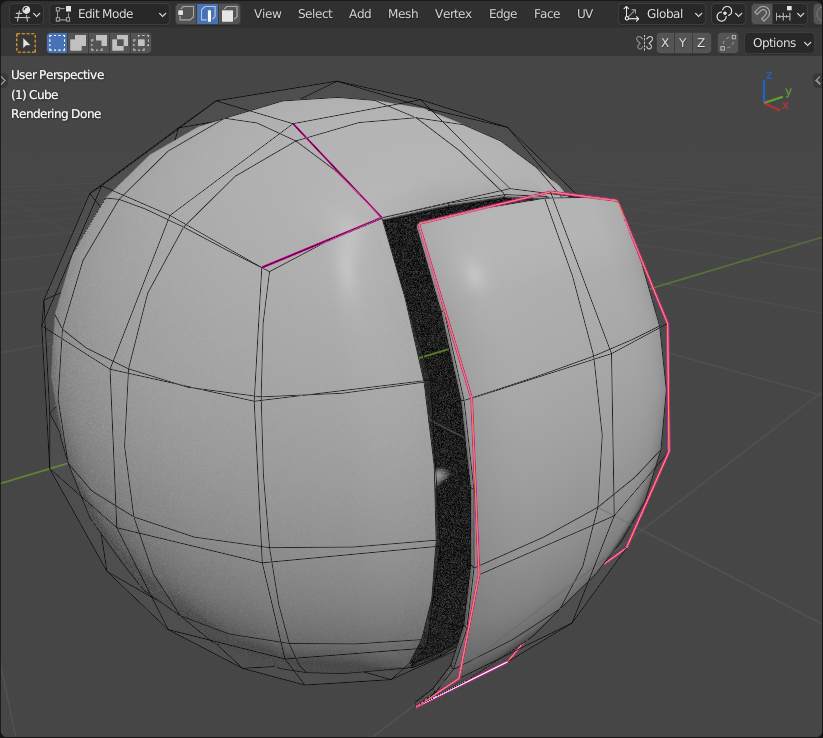
For several projects, I’m facing a recurring problem : how to make adjacent meshes seamless? How to make it a clean way? What are the good practices?
To give a few examples : EVE in Wall-E have seamless interlocks, or the doors for airplanes. For the colors and textures, there are ways for cheating, but making the edges invisibles, I wonder what is the best approach.
It seems you tried creases to make unsubdivide edges… but for “inner edges” you have to use them “across” the edgse (or whatever you call this) pulled the door a little to see the difference: