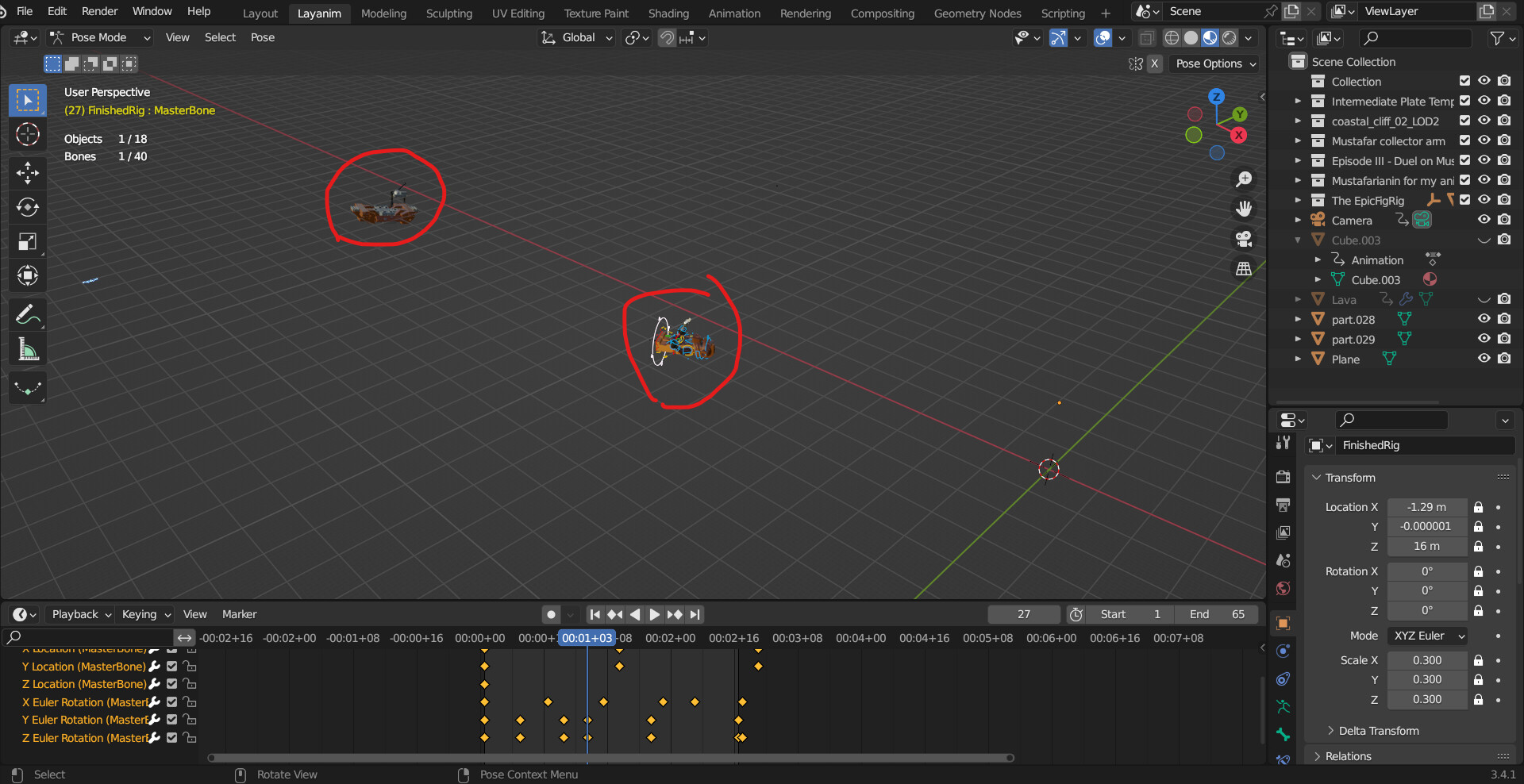
I want to place this character on top of an animated platform. After that, I want to animate its individual parts, imitating the character’s balance and trying not to fall off the platform. But how do I attach my character to that platform?
I tried linking the animation data, and the result you see on the screen - it destroys my character. I also attempted to copy keyframes from the platform to the character, but the character doesn’t appear on top of the platform; instead, it’s somewhere far away from it and also rotated incorrectly. Please, help me.
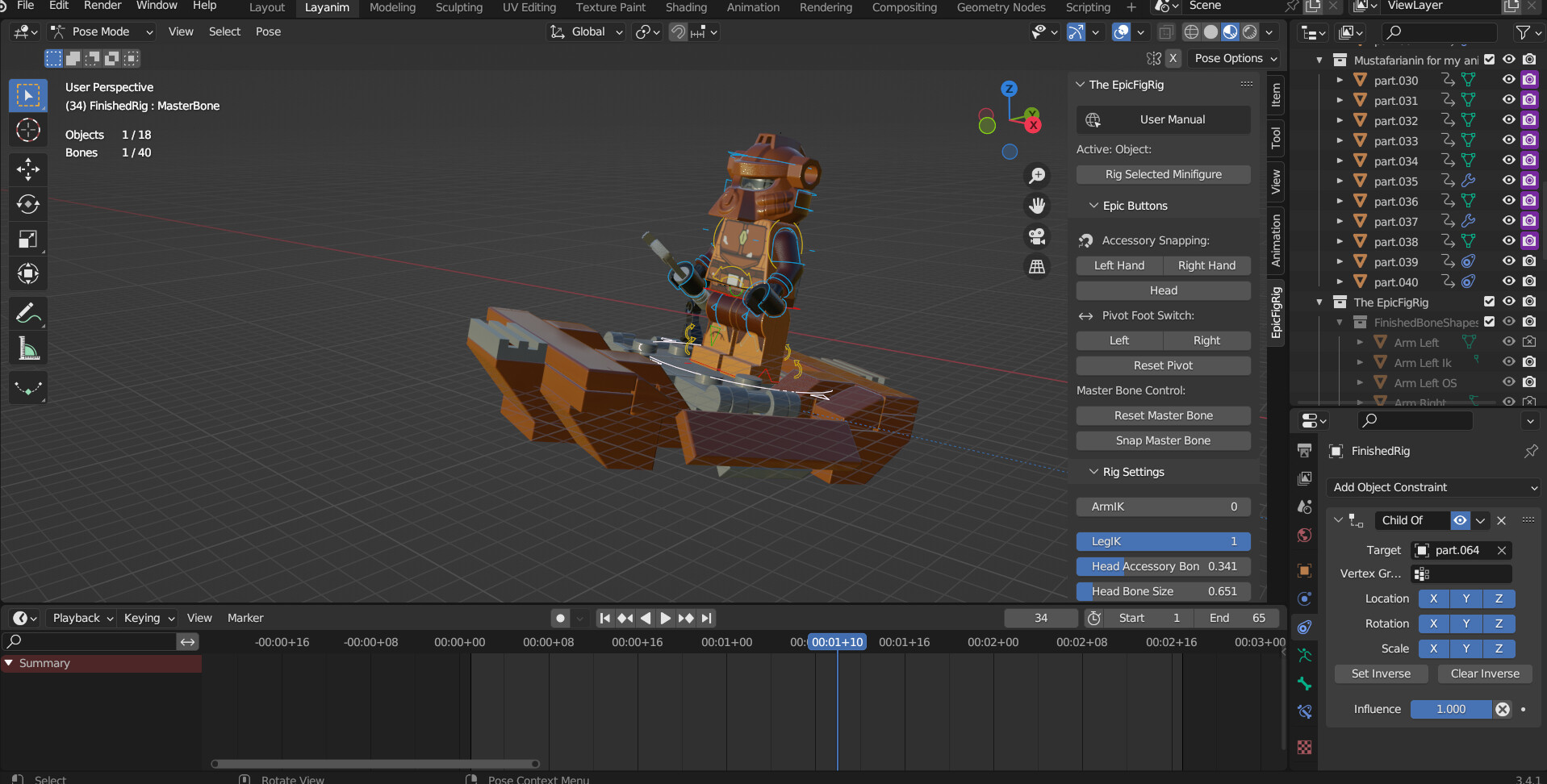
Is there a scene specific reason you can’t parent the rig to the platform, or use a constraint? I’ve used child of constraints on the root bone of characters to keep them in place in a moving vehicle, while still being able to animate them on top of forward motion.
You select whatever “root bone” in your armature in Pose mode, and put " child of" constraint on it, with platform as target object. This root bone shouldn’t move during walkcycle animation though. Otherwise child of will behave unstable. If the first bone in your armature’s hierarchy is a pelvis node, add another bone in zero point of coordinates and parent the pelvis to it