How to bevel with an octanct profile of a sphere?

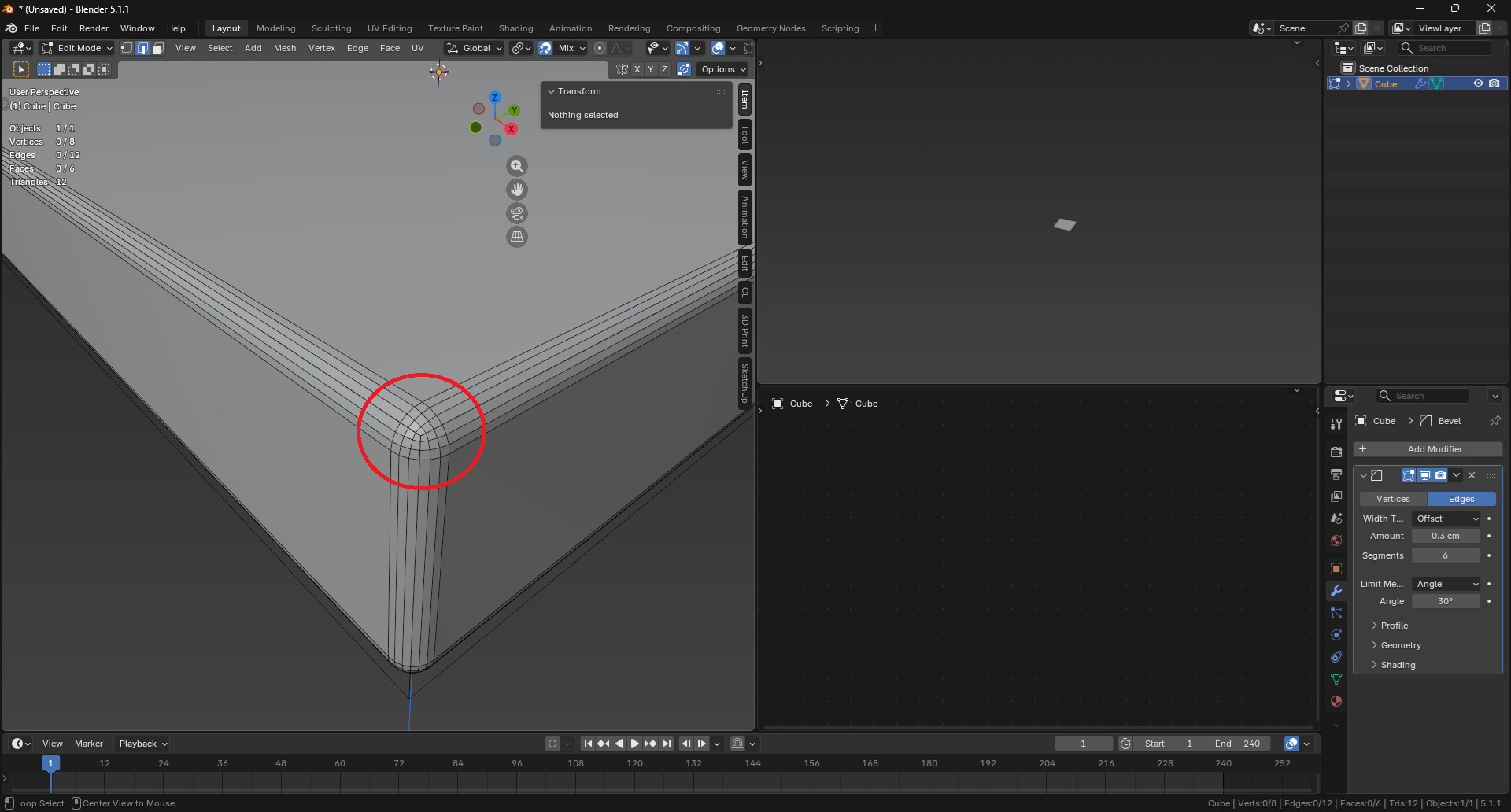
The default beveling in Blender results in this shape:

For the work we do in our company, we require all edge bevels to be a perfect 1/4 circle and all corner bevels to be an octant of a sphere.

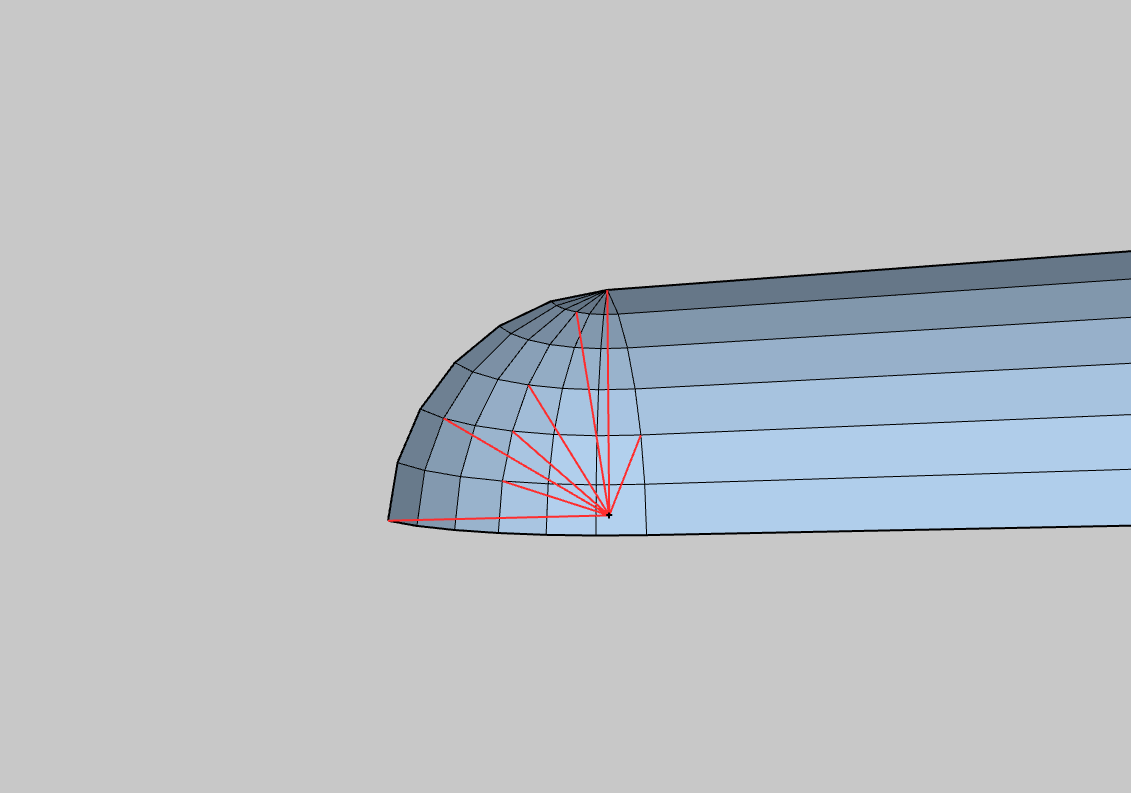
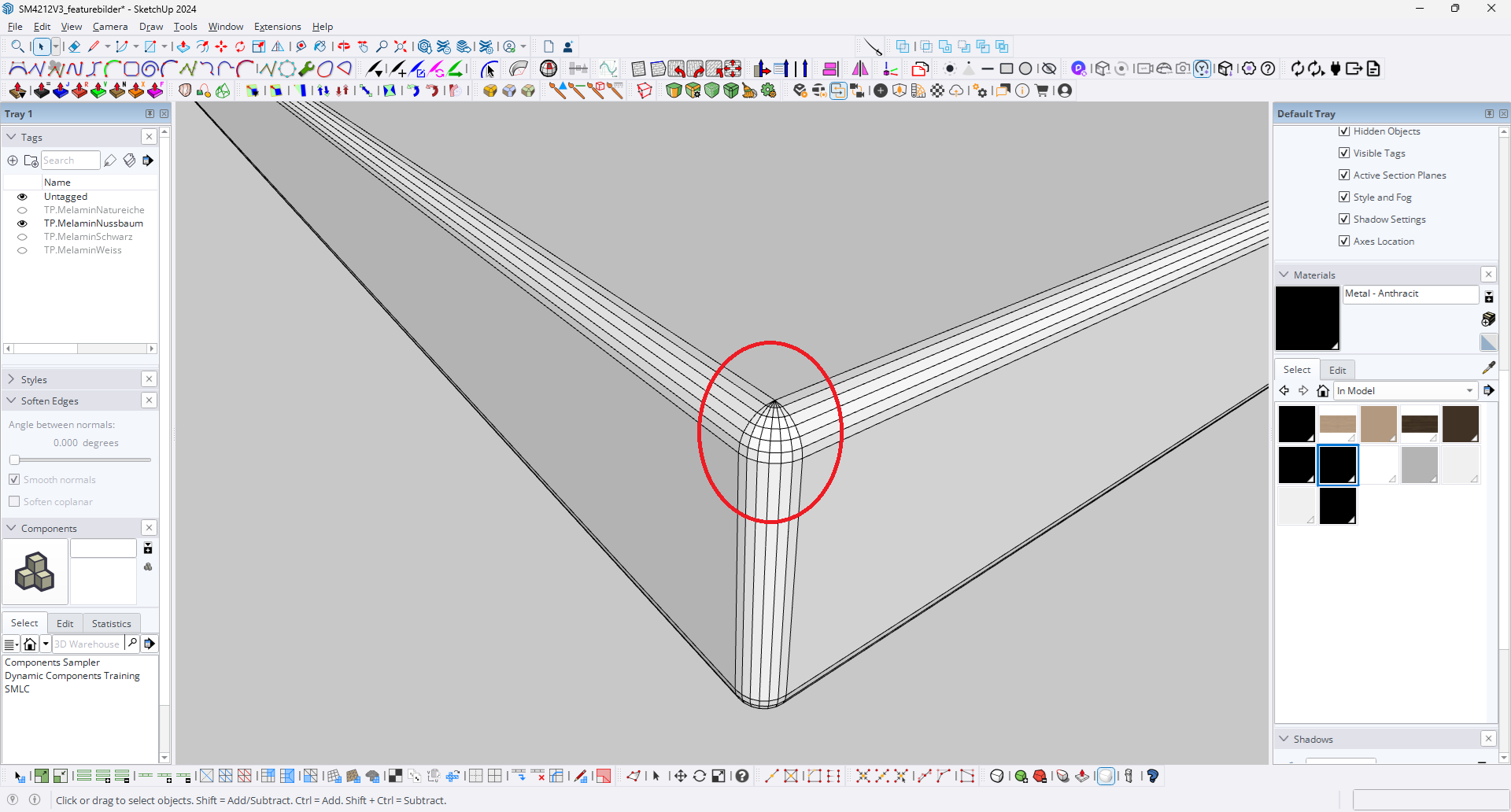
All the Bevel plugins of SketchUp do this by default:

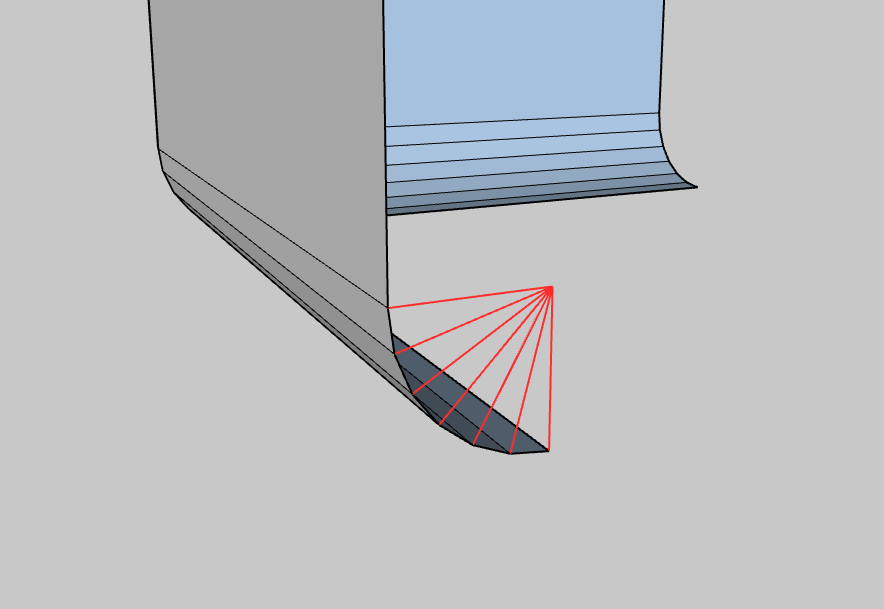
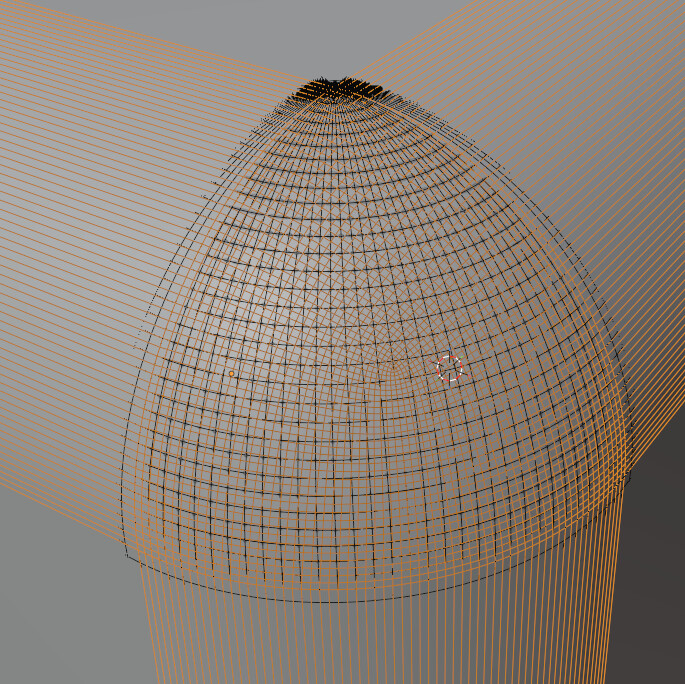
This way every single vertex of the bevel surface is equally spaced from the midpoint (see red lines aka radii):

Is there any way to do this kind of bevelling in Blender?

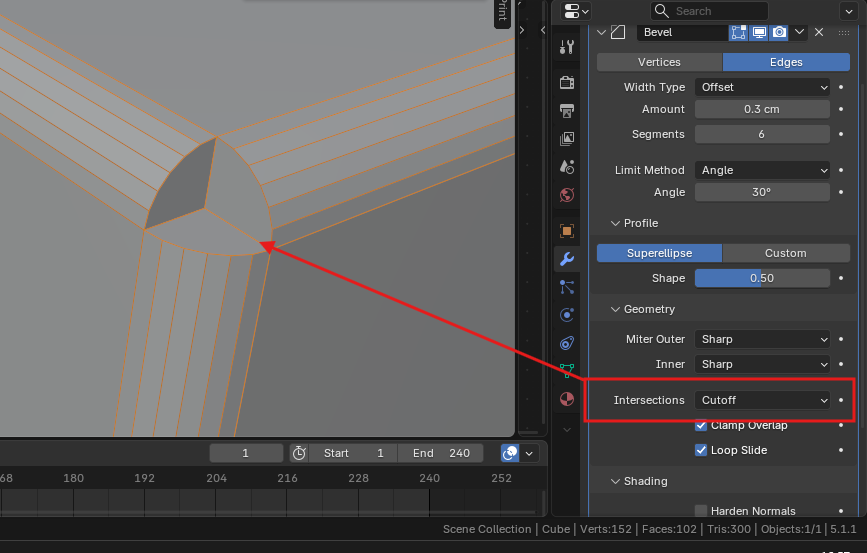
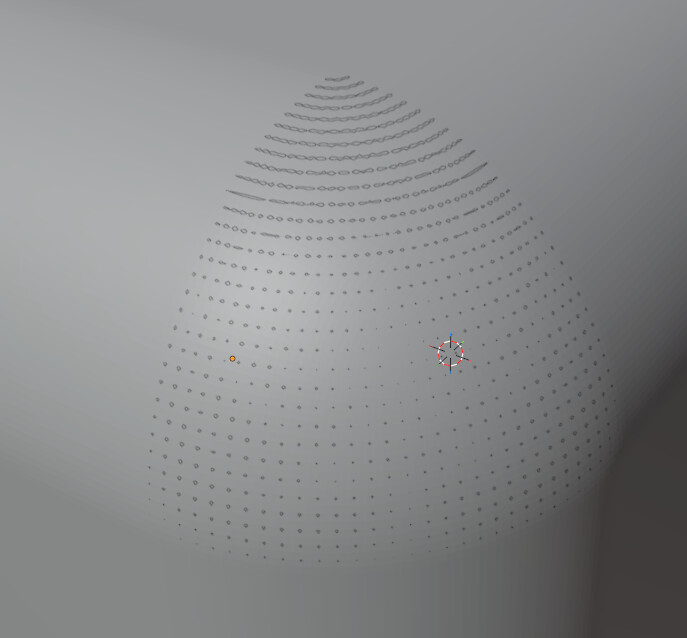
I have managed to turn off the “Intersections” and I almost got the shape I need, but the way the Grid Fill fills the void, is not ideal as the vertices are not equally spaced from the centerpoint.

Bevel can’t make circle arcs unfortunately. This exact question was answered by Howard himself some time ago : How to get CAD type bevel in Blender? - #7 by CDMJ

Now that there’s a bevel node in geometry nodes though, you could try to correct it after the fact. It’s DIY, not ideal, but since the bevel node outputs attributes for the new faces created by the bevel, maybe you could cast (shrinkwrap) those onto a sphere placed at each corner. Not sure how to place the sphere though. Gotta think about it

2 Likes

Then you should not be using Blender. It is software best-suited for visuals, not mechanical design with CAD-level precision and topology.

3 Likes

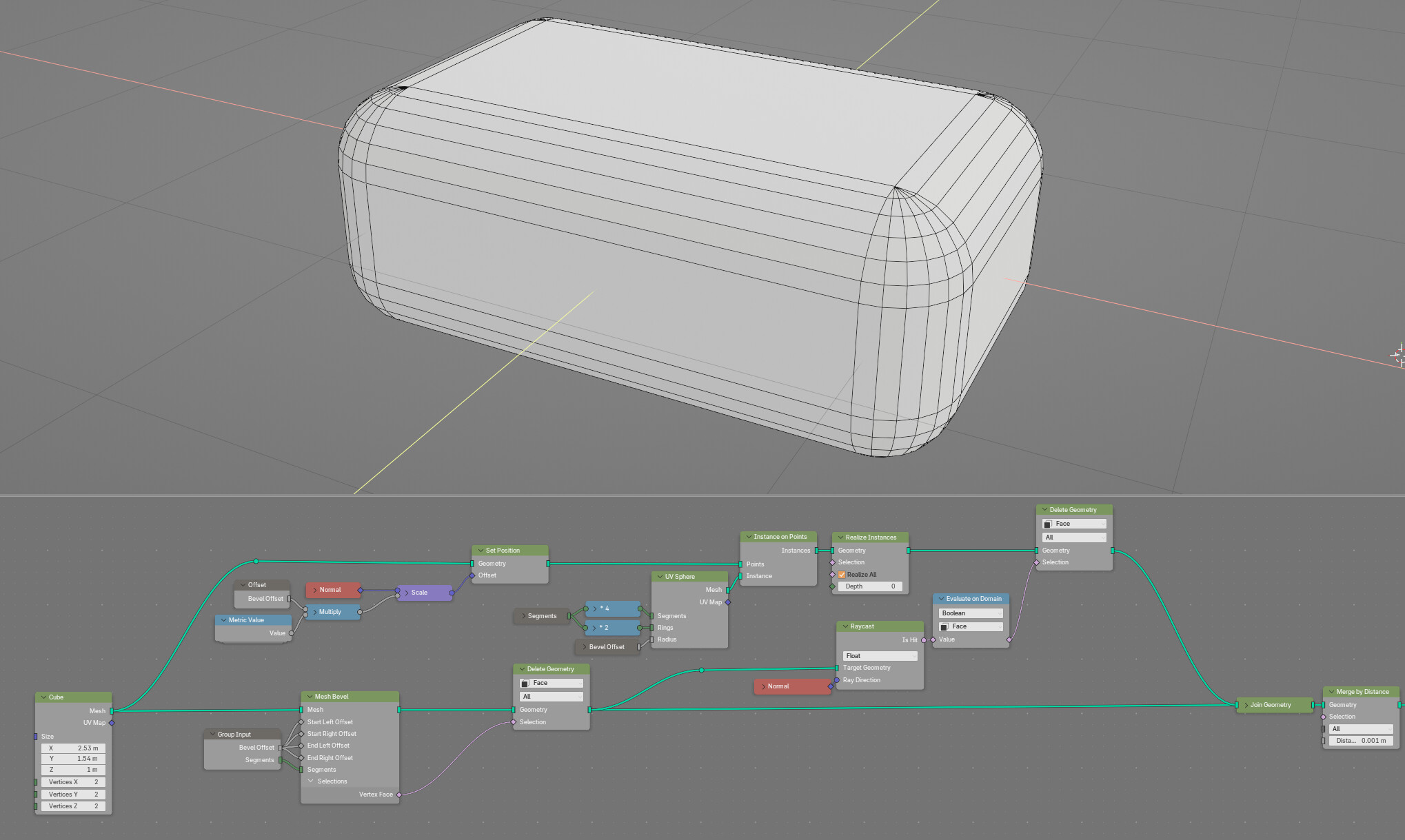
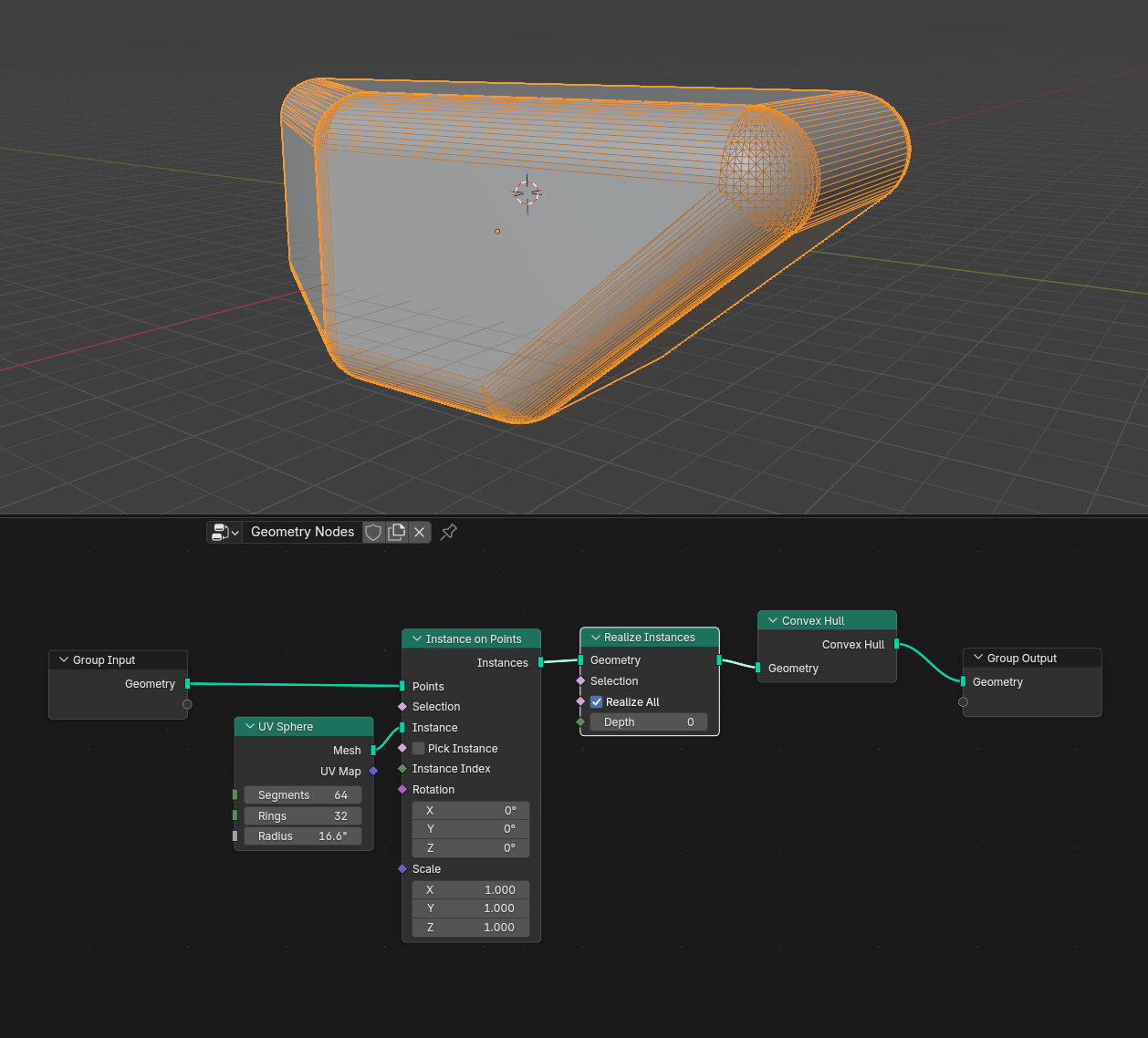
Here is a quite ugly solution to achieve this in Blender 5.2, which has Bevel node.

This works only for shapes like a cube where all corners are 90 degrees and there are no concave corners.

This is not meant to be an actual solution, just some mental GN gymnastics.

Ugly Spherical Bevel Corner Hack.blend (152.9 KB)

1 Like

Kinda bummed to read this. :anguished:
What else should we use then, if we need to do 3D particle/simulation animations for precisely made 3D models (Architecture and Industrial Design)?

Or do you mean we should model in another program and bring into Blender to texture/animate/render?
You’ve said it works well in SketchUp, so … I’d say use it for modeling.

Do the rest in Blender.

3 Likes

On a 90 degree corner, the bevel corner cap limit surface is spherical.


If you need arbitrary shapes, there are geonode approaches that will get you pretty close, for convex shapes at least, though the topology is trash: