Recently, I had the chance to work on a fun personal Blender project - creating a painterly 2D/3D mailbox scene that looks like it popped right out of a painting.
Rather than going the full 2D animation route using grease pencil, I decided to create the 3D scene using 3d modeling, texturing and blender animation. This allowed me to render out the final artwork with that classic hand-painted look while still leveraging the power and flexibility of 3D software–Blender.
You can view the video version here – CLICK HERE
In this blog post, I’ll walk through the key steps I took to model, texture, animate this painterly 2D-styled 3D scene. Let’s dive in!

1. Modeling

I started by blocking out the layout using basic shapes and then setup a proper camera angle and retopologized the mailbox. With the use of Modifiers and sculpting i could shape it according to how i wanted it. For the grass, a simple plane shaped like the grass blade works. Instead of modeling clouds, I hand-painted a texture in Photoshop. With the basic models built using this mix of techniques, I could then move into texturing, animating.
2. Texturing for that painterly look


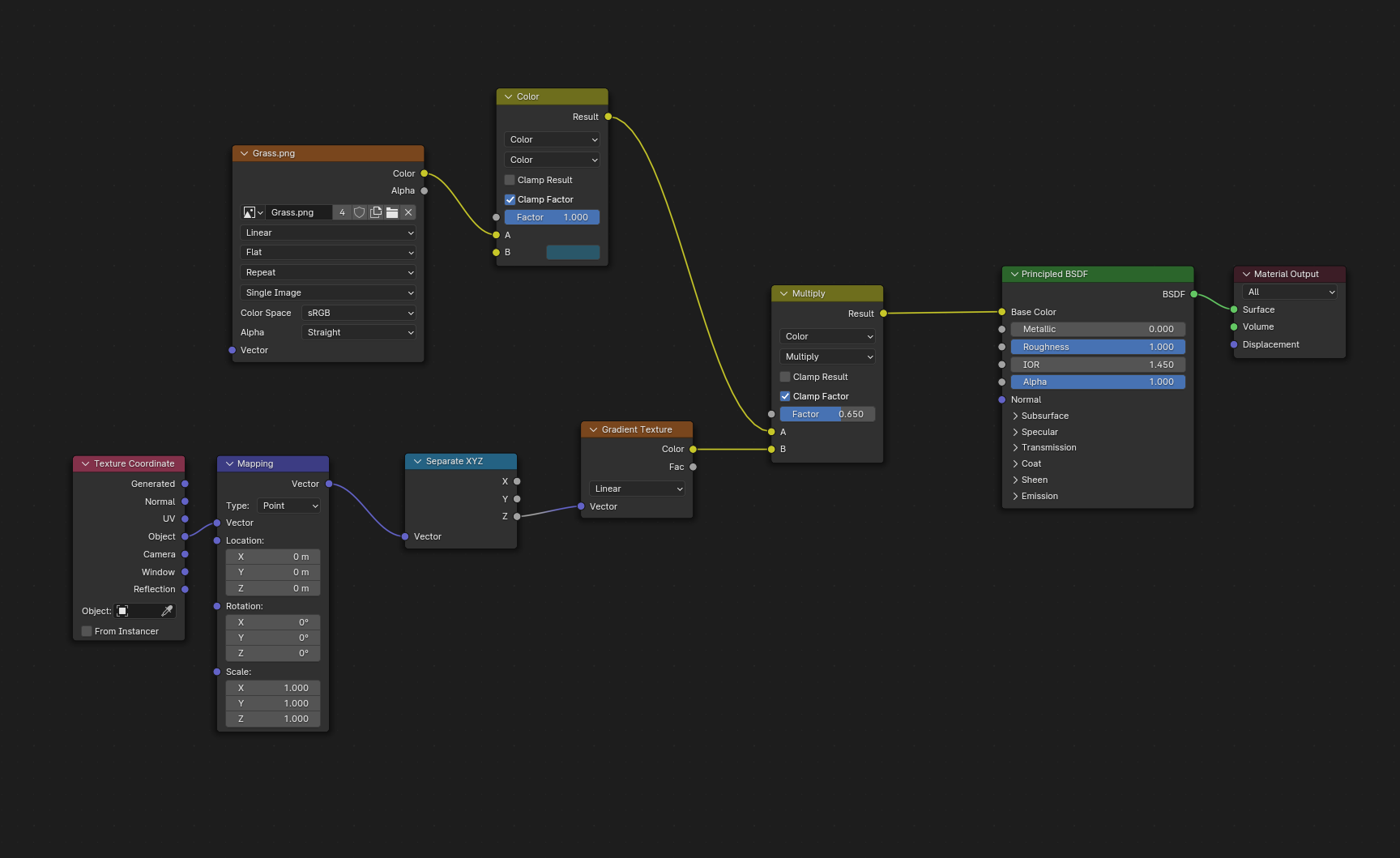
For the mailbox model, texturing was pretty easy since I found a reference photo online. The airplane texture started with a quick flat white color that I then added some variations to. I used a basic black color for the window area.
Rather than modeling clouds, I actually hand-painted a cloudy texture from scratch in Photoshop using a simple gradient.
The grass texture was also hand-painted in Photoshop. I created one master grass texture file that I could then reuse for both the ground plane and the individual grass blade models.
Lastly, I used Blender’s grease pencil tools to hand-draw all the spiderweb textures and details. First I blocked out the general web shapes, then I used the surface stroke option to carefully draw the textured web lines right over the 3D geometry.
With all the different textures created, I was then ready to move on to the animation stage to really bring the scene to life!
3. Bringing Life with Animation

For the mailbox itself, I parented some basic shape objects from the mailbox origin point.

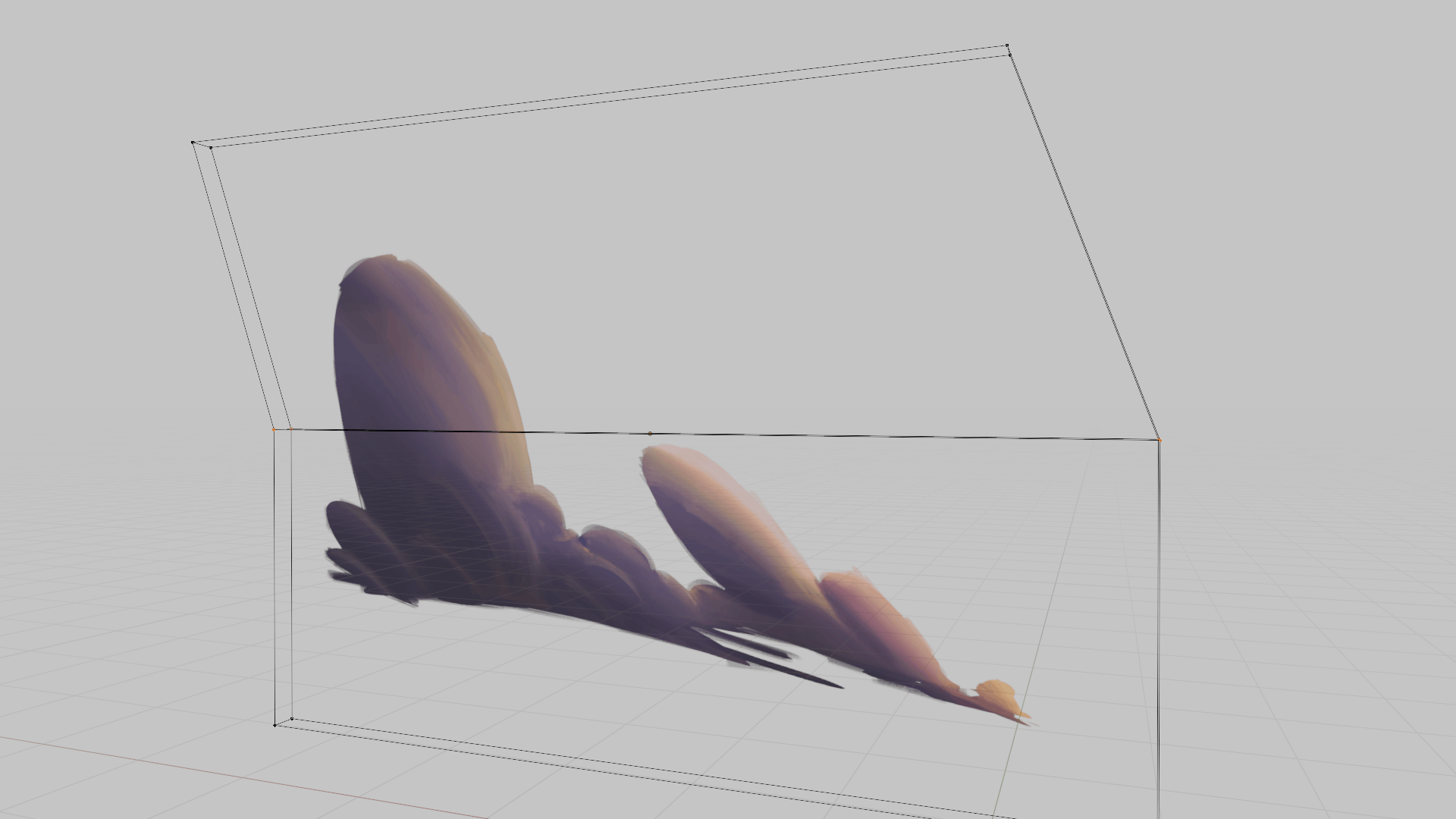
The clouds and spiderweb use something called a lattice deformer setup. After getting that rigged, I could gently push and pull on the lattice points to make the cloud geometry morph and change shape. you can store this movement in a shape keys for even more control over animation.

I used a technique called the “wiggle bone” method for grass. This let me automatically make all the grass blades wave and move in a natural, randomized way driven by some noise modifiers.
After all the animation was finished, a little bit of post-processing, and here is the final result…
You can view the video version here – CLICK HERE