Hi, looks like you have mapped it incorrectly as you can see the subtle displacement on the mesh. Did you do an unwrap, maybe follow active quads as in this post (How to create fish/dragon scales?) and did you add a subsurf with a lot of subdivisions? Do you have a blend file?
I was able to get it to sort of work, with a little faking and half-assery. Would much rather have been able to have the scales looked a bit more independent of each other, rather than a texture, but think that is a bit to advanced for me, as a novice. It’s getting better and almost resembles a pangolin 
If there are any good tutorials or courses worth buying to learn more about texturing, UV Mapping or anything else related to this, I sure could use a nudge in the right direction. Thanks!
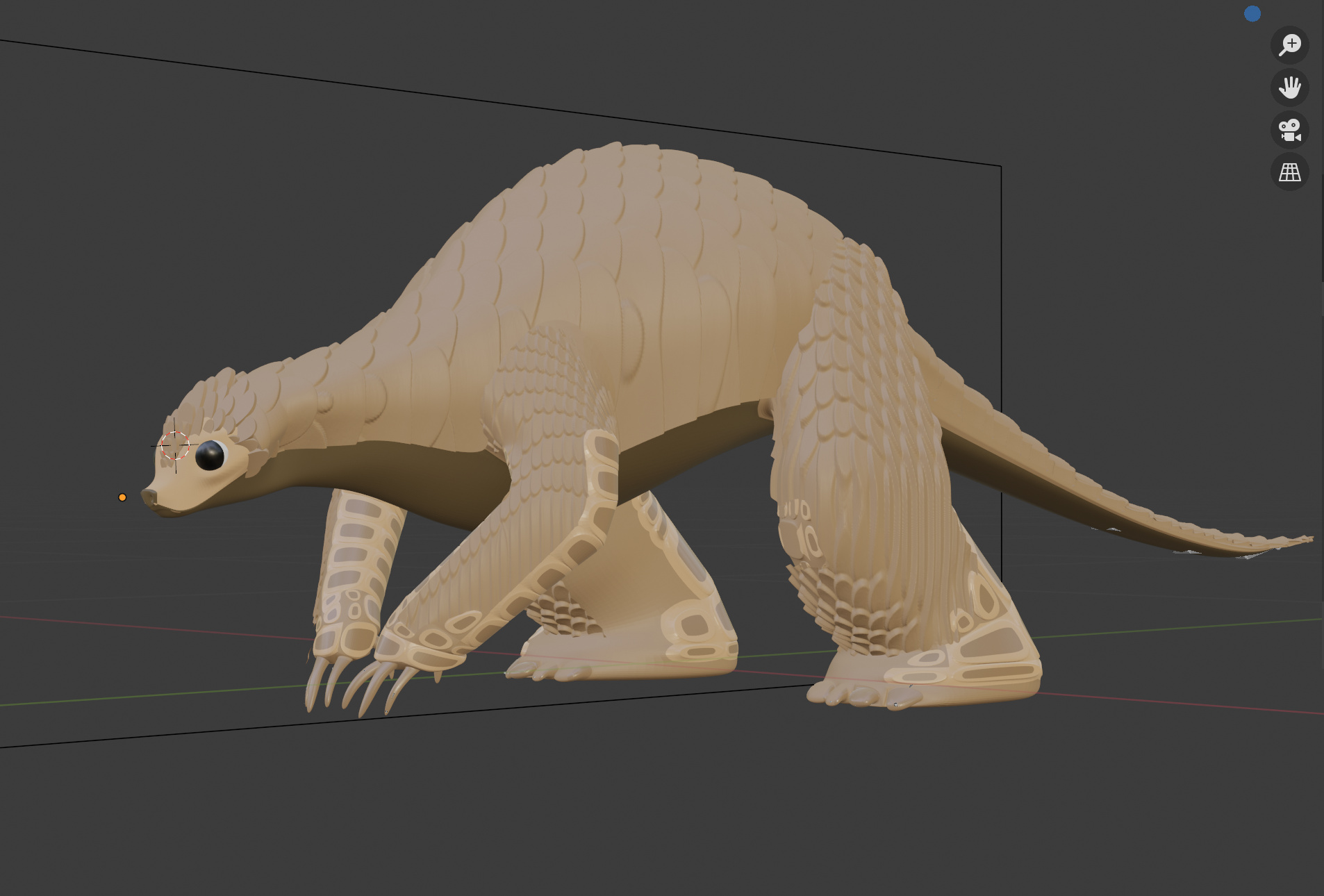
OK,
I don’t know any paid tutorials, but I think generally blender guru and cg cookie are usually good. Looks like your texture is stretched.
I hope I can help. After looking around to find some good videos I havn’t come up with that much that will help you quickly, and I see after watching the follow active quads video that I was doing it wrong anyway. I mentioned follow active quads as a method because the persons post I linked to said it and it seemed to work.
So, watch these videos and see if they help or I will try to help you directly. To that end, what did you do to get to this point, what steps did you follow? Can I see a screenshot of the mesh in edit mode and the UVmapping window (UVmap tab)?
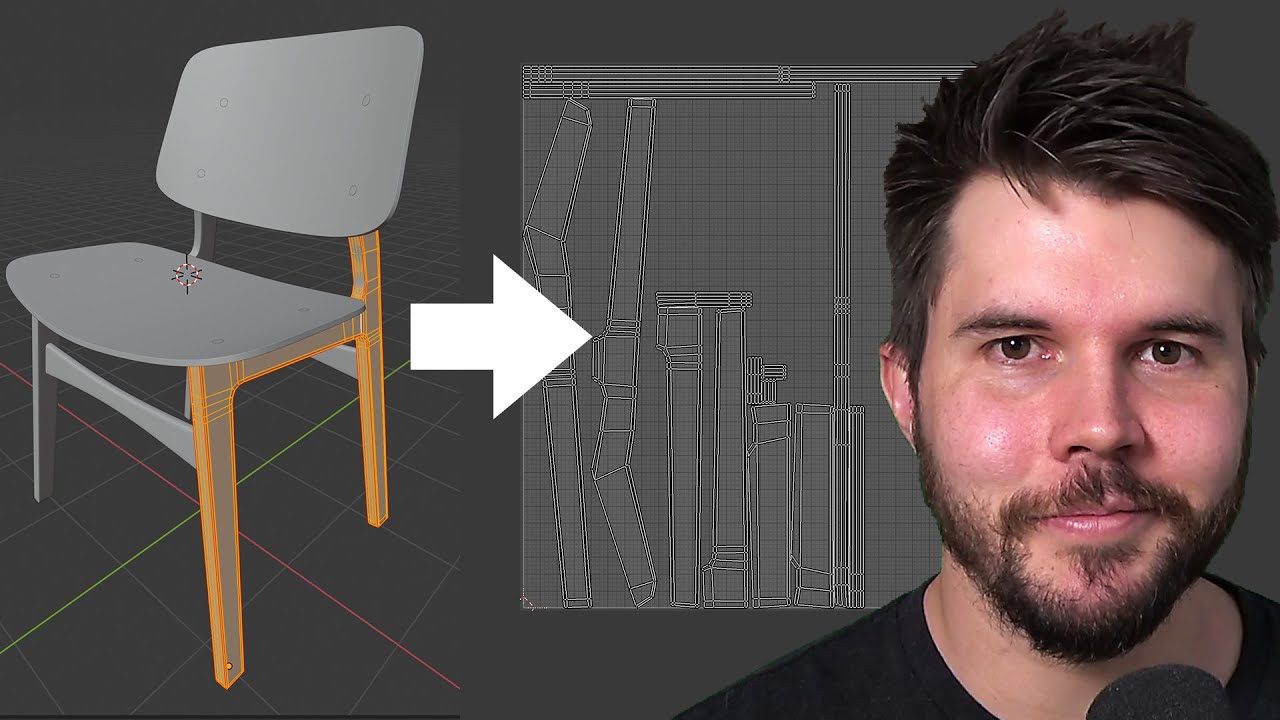
blender guru basic UVmap tutorial:
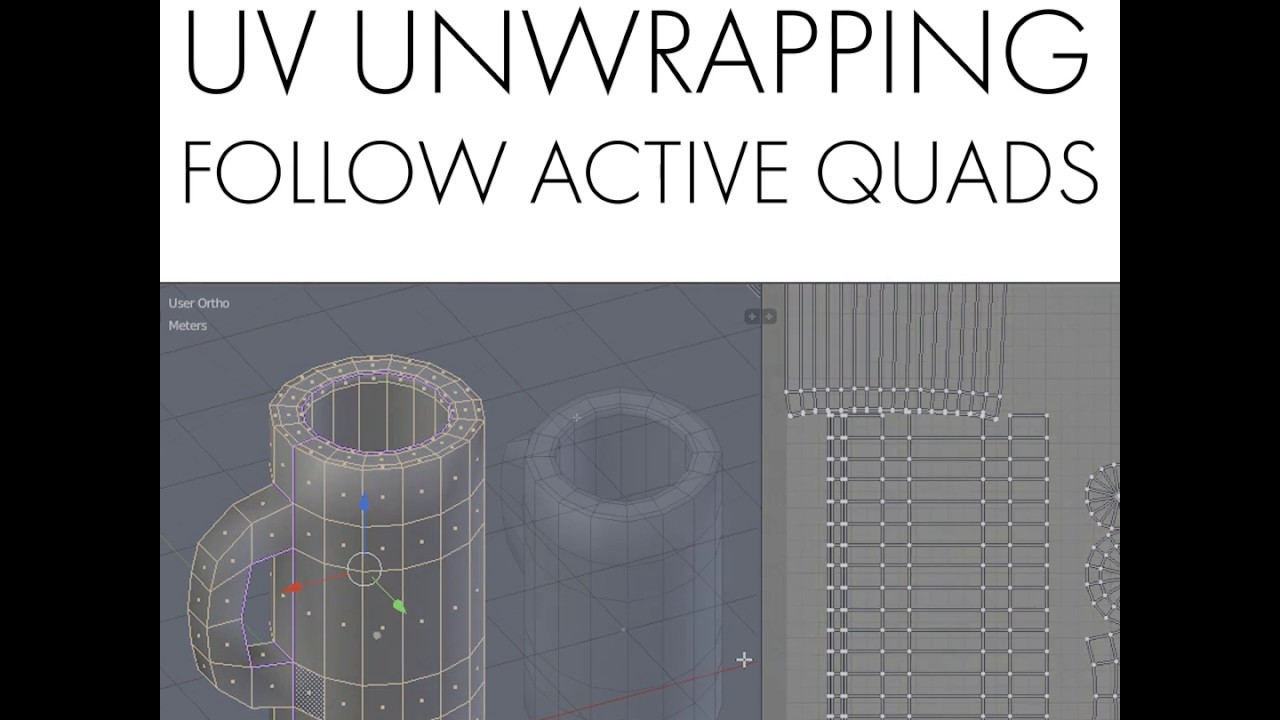
Informative video on follow active quads:
Thank you, @a59303 !!!
Your welcome, if that doesn’t work, I will try to help. Just show a screenshot of the UV Editing tab workspace.
Bạn có thể share mình con ròng này không? thaihunghvn1@gmail.com
I need to put scales on a snake’s body. However, the same thing happens as in this case. I need to put scales on a snake’s body. However, the same thing happens as in this case. The scales become stretched. They are arranged in parentheses along the side edges. I tried using a texture brush. It works, but the scales don’t align even when using tiled. With displacement, it either does what’s shown or doesn’t align at all. So I’m extremely confused.I spent the day testing without success.
Please start a new thread describing and showing your issue, instead of replying to a 5 year old thread. Thanks. 