Greetings from 10th century BC
I recently spawned to Blender and straightly started the learning from building what ever I want (iPod) knowing just simple basics of the interface and poor like iPhone built in held on by nails old garage experience of modeling…
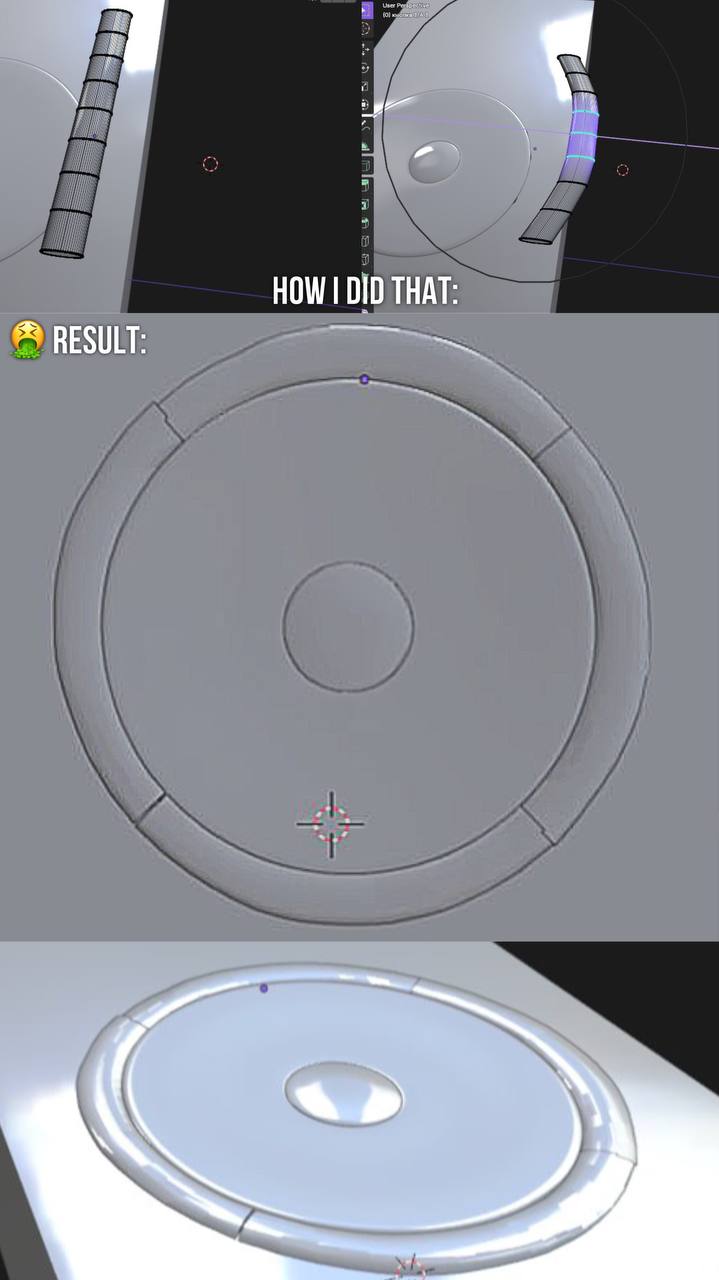
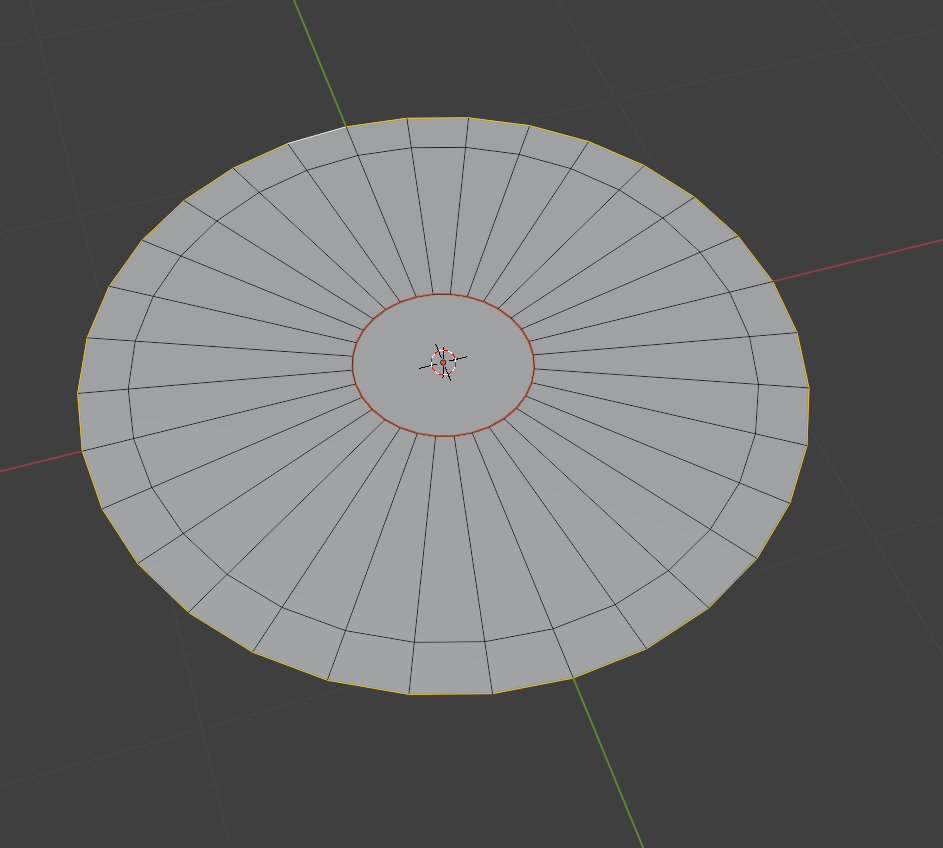
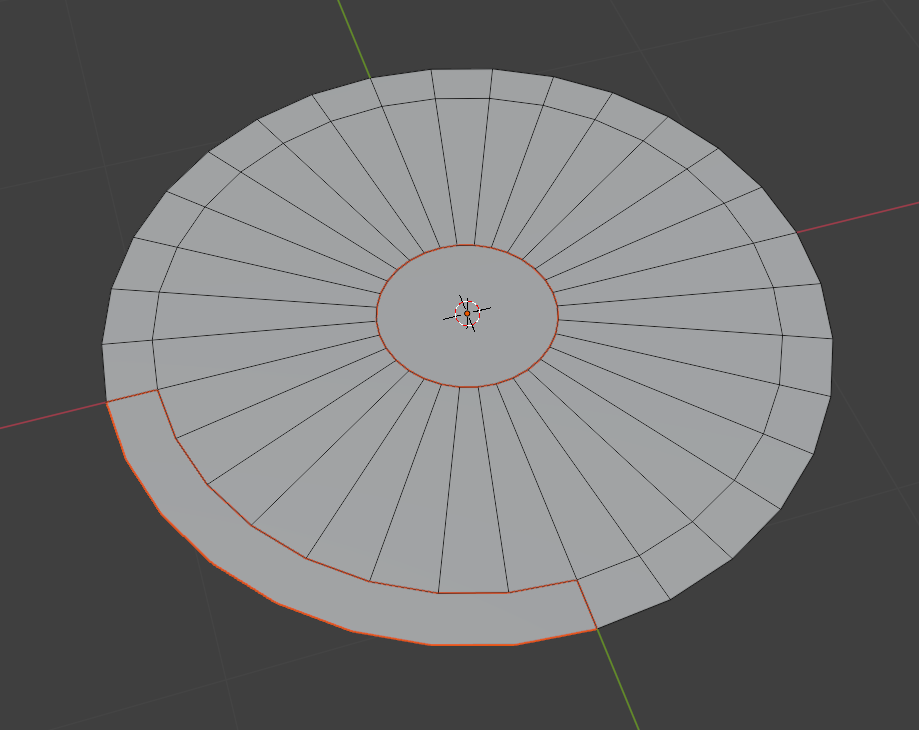
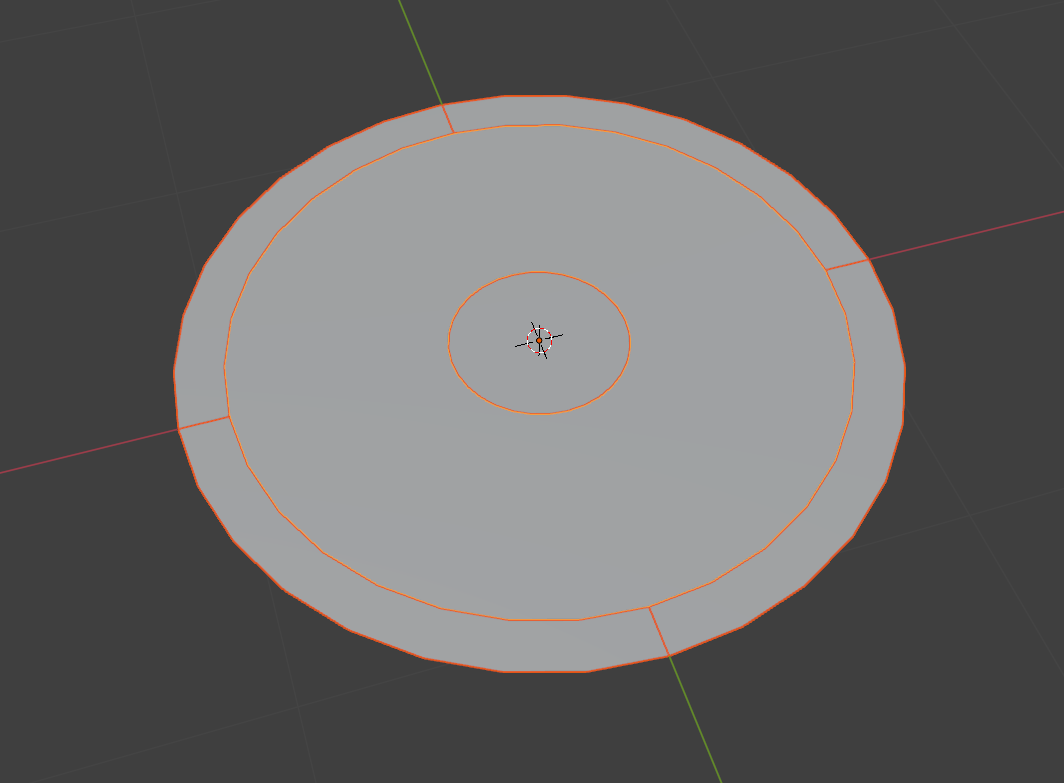
Anyway, my task is to somehow curve each 1 of 4 buttons that lie around the sensory panel, and making it not only visually beautiful, but also evenly, clearly, without “somewhere it’s longer, somewhere something sticks out” damn it…
What I did myself to try to do it:
First, created a cube, probably made some bevel to make those shapes on the sides of the button, then added loops on the upper face to then use G+O+X to make the curve manually
But then later constructing the whole 4 buttons in 1 line around the panel was the task… Oh shit man how many time I spent doing the hell of it all by hand, constantly correcting, resigning myself to the fact that everything will be completely uneven anyway, even though I’ve already spent ~ a week on it… god bless me in 3d heaven…
the edges of the buttons are not even and have a beveled angle due to g + o, the dimensions do not match because even if the panel has, say, a 4 cm diameter - 4 cm buttons in a straight form and when I have already bent them - of course, is different, understood I…
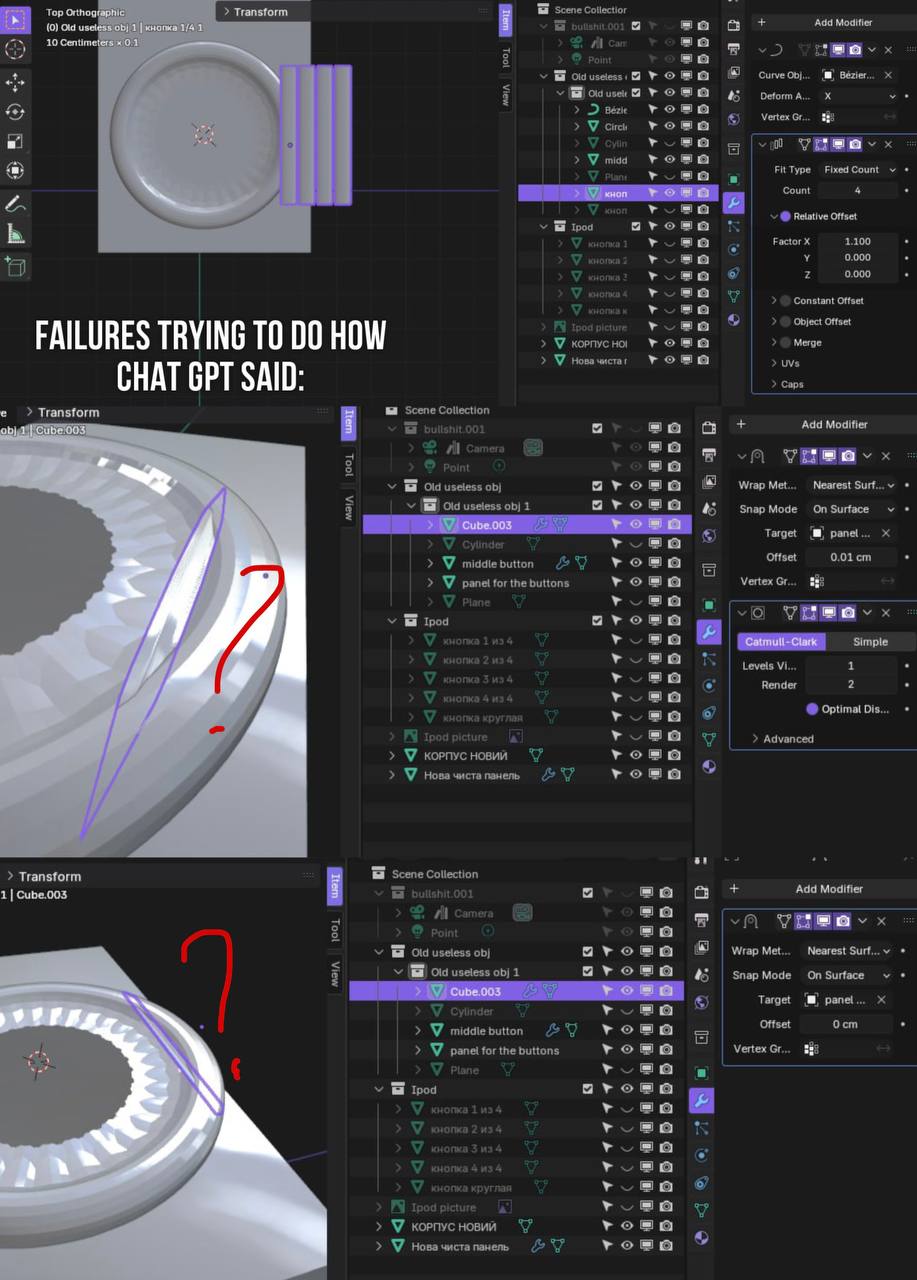
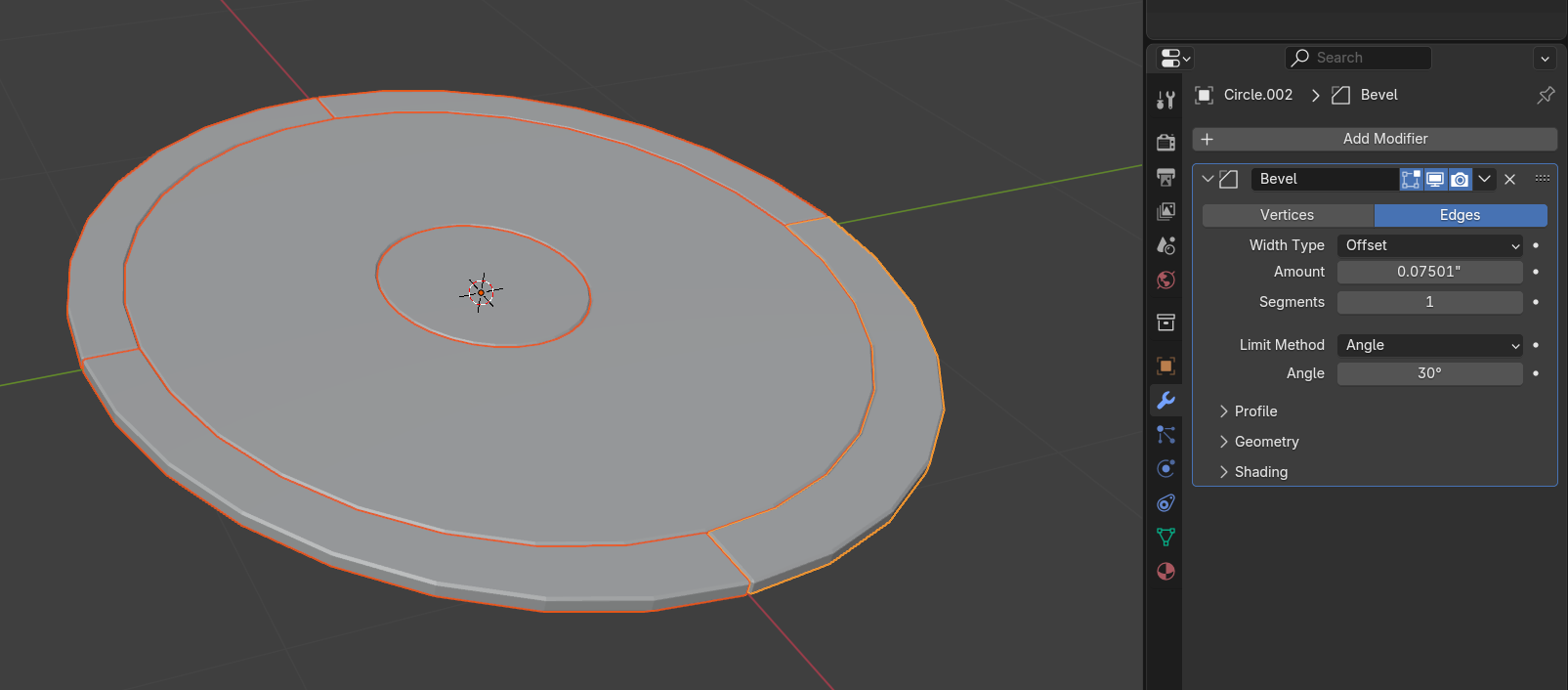
With the help of chat gpt I tried the other way using modifiers as Curve, Array, and overall his idea was smh like “if you want four proportional buttons, you need to create some base-panel with the same diameter as original one, where these buttons will be connected to it (or what); then create buttons, curve them through modifiers and somehow, automatically, should they stick to the panel evenly without sticking out one on another and equally by cm”. However, I don`t get it through his explaining and it disturbs me…
Shortly (not at all), the main problem and question is: how to properly curve one button, yet somehow that when I duplicate it to amount of 4 (or not duplicate but to create 4 proper buttons right away if there is any way of doing that) - they are all properly stick to each other and have the same length (cm) and are equal to each other? Yet considering the difficulty that if, say, panel is 5cm diameter, it is not enough to split length of these 4 buttons to ~1,25cm each when they`re not curved yet, coz the curve process takes some cm away. Should I maybe predict that lenght or what…
Thanks