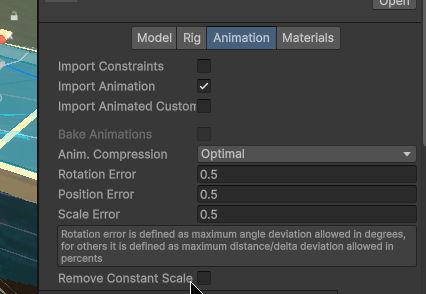
Hello! I’m trying to export a game rig while keeping some transform properties un-keyed. I made my own animation rig based off of the rigify rigs but using better hierarchies for my unity export process. I am trying to export animations using this rig without keying the scale properties on the root and head bones in order to scale them in engine. I locked those specific channels hoping that when blender keys all deform bones it would skip over those channels but they are keyed anyway when I export the animated fbx. I was wondering if there is an intended or workaround way to do this. I can alter the in game functionality to use animation overrides to scale the characters root and head but that adds overhead if multiple on screen characters are all setting the scales on every frame of animation. It doesn’t seem like the biggest deal but if there is a way for me to export without these keys I’d love to do it that way instead.
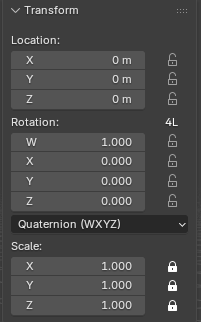
Heres the properties on my Root bone (same as head):
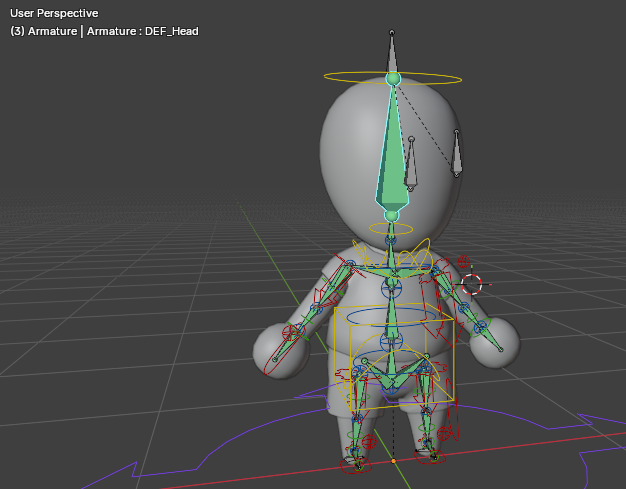
And the rig/model I’m using for animations
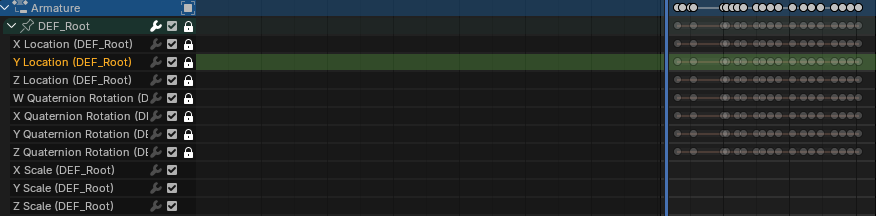
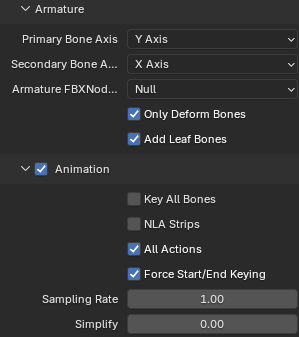
Export properties if it helps:
Any help would be appreciated, Including if what I’m trying to do is so not intended that it feels impossible without extra python tooling on export.