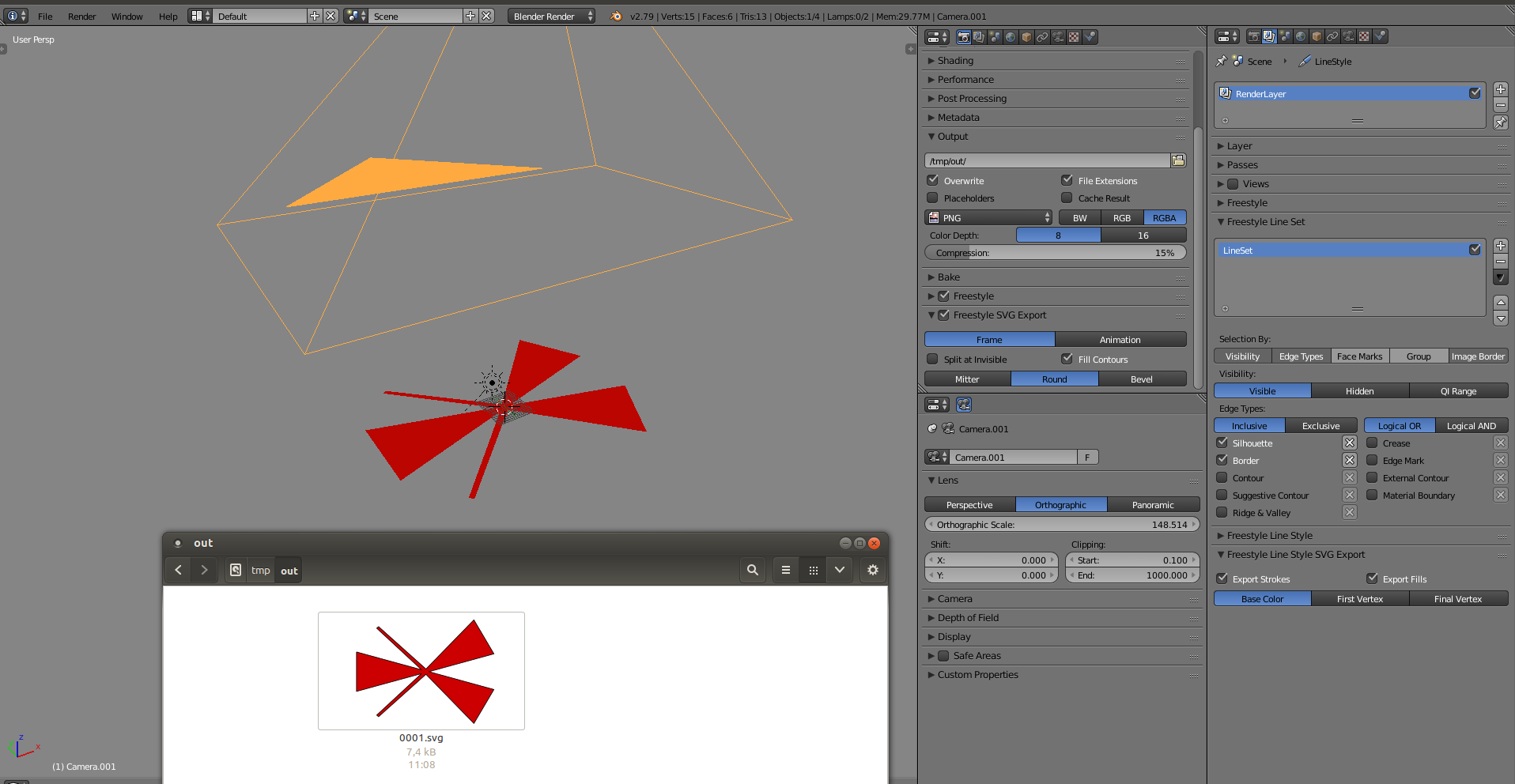
I am using version 2.79 to design parts for RC planes. I originally was 3D printing the parts, but I now own a laser cutter and want to cut the parts with the laser. I found the article titled “Freestyle SVG Exporter” and have the add-on active. I watched the you tube video about exporting .SVG files which was not much help.
Freestyle svg export is to save freestyle line rendering as svg. Optionally it can also fill it with the base color
Edit mode for the object, select all, ctrl+N to fix the face directions. Set up an orthographic camera, enable freestyle and get it rendering lines. Then enable freestyle svg exporter and specify a correct output path and it puts the lines in that folder. If you want fills, enable fill contours in render properties and export fills in render layer properties.
You could also UV unwrap from ortho view with project from view, and then export the UV’s from the uv/image editor. Third way is to not export svg nor lines but render with a shadeless material and then use Inkscape trace bitmap to convert it to vector. Fourth way is to use export paper model script, which is useful for getting 3D forms flattened and exported as patterns.
Whichever the way, use a vector graphics program to get the dimensions correct.