question:
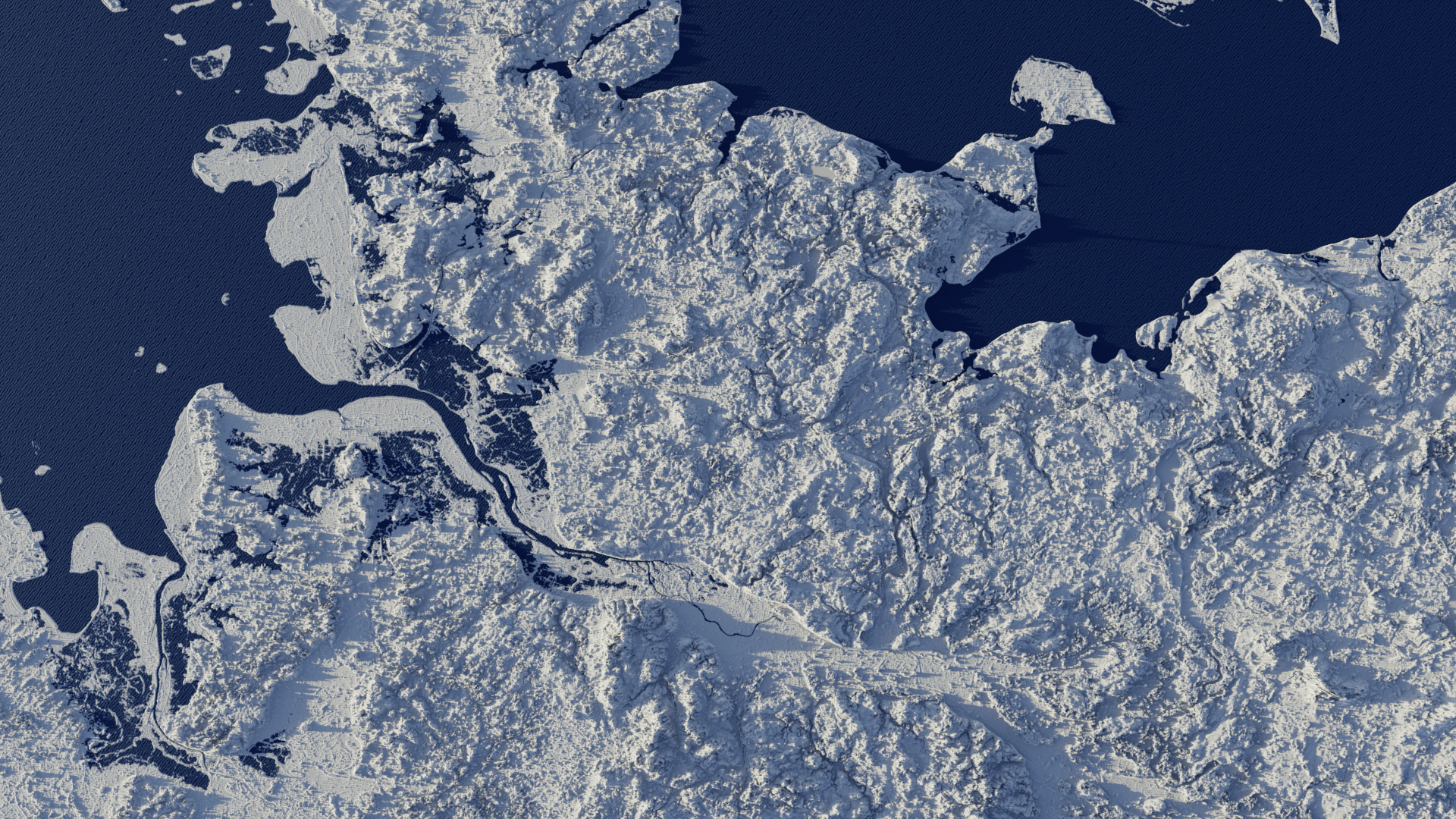
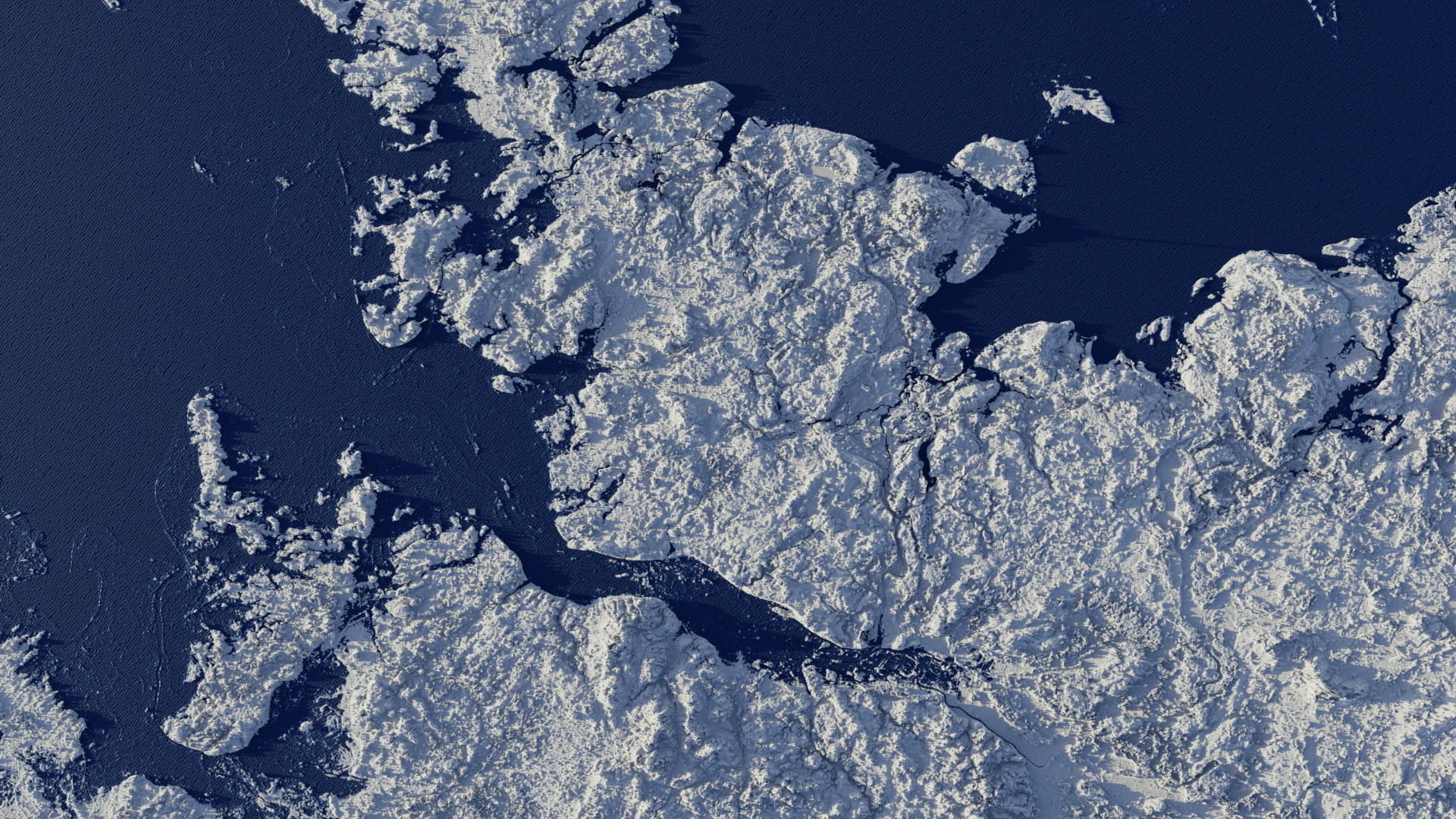
I am a Blender beginner and would like to make a 3D map like in the attached image. Which ist the best way with Blender 4.2 to achieve that?
Is it better to make the Infotags also in Blender or in After effects? Wouldn’t it be easier to have all in one programm?
2.question
Is it possible to make a cross section like in the lower image from a 3D landscape map?
Realdata like landscapes are very very complex… and so any tool to use it. YOu might simpley look into any docu… or videos… to get a feeling if this is for you usecase. That’s the reason for :
…
( There is even a an app to “build” plate tectonics for a planet)
This really depends on the use case, your preferences and skill level.
Use case - if you want terrain from real location, you need to focus on sources that provide this kind of data and then any 3D app can take that elevation data and… Elevate the mesh.
You can also download BlenderGIS that downloads satelite images and also creates the elevation for you. Relatively easy to use with quick results.
If you’re into working with fictional terrain, there’s a bunch of apps like World Creator (they say it’s beginner friendly), Gaea (my favourite, but for advanced people, works very similarly like geometry nodes, new 2.0 is also GPU accelerated for all GPUs) or many others I can’t think of. Houdini is also great for such things (and they offer some trimmed down demo versions too).
If you want something cheap, but still complex for terrain generation, check out Terrain nodes Blender addon. It’s impressive for Blender standards, leverages GPUs (need to use ZLUDA, if you’re using AMD or Intel cards), but is not being actively developed anymore. Still, you can do some really impressive things with it for just couple of bucks, but it’s not very beginner friendly imo.
I saw something about QGIS and Blender…is that something viable?
My advice is to just find some Youtube video that’s presenting close to what you’re looking for and optionally, do subsequent research, if it can be done even better with some other workflow instead. That is, if you have the time and motivation to go though such hoops though.
QGIS is a bit daunting at first but the steps are pretty simple after a little bit of trying and one or two tutorials. i used it to show the impact of rising sea levels.
If you dont set it up in the shader editor but as a displacement modifier you can also convert those into meshes and then of course boolean pieces out of it for cross sections.
The biggest problem is most of the time getting the right height maps for your Location in the right resolution and then getting them well shaded.
For your Callouts i would say its a question of preference and what it is you want to show or want to happen. Should they be static or is it gonna be animated ?
I have managed to cut it ( had to select vertices indivdually)…but when I fill the hole (F) it doesn’t connect properly, and I can’t put the texture on it properly.
Is there a solution to this? So I can have a nice textured wall?


 …
…