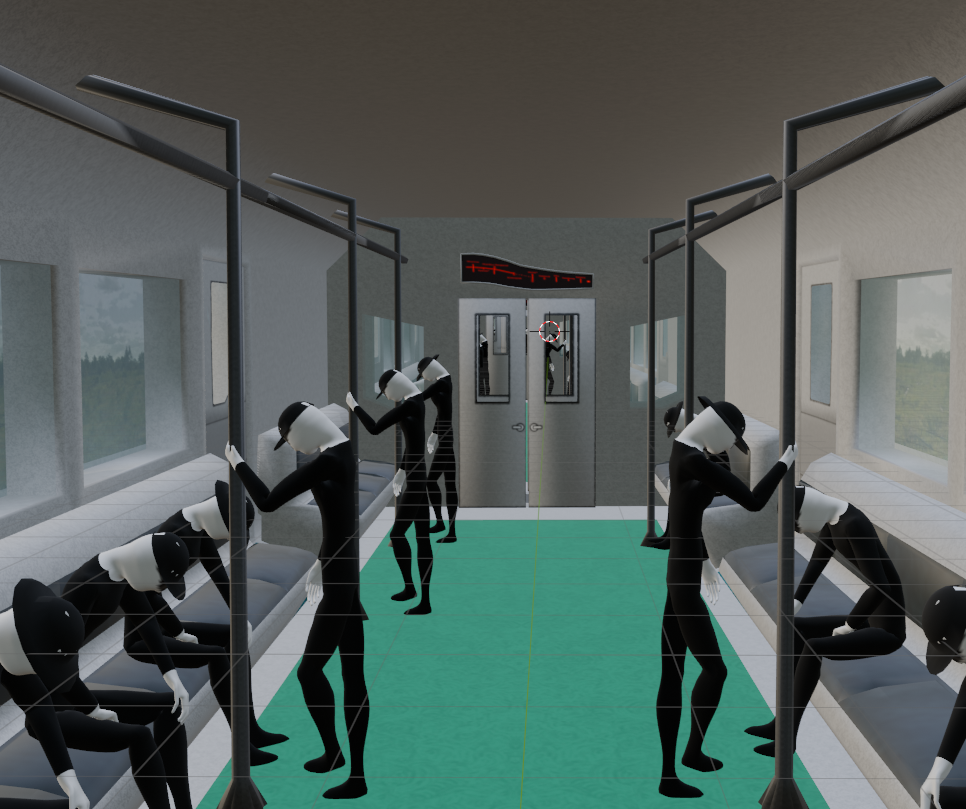
I’m making a small animation where a camera follows the length of a train, as it makes slow turns. I was thinking of using a path curve to have the camera follow the train flawlessly, but I can’t seem to get the curve to parent onto the armature I’m using. Is there a way to parent curves to armatures, or if that can’t work, is there another way to make the camera follow the train?

Spline IK is used to get a chain of bones to follow (stay on) a particular curve object. It’s very useful for things like sauropod necks & tails. Mesh is parented to the “vertebrae” bones as in normal rigging and armature parenting. Spline-IK bone-constraint is then added to the child-most bone of a chain, and you specify how long the chain is, to be affected by the bone-constraint.
In order to animate/pose the spline / curve, you have separate control bones “Hooked” onto the control-nodes of the curve. Then animation-posing these control-bones poses the curve.
From what you describe, you probably only need the Hook Modifiers. To find better tutorial videos for how to set up the Hook modifiers, however, you may have to also watch videos on Spline-IK, which is why I mentioned it in this response.
Once you have an animated curve (using Hook Modifiers), you can still use the curve as a path for a camera, or whatever else you intended to use a curve for.
(spline IK is mostly obviated in blender by blender’s Bendy-Bones. But animators coming from other animation software have to do this all with Spline-IK, so it’s present in blender partly just to maintain compatibility… if I understand correctly.)
Yep! Just watched a video on the Hook Modifier, and the camera tracks perfectly now!