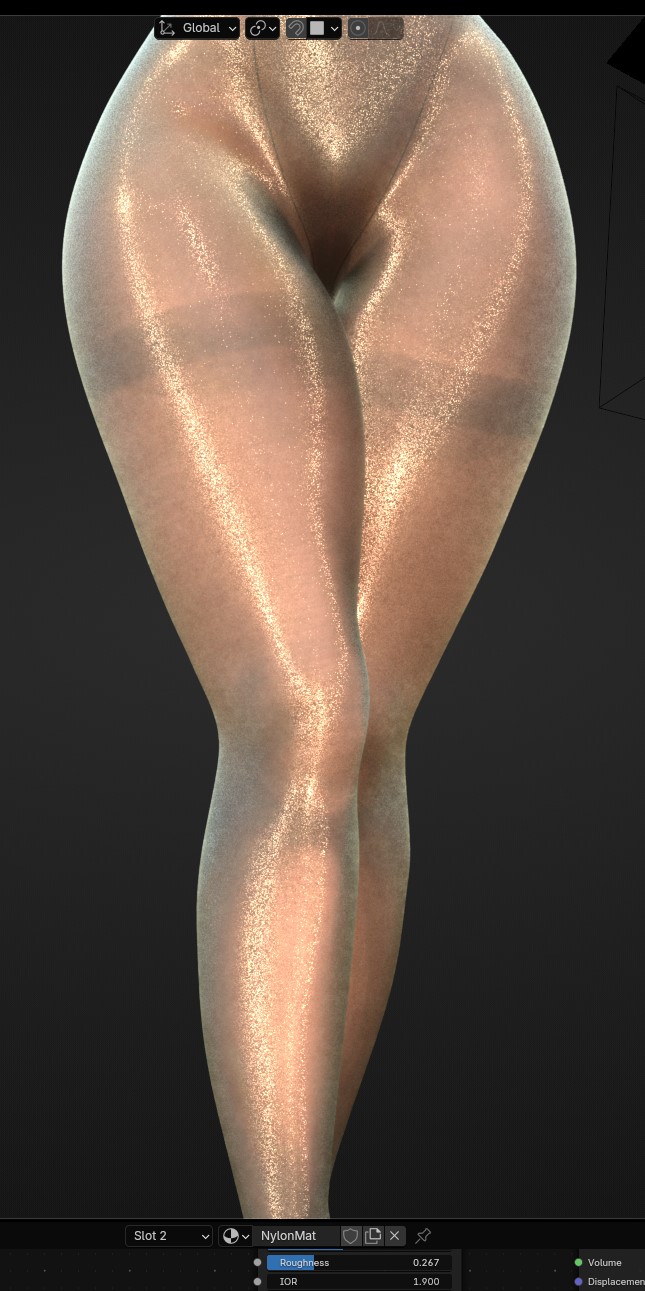
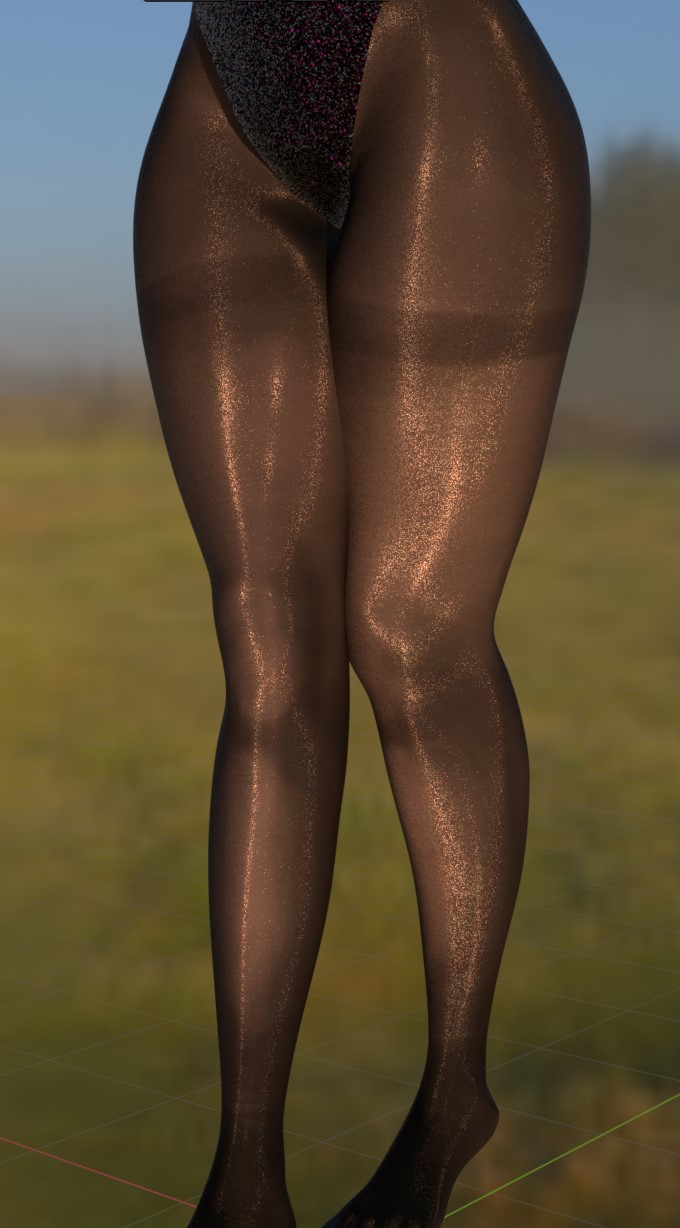
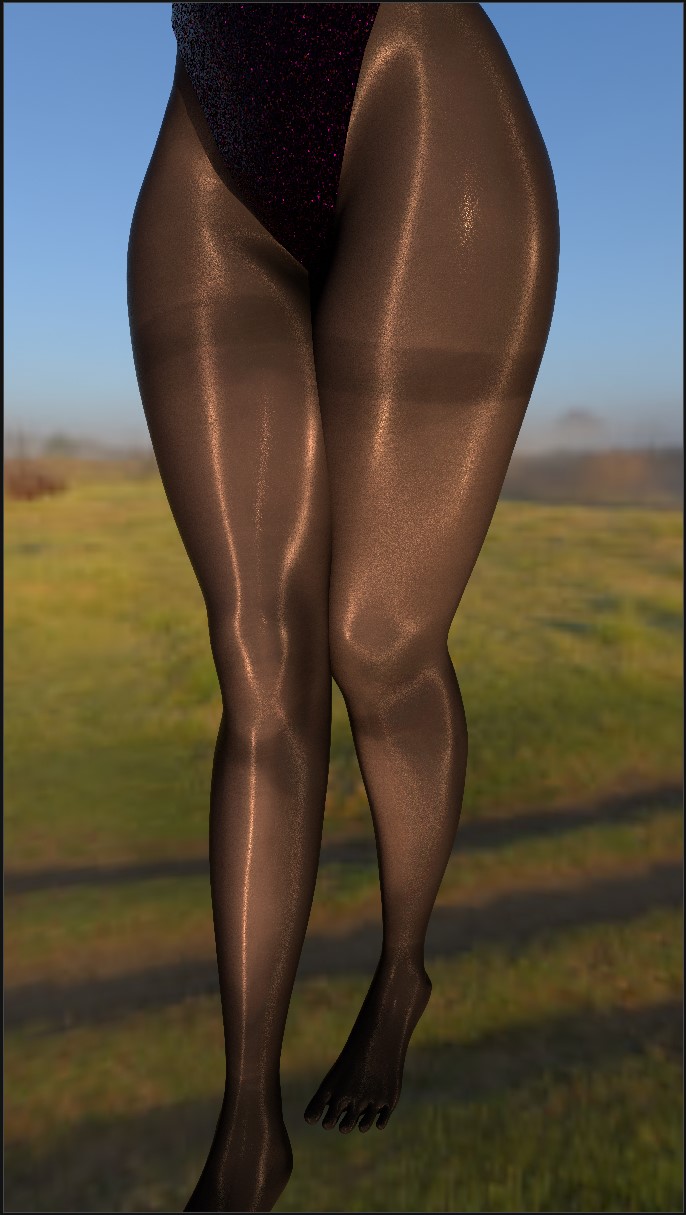
Hi everyone. I’m learning blender for game modding and making assets, sometimes i play with different models and materials just to learn more. I’ve made my model with custom texture and material which is looks like real life nylon material. Everything looks great in Material Preview, but when i Render it - it looses details because of soft light etc
Material preview. Notice sharp and noisy highlights made by bump map. That’s what i want to see in final Render.
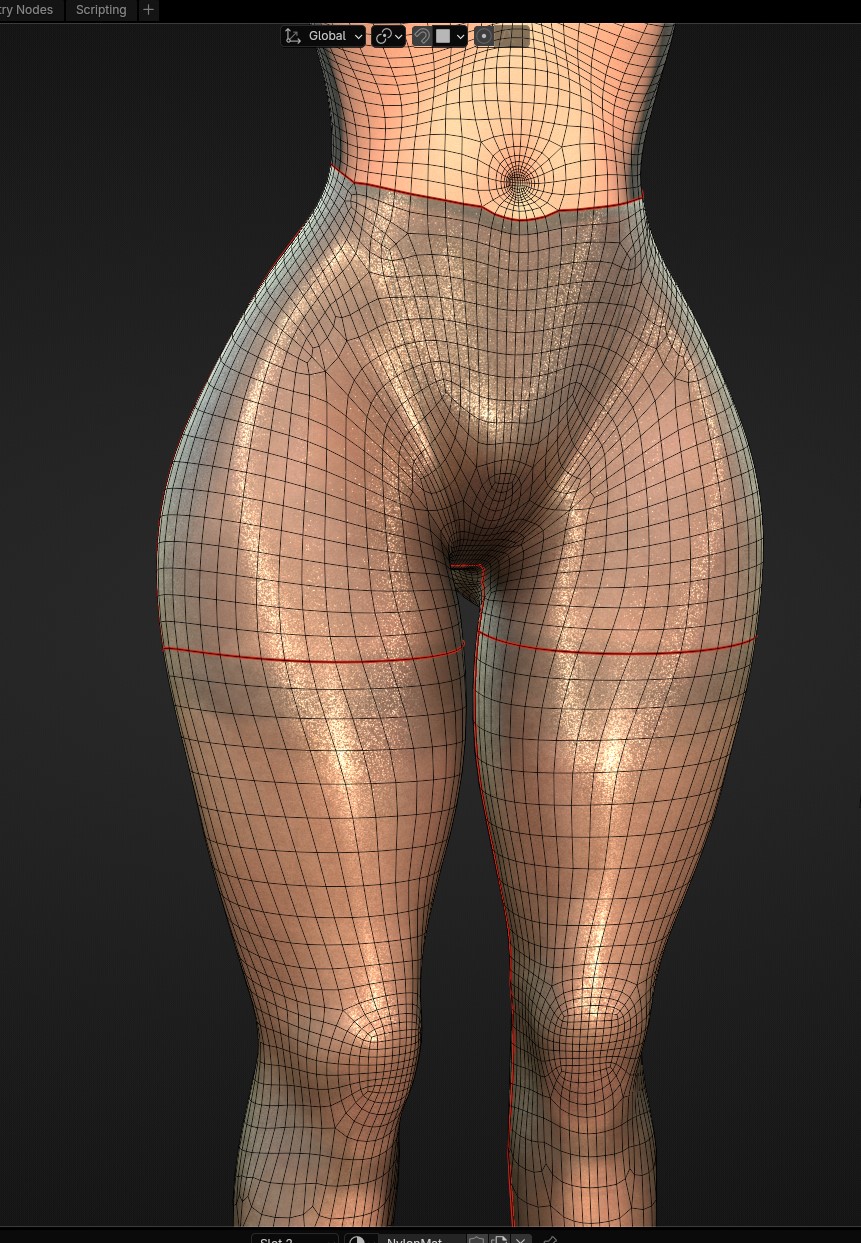
Topology isn’t great, but it’s basically my first model after 100+ hour of learning. It’s subdivided for more quality, split by seams for game engine and shading fixed by using custom normals.
Is it possible to bring closer visuals from Material Preview to Render?
My GPU is 7900GRE, i’m rendering at 7680*4320, using custom world shader with Sky Texture node and no compositor. I tried literally everything, EEVEE render looks little bit closer to preview, but still not the same and it’s not Cycles…
The material preview mode uses an HDRI background for preview purposes. This creates nice looking reflections, but isn’t present in the final render. Does your render use an HDRI in the world material?
Also, if you have light sources, reduce their radius to make the specular smaller.
No, there’s basically 1 mesh and a camera, Material Preview is using Scene Lights and World, source of light is Sky Texture in World Shader, nothing else, i made it extra simple for easier troubleshooting, but still nothing…
I think you rendered it with Cycle renderings.
The properties of Cycles produce results that are different from material previews.
I think it would be possible to render it similar to material preview in EEVEE rendering.
※ Material preview is similar to game engine and I understand it uses EEVEE. (There is also a difference between EEVEE renderin and material preview.)
And among the rendering options, Denoising might lose small details.
In addition, high sampling has the effect of reducing roughness.
※ In some cases, noise is intentionally added to rendering that is too clean.
Hi, yes, I’m using Cycles for Material Preview and Rendering, denoising is turned off, obviously. Samples lo/hi doesn’t affect Render that much, it’s either just Noise everywhere or everything smooth.
EEVEE looks little bit better but it still looses that distinct glossy line noise and lightning looks somewhat different.
My guess that bump map doesn’t affect final Render that much like it does in Material Preview.
Only viable option is Render Viewport, but it’s little bit cursed
The same results can be observed in the same lighting settings.
Because this is a preview, HDRI lighting is not the same as rendering.
※ This setting only exists in previews and is different from rendering settings.
You need to check the Lighting to see the rendering in the same way as the lighting set in the scene.
I’m sorry if i wasn’t clear. I want my Renders (not Viewport) to be like in a Viewport, maybe with compositor or any other way. My goal is to get the same material look and texture, noisy, glossy and sharp, preferably in Cycles. I know that HDRI are different, but even if i make custom world shader with exact HDRI the result is different.
I don’t know if it’s possible with Cycles.
This should be checked by testing and may require several tricks.
If a test file is provided, it can be tested by those interested in this problem, but it is difficult to solve by estimation. (Attachable capacity is 5mb)
This is replicating the same results with a completely different rendering engine.
The problem is that you are relying on low samples to create the effect. That cannot be used in a final render. Maybe you need to use an other method to generate a glitter effect on purpose.
Here is a scene where I attempted to do just that. It’s based on a node group I built, using info from the Internet, that adds glitter to a material.
Hi, thank you. I’m about to lose my mind… i thought that preview and render uses my own “world” shader as it impacts both modes lightning and visuals…
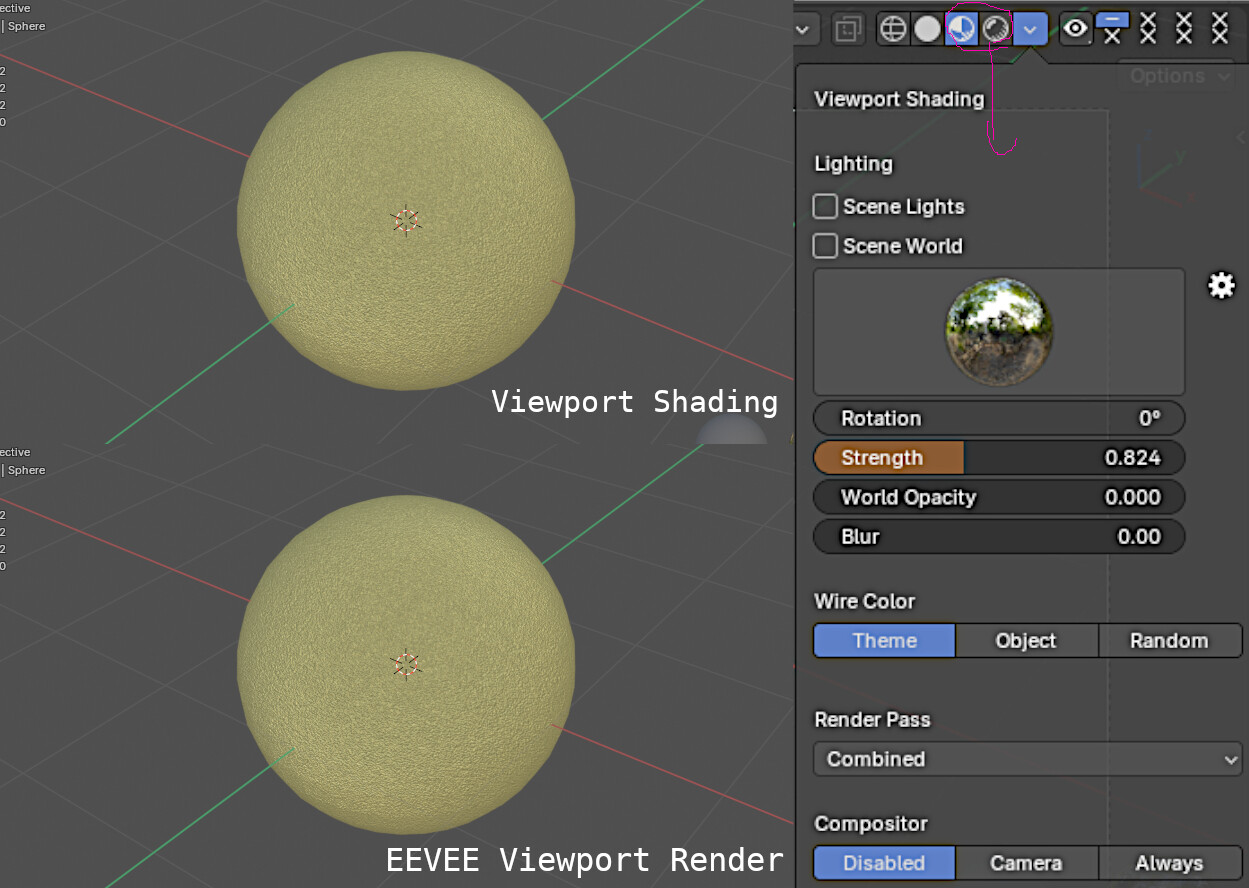
I used environment texture both in World shading and Viewport shading and result is much better! Render still loses some noise tho, even in low sample rate.
Yes, but this demands the whole shader be metallic. Your render looks more like translucent fabric with some glitter on it, which is what I was trying to reproduce. My setup adds a little bit of glitter over any shader without overriding it with metallic.
Same texture coordinate, Blur only affects Viewport and it’s barely noticeable.
I’ll try to play with compositor to add some noise to highlights, but i’m already pleased with the result.
The material node of the blender does not have the ability to set Blur.
Even to me, the two images look almost identical.
The slight difference seen in the two images can also be thought of as the effect Blur has on the gloss.