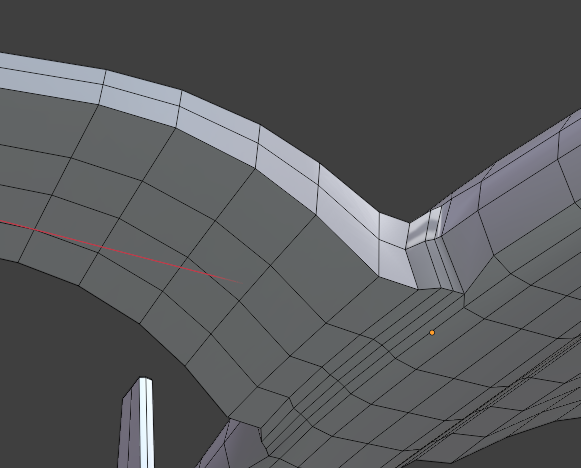
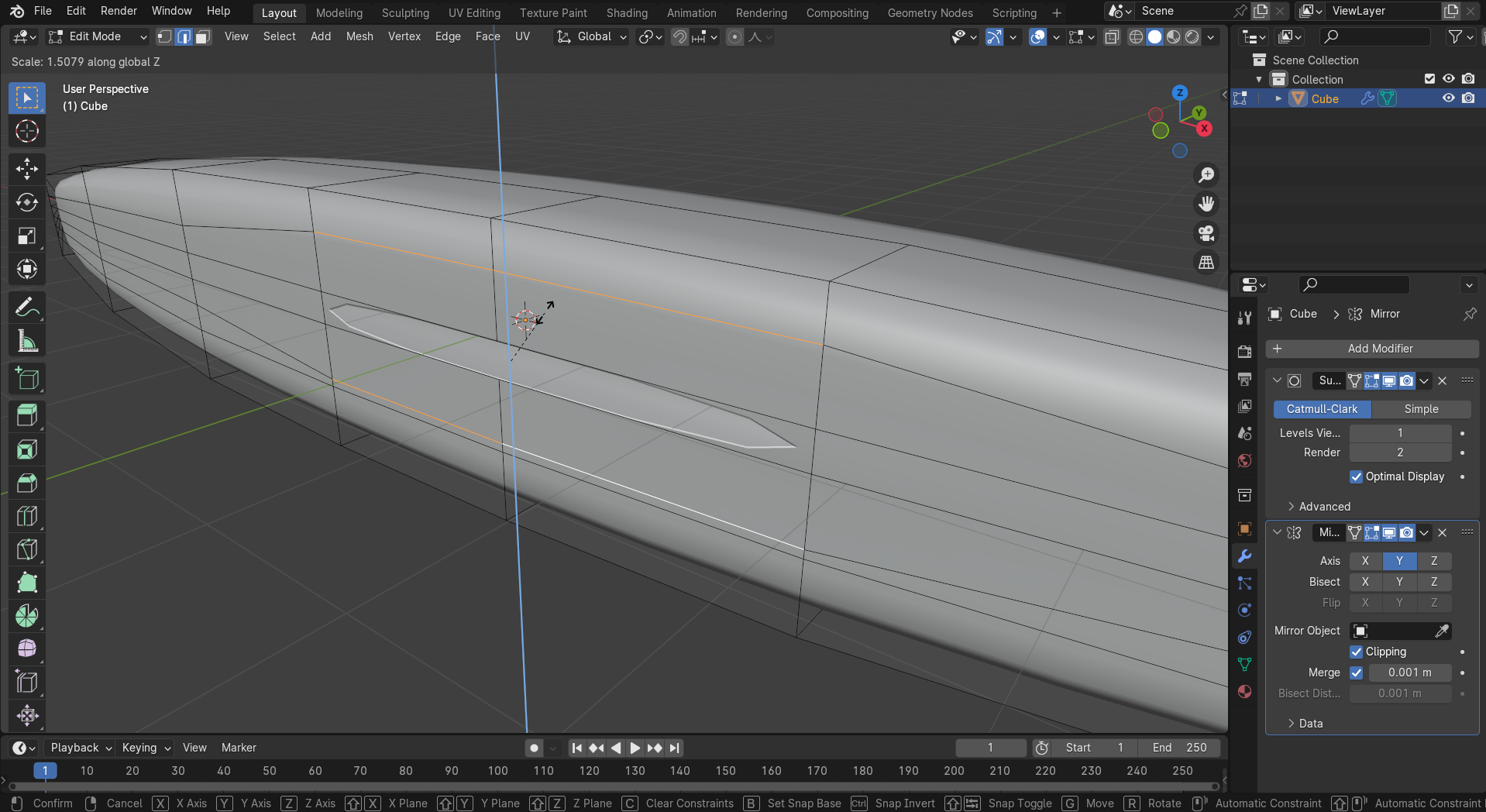
so when you bevel the edge it is not blending, or smooth
im not sure i fully understand the issue, if you scale on the Z axes and leave room for the bevel to extend it will blend better, and if you can tweak the topology a bit maybe you can extend it more, the results might not be the same, i use the subdivision modifier, it make’s pretty smooth hard surface models and speed’s things up!
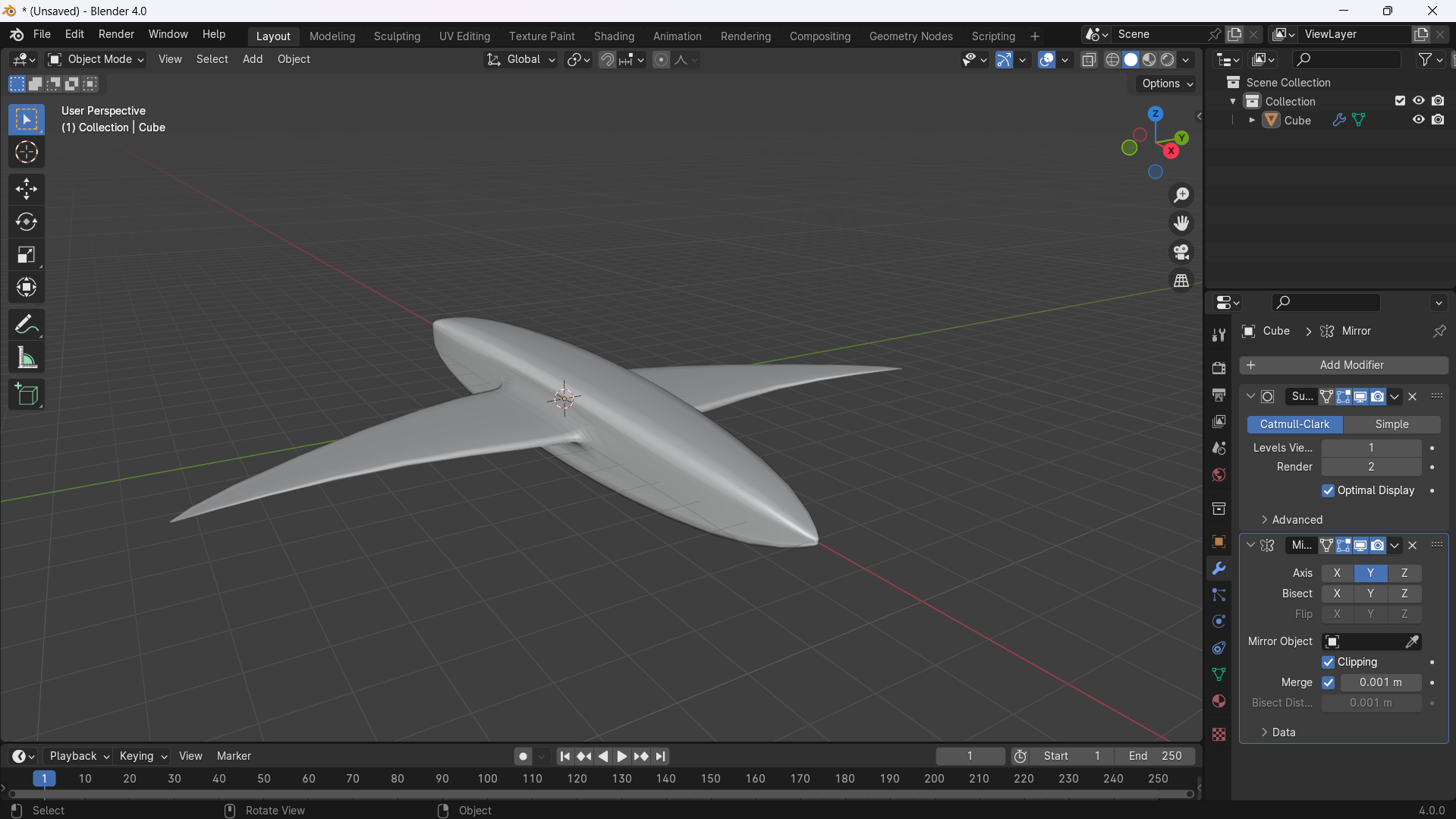
…but i did not yet get the more rounded triangle cross section or “pronounced” edge between top and bottom hull here nor the engine narcelles or elevator
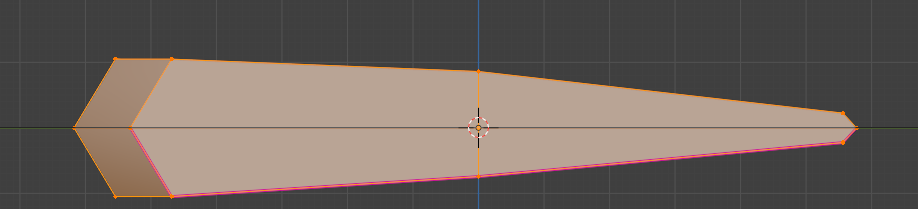
You seems to have used a lot of vertices in the crosssection. First one has to concentrate on the general form… blend file did id saved this ?? Wait a sec…
This is without ref images… they were also not very good; almost the first i found and not “matching” very well ← that’s also a reason why using lots of more images to “see” the details when going to enhance the model in the next steps. So only “the first stage of modeling” to get the proper flow of lines and also missing part as mentioned
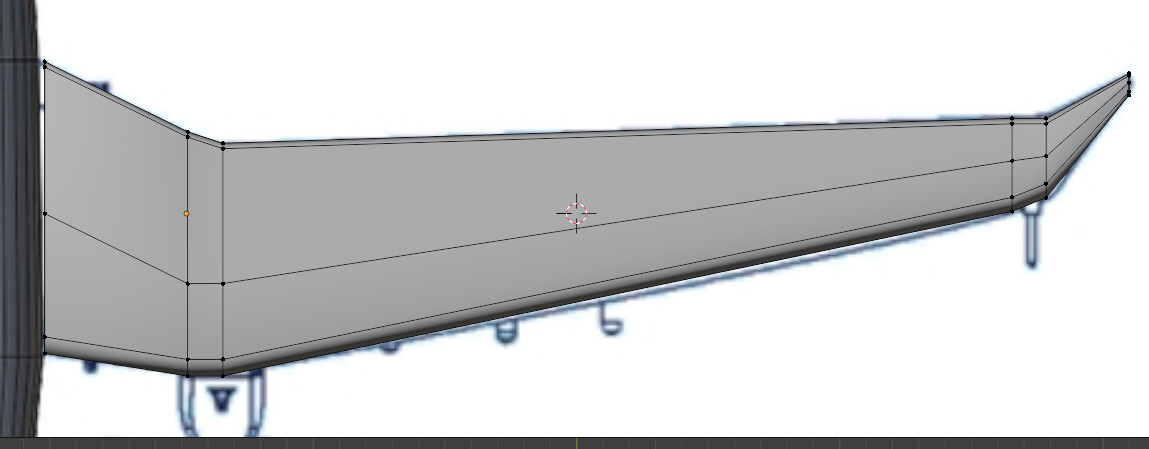
That’s “the problem”… too much in the crossection ; not enough at the wing profile. It “simply” takes some time to make some experience with such kind of modeling…
Just remember how long you needed to learn to read or write… nothing “just works” because one has seen something similar…
Every great painting started with the first stroke, every great statue started with the first hit of some chisel, every sculpture started with the first fist of clay.
But they wasn’t finished after some minutes or hours…
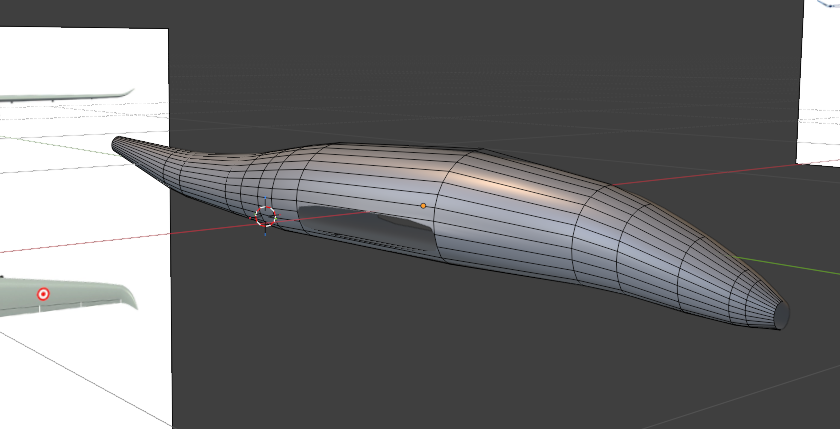

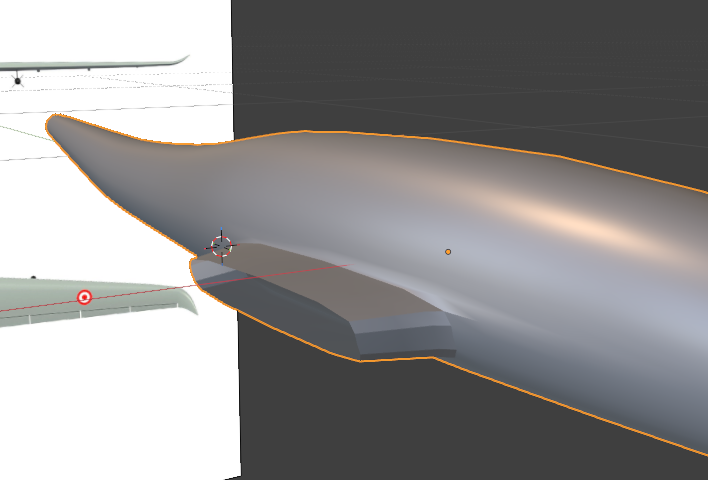
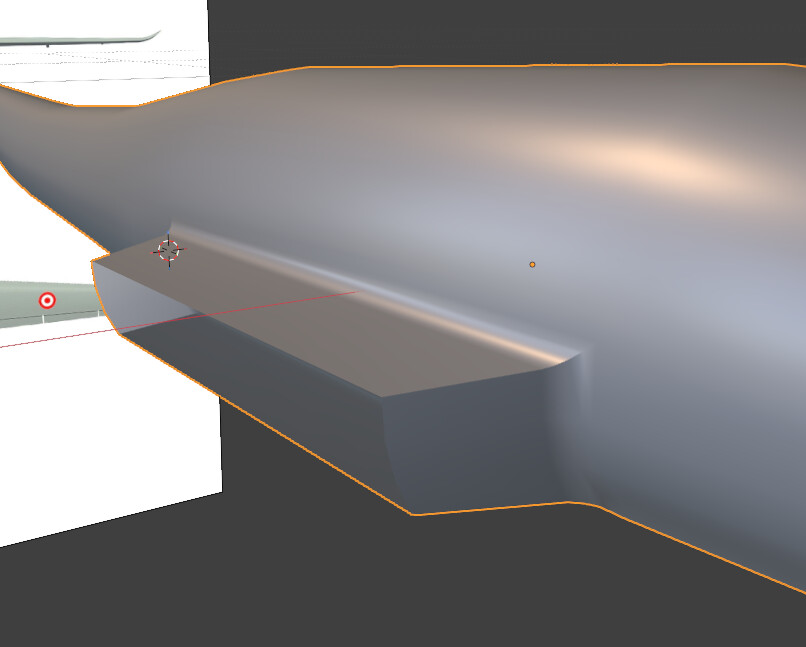





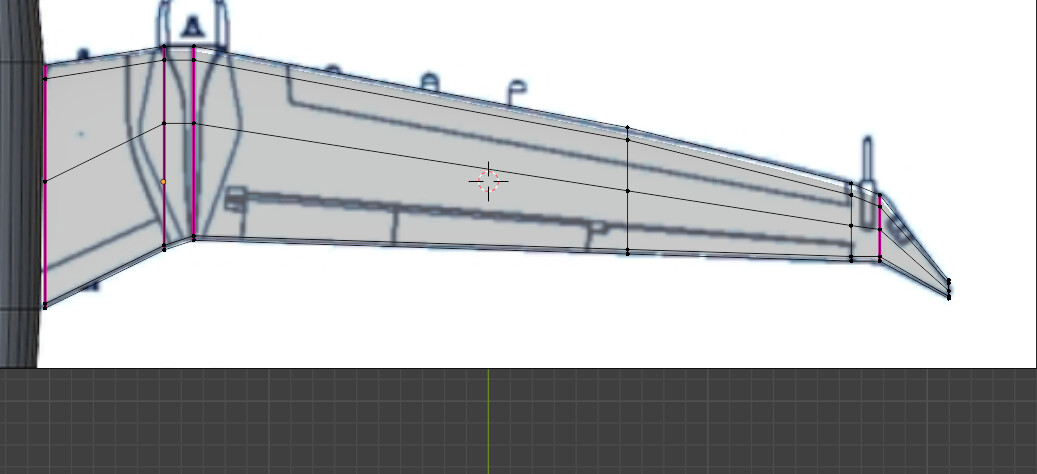
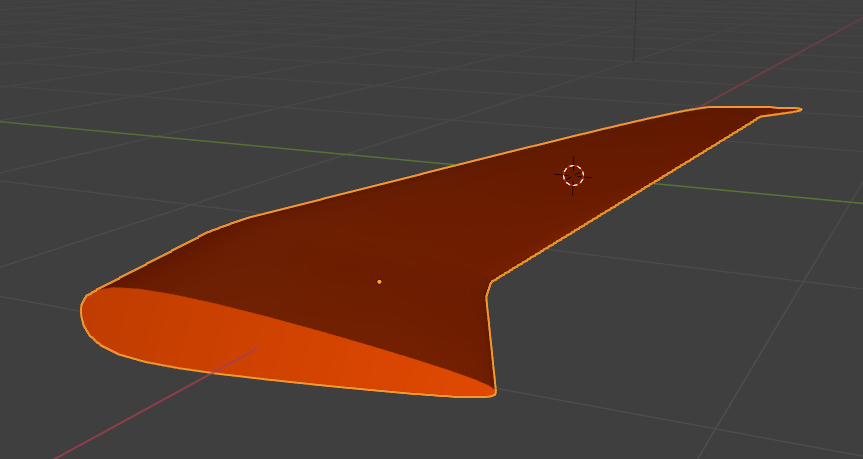


 nor the engine narcelles or elevator
 did id saved this ?? Wait a sec…