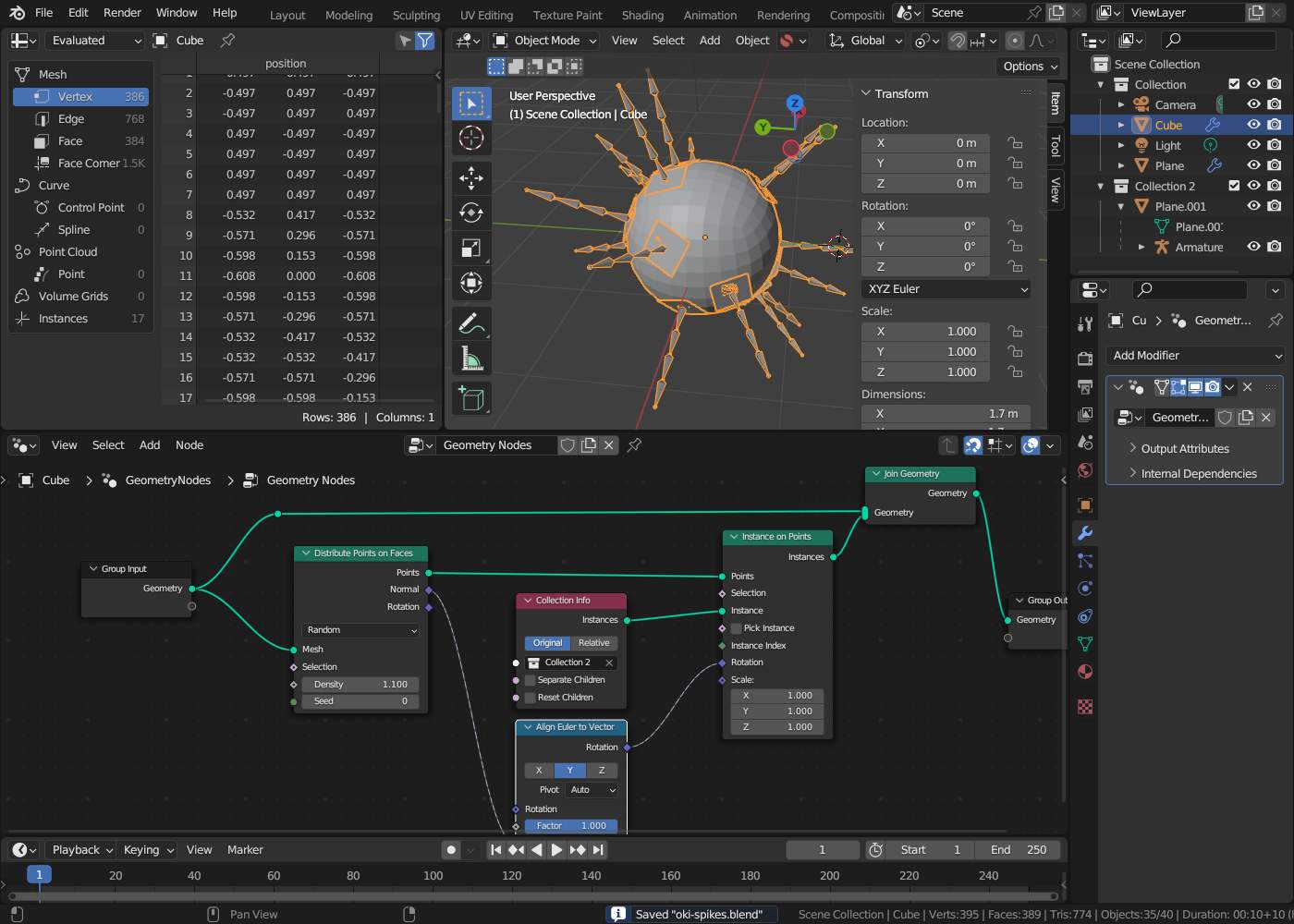
I actually considered myself an advanced user, but I guess I was wrong. My question is essentially illustrated in the images. Thanks for your replies.
Regards, Michael
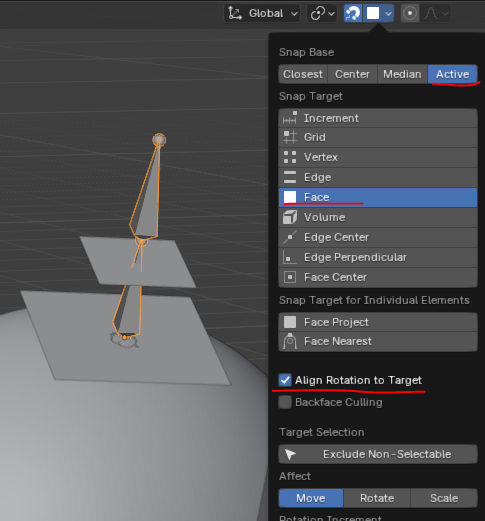
Using Snapping to Face with “Align Rotation to Target” option will rotate object’s Z-axis to face normal
But is it possible without “Geometry Nodes”? I just want to copy it onto the “RoundCube” a few times. It’s supposed to turn into a sort of spider.
I tried everything … it doesn’t work
If I use Snapping to Face with “Align Rotation to Target” it looks like this
I tried everything, really!
Forum.blend (197.2 KB)
It does work: remember, as I mentioned above, it’s aligning object’s Z-axis to the normal.
You either need to rotate and apply your “leg” objects to Z-axis (so they are pointing up) and then snap.
Or rotate the object 90 degrees on local X-axis after snapping it to surface
I owe you a huge debt of gratitude.
I keep getting the axes mixed up.
In my mind, I still picture x as horizontal, y as vertical, and z as extending into the depth.
If I use Snapping to Face with “Align Rotation to Target” it looks like this
That will work if you apply the subdivision modifier on the cube. It’s snapping to the pre-modified version.
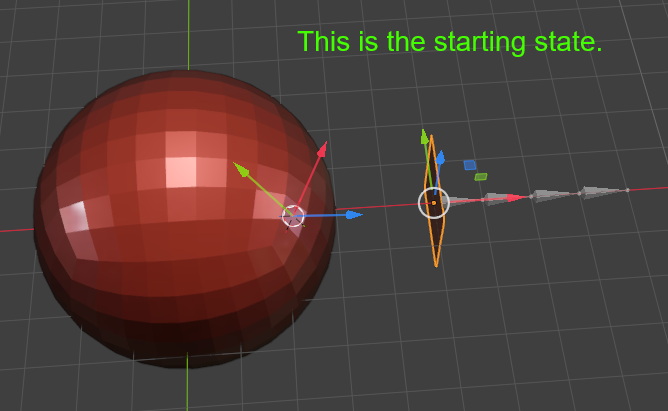
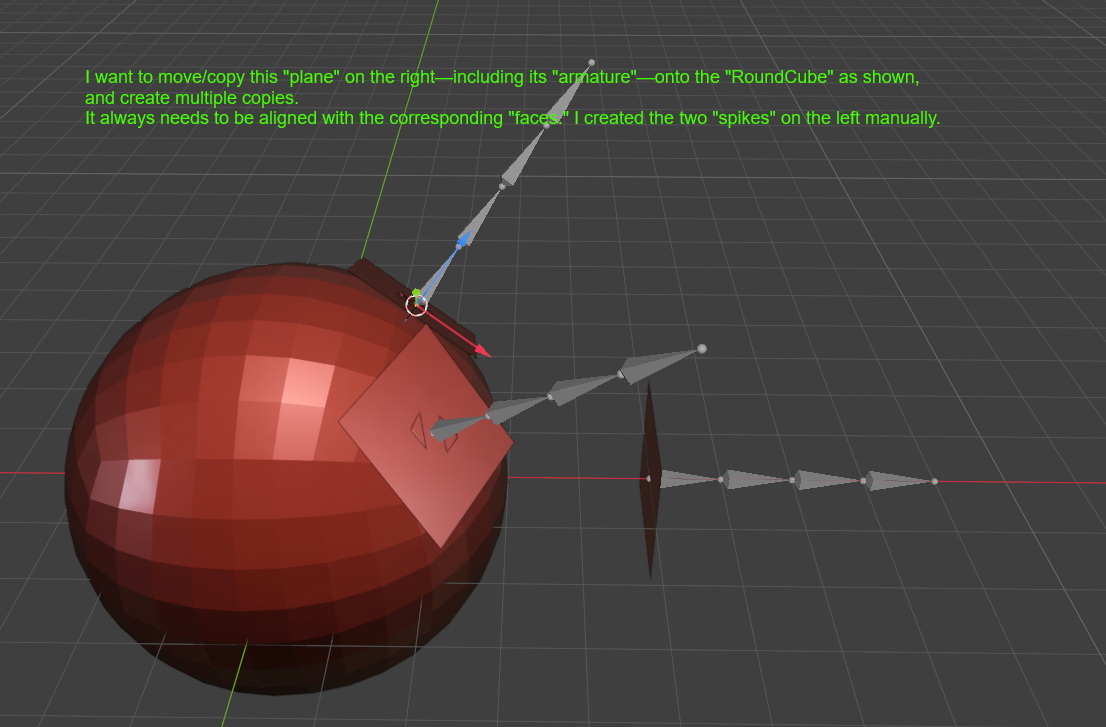
 something like this ?? (It’s alwasy better to work on some blend file..
  ):
):