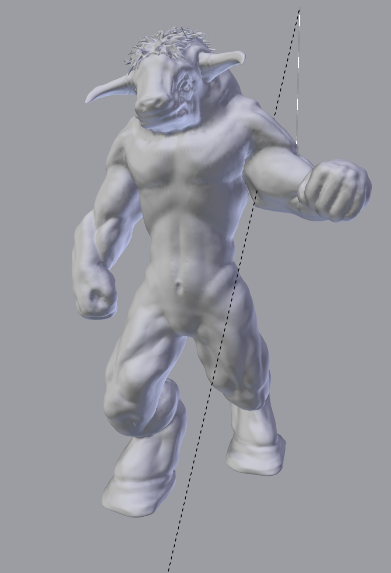
I found a way of posing high poly sculpts, using mesh deform modif.
Im not the inventor of this (lol) Im just the reminder, It is not a new method.
You basically ‘rig’ the high poly sculpt with a low poly mesh that covers the sculpt. It is quite typical for advanced rigging and its called "skinning" ( I think). I cant tell you more than that because rigging is not my strong point but anyway.
So, I break this into several parts:
- Model the low poly mesh until is looks something like this: (here is a good tutorial from blendercookie that tells you how to do it right)
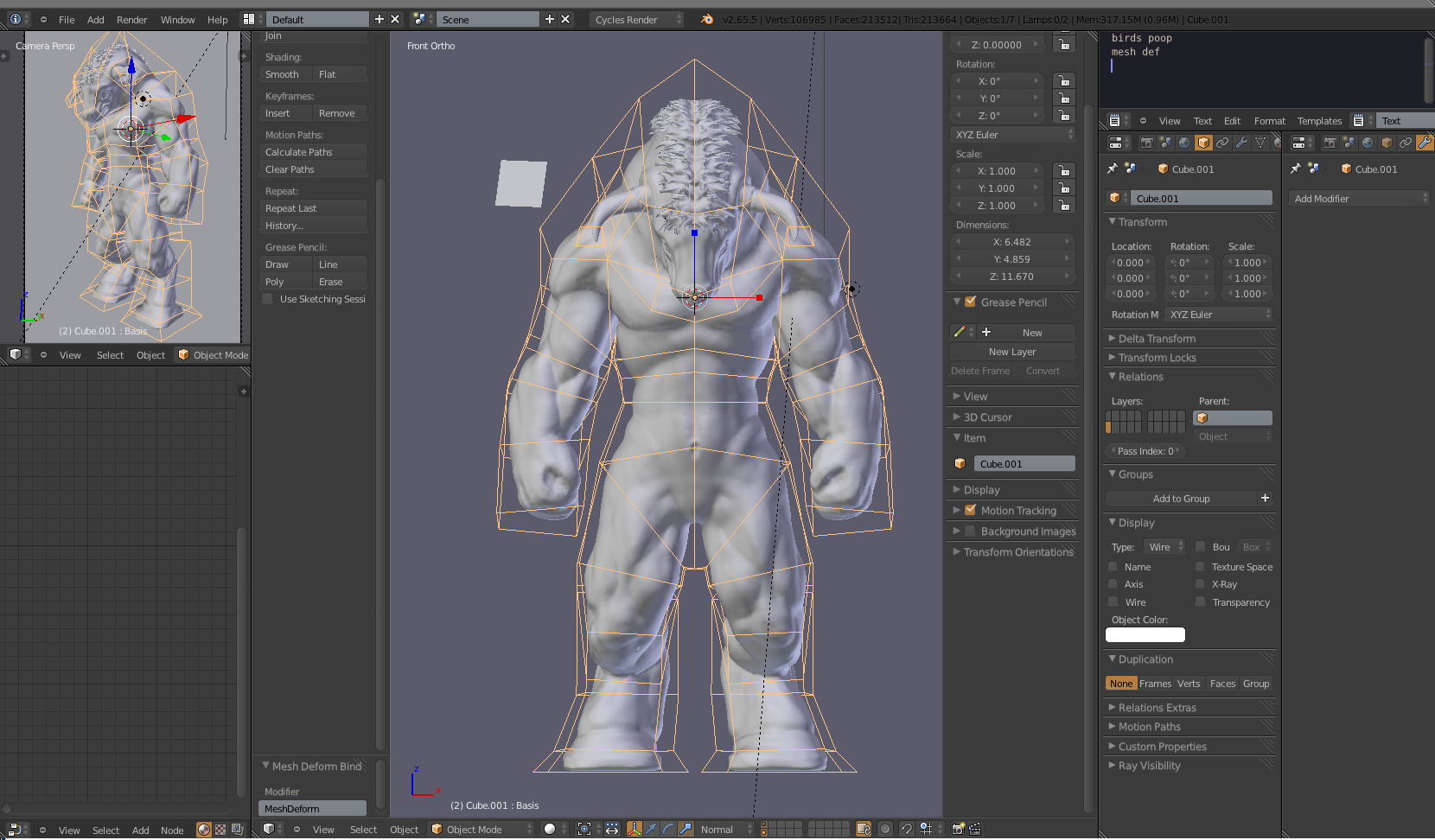
-
(Optional) Rig the low poly mesh. You can pose the model without a rig but it depends on you.
-
Add a mesh deform modif to the high poly sculpt.
-
Set the ‘Object’ to your low poly mesh.
-
Set the steps to whatever you want. I suggest not to go over 7 or 8.
-
Bind.
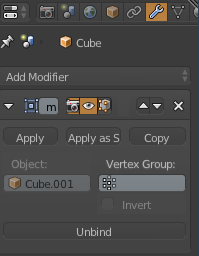
- Pose.
Enjoy. 
I tested this on 200k poly and it work well maybe if you get over 500k it may get a bit laggy depends on your pc.
Here is mine pose with no additional sculpting.