Hello,
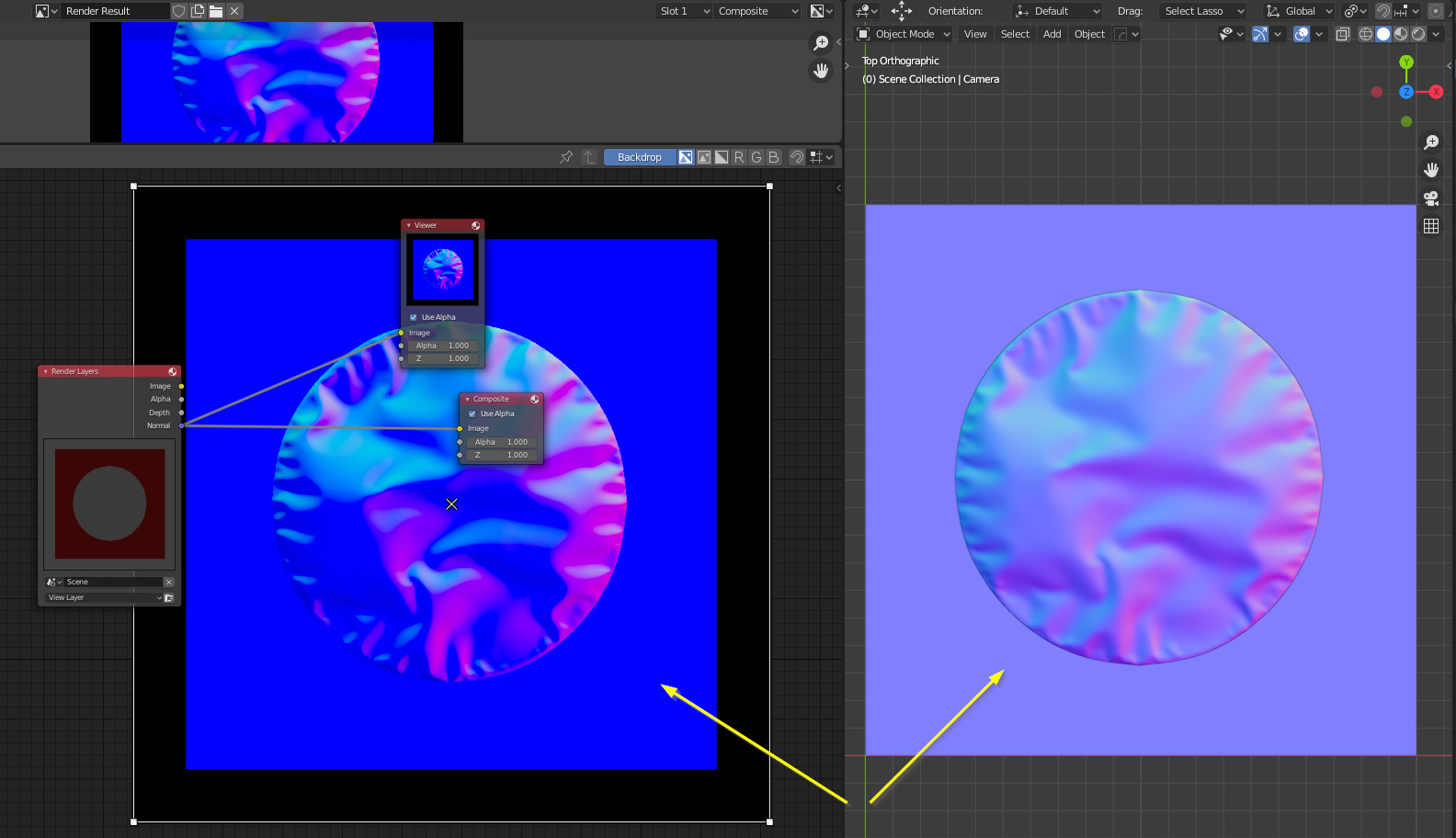
How to render Normal Map (for Unity) in EEVEE?
I attached a screenshot and my blend file(2.83).
tmp.blend (2.1 MB)
Hello,
How to render Normal Map (for Unity) in EEVEE?
I attached a screenshot and my blend file(2.83).
tmp.blend (2.1 MB)
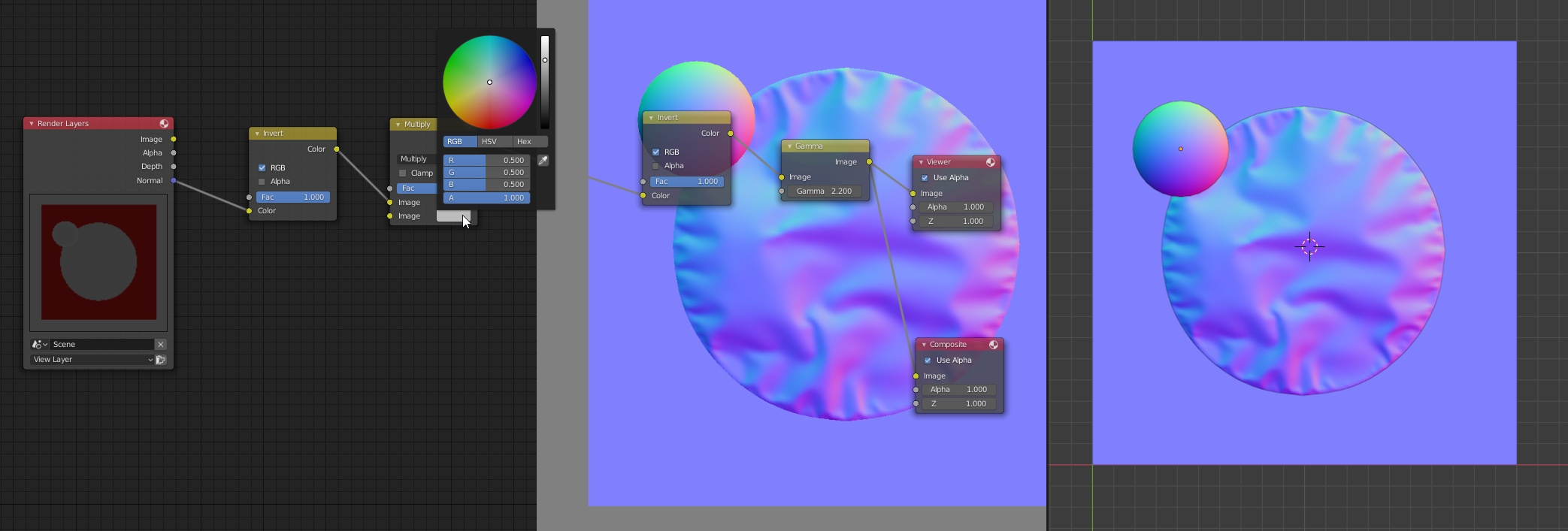
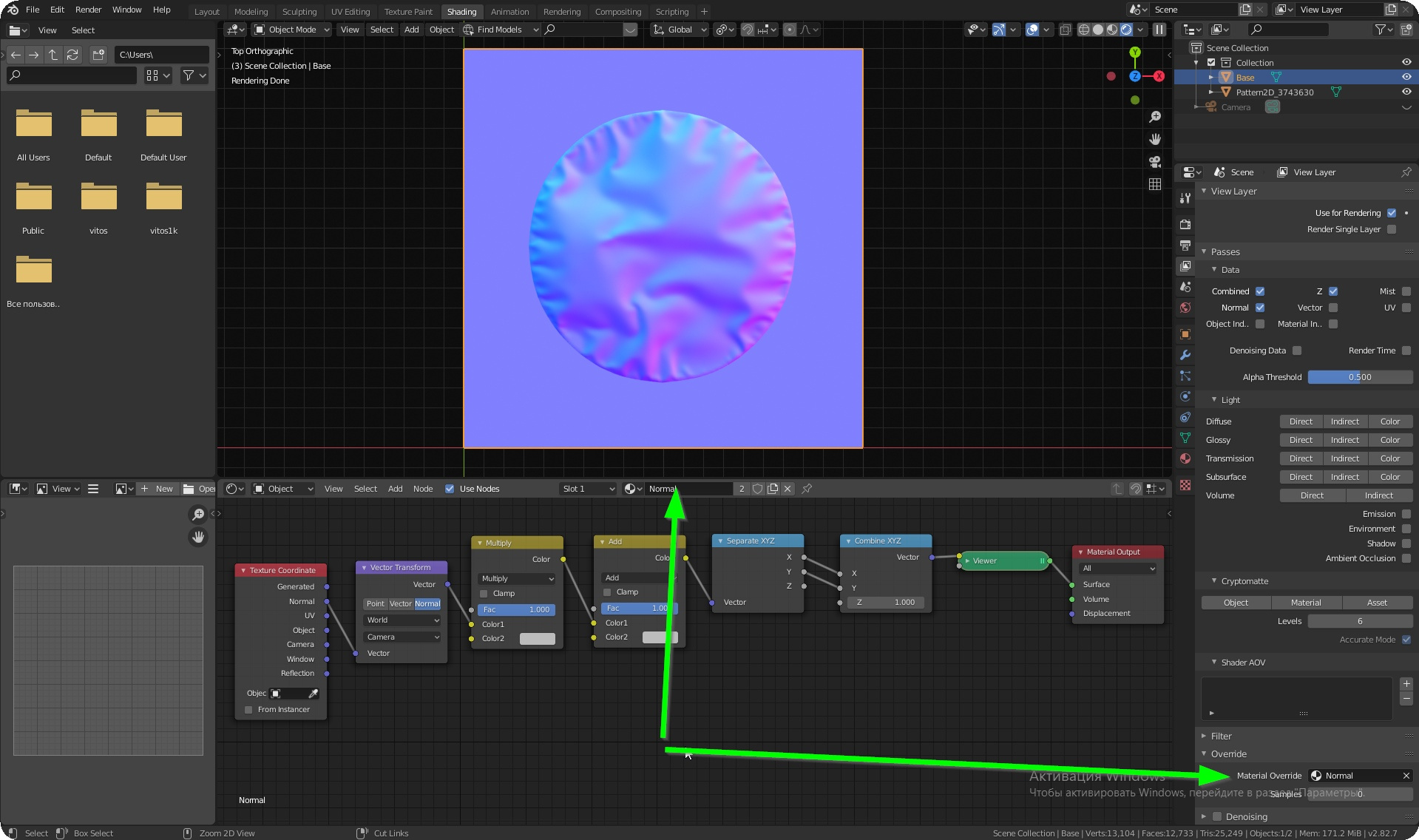
I have found the way from the video: https://www.youtube.com/watch?v=84PCO5R2uPo
tmp4.blend (2.1 MB)
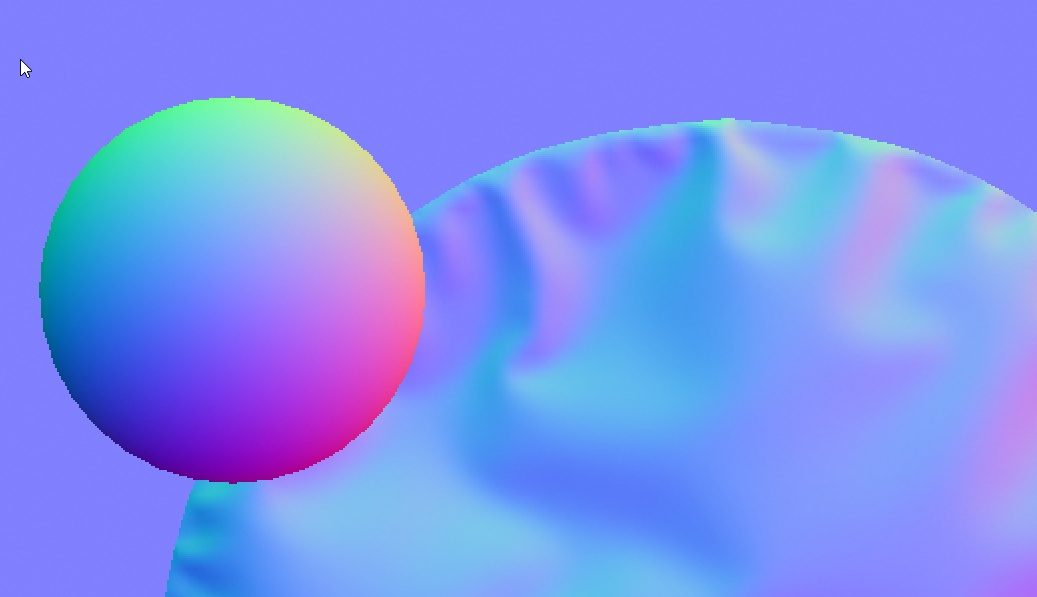
But there is no antialiasing in the normal pass. It’s useless for me.