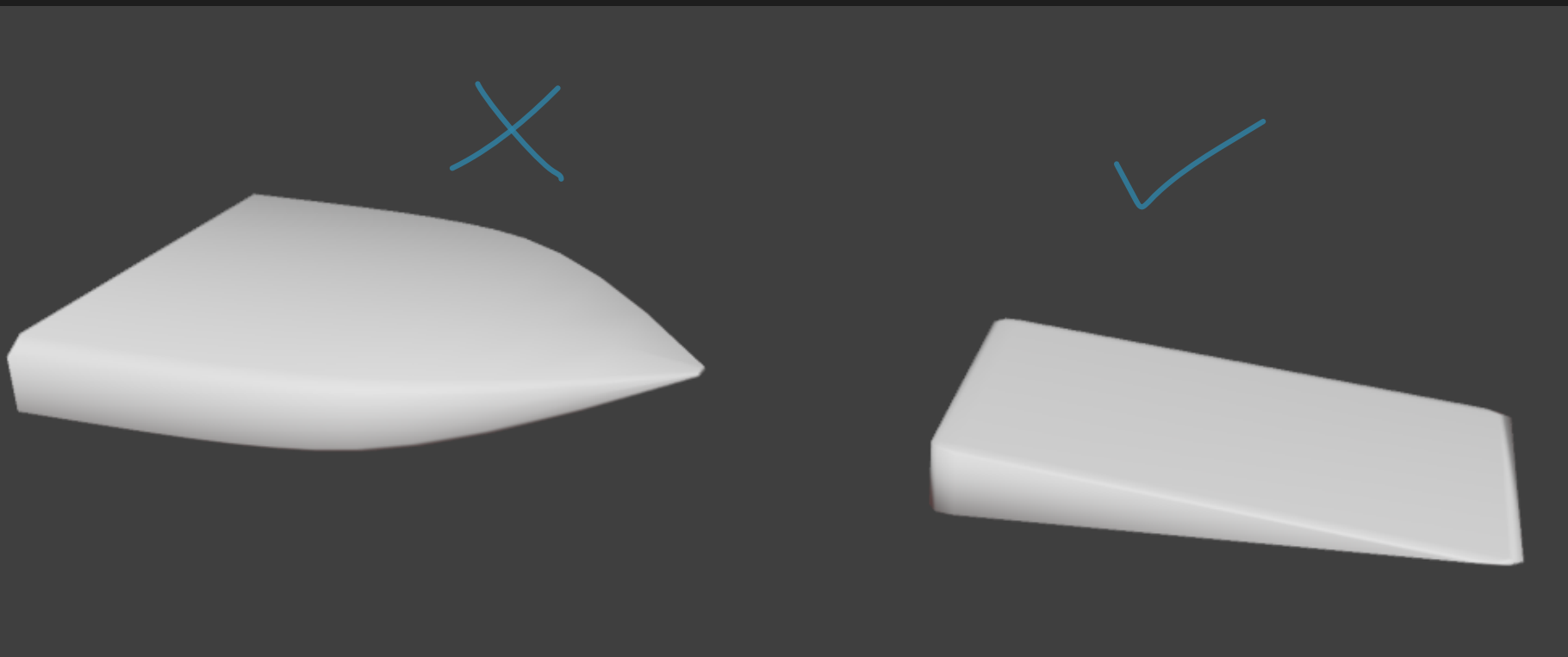
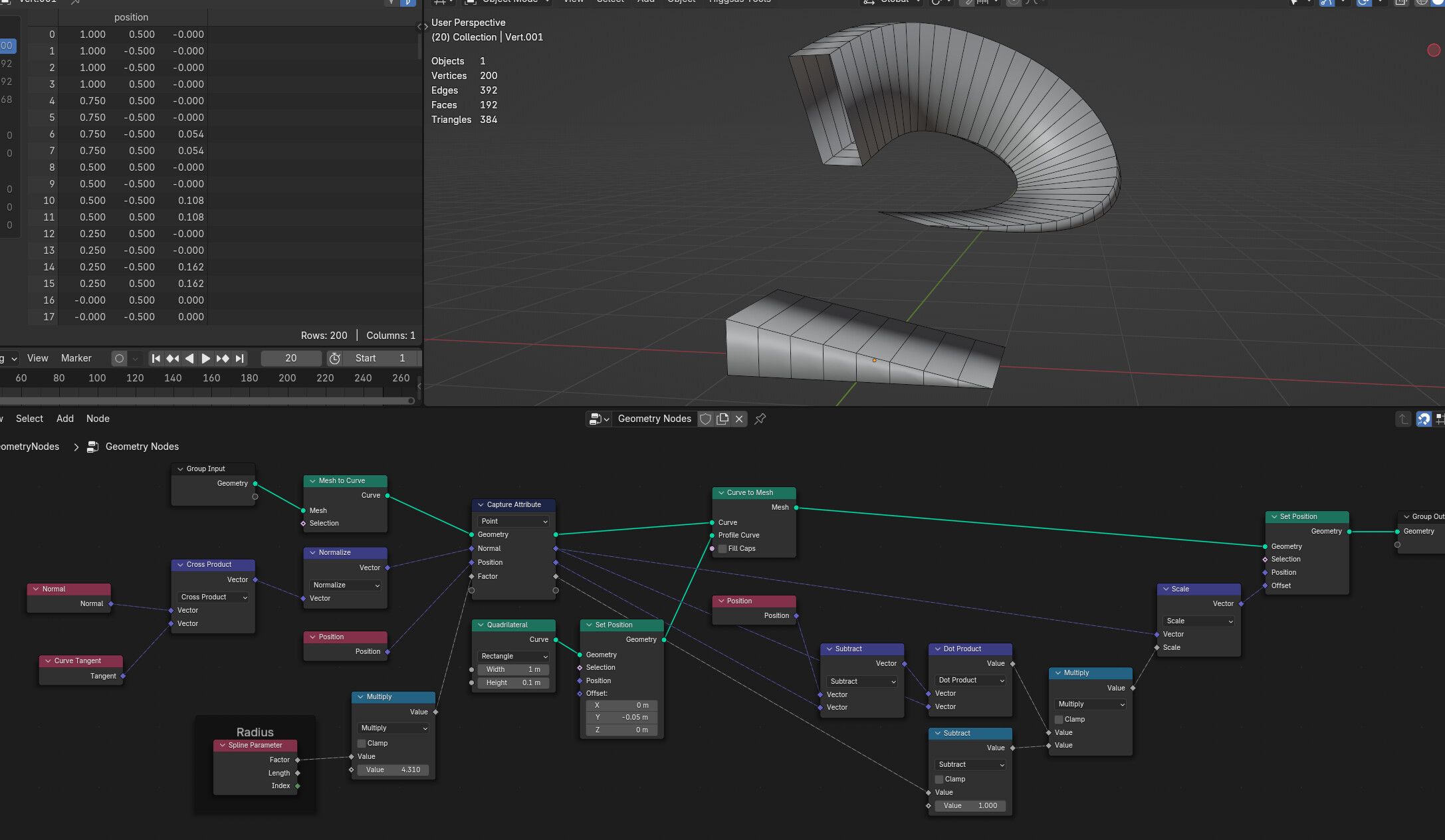
I would like to ask how I can scale the profile of my curve on specific axis. For example for some curves I want the tip to have a bigger X scale than the root. But I can only find articles to change the RADIUS along the curve. Please show me how to get a workaround for the radius input!
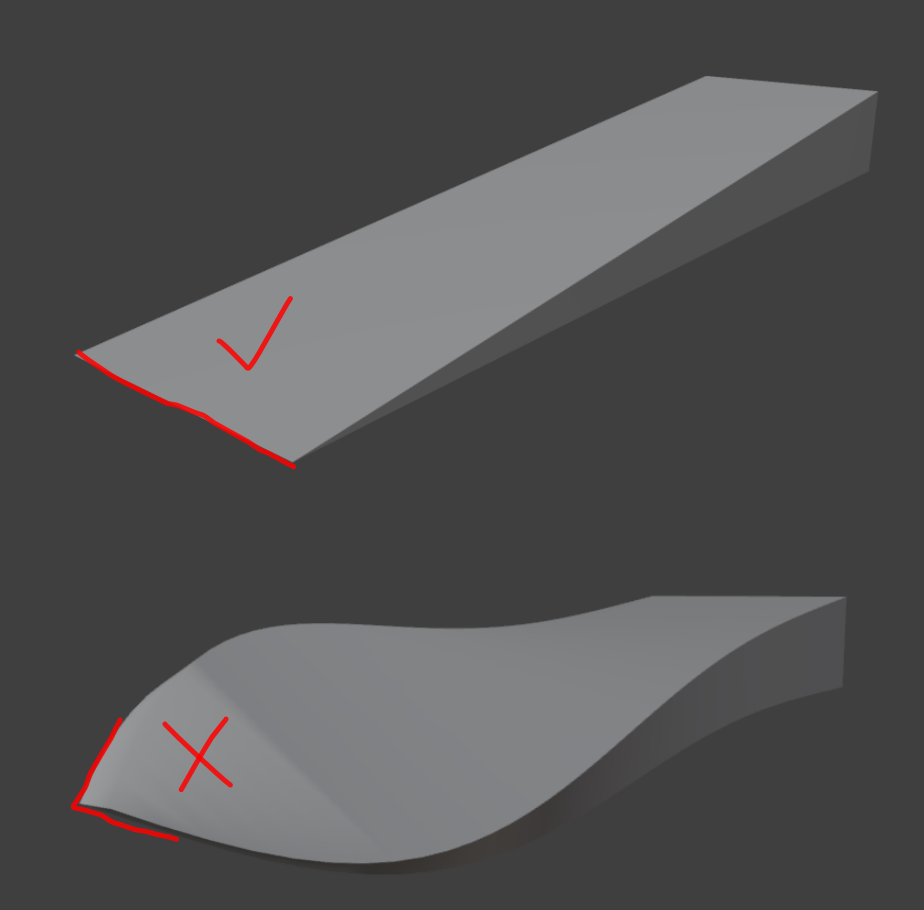
Ok I tried it now and everything works perfectly. I use curves for my workflow so when I tilt a point the curves geometry squashes at the tip. Is this fixable?