I’m playing with an idea of having Blender generate game levels on a fly while my hypothetical game would be running. For example, while playing the game, some CPU cores could be spared on generating nearby area of 1 square km in the direction your mission objective is placed. But because the game would allow you to literally travel on the other side of the planet, these areas would have to be generated and unloaded as you go. With only minimal LODs being visible otherwise.
Is there a way to throttle Blender to use only half of CPU cores available?
Think of Lorville, but planet sized. I understand some could argue to have some Unreal algorithm to work with many instances etc., but I’d really like to experiment with something more advanced, like actually generated and complex buildings, interiors, roads, highways and even missions, street names (based on the area and positions of signs) and whole lot more. Instances are of course important and have their place in this, but they can’t replace everything.
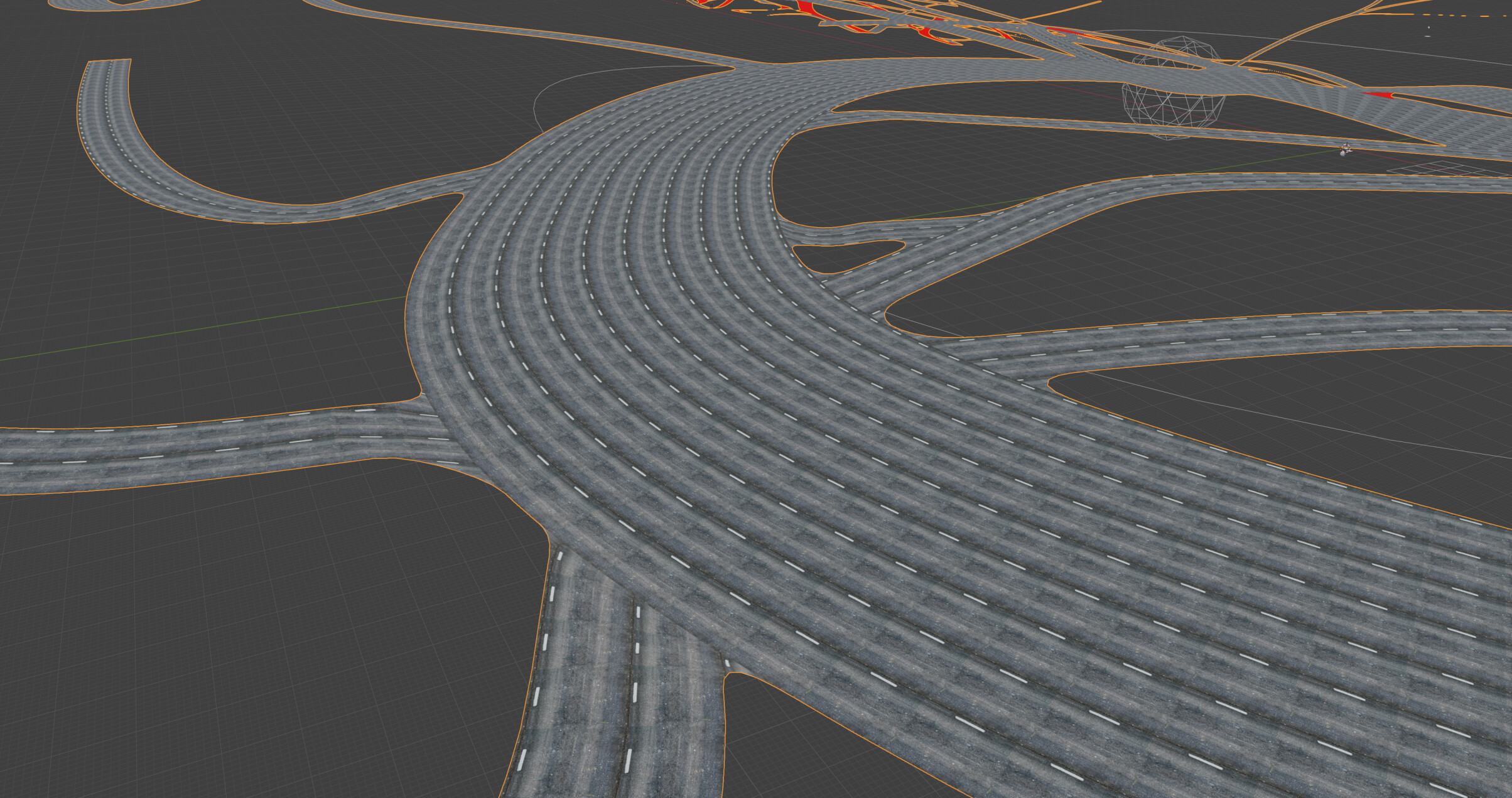
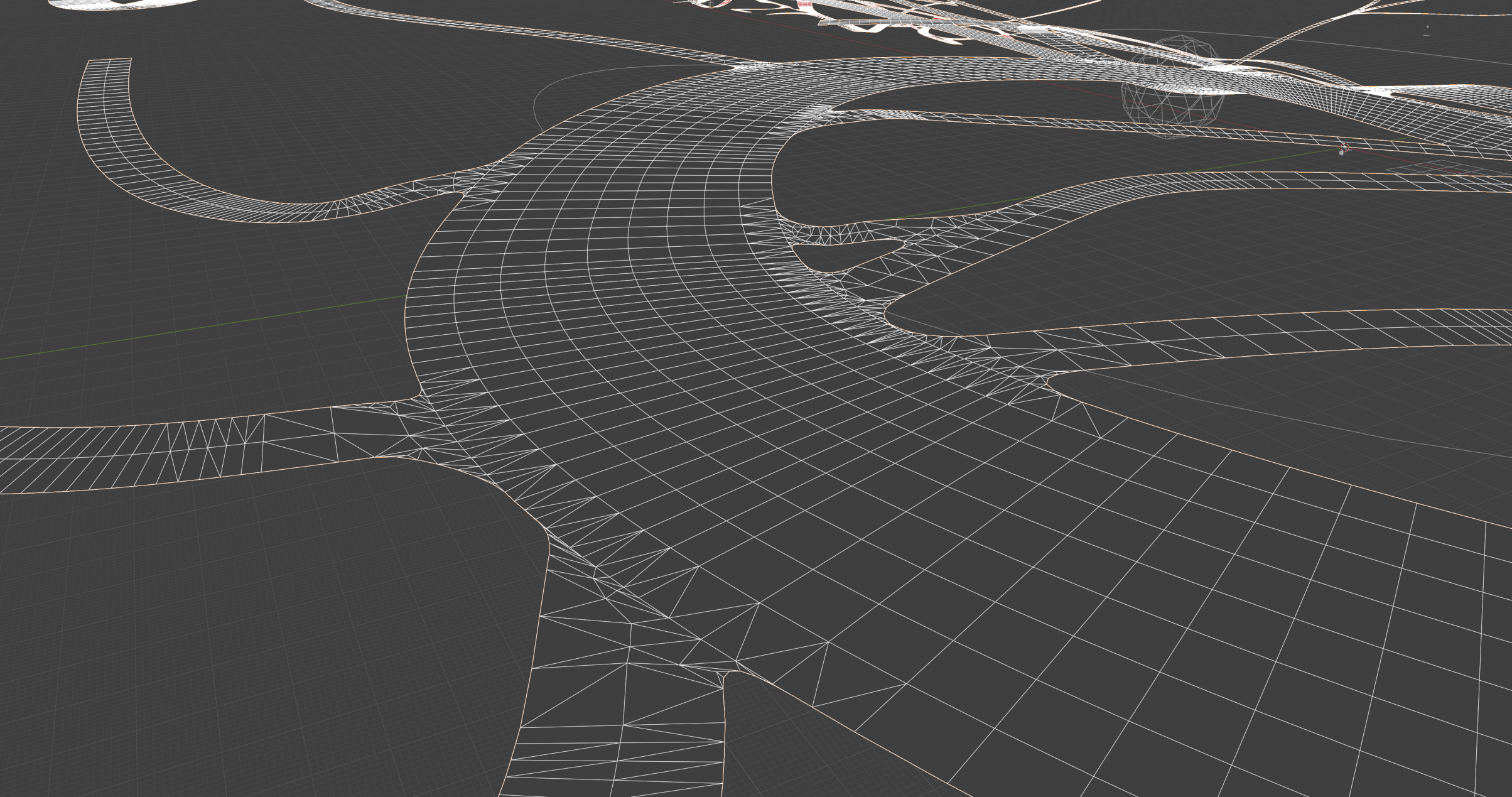
For example, I can’t make pretty and varied intersections with instances (ignore untouched UVs below). Especially on randomly generated streets with lots of complex turns, exits etc. And then there’s of course question of a good topology for rendering, physics and navmesh.
We burn so much electricity for pretty graphics, but why not fully utilize CPUs to make something unique in gaming for a change?