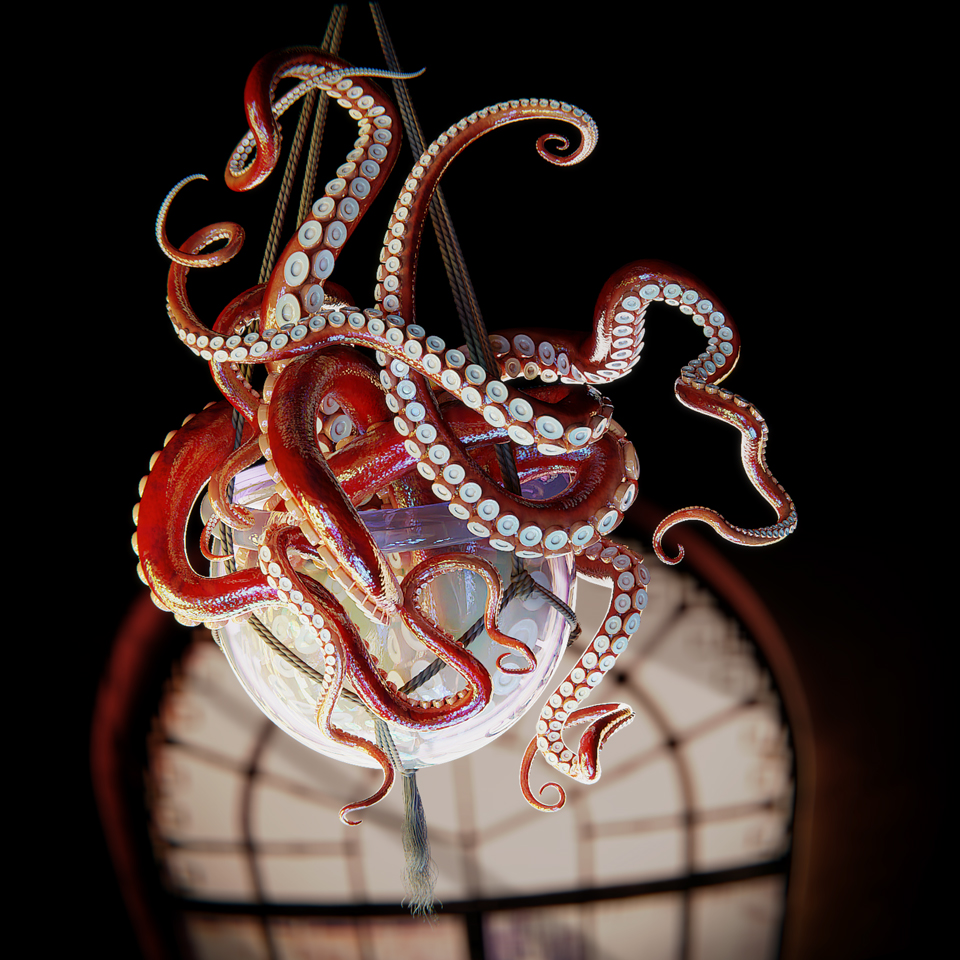
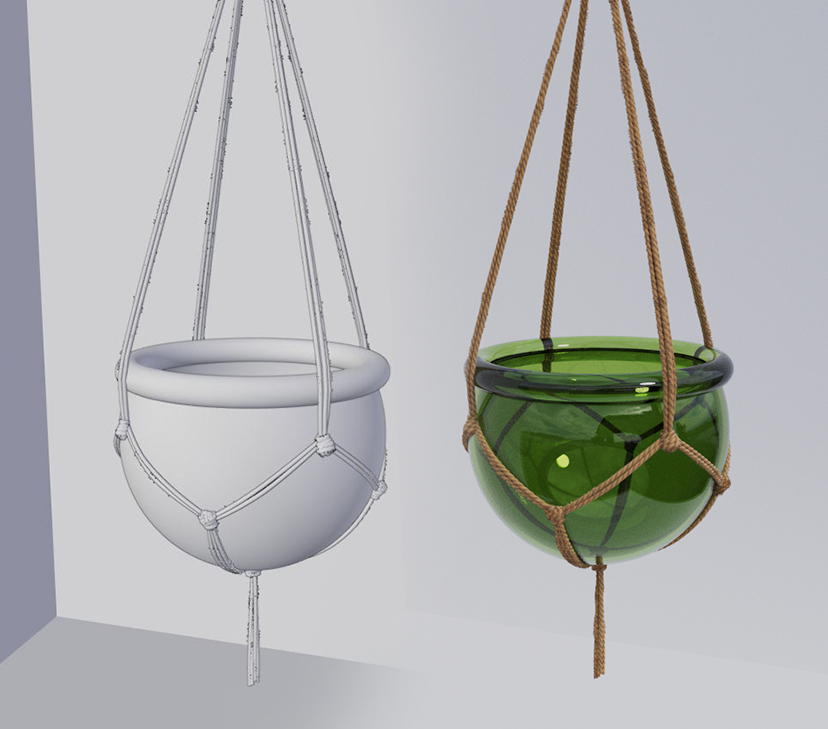
Here’s an image I made: I wanted to make something like a hanging basket, with an octopus in it. I had immense fun working on the tentacles and a system to pose those - finally settling on a simple curve modifier. The trick is to make the curve longer than the model, then the thing really ‘flows’ nicely, and you can get typographic with it.
Same trick for the twine: mesh with curve modifier! Snap bezier points to surface of glass bowl and fine tune. I tried a few approaches but this worked for me in the end. Alternative was to shrink wrap a mesh over the bowl and then use skin modifier to give it ‘depth’ - my issue there was uv repeating for the twine texture. I’m sure there’s a solution, but I bailed and went for the curves.
The suction cups could have a slightly slimier look to them, but the most impressive part is definitely the technique employed here. The idea of using curves really worked out well.
Cool tentacles, I’ve been working on something with tentacles found the same solution with the curves.
How did you handle the topology of the suckers or did you use displacement to create the geometry?
Key points: use an ‘empty’ to offset an array modifier - this affects the tentacle ‘body’ and ‘suckers’ both. It’s both translated in Z and scaled, to taper the tentacle to a point. The curve modifier comes in last, and does what it does!
End capped: that’s right. Merge distance has to take into account the ‘small end’, mainly, so that doesn’t turn to vertex mush. For my rendered model I ‘applied’ the array modifiers and tweaked some bits before going on to texture it (e.g. ‘tidy’ the end, use sculpt tools to give some variety to the suckers going up the length).
At first I thought this was weird and creepy. Now I like it! Great tip about the curves needing to be longer than the model. I always have such trouble with curves!