I have a Volumetric Cube in my scene and I can see it through the object in front of it. How can I fix it?
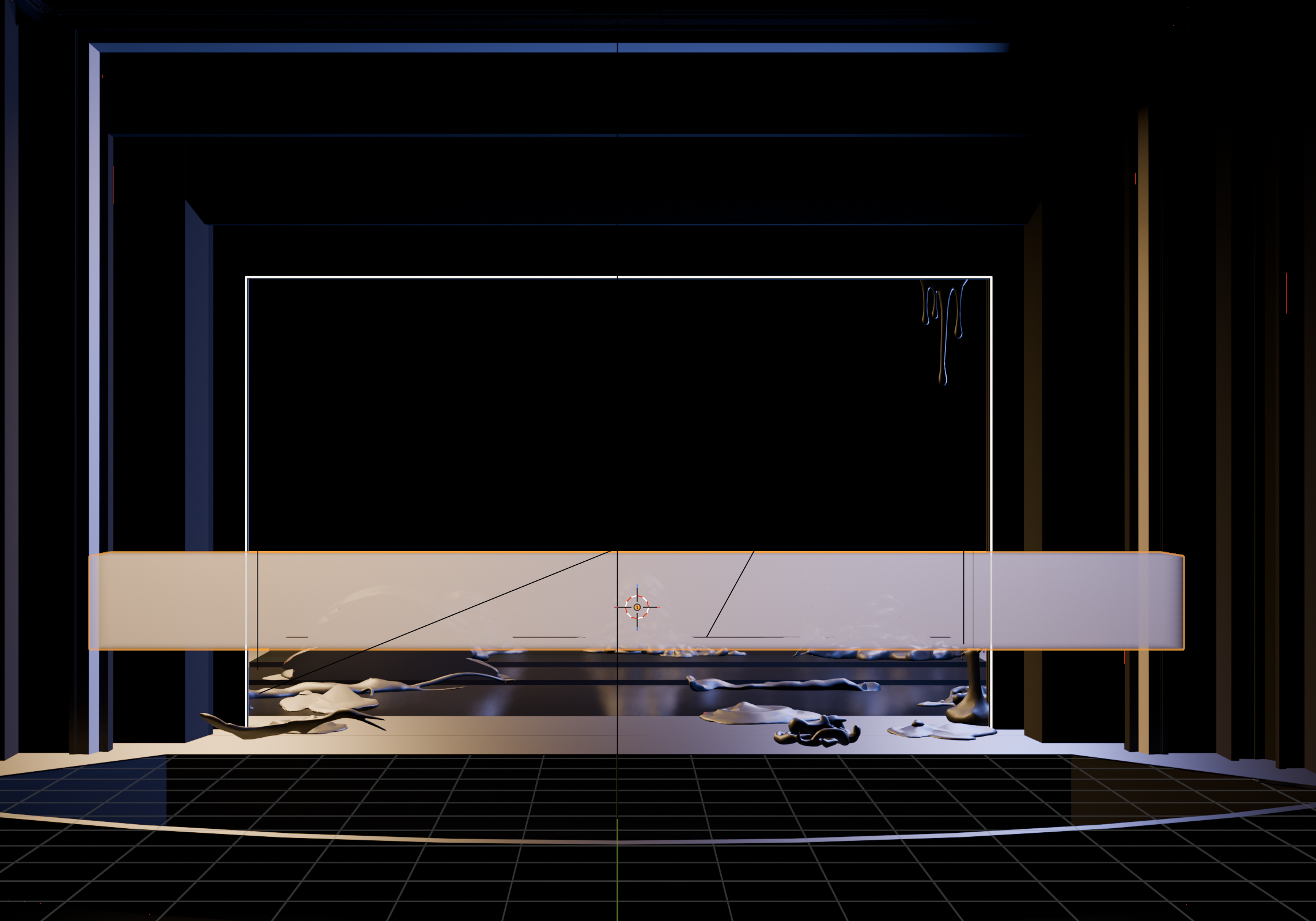
Hi, can you show a screenshot of the scene from the top view.

yes I marked the volumetric cube and also signed the point of view. I have no Idea why this happened now 
Thank you very much
Check that all the objects in the outliner are visible in viewport.
i couldn’t replicate this. I wander if you have duplicated object that is hidden from viwport?
It does exactly the same for me as for the OP  In Eevee, 4.2.2. I couldn’t fix it… This is a mystery.
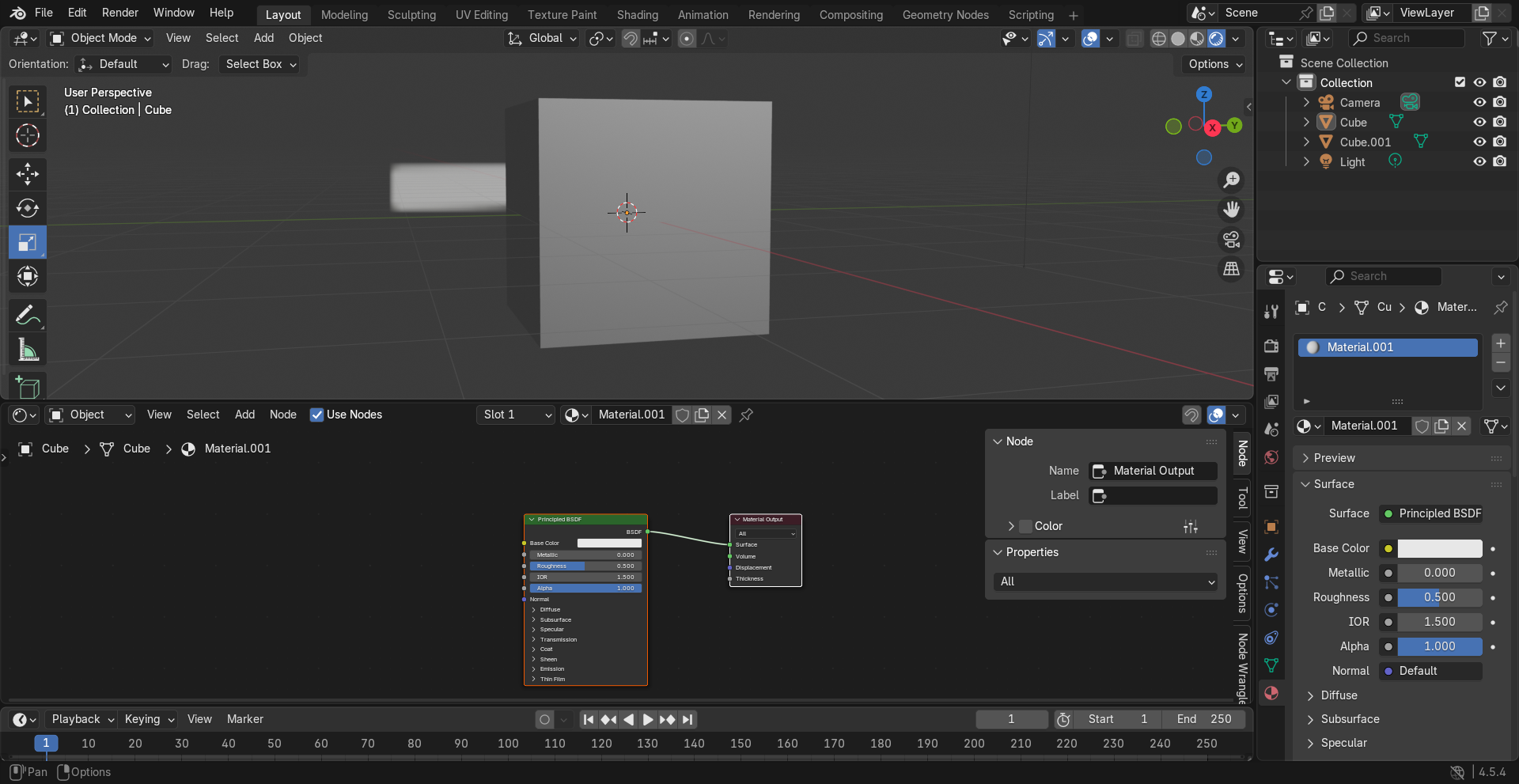
Can you post the file?
(Or a cutdown version that exhibits the problem?)
Also you should post which version of Blender, what yr graphics card is (Nvidia or Intel or AMD), what backend you are using (Vulkan or openGL?)
and which renderer you are using Eevee or Cycles or other?
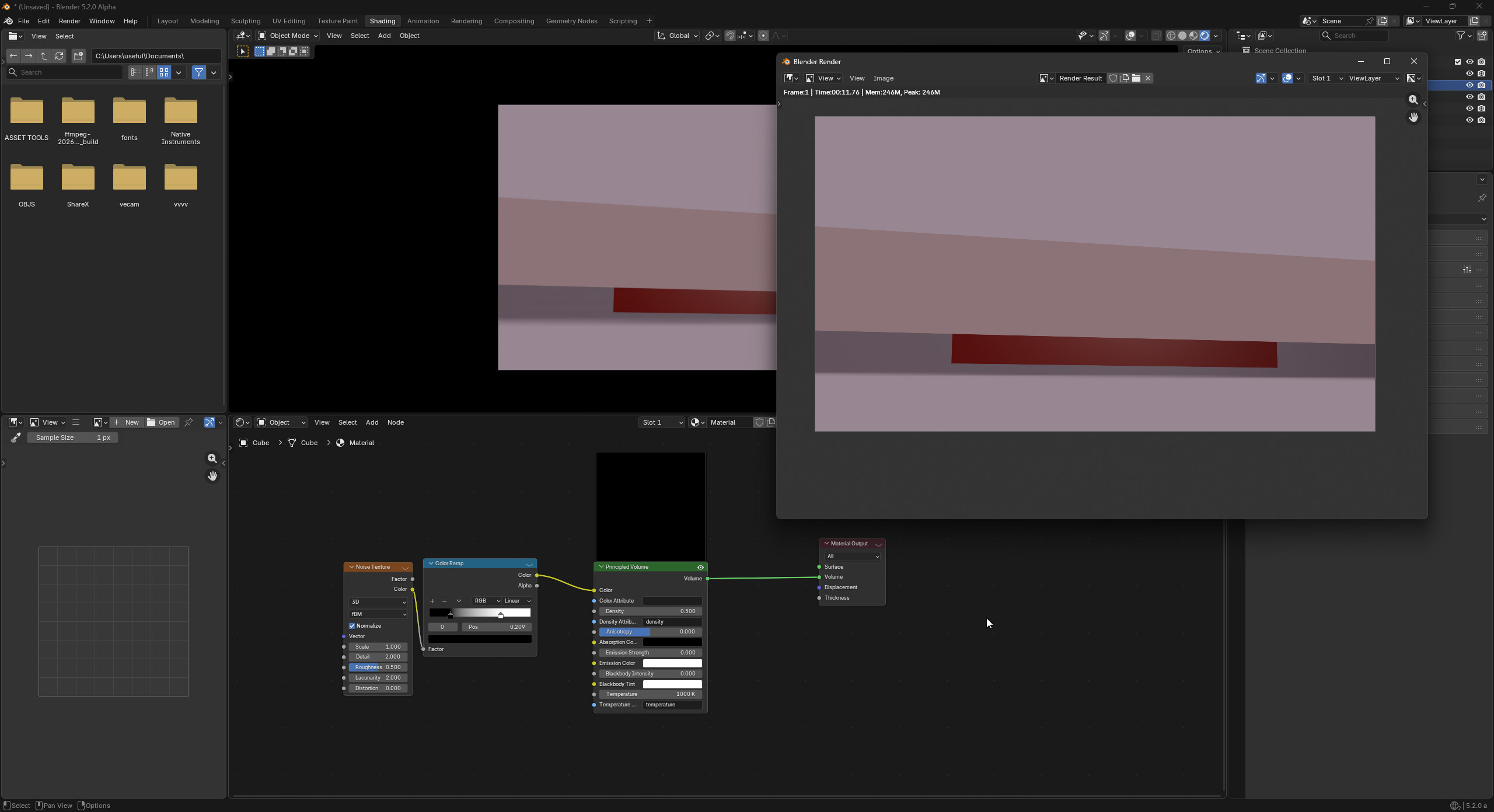
Works for me, Blender 5.2 on cycles and Eevee with a no dedicated GPU machine.
Hope that helps.
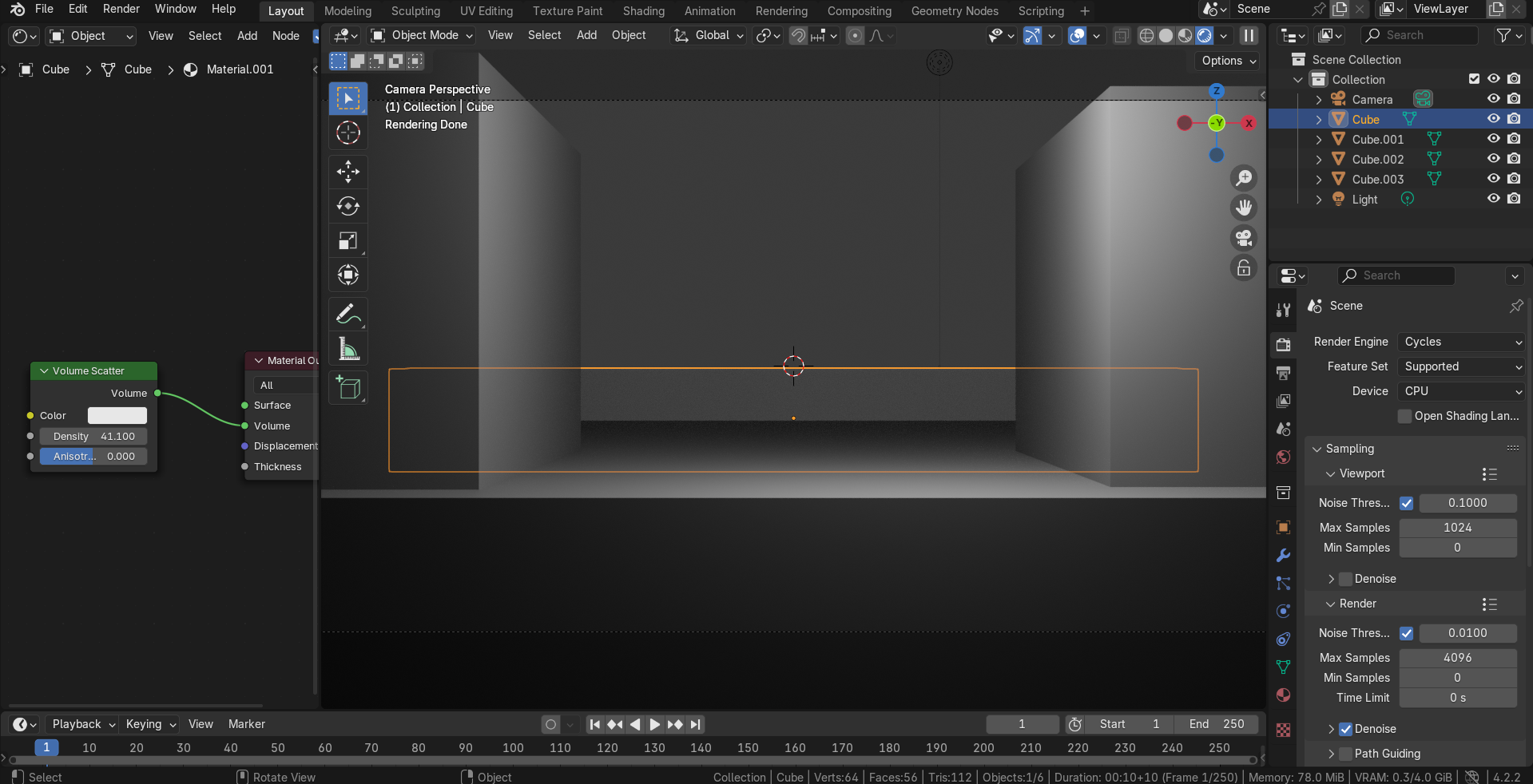
I replicated the scene with all default settings, and also it replicated the problem (it happens only in Eevee, I’m using Blender 4.2.2):
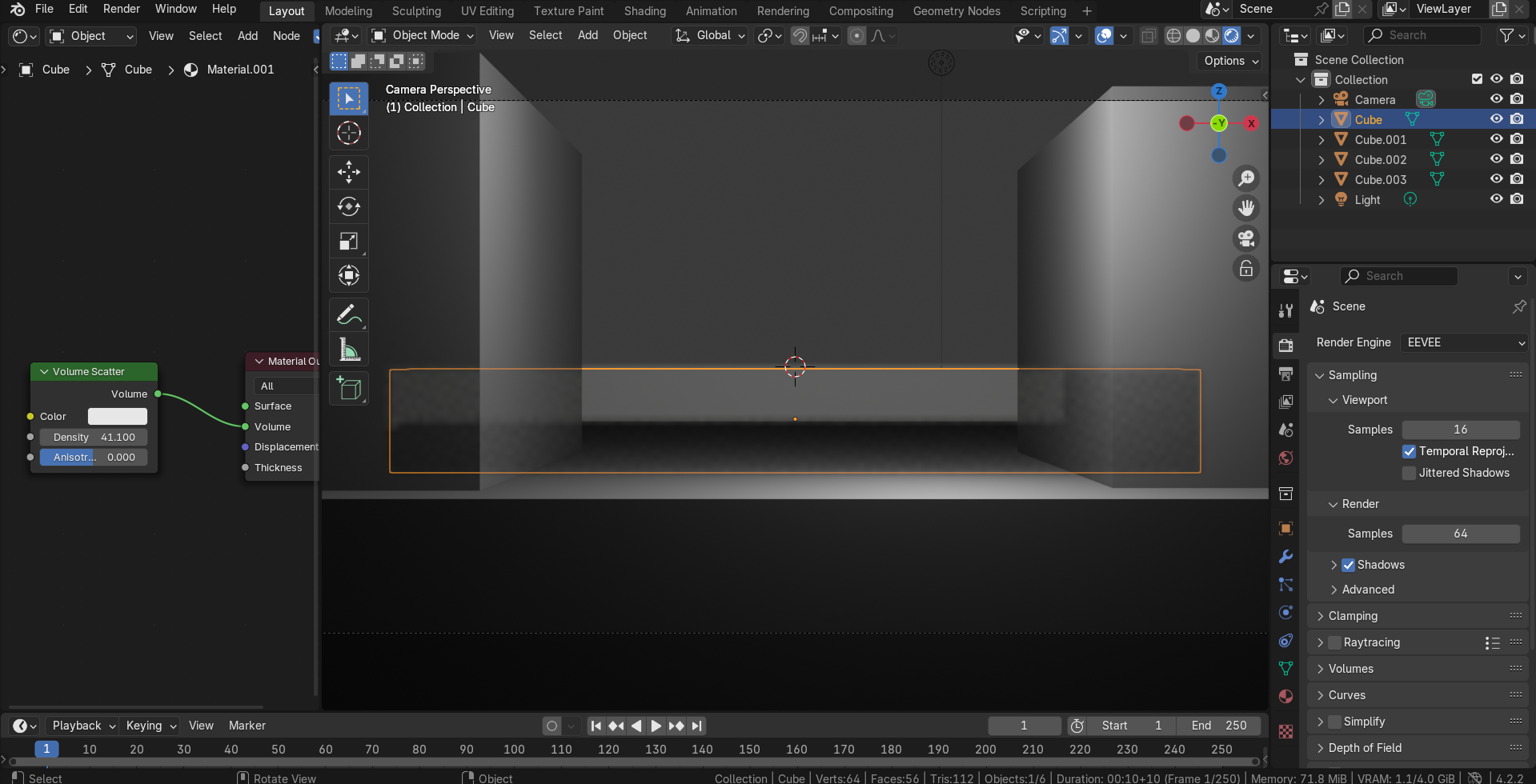
Cycles is fine:
Also it doesn’t happen in Eevee if the density is 1 or less:
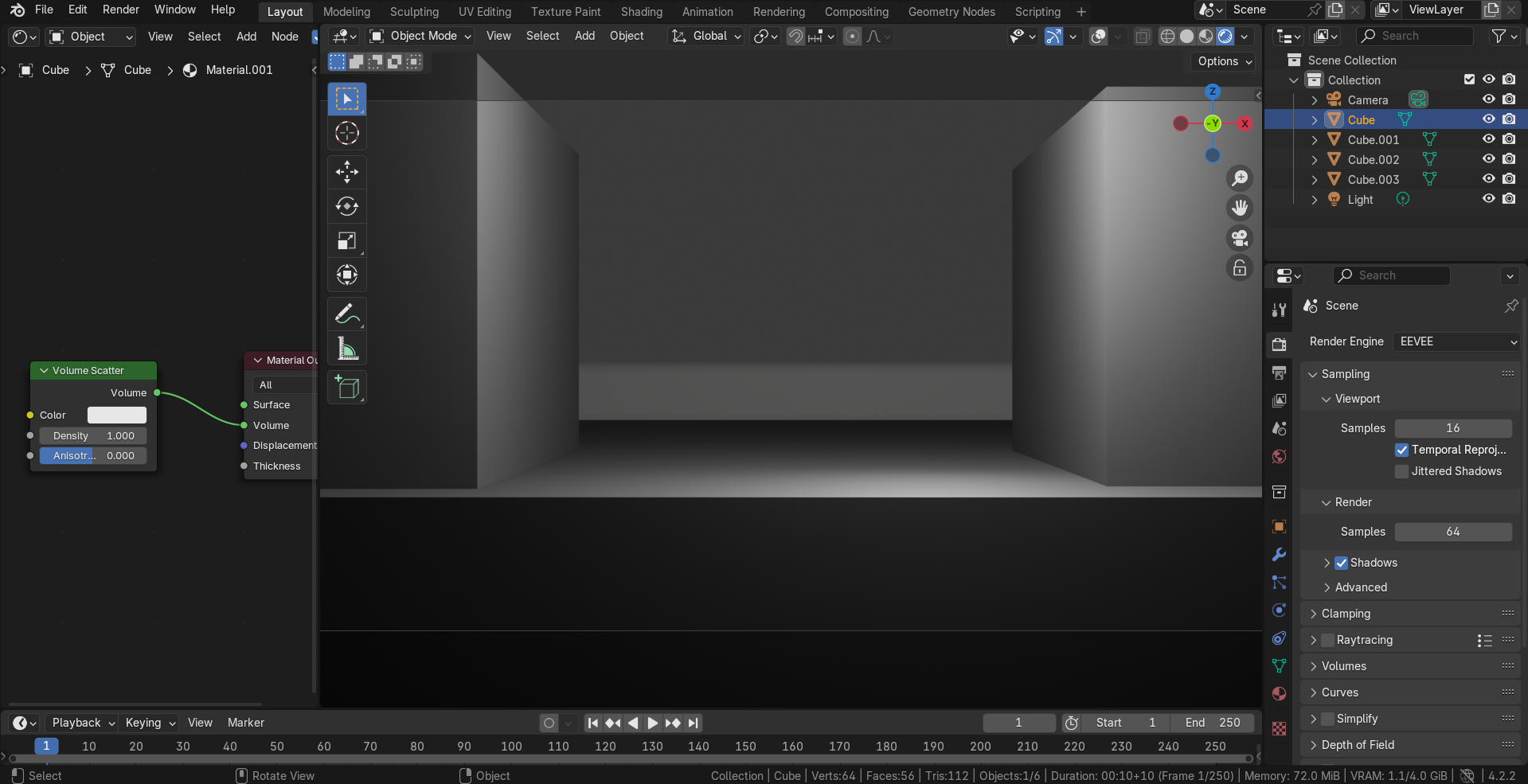
1 Like
Yeah I’m assuming it’s a screen space problem.
But my tests were in 5.2
1 Like
I can confirm, it only happens in Eevee - but only since now. When I had the same workflow some weeks ago, everything works fine. Im Using Blender 5.0. Bei it’s caused because of the fact, that I am using a MacBook Pro M1. I can remember some years ago Blender did not worked so well with apple products?
I can’t upload the file directly
so I made a quick test file and saved it here:
Same Problem.
You are not using principle volume, you are using volume scatter.
Also you are seen the orange object selectable line should disappear when not selected.
Try principle volume.
1 Like
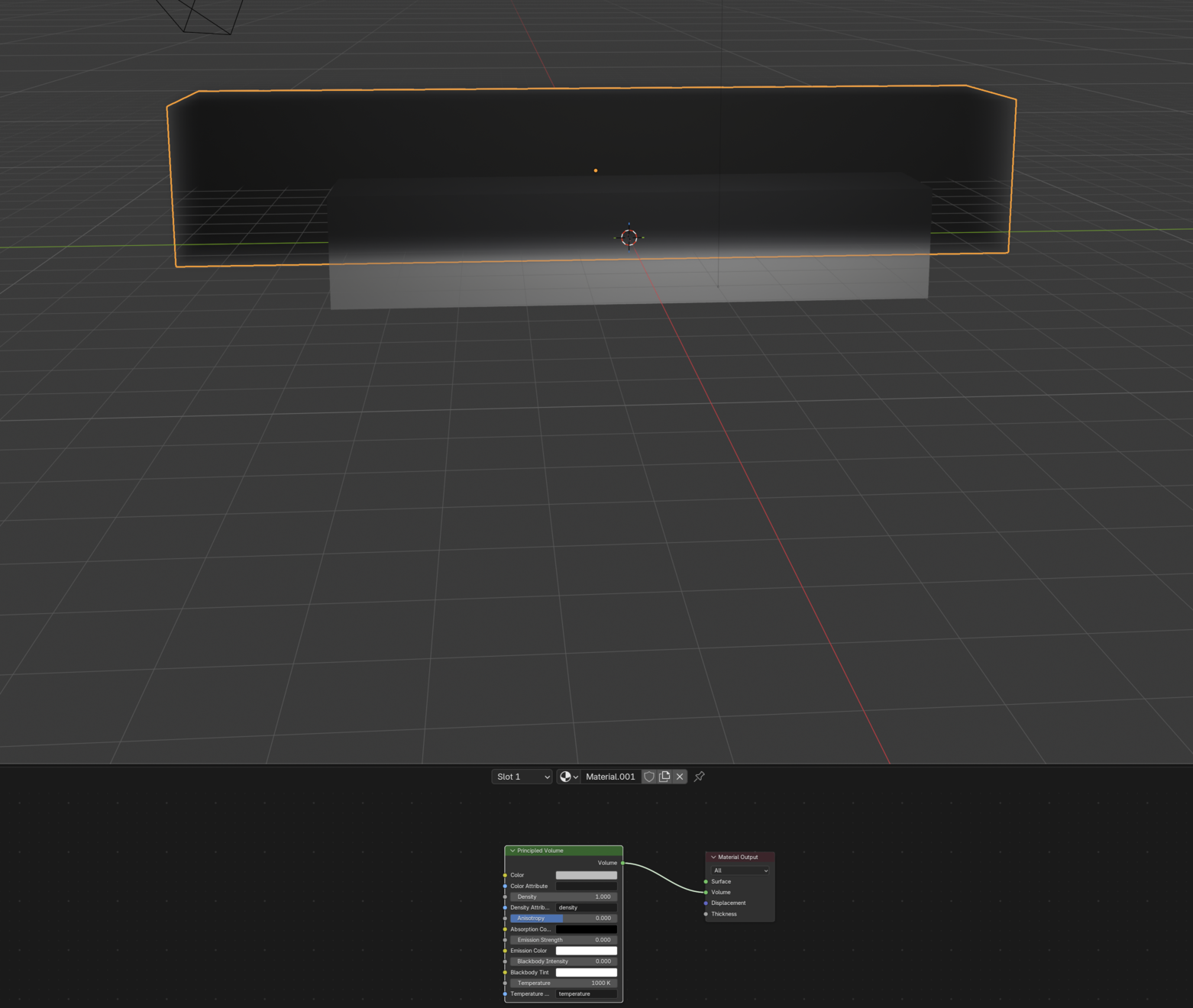
What texture do you have on the solid object? And dose it show in render?
Check my file it’s in 4.5. using my PC.
test volume.blend (504.5 KB)

I just left it selected to show what object has the material that is displayed in the shader editor. The effect can be seen even with the yellow outline visible. It made no difference what volume I used, I just posted volume scatter image. All volumes started showing through objects in front of them after increasing the density:

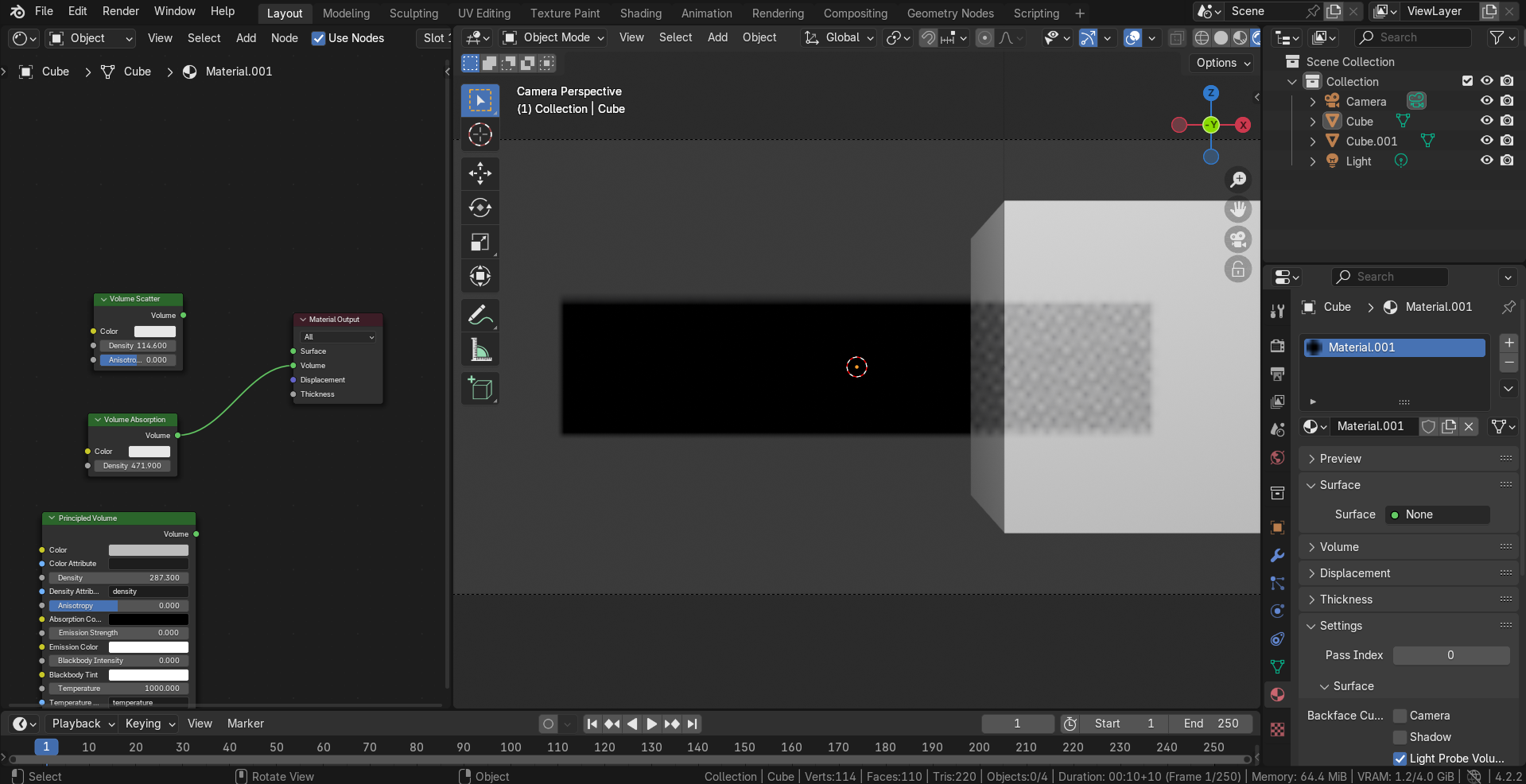
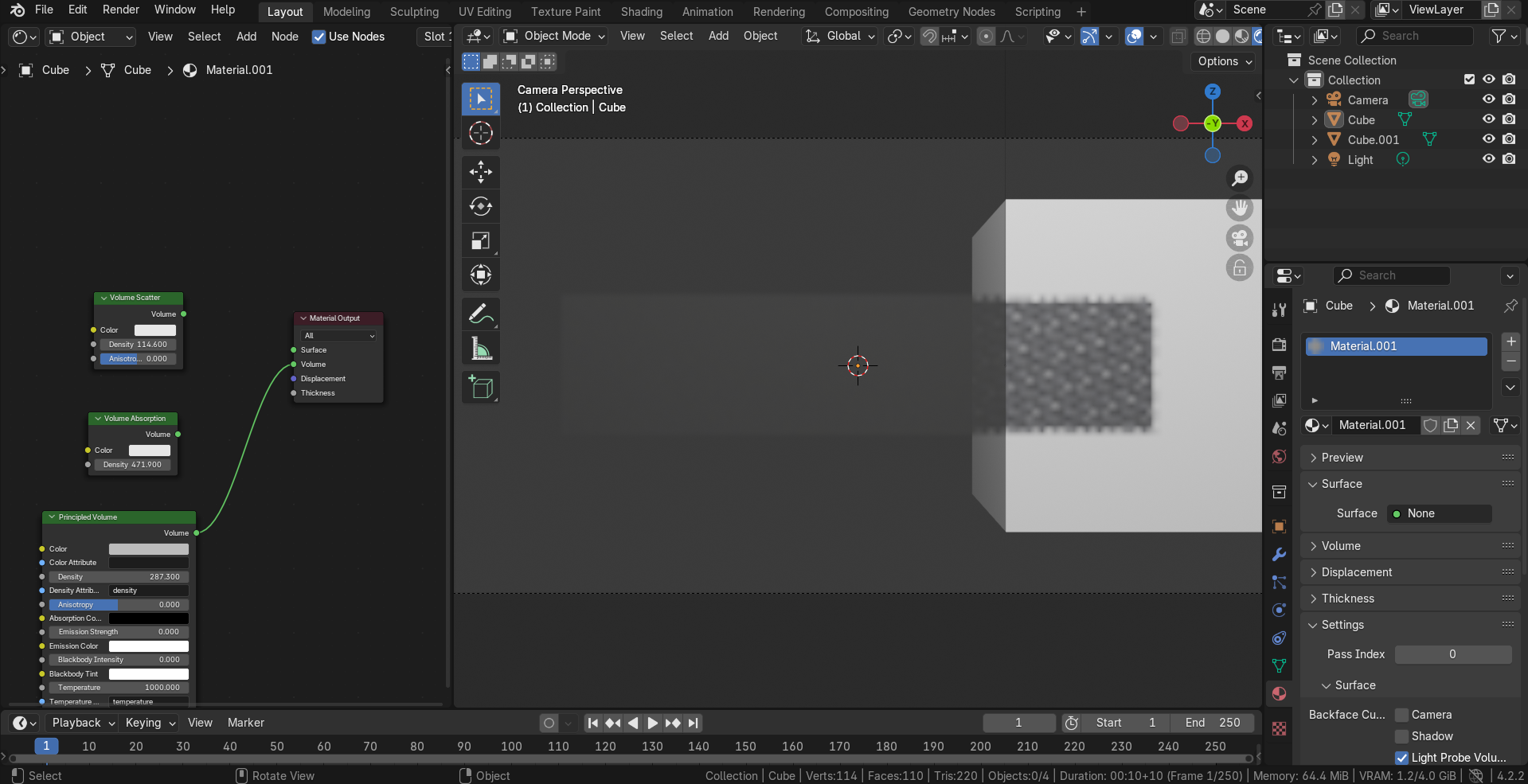
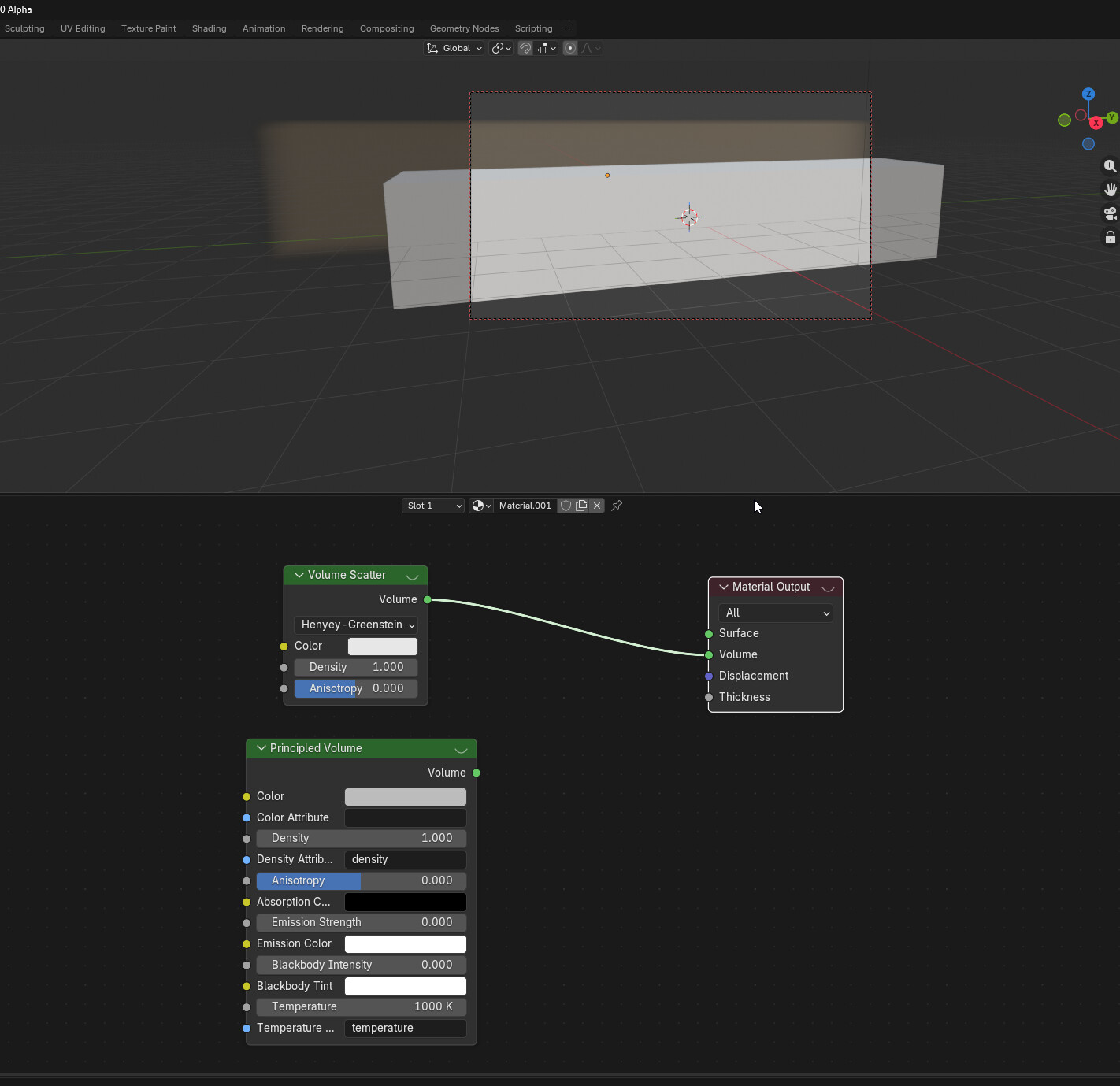
What happens if you cranck up the density? To something like 200-400? I’m on PC, Windows11.
1 Like

