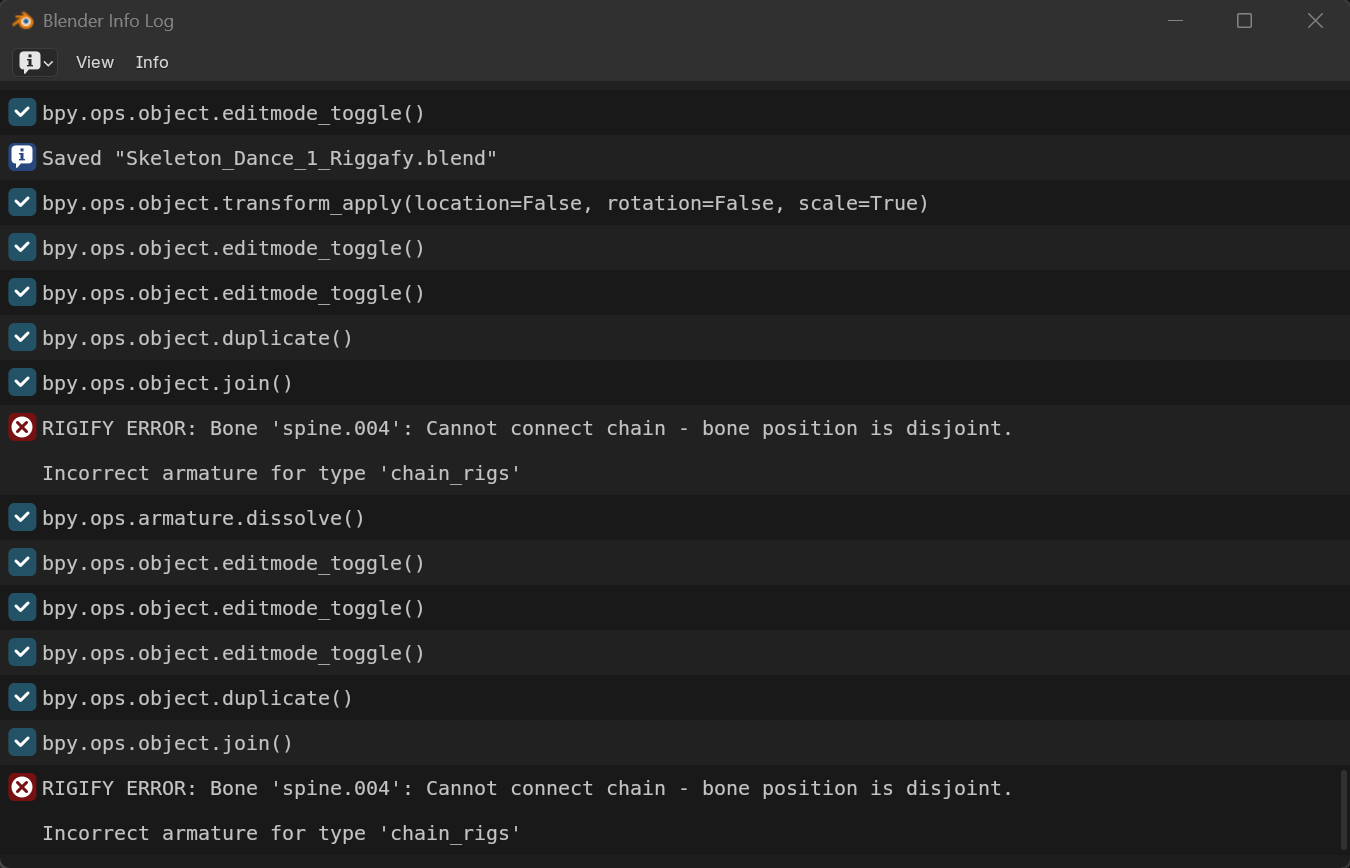
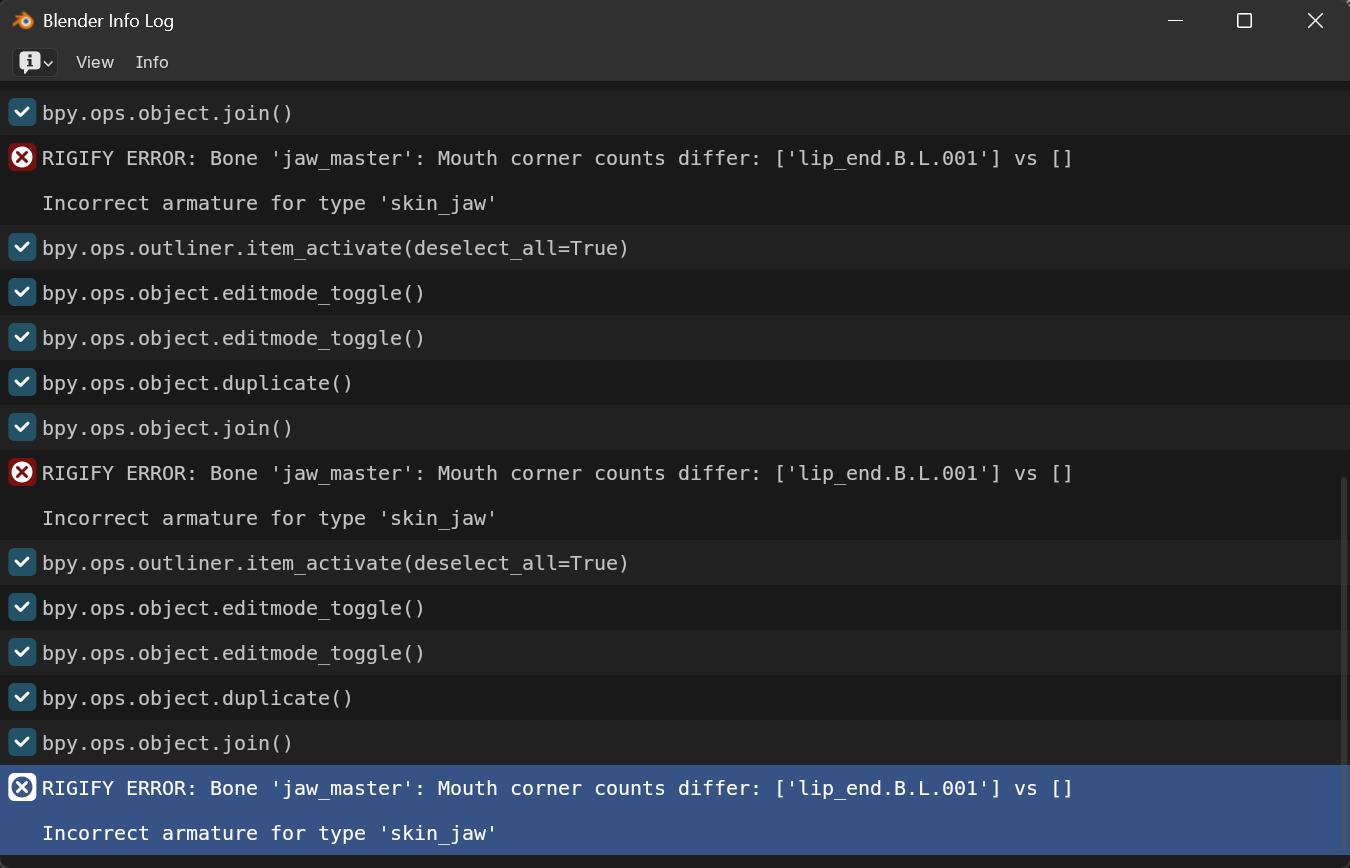
I am working on making a dacing skeleton for hallowee. I modeled the skeleton and made a rig using Rigify. After adjusting the rig to fit the skeleton’s shape I clicked “Generate-Rig” and I get this error message
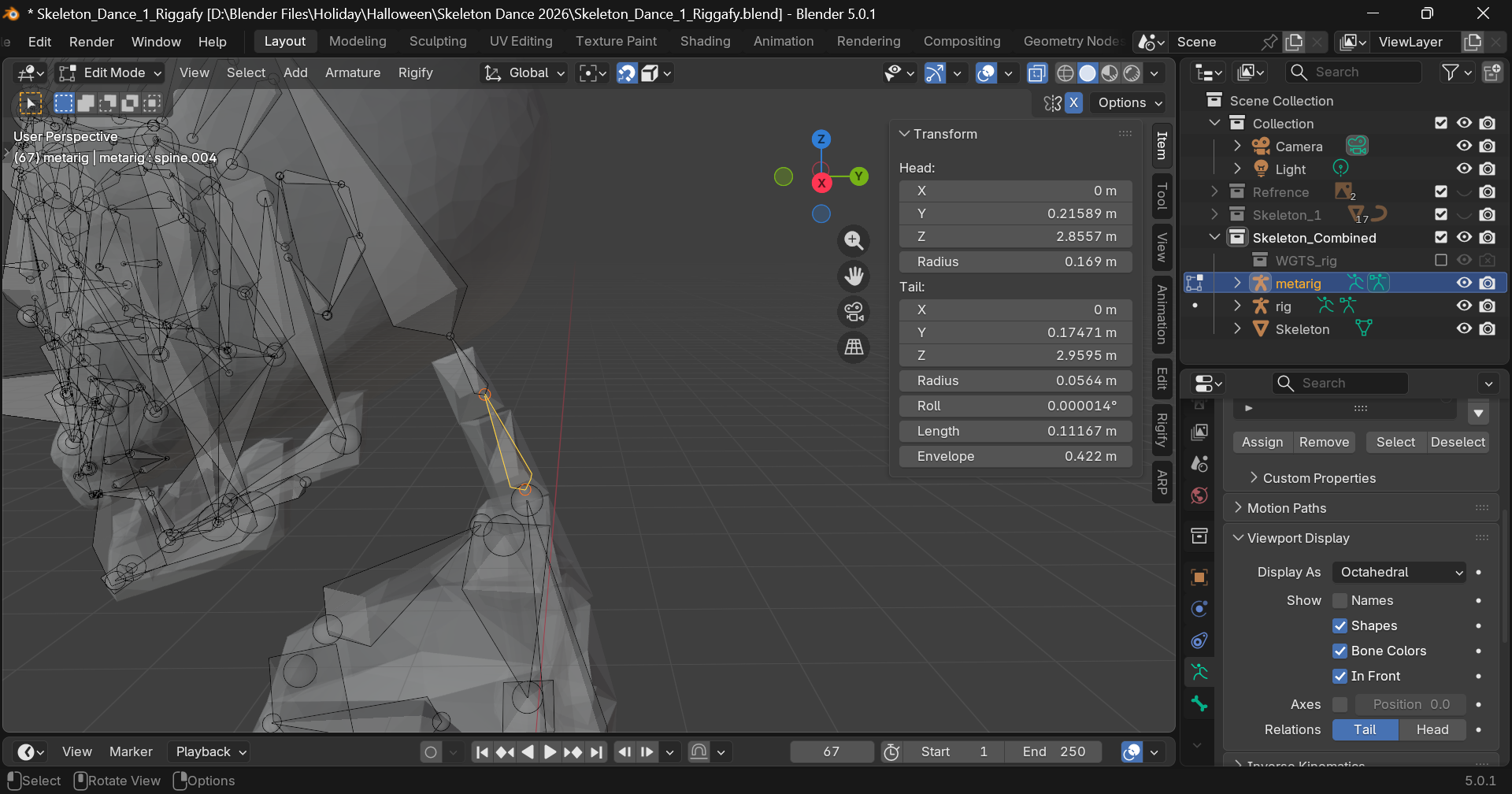
Speaking generally, errors like this pop-up when you have adjusted the base armature in such a way that you moved the tail of one bone without having selected the head of the adjacent bone.
now they are disconnected, and the script fails because it needs a contiguous chain.
So, select these two bones that your script are mentioned, and snap the head and tail to the same location.
@thorn has been on the money for the OP’s problem, I could even directly see it in the first screenshot. Just because not all bones are connected, doesn’t mean they should be pulled apart.
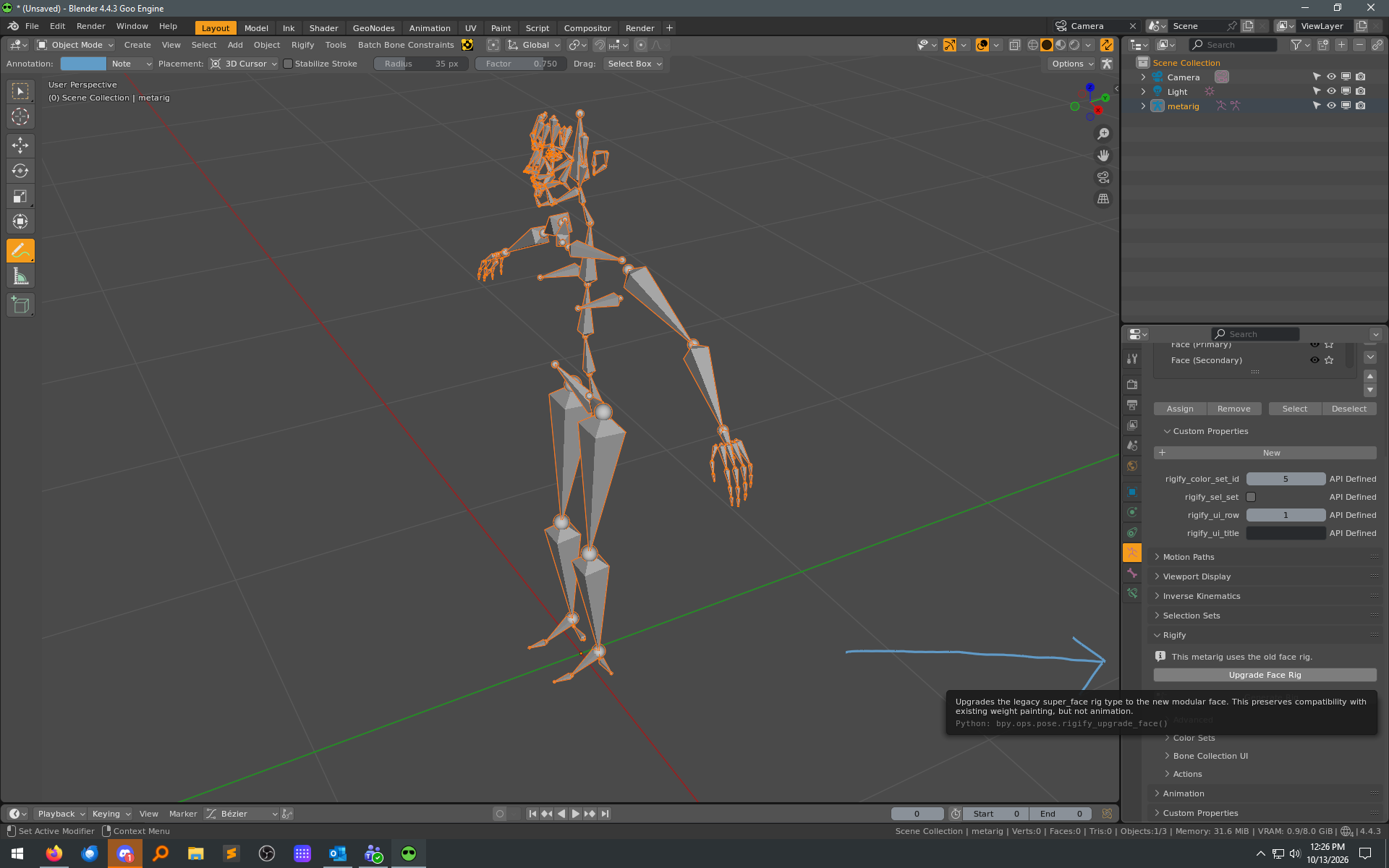
Basically, it’s one of the things I cover here:
So since the OP seems to be new to Rigify, that may help avoid a couple of issues.