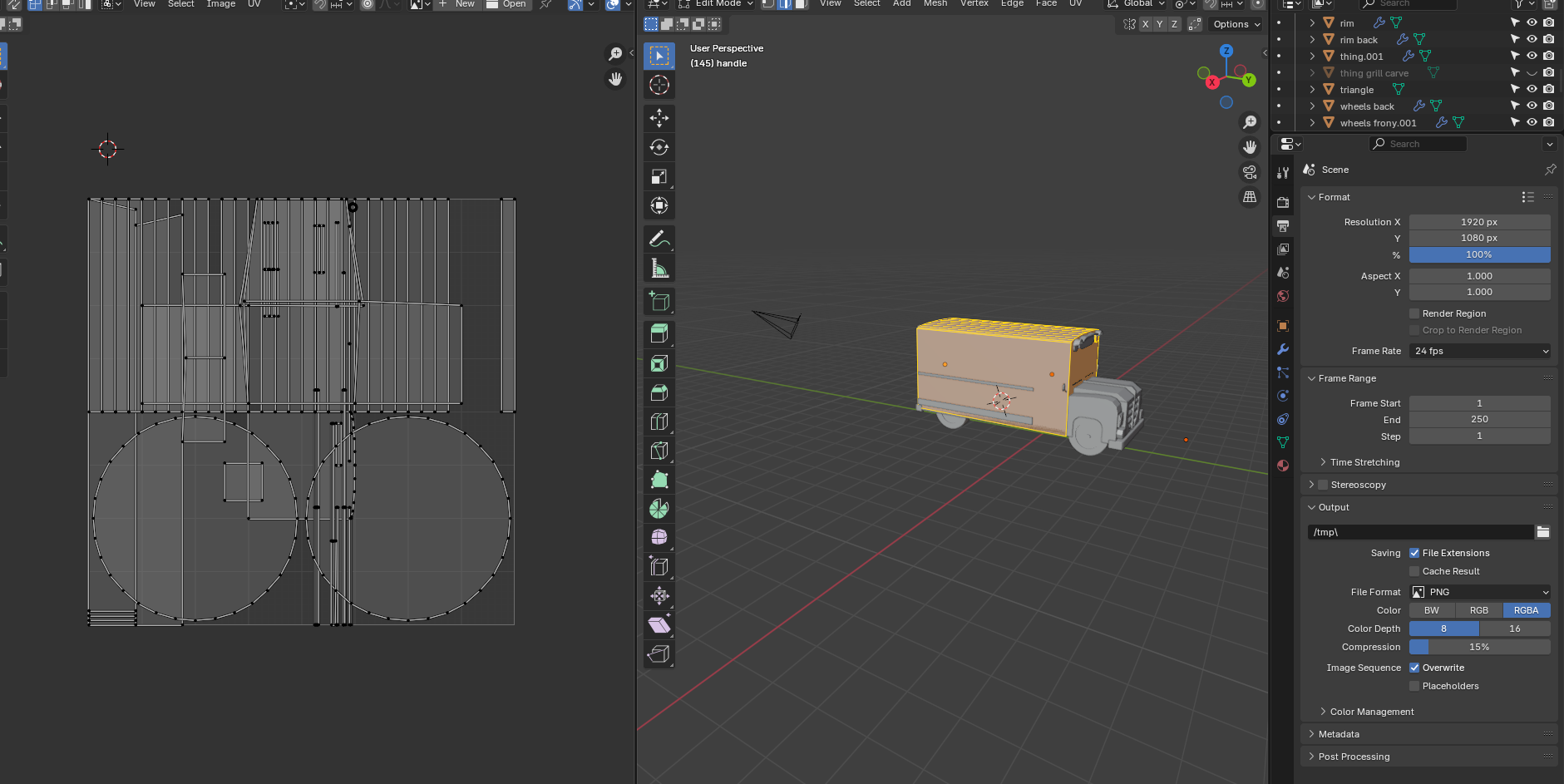
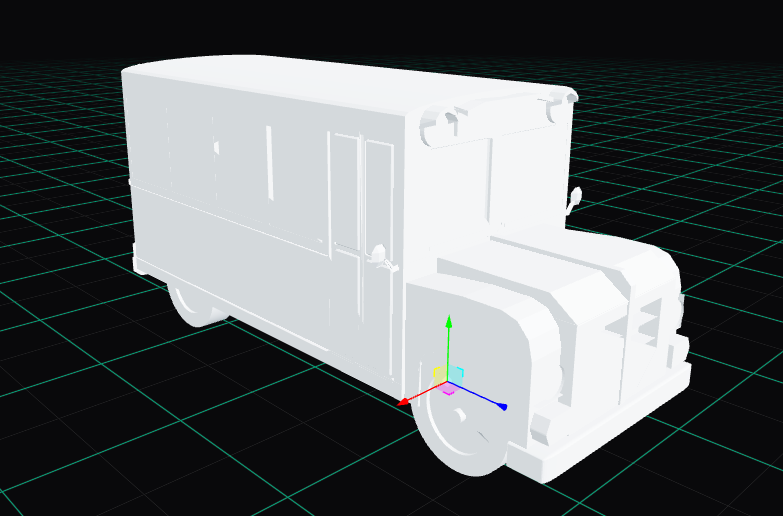
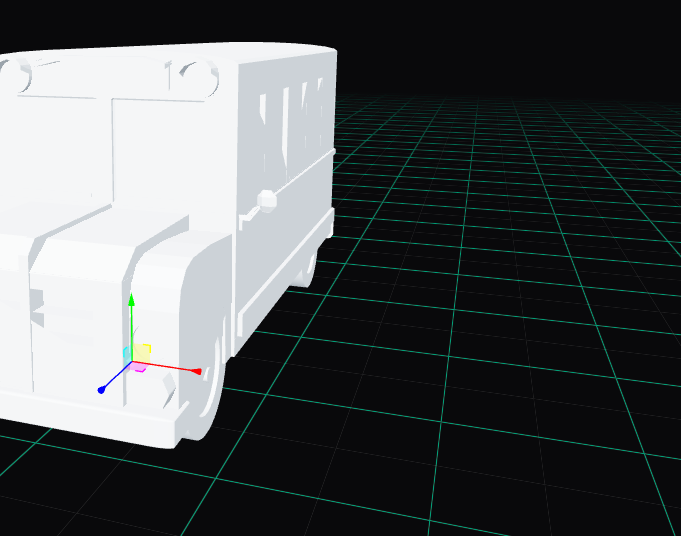
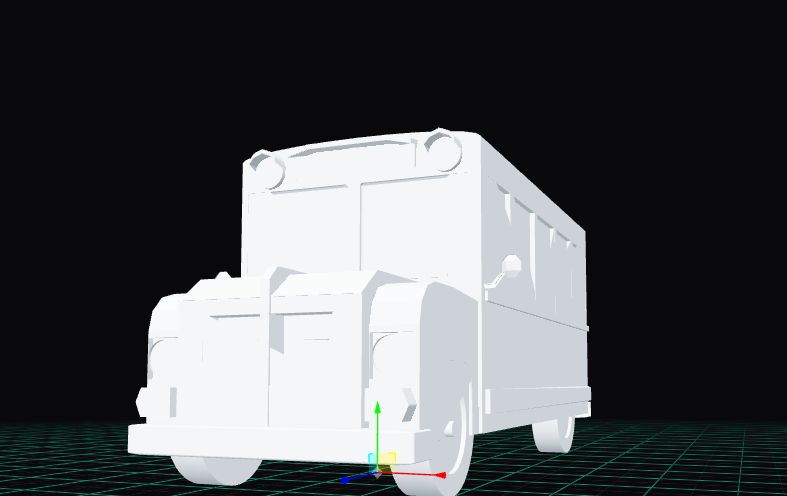
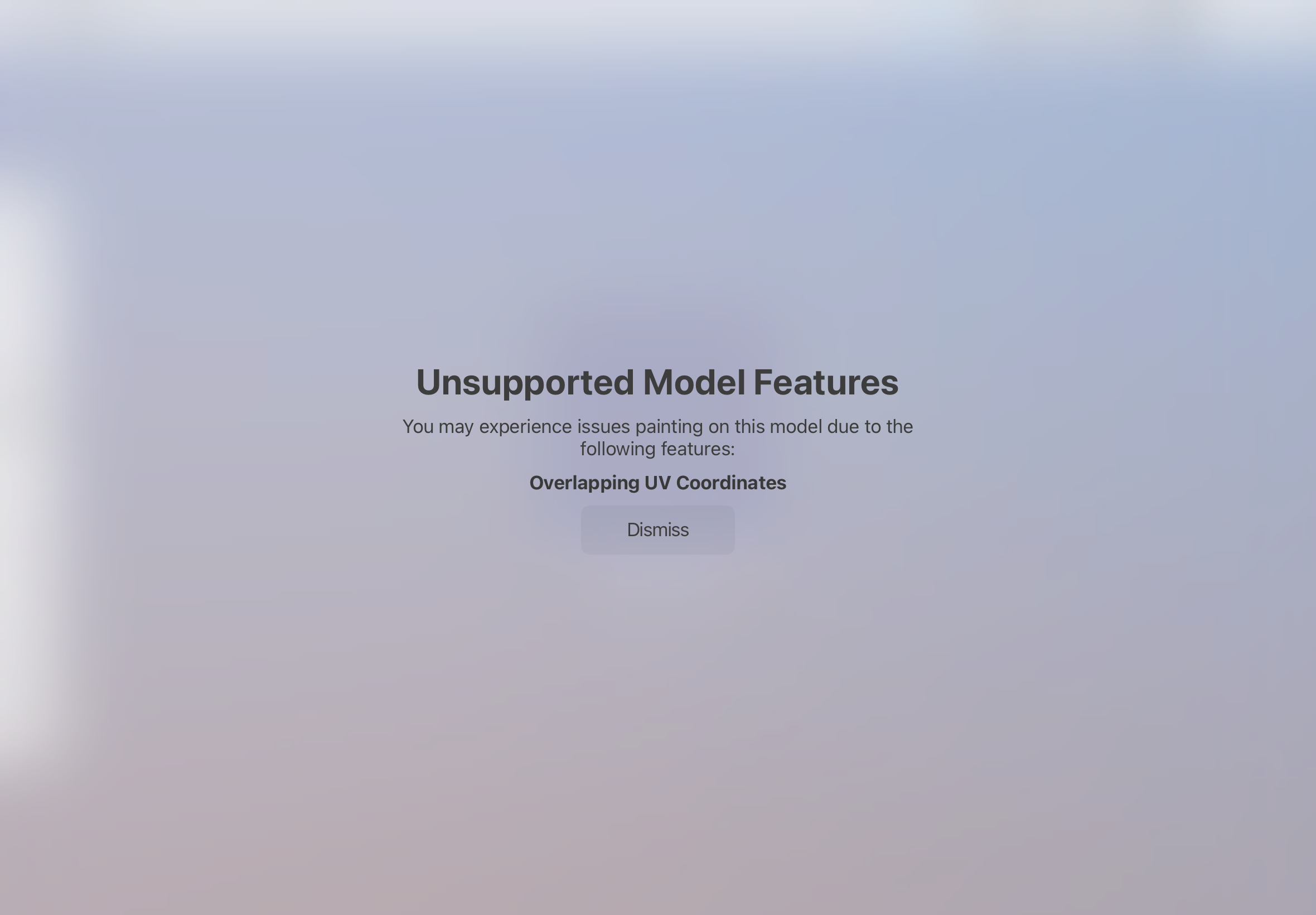
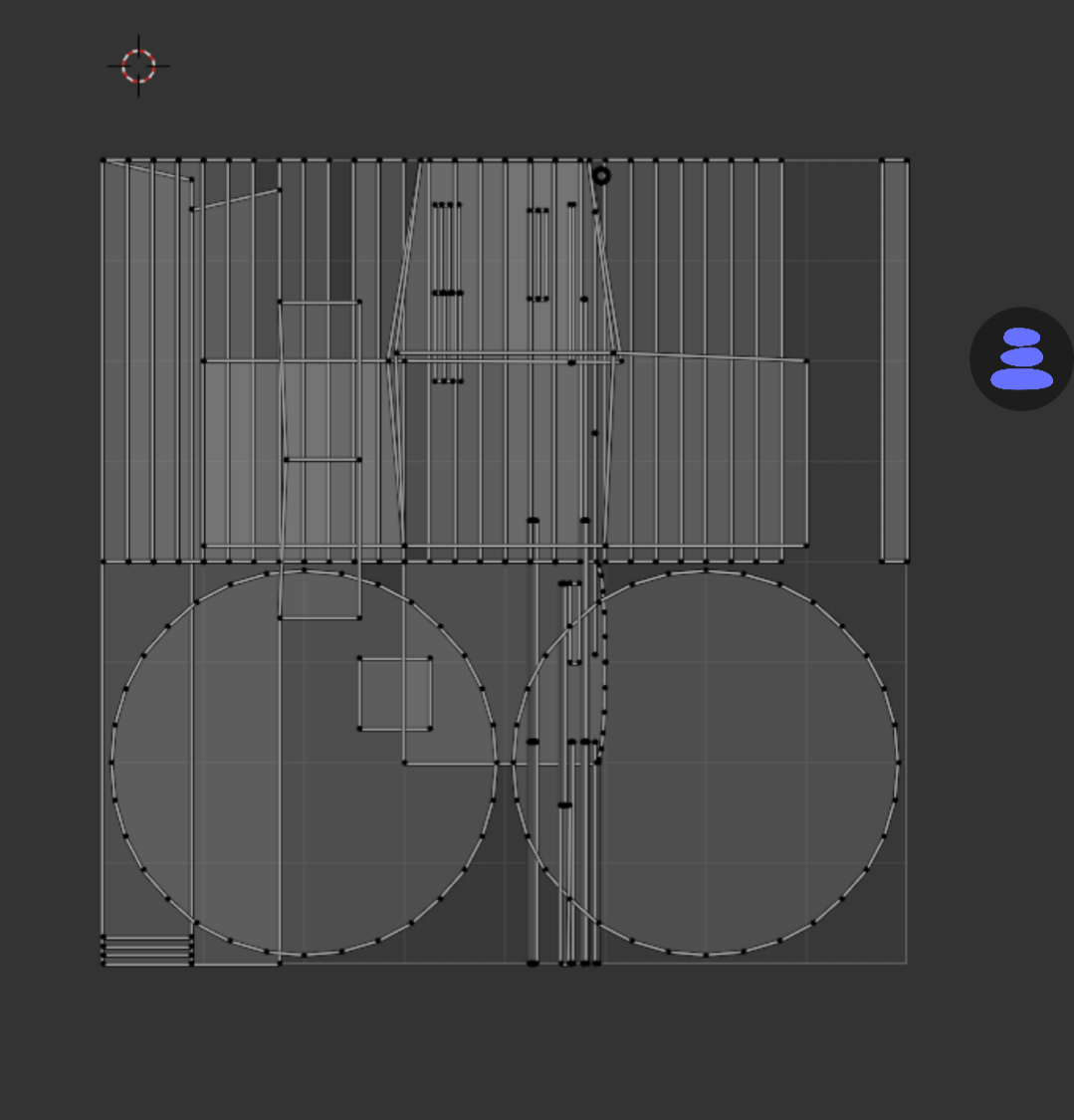
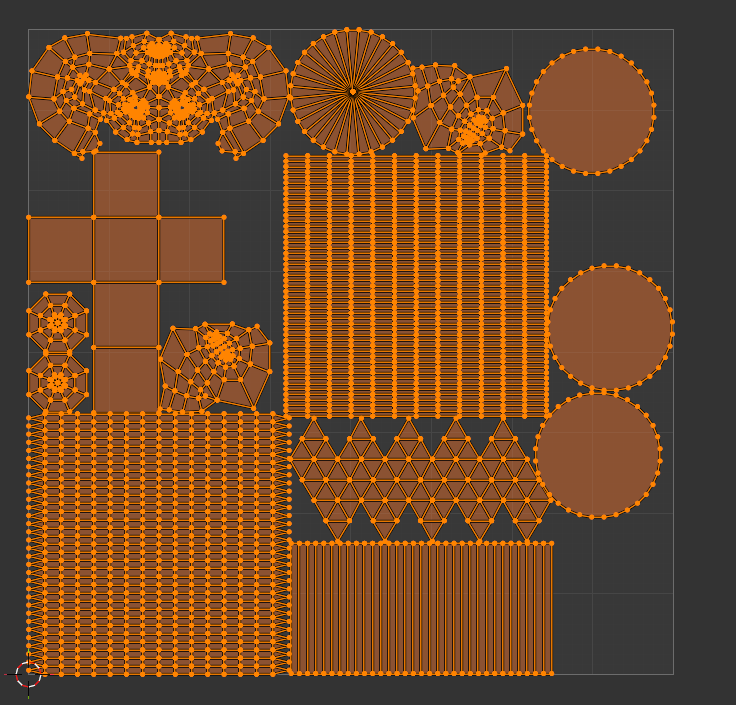
When I transfer my finished model to procreate I found out there is uv overlapped cordinates in the boleened things, I also uploaded my finished model to another obj previewer and there is the overlaps. Im trying to find the overlaps in the boleened things but its not there, I tried uv editing but idk where to find the overlaps. The windows dont look very good because of these overlaps I see. Is there a way to get rid of uv overlaps in the boleens. Do you see the overlaps in the windows that it ruins the model when I upload it as obj
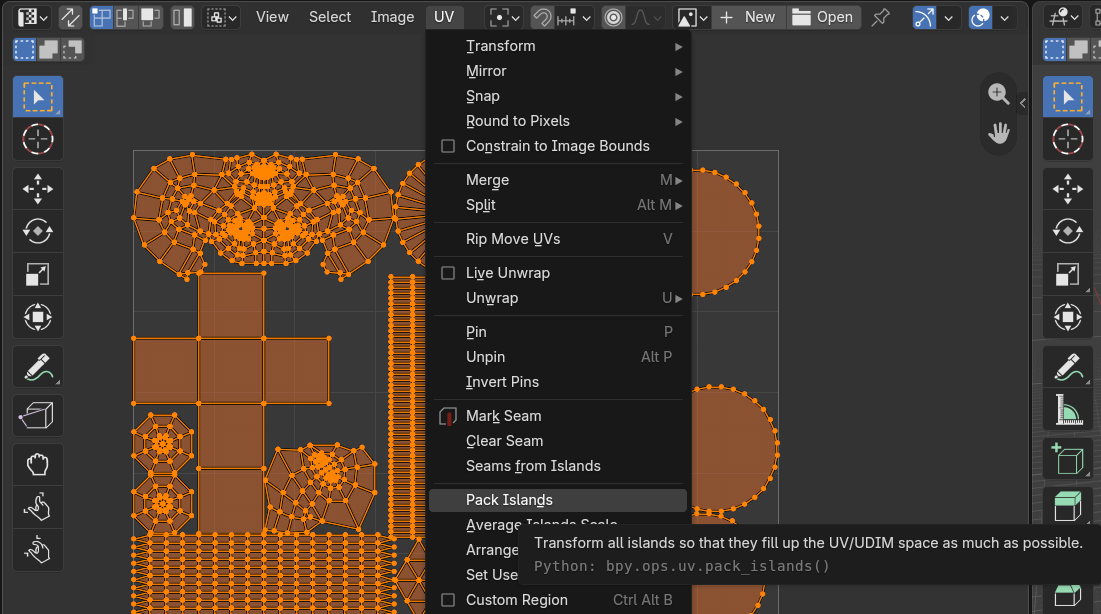
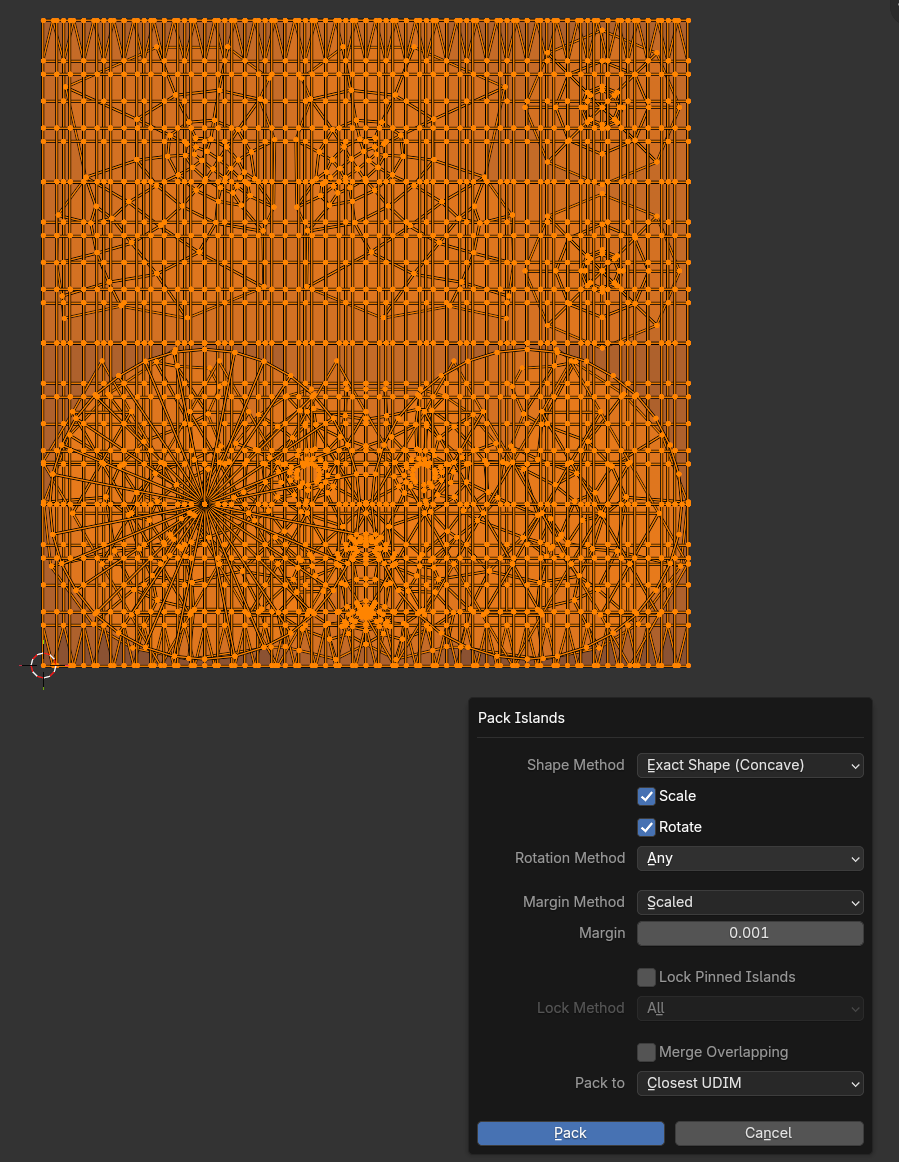
What version of Blender has that?
the blender version is 4.3.2
Blender has had some form of automatic UV packing since 2.35, so it’s been in for ~22 years.
Funny thing if one does know some features but almost never used them  but also when one does “notice” some features “in plain sight”.
Thanks for reminding 
UV packing has been essentially remade like two years ago, I’m sure that’s what Joseph was wondering about
(actually in 3.6 : https://developer.blender.org/docs/release_notes/3.6/modeling/)
Somehow I’ve genuinely never noticed that button, although I’ve been using UVPackmaster pretty much my entire time in Blender. The more you know