What?
INKit is the Annotation Workflow I always wanted.
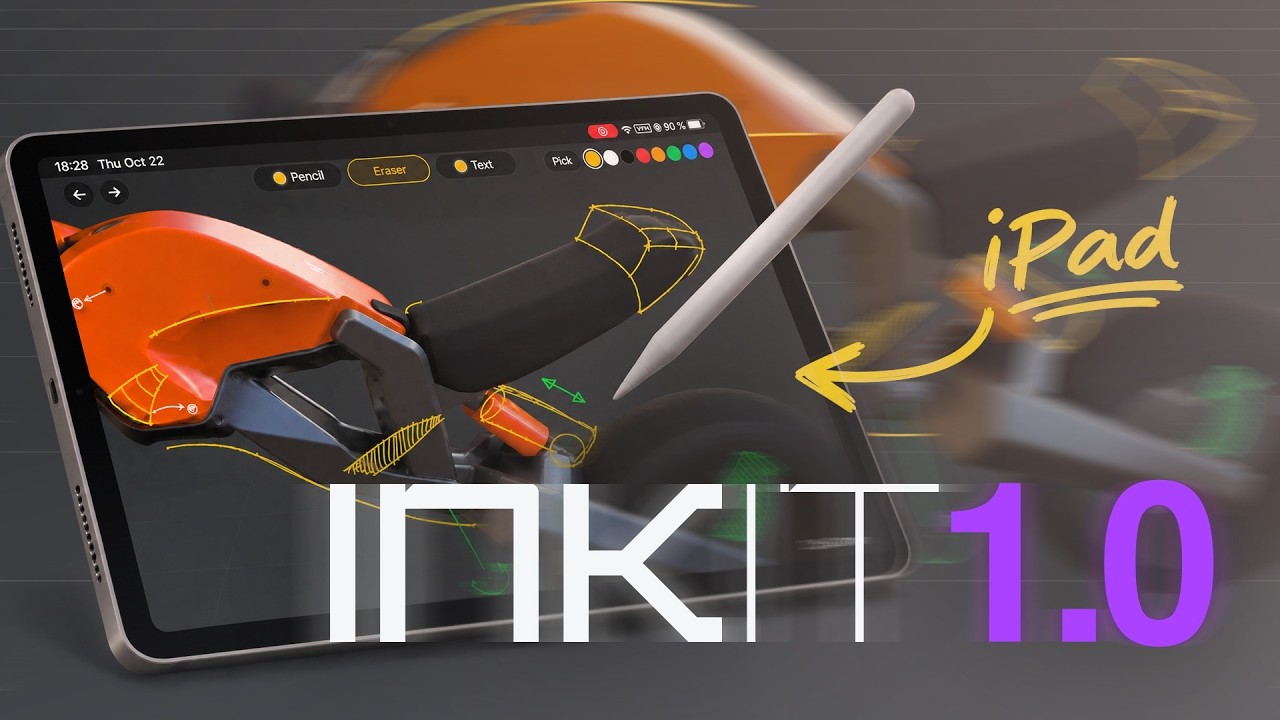
It lets you annotate or paint on a 3D View in Blender from an iPad with Apple Pencil, or from an Android tablet with an active stylus.
Why?
Do you ever feel like you are “going 3D blind”? I use this term to refer to the times you get stuck, orbiting the model endlessly and getting nowhere. You struggle to make decisions. You have a hard time evaluating your past choices and envisioning what to do next. Switching the medium to 2D is a great way to get unstuck. Trying out ideas in 2D forces you to think differently, gives you different tools, and is much faster.
Review past choices. Plan ahead. Leave notes for yourself or others. Explore ideas, compare variations, and iterate in 2D. Paint block-outs. No screenshots, no file transfers. Create text annotations from the tablet’s keyboard. Pick colors from anywhere on the canvas. Your ink is saved, and it stays in Blender.
How?
INKit stores 3D views as canvases, each with its own shading. Any notes you add will always keep the context they were drawn in even when the model changes. The Hyper Pencil tool is how you conveniently pick, create, duplicate, and remove those canvases. There’s no need to hide and reveal annotations and fight layers. Ink shows up on its own, only when and where you need it simply by selecting a canvas.
Your tablet and Blender have to be on the same Wi-Fi. You don’t need to install anything on the tablet, and the connection stays on your local network. Several tablets, or a regular browser, can be connected at the same time, which is useful for design reviews and presentations.
Requirements?
Blender 5.0-5.2 right now, also a tablet with an active stylus IS required, such as an iPad with Apple Pencil or a Samsung Galaxy Tab S with its S Pen.
A capacitive stylus fakes a finger and will not work. Graphics tablet support inside Blender is coming in 1.1.
Where?
I just launched it on Superhive and Gumroad,
See also ink.machin3.io and for documentation: machin3.io/INKit/docs/