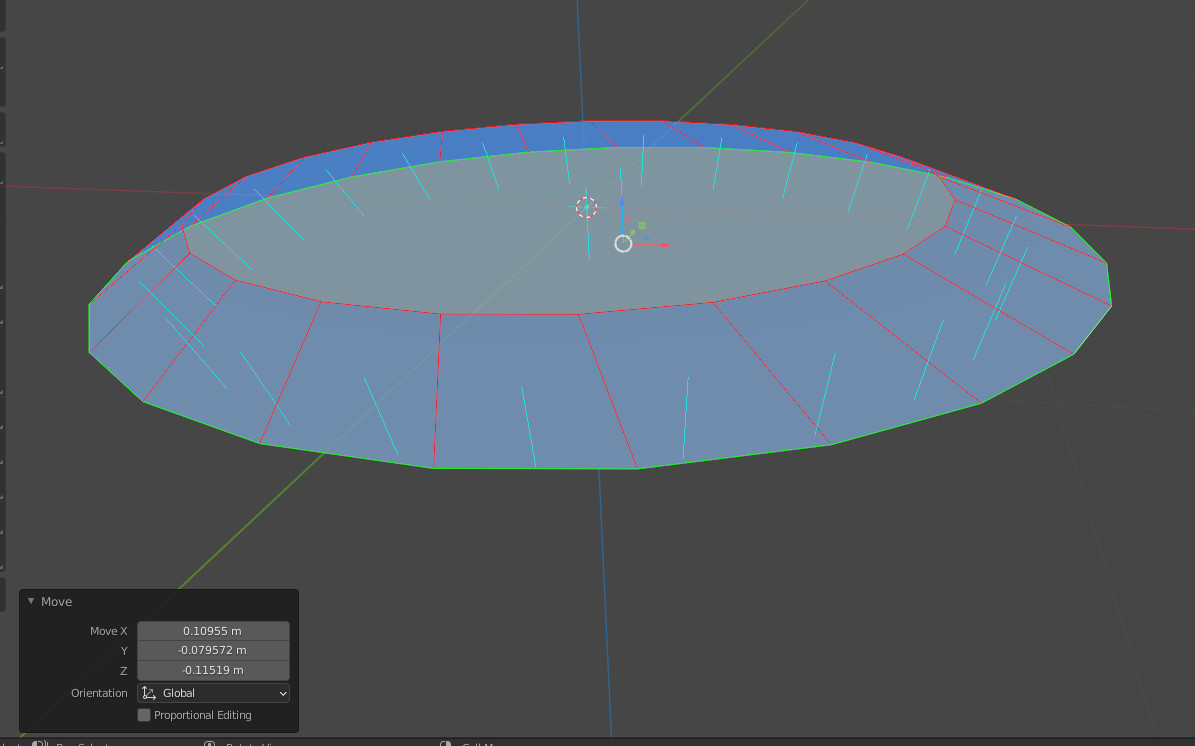
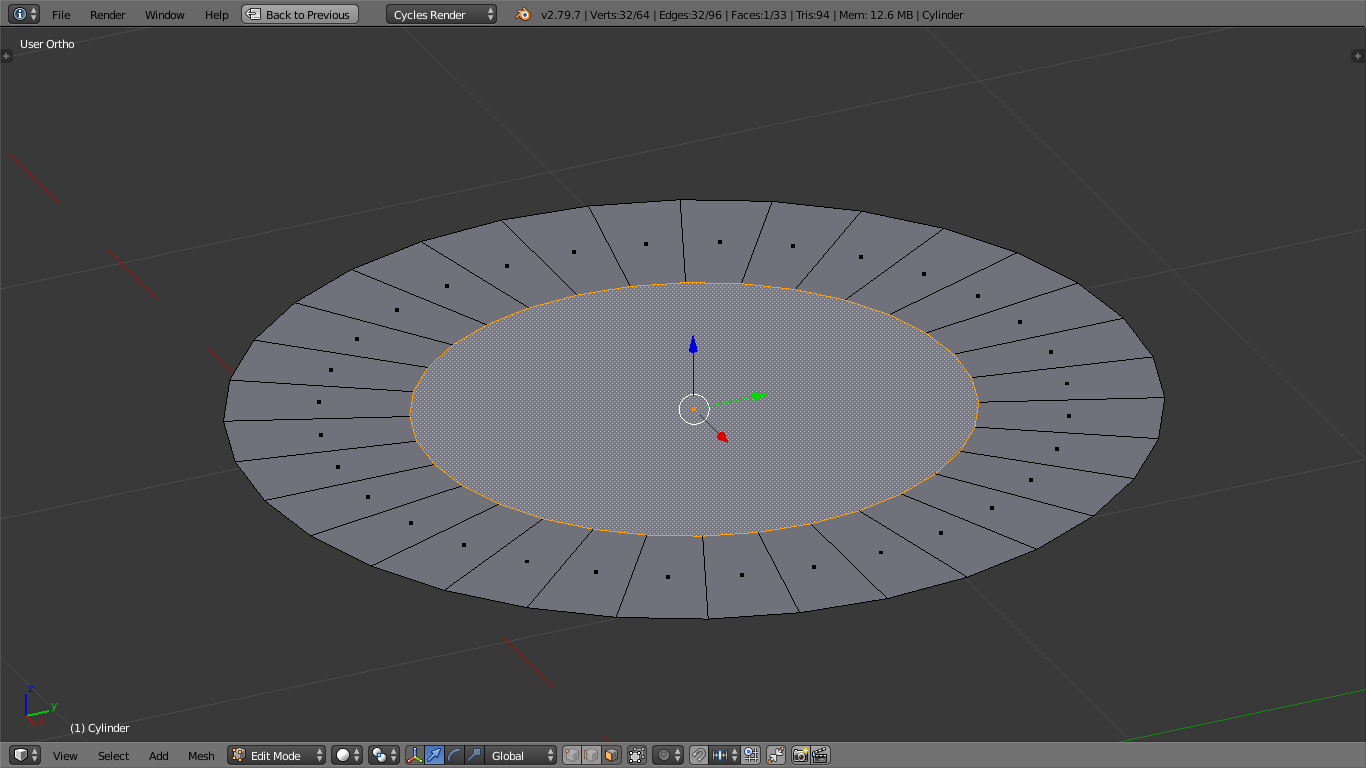
I am surprised that INSET (and/or OUTSET) doesn’t seem to work on a free-floating Face, although it works fine on any Face that is connected to a more Faces.
I was hoping that the OUTSET option would allow me to extend the outer edges of a Face, but that doesn’t seem to work. How would one extend the outer edge of either a single Face, eg a hexagon, or collectively the outer Edges of a patch of Face?
“Sure”? Did you test it? It works on ONE CONNECTED face, but not on a one, sole, free-floating face, eg make a cylinder, delete all but the top, try to Inset.
If you select all the edges around the single Face, Extrude, and Scale, it generates extraneous geometry coincident with the original face, that if you move you see that it’s now a volume, not a 2d patch with more peripheral Faces.
Inset works just fine with one face. You can’t outset with only one face because outset basically just adds a loop cut. With no extra geometry you can’t add a loop cut. The best you could do is scale that single face and then inset it by the correct amount. Example: