So, I have 48 GB RAM, RTX 4060 and Ryzen 7, is blender always slow no matter what? I’ve tried any tutorial to make it faster, but it’s for rendering mostly. When I texture my models is very slow, sometimes I can’t draw what I want on the model because it crashes, I can’t pose or animate with the textures, I had to model with the modeling view, otherwise it crashes or it’s incredibly slow. I don’t have any other program open, so blender uses all the RAM but is still slow!
So, is my setup not enough or I haven’t set up blender properly? Many thanks
Nice that you have given some computer specs… but also the full context would be about the scene, the polygon count, the size of the texures… ( ← plural )…
Also “slow” is an adverb for comparision… so to what do you compare ?
There seems to be some other users with a comarabele setup which does not experience this “slowness”…
So crashes are a hint about bad drivers and/or use of to much resources (mentioned above… simply to much or to big ??). Also modelling usually does not use the rendered view and one does use solid view because one does have to concentrade onto the form first… texturing comes later.
Since it’s for animation it’s I did retopology, about 2K faces, the model size is about a deafult cube, no scenario, just the model. 3K size of the texture otherwise it looks pixelated and horrible even if I’m not close to the model.
I don’t use the rendered view, just the material preview, even If i just test the rig, is slow, i need to switch to solid view.
Material preview isn’t designed to be used whilst you model and rig. The reason it’s slow is because every time you move/update something, it’s having to update/recompile the shaders and such, which of course takes computational power.
Stick to solid view, and performance should be better.
Do you have any modifiers on? Especially subdivision surface modifier will slow everything down, it should be turned off from the viewport when animating, and when modeling it should not be left visible in edit mode.But this will also be true to solid and wireframe views.
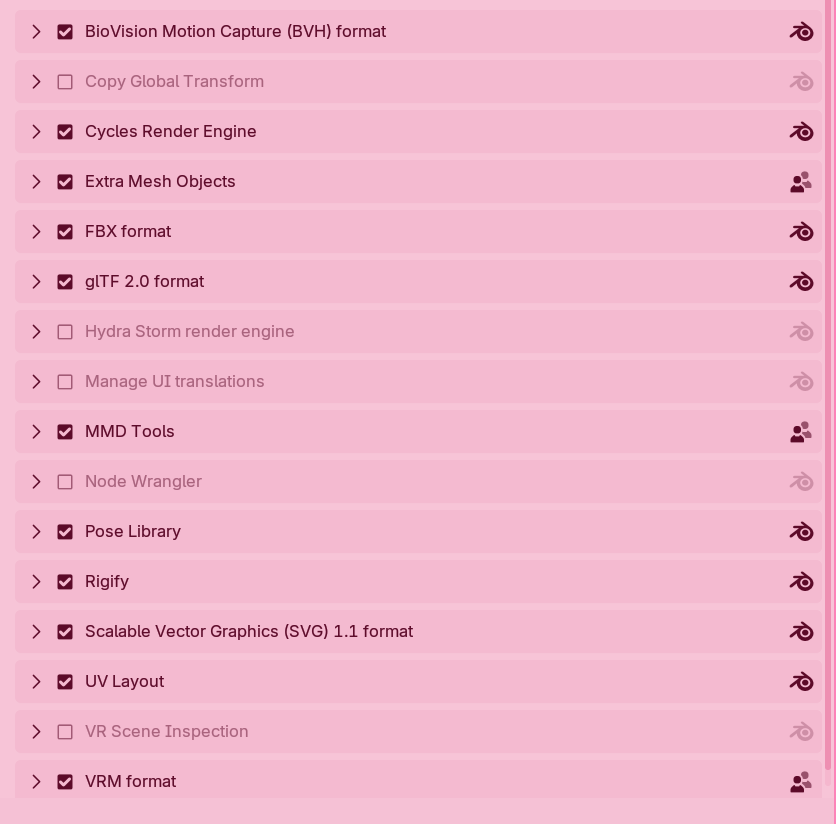
Do you have a LOT of addons?
Have you added any between when it felt quicker and now slower? I just went through house cleaning because of crashes and slowness. Looked through the console and crash logs, saw a few addons referenced turn them off and now can render 1000s of frames without crashing.
Something in my addons was killing my gpu, increasing vram usage with every frame.
Only figured it out after moving the file to a unix box, with very few addons.
Good luck.
This is not really true though. The shaders are only recompiled when you change the material not when you change the model.
With the specs OP mentions for his/her system blender should be pretty fast? I’ve retopologised models of about 50K faces on a way less powerfull machine.
Things to look at for OP:
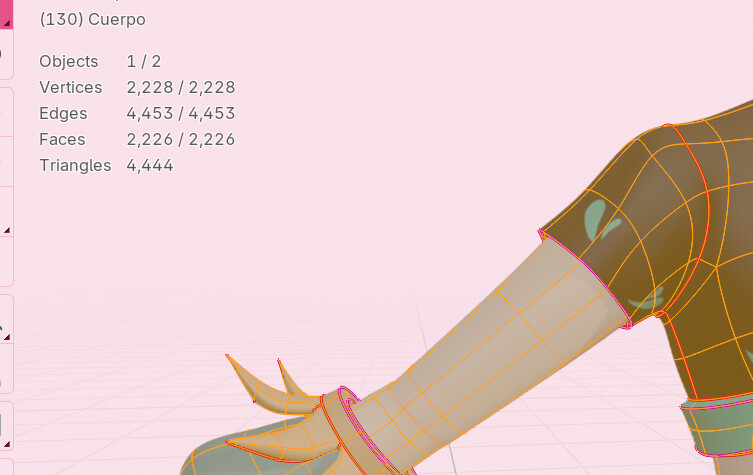
Turn on statistics in the overlays. Your base model might be 2K faces, but modifiers can easily increase the polygon count to several million if you crank up the settings.
@Okidoki Yeah I don’t like how blurry the brush looks @oo_1942 I tracked the memory, sometimes blender took 70% - 80% of the memory and It’s just a normal model without scenario and many polygons.
2. No as far as I know, and I actually hide everything and just leave the object I’m texturing, It helps a bit.
3. Already did it
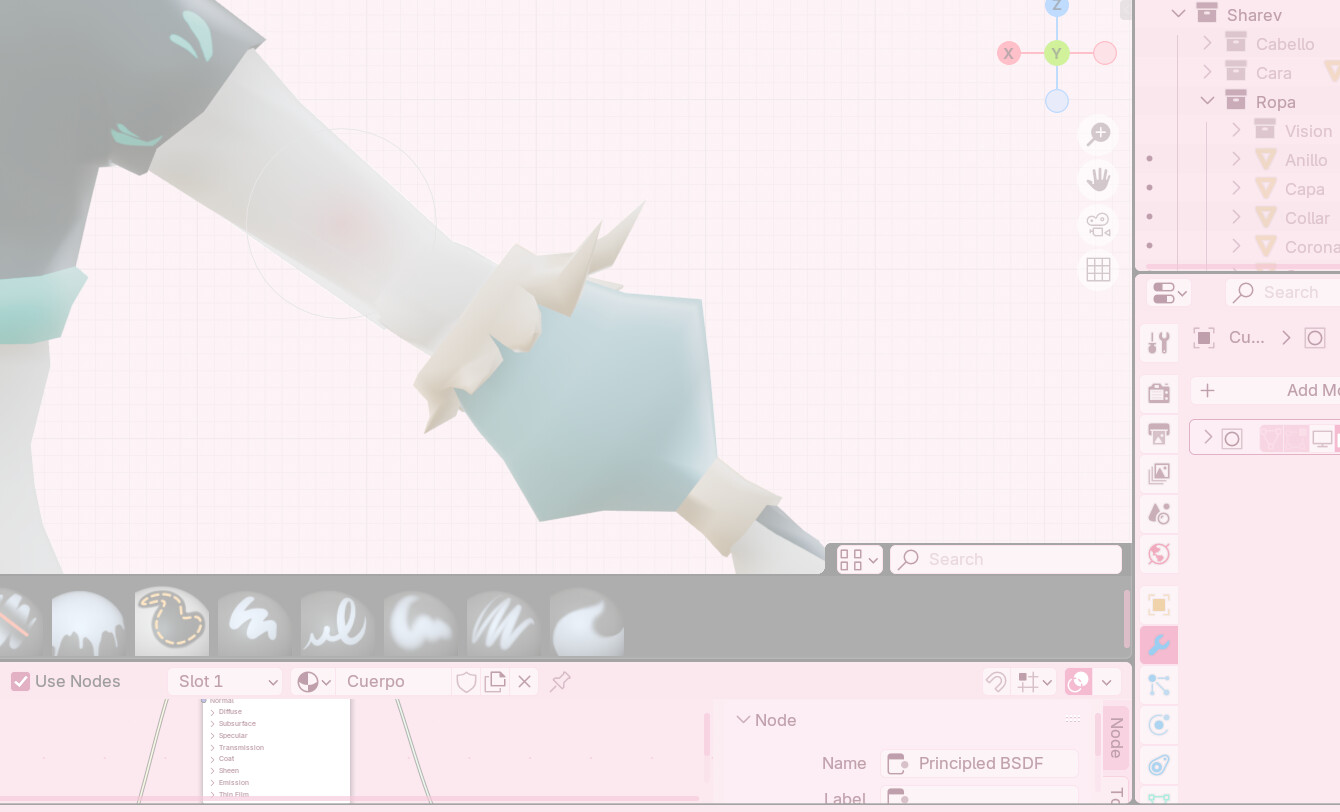
Couldn’t took a video I hope this image helps. No modifiers on, default shader, just wanted to add some blush with the airbursh on the arm and it took about one minute to make one stroke haha
I’ll show add-ons, the model I want to texture without modifiers, and the whole model with modifiers (But I turn them off If im not using them and hide the object) And drivers are last version c: