Hi people!
It’s been a while since I used subdivision surface modeling.
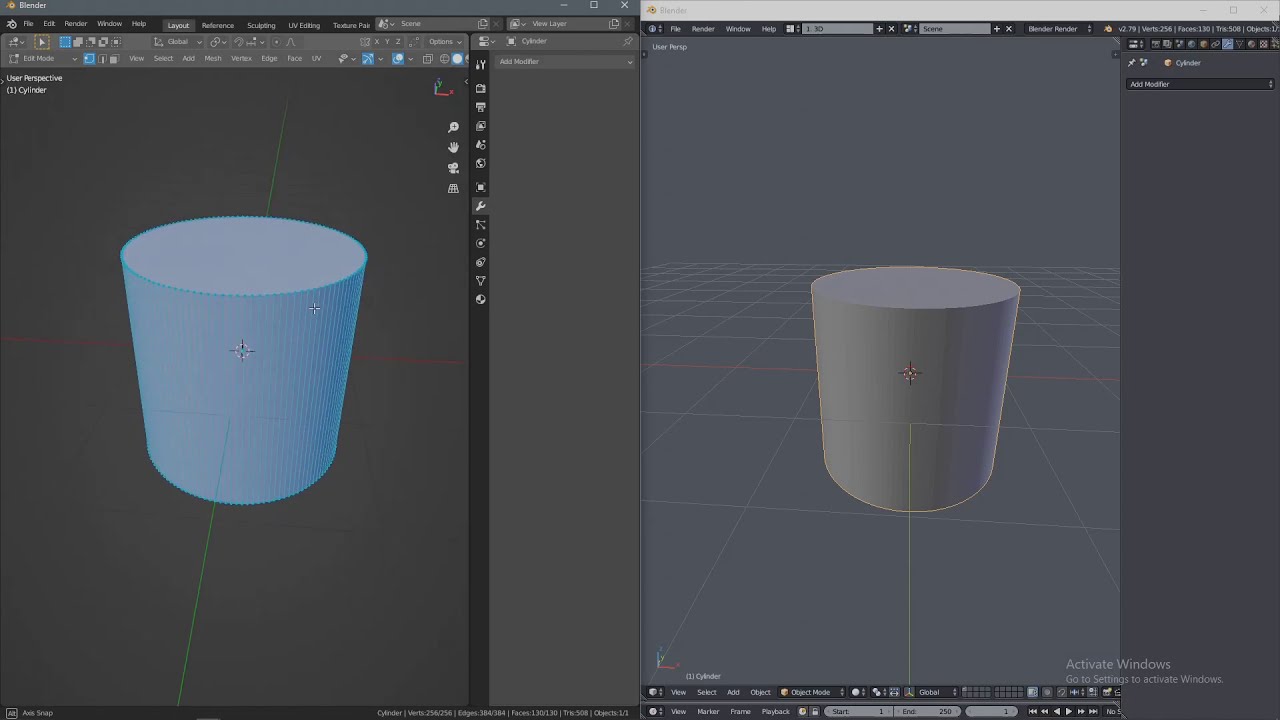
I’ve just found out that, when editing an object with subdivision surface modifier on, if I add new geometry (extrude, add edge loop, etc) the viewport freezes for about 4 seconds before it lets me move the newly added geometry.
This is happening with Blender 2.90.1 and I’ve tried 2.83.7 with the same results.
When I try the same with Blender 2.79 it behaves normally!
Take a look:
(the time in which the cursor is not visible is the time Blender is taking to add a new loop)
Any clues why this is happening?
Is it just me?
Any setting I’m not aware of?
Is it a bug?
I’m aware that in 2.79 there’s an option (settings → system) to choose OpenSubdic Compute. I can’t find such setting in 2.90.
My hardware is recent.
I think it happens mostly when your mesh contains polygons with many vertices. Try poking the top and bottom faces of the cylinder and see if it improves the performance.
For whatever reason, the 2.8x+ series still does not have accelerated subdiv and the best you can get is a few frames per second with one object with a subdiv level of 1. I still don’t know why fixing this is not more of a priority, when 2.79 even just with the multi-threaded CPU-only acceleration can hit 60fps on a complex subdivided object. I see animators complaining bitterly about this on a regular basis.
2.8x does have a geometry cache that prevents needing to completely re-evaluate the opensubdiv stuff as long as the topology does not change and that can double the playback performance (though twice nothing is still nothing) however it also means that when modeling every time you change the topology it has to recompute it all from scratch so you get the worst possible performance.
If possible, model with the subdiv modifier disabled.
Hi ejay. Thank you for the input. That would make some sense if I was working with some heavy geometry. But it’s only a cylinder! …and as you can see 2.79 behaves smoothly. I think Zoot knows what he’s talking about.
Thank you for this Zoot! I don’t remember Blender’s subdiv performance being so bad as now. Even years ago when I used a shitty core duo macbook to do my stuff. Fortunately I don’t use subdiv as much as before. But when I do… what a nightmare!!
I think I will report this as a bug.
I stumbled accross this problem and i use a simple workaround: Instead of a modifier (multires has the same issue) i just used editmode → select all, and rightclick subdivide several times!
I tested it out becouse i had same problem… it happends only if you have multiple werticles cilinder…
select the top and bottom and delete faces… an instead of one face select edges of top/bottom press ctrl+F and add grid fill… that will get subdivision to normal speed
Yes, there are a few things that can slow down the subdiv algorithm.
Mainly triangles and verts with a lot of connected edges to it. So a cylinder is the perfect case to make the subdiv slow.
Quads and verts with 4 connected edges are the fastests.
While in this example it’s quite obvious, you may miss these issues on a more complex object like a face or a body. It’s possible to make the subdiv faster by cleaning problematic areas of the mesh and get a performance boost for animation.
@kinimod and @sozap this was an issue 2 years ago when I made this post.
Now it’s working as intended.
Subdiv modifier is again hardware accelerated and it runs smooth as long as it’s the last modifier (bottom one) in your modifiers stack.
If you try the cylinder example, as in the video above, you can see it works as it would in Blender 2.79.
In fact, it should work faster than ever since it was optimized. (don’t remember in which version).
The cylinder is still is very slow for me, but only if it has ngons. Apparently, Blender’s subdivision really doesn’t like them. But it becomes much faster after they are triangulated.
Bear in mind that even if now it’s faster and optimized , most likely these limitations (slowdown) are still here. It’s just that you don’t notice them because it’s more reactive in general.
But at some point it’s better to avoid triangles or vertex with more that 4 edges. Especially if you do some character animation, things are never optimized enough and with a few character on screen it’s easy to loose real time playback.
 I don’t always check