As questioned above, is it possible? So if addding a cube (or Suzie, or whatever) it comes with a color?
Do you mean just a viewport colors or material of the object?
If former, lot of colors can be changed in menu Edit->Preferences->Theme->3D viewport
You can also change the matcaps in the Shading options and/or use various Themes.
If I add a object I assign a Ambiant occlusion to the object, wich gives more detail/contrast when modeling.
It’s not possible by default, but it’s possible to change it with a bit of python.
There are two things that need to change:
For custom objects that use bpy_extras.object_utils, one can change the object_data_add function to add that functionality.
For objects created by C/C++ operators, need to be encapsulated inside a new operator with the same functionality.
But if you want just the AO effect, then it’s probably better to switch on the “Cavity” option of the Viewport rendering.

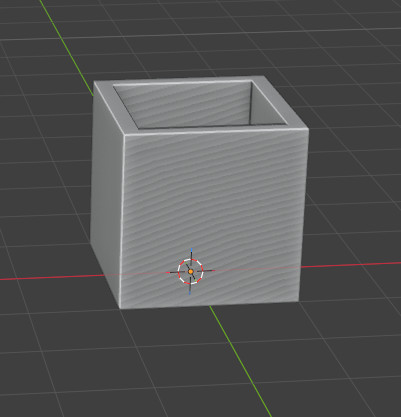
Perhaps you could set a material as the material override and save as startup file. Would need to disable the material override when you wanted to use any other material however.
I haven’t tried it, but in the Solid View, in the preferences drop-down, you can set the object color to Random and perhaps save that as the start-up? The only thing is they are all pastel colors.
I prefer to set the Object Properties Color to the desired color and check “Object” in the preferences drop-down.
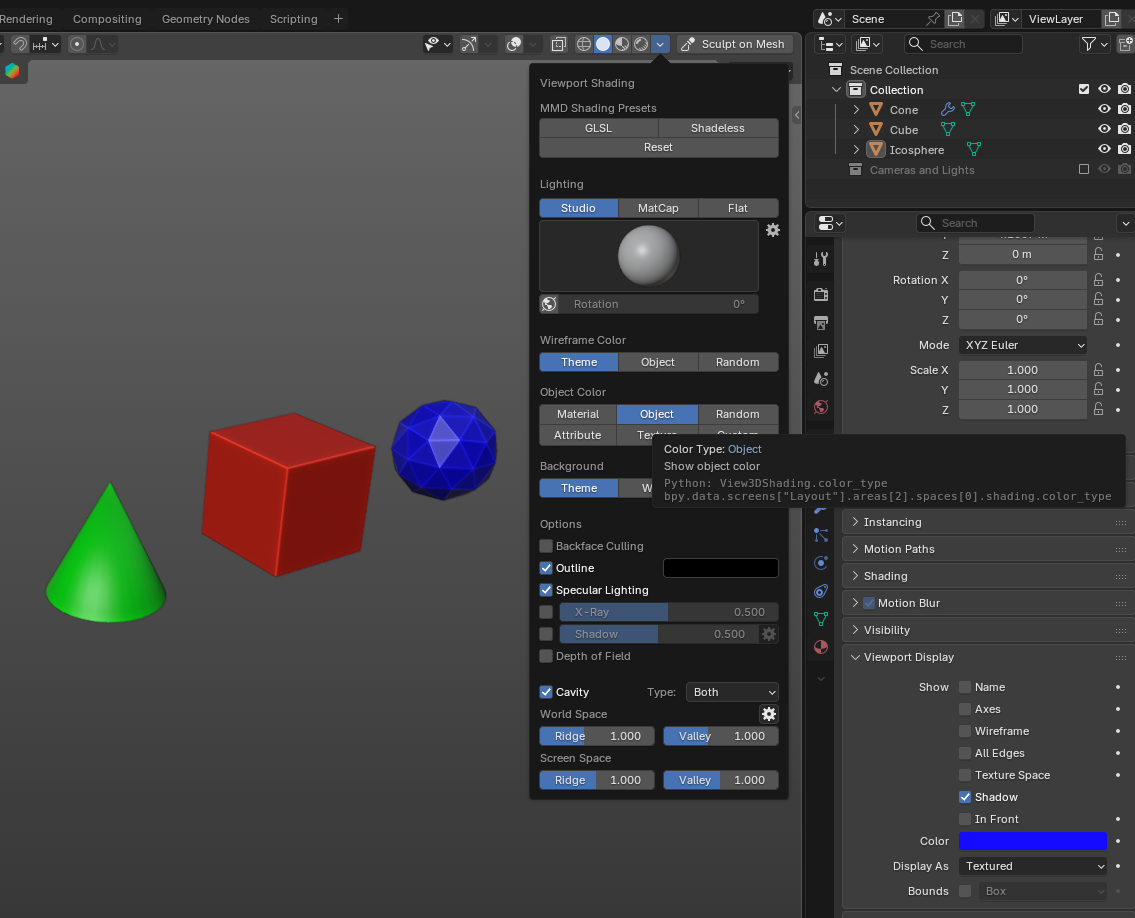
Ain’t that what you’re looking for?
Don’t want to be psychedelic when greyboxing. 
???You can select any color, even pastels…
If you’re modeling in material preview mode you could place the material you want in the asset browser and drop it onto any object you add to the scene.
Another possibility is to have an object in the default startup file (a cube?), add an appropriate material to it, move it to a new collection which is disabled from view and save as startup file. Then copy the material to any new object you add.