Using the default “Blender Light”, regular Action Editor channels appear distinct from the channel background, but NLA channels are the same color as their channel background, as shown in the picture below.
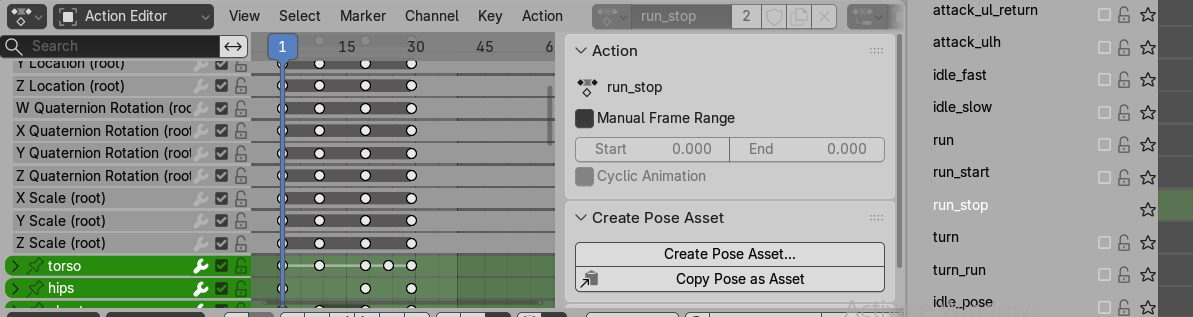
This is odd, because both types channels are controlled by the same Themes settings. Namely:
Themes > Regions > Channels > Backgroundto control the background color for bothThemes > Common > Animation > Channelto control the channel for both
For example, I can darken “Background” to make the NLA channels stand out against their background, but that also darkens the Action Editor channel background. Or I can lighten “Channel” to make the NLA channels clearer, but that also lightens the Action Editor channels.
Specifically, the “Background” color of Action Editor matches that of NLA, but the “Channel” color of NLA appears incorrectly brightened.
So my two questions are:
- Why are they different?
- How can I get the NLA channels to appear identical to the Action Editor channels?