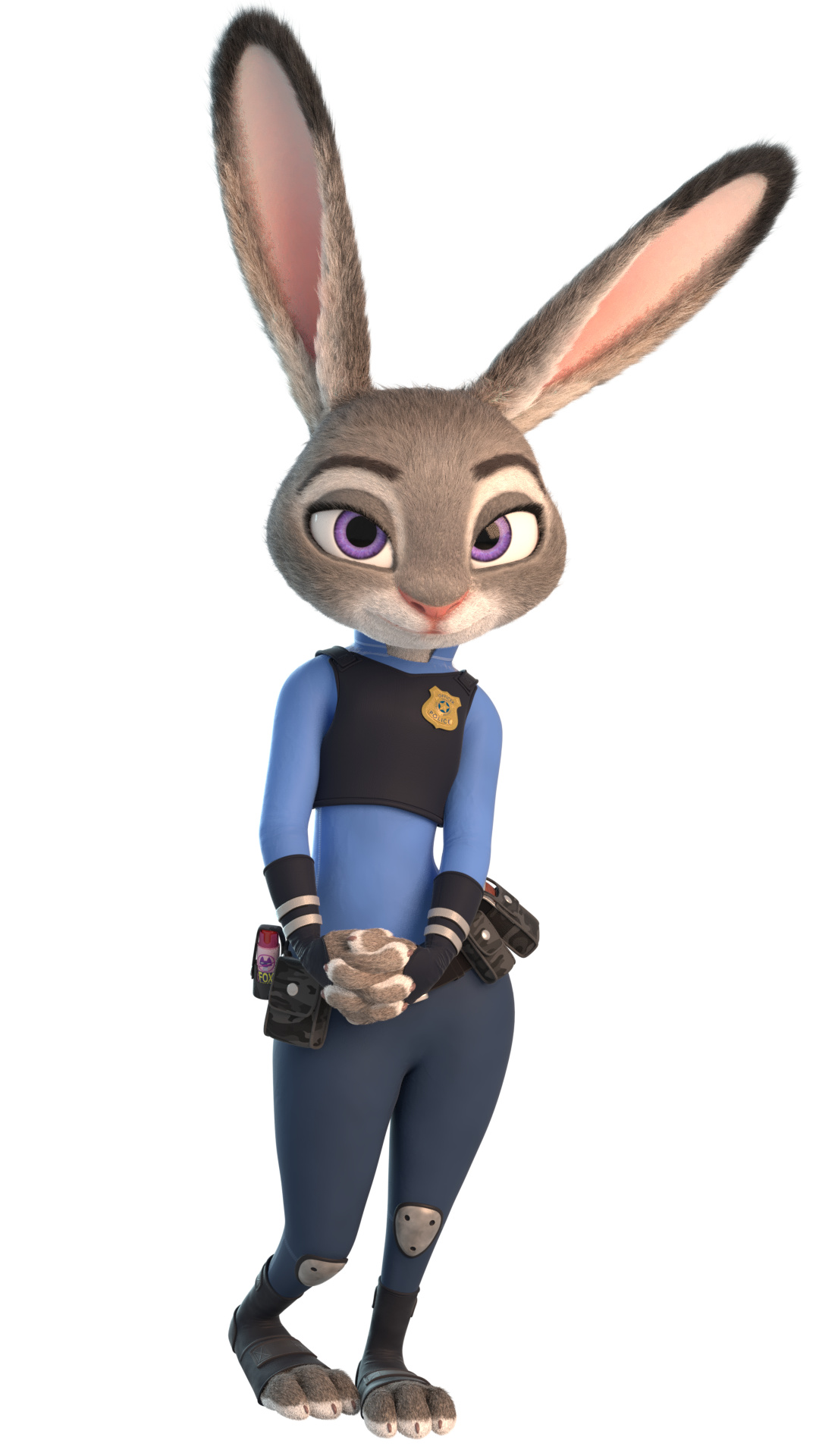
I hope my “sin” can be forgiven. But I found this… and it was too good not to share:
It would be epic if this was the first animation done with the model since it’s been posted In any case, the forecast of this thread for the next couple of hours is dark windy thunderstorms.
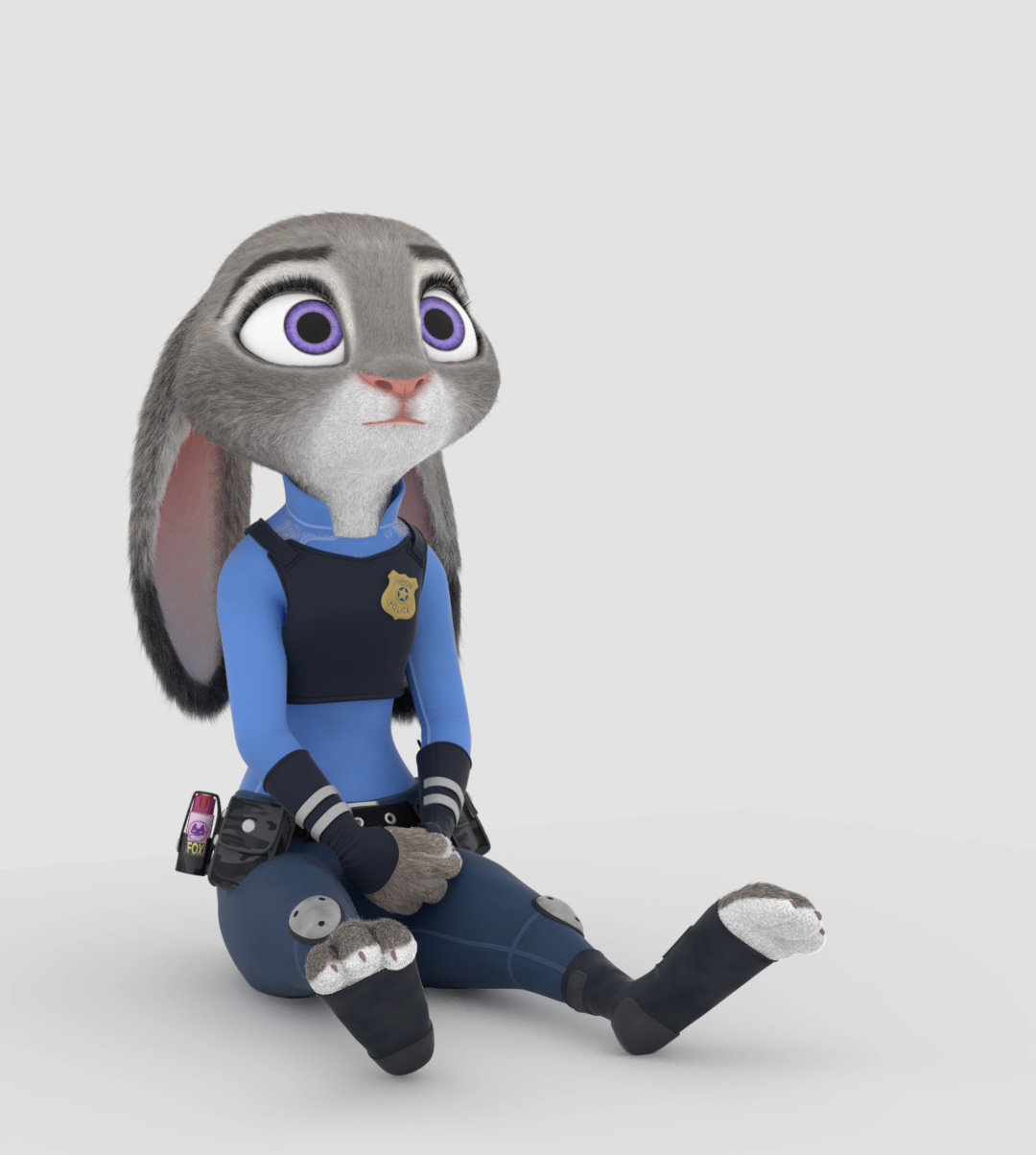
Your model has no hair you nerdish scientist.There are difference between humanoid fury skin and 90’s Nick Stadler’s drawing style and Bugs Bunny’s girlfriend.Your model is awesome,but she’s bald.
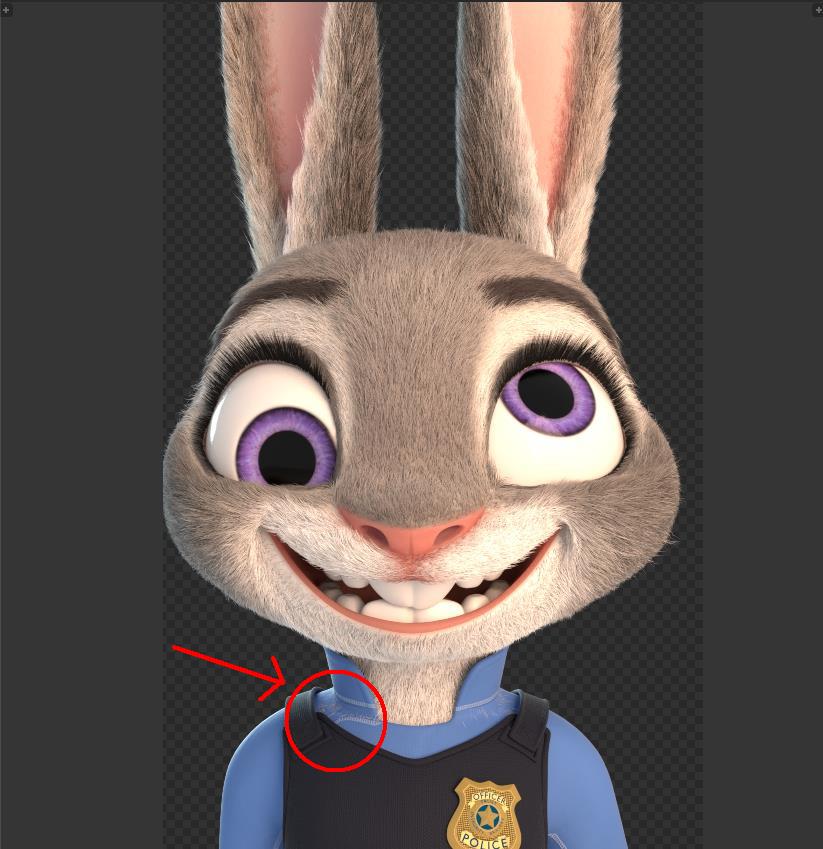
Outstanding model! Few hair penetrations near the collar but hair and simulations in general is tricky to get right. I was amazed how simple the base materials were! I used the same base material set up with Diffuse, Glossy and Fresnel but never thought to plug in a ColorRamp for the Fresnel. You did beautiful job on the character’s texture. Texturing a character mesh isn’t a easy job to do! Especially having to look at grainy and blurred references.
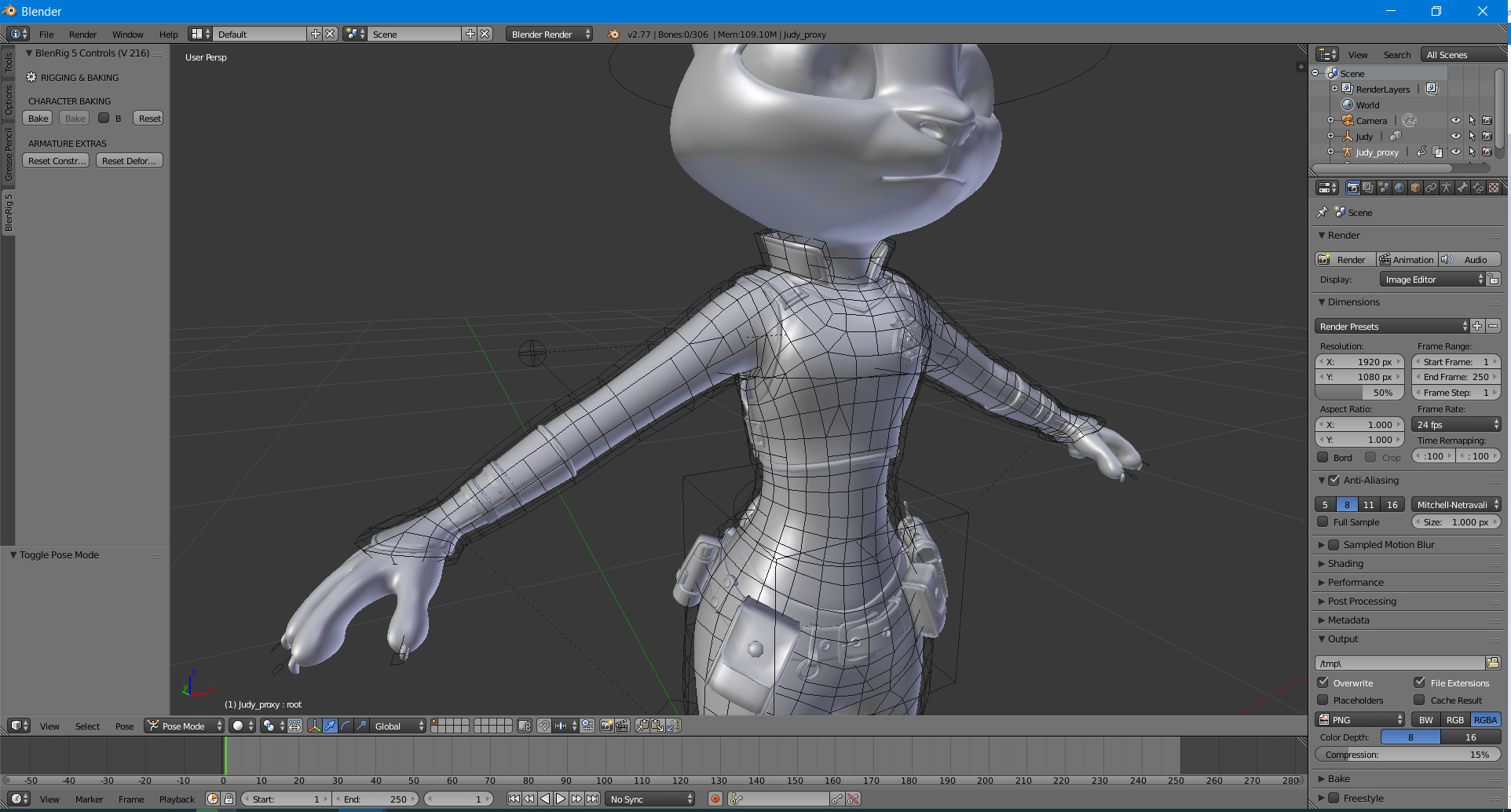
The rig is great. The fingers and toes has two bones… but bends and deforms so well! I think I may want want to try out this in my own projects. Your facial rig has me looking more into bone facial rigging from now on! When I seen even the basic bone facial rigs and I felt overwhelmed. Now that I have looked at your eye to eyebrow rig setup I can see the concept of it better. You should have seen the rig I seen for a stylized character… Twenty deform bones just around the mouth! My brain felt like it was about to explode!
I seen someone saying some parts are not flexible. The eyes and brows are pretty flexible. Right now it is so flexible that it will be sort of hard to animate each bone separately in the beginning. Mainly it just needs control bones that manipulates the movement flow of the bones. They work great for tweak bones though. The mouth isn’t too bad. Maybe a few more shapes for puckered and pursed lips. The nose may need just a few more keys for flare and snarl on either choiced side of the nose. You could get look at the old CGcookie’s Flex rig. The choice of rigging for the face is great in the Flex rig and shape keys are pretty good as well. Especially for the jaw region.
All of this info is for your future models of course! Doing some of the required shapes may give you some issues with the hair simulation. Thank you for sharing this awesome character rig. I will be looking back to this rig for educational purposes in the future!
You are amazingly talented and you should keep up the great work!
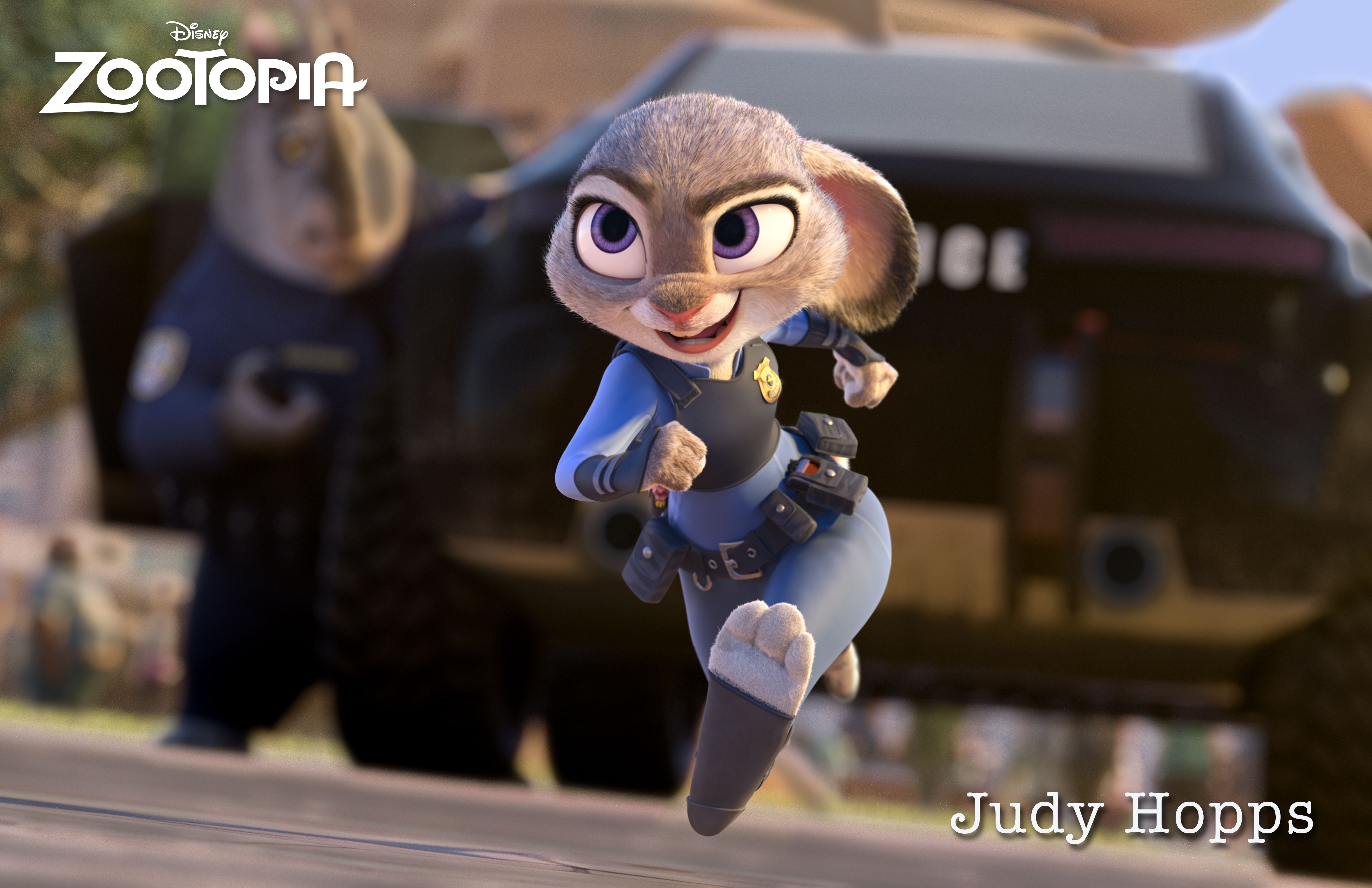
I didn’t realize it because I didn’t see the movie and didn’t bother compare your model to the original, but Judy has longer, thicker, more cahotic and more randomly colored fur :
I also see now her pupils have a soft fade from black to white and her eye brows run a little bit further to the middle of the nose bridge. But that’s difficult to tell with these expressions.
man I wish I could do stuff like this! Again great job man
Well to me it’s like timeline of Jazz Jackrabbit Advance prequel not Jazz Jackrabbit 3D from Unreal Engine 1 and not Jazz Jackrabbit(2002).It seems it’s promoted to Disney new animated movie Zootopia.Look Splatypi before you showed that to Disney you should pay attention in sequel of Zootopia named Zootopia 2 to redesign her.Look at Eva Earlong,Lola the Rabbit from Looney Tunes crossover Space Jam and Zoey from JJA they have hair like humans in top of their hair.You missunderstood me Splatypi try to understand me by saying hair I mean something in top of characters heads not particular fur or skin.By the way I can wait to see it at cinemas.
What I don’t understand is why have all these hidden shape key drivers for the face, when I don’t see any visible bones to control them. They were all colored pink and locked down. I couldn’t use them until I deleted their driver. Are these drivers unfinished or do we have to create our own controllers for them?
Also, there are errors with hair rendering. Hair is protruding right through the collar of the uniform (circled in red). I enabled Collision physics for “UniformMain”, but it didn’t do nothing.
Sorry I haven’t been responding to everyone, but I’ve been quite busy with finals lately. I just checked the blendswap and the other mirror I set up, and the rig has almost 5000 downloads! It is very exciting knowing that so many other are hopefully learning something or just messing with the rig. To everyone who has pointed out various things to fix, thanks for the feedback! I’ve noted your comments and once I have more time I hope to resolve those issues, and add more options to the face part of the rig.
I can’t believe I didn’t notice that. Should be an easy enough fix however.
Looks pretty good! I haven’t even had a change to animate the rig myself because of how busy I am, but is great seeing others have some fun with the rig.
I’ve considered this, but to be honest, every time I’ve tried cloth simulation on an animated character, it never seems to work out well. I haven’t seen a whole lot of rigs with cloth sim either, so I really don’t know how to best go about it.
I’m having one issue – when Motion Blur is activated, there is a texture bug in the eyes. This is reproducible by loading the .blend, ticking Motion Blur, then rendering. Any help is appreciated.
Forgive me if this is a known or obvious issue!
(edit: Nevermind, doing blur in post actually worked better anyway!)
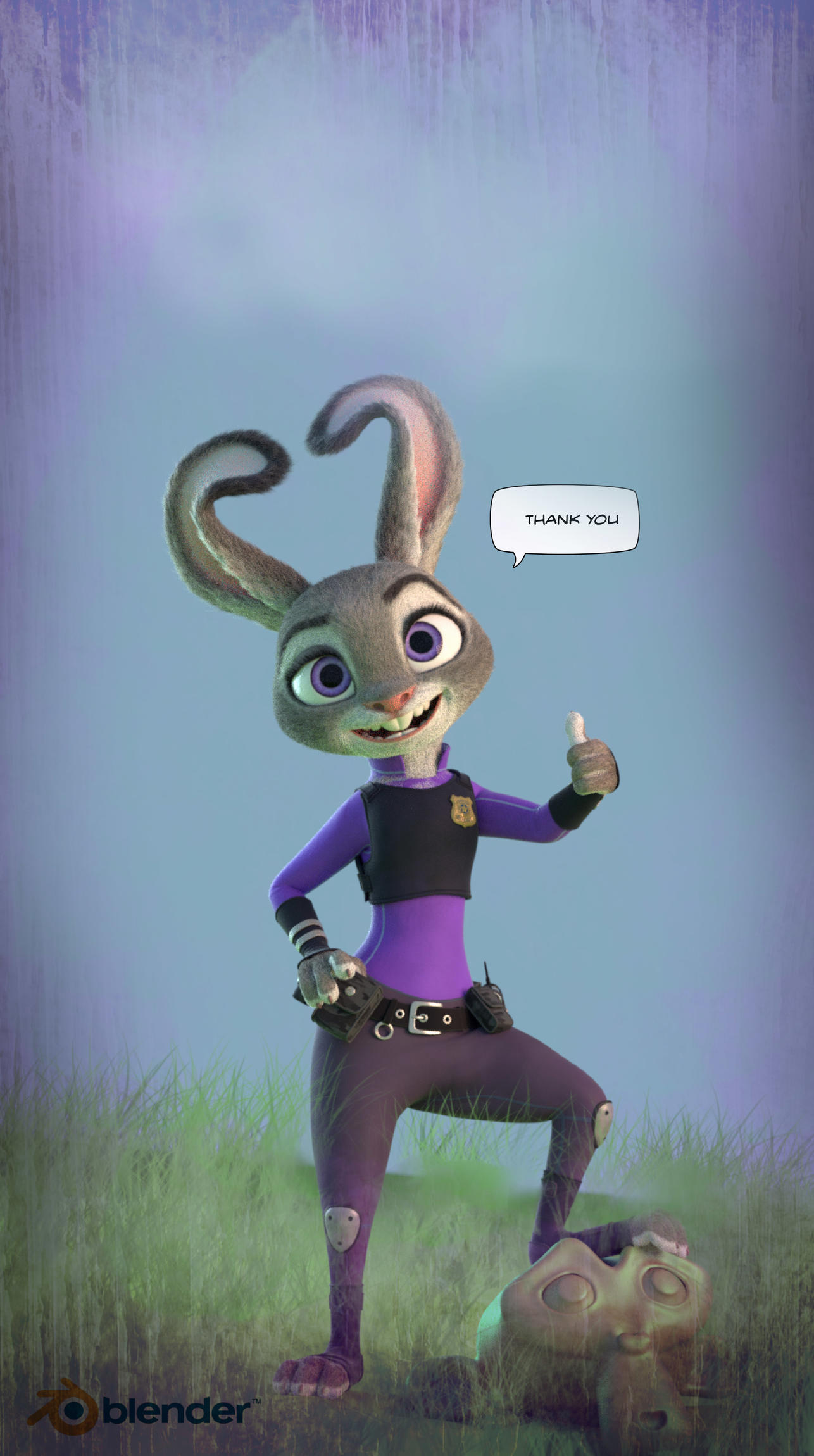
These are my poses with Judy. Trying my best to stay with the orginal concepts from Disney. Hope you guys like it.
By the way does anyone knows how to properly append or link Judy in another scene? Whenever I link it, the Rig Pannel on the left doesn’t show up and allow me to turn facial controls on.
 In any case, the forecast of this thread for the next couple of hours is dark windy thunderstorms.