3 Likes
Looks cool! could be an awesome music visualization background
1 Like
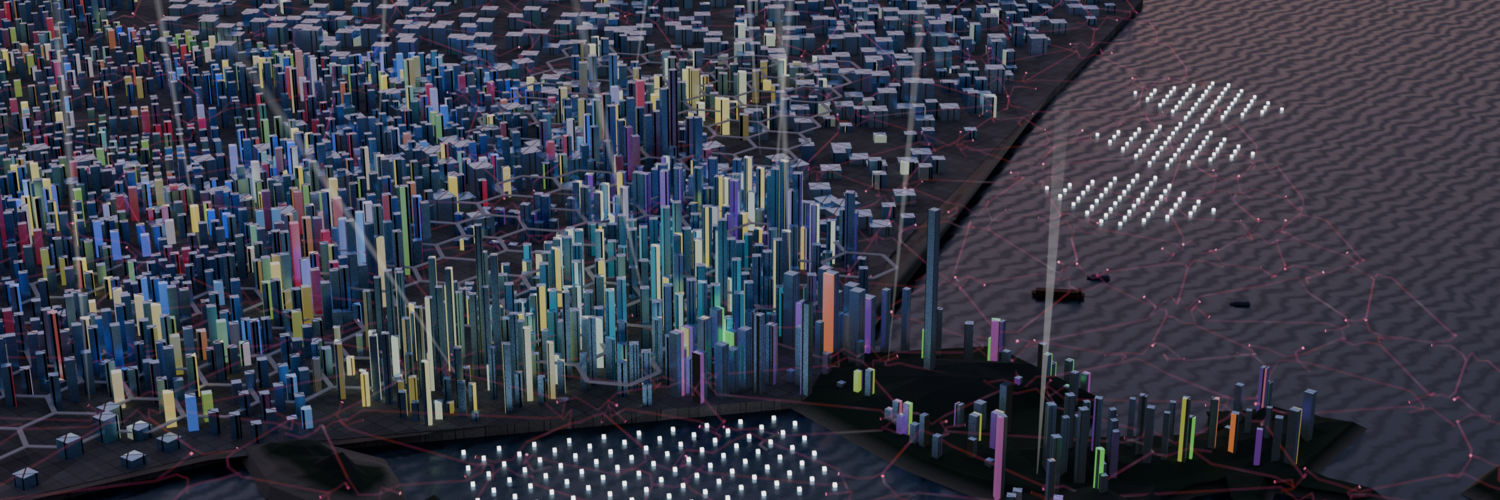
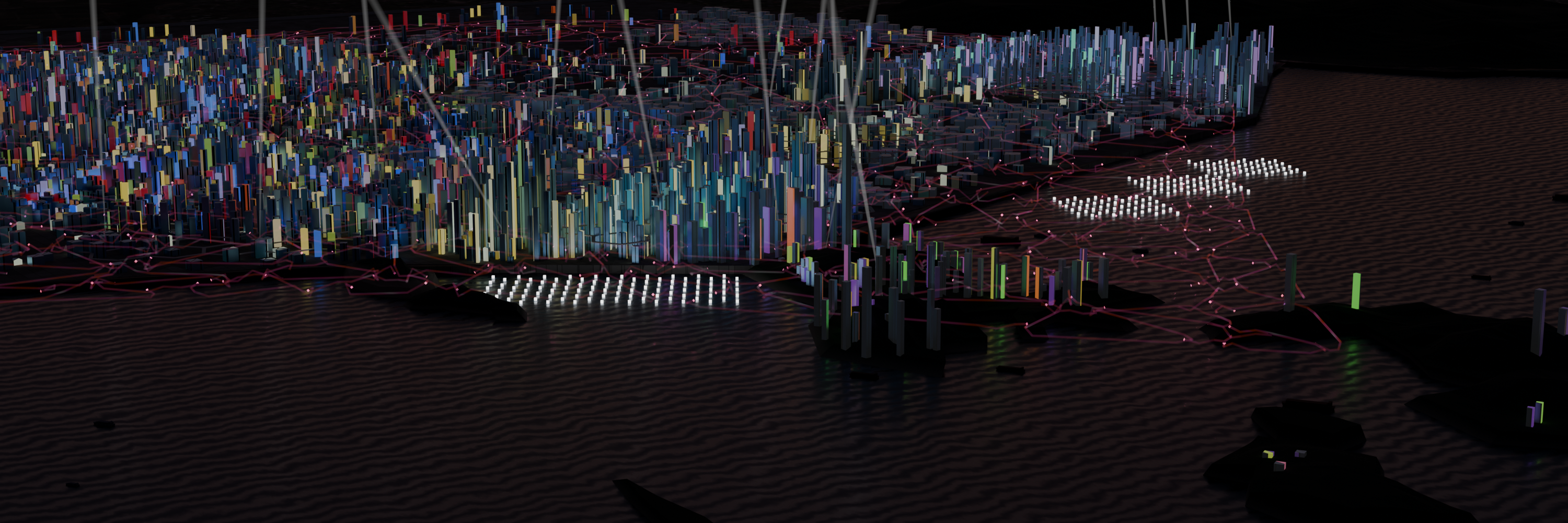
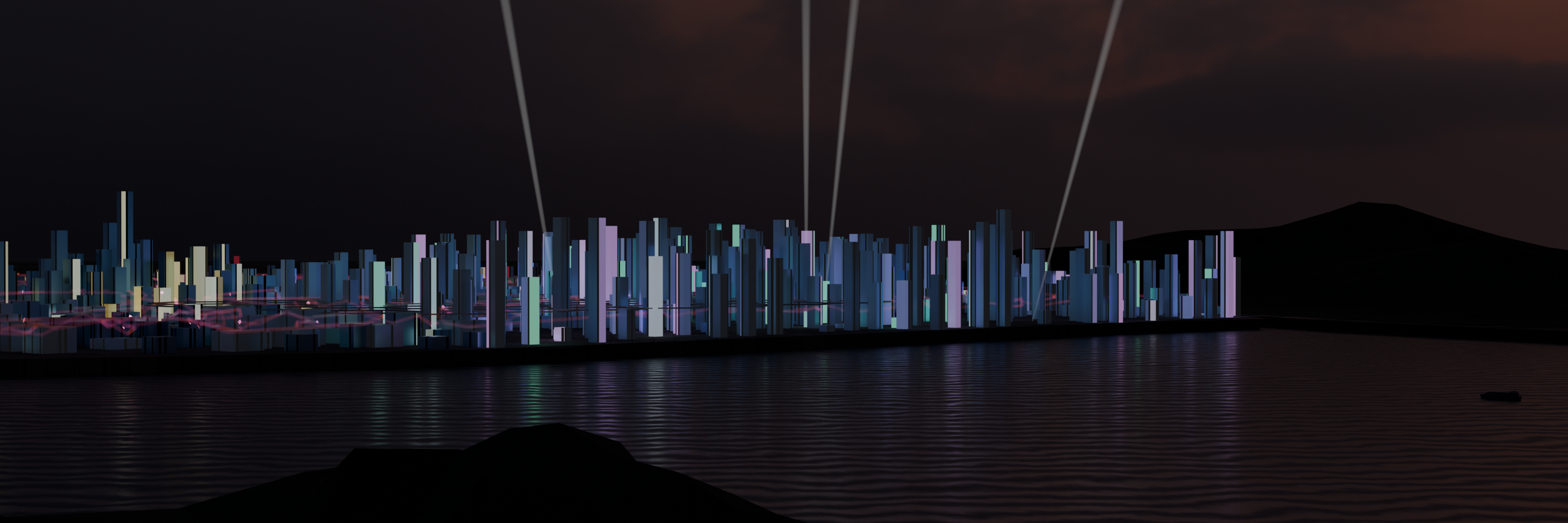
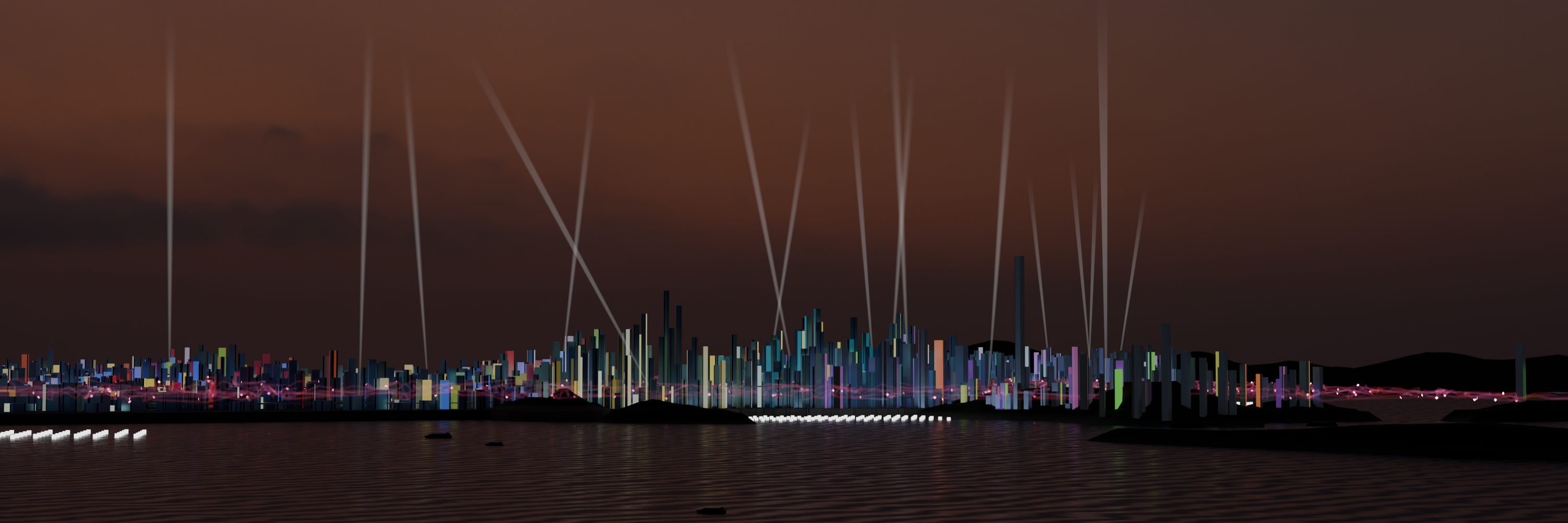
How I made the city buildings:
Mesh Plane Square → Subdivide → Delete only edges & faces → Select random delete → Select one vertex → Proportional editing falloff random → Move up → Select all → Move up → Extrude down (to below the floor) → View from top → Flatten base vertex using loop tool flatten (view) → Move base vertex to floor → Object convert to curve → Side panel Properties:Data:Geometry:Bevel edit depth, resolution to 0, select fill caps → Object convert to mesh → Select all vertex and merge by distance → And customize buildings
I featured you on BlenderNation, have a great weekend!
1 Like
Thank you! It’s great to hear that this work was featured on another page 
1 Like