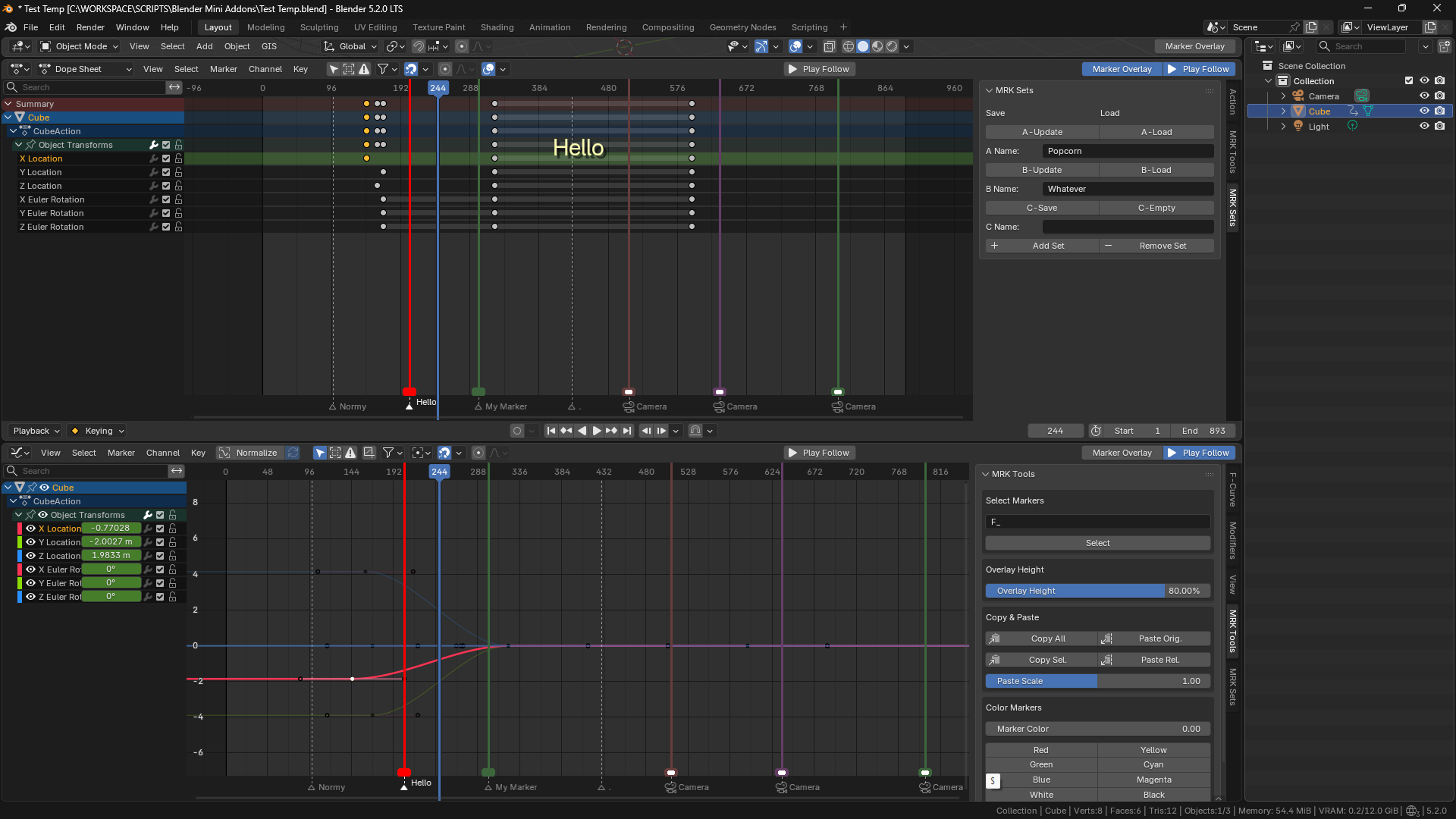
Sorry for leaving 2 star review on Blender Extension… I was frustrated that an addon overrides the ‘native’ feel of Blender.
While I do like the idea of giving a markers a color, I feel like I won’t use any other functions this addon provides… thus I’d like to ask If It’s possible to make a LITE version where It’s just Marker Colors.
I am not sorry for leaving one star review at all. This could be a really cool add-on but it seems to be just the usual AI slop. I don’t appreciate the lie in the description - it does not color markers. It adds an ugly overlay above the markers. I don’t know if I am being too harsh here, but if I read
I would expect ability to color markers then. Yeah, sure, you would probably do that with overlays, but then the overlays should replace the markers exactly as they are if you say that it colors the markers. It doesn’t. It adds additional thick squares and lines above the markers and leaves them as they are.