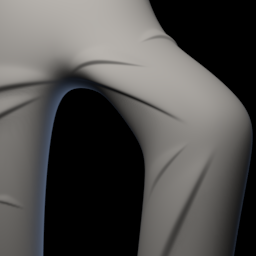
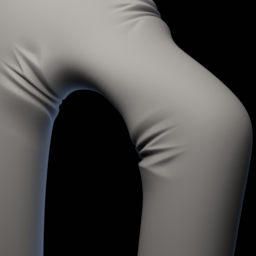
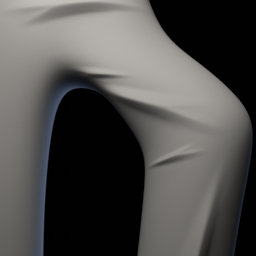
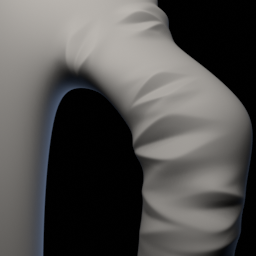
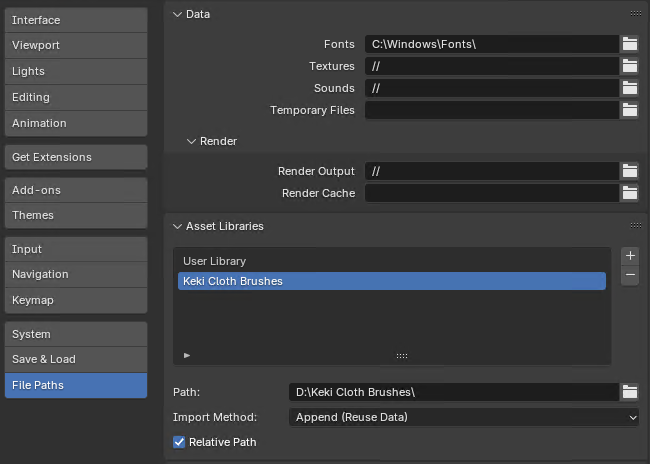
Extract the downloaded archive and add it as an Asset Library. To do this, go to Blender Preferences and navigate to the File Paths section. Brushes are under Keki Brushes category, inside Cloth subcategory.
Today I downloaded the brush and Imported it into blender, i tried to use the inflate tool for adding texture and none of the brushes images loaded in that section, I tried to use them but nothing worked, Is there another texture brush or download I can use for free?
Hello, how would you append this in the latest blender version where sculpting has been fully revamped? I cant seem to find a way to use your wrinkles brush would be greatly appreciated if you figured this issue out!
I’m working on DeckMania integration for Blender and still didn’t find time to adopt my sculpt brushes to new brush system. Maybe for the weekend I could spend some time and make them working.
Hi there! The brushes look amazing - I am just struggling to figure out how to install them? I am using Bledner 4.3 so I am using the new/updated versions, correct? I am new to sculpting and using custom brushes so any help is appreciated and I apologize for my annoyance!
Unfortunately I also had issues importing this into Blender’s asset system. I ended up making my own asset catalogue out of the brush pngs, but hopefully Keki can update the files so that it’s not necessary to do it yourself.
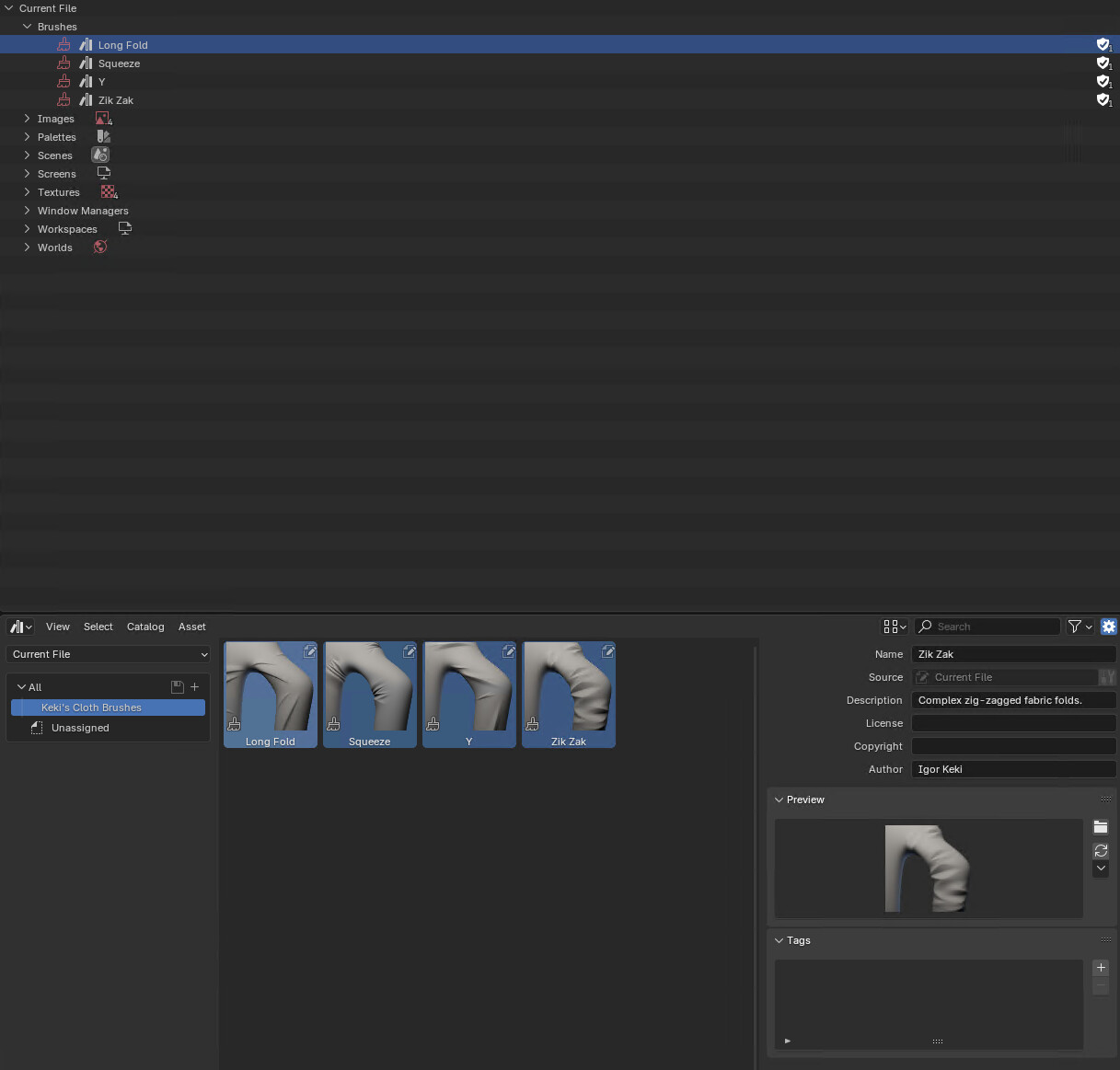
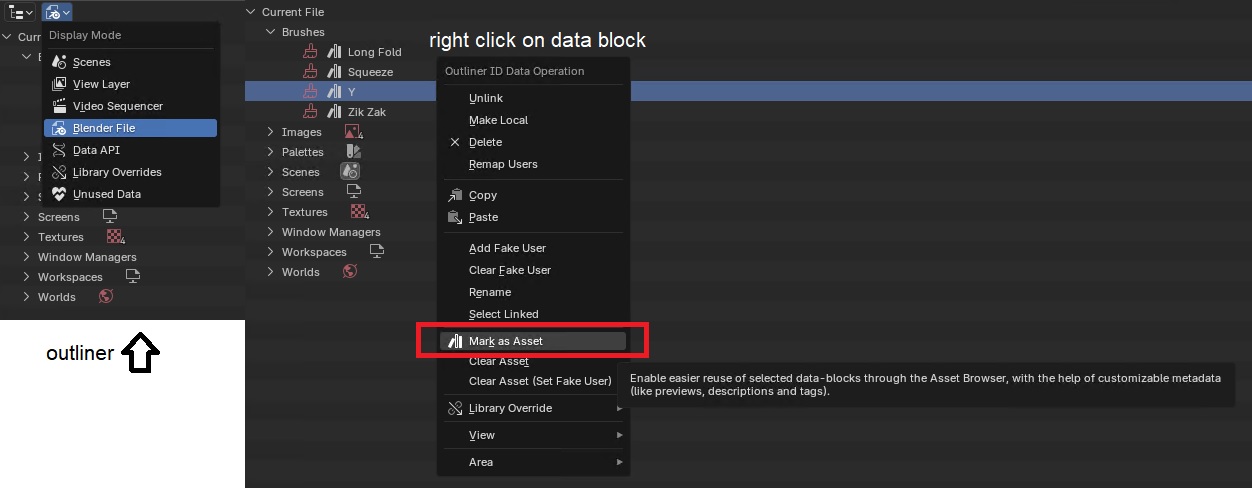
The Blender asset system is still kinda confusing to me too, honestly. But here’s what I found out while working on it. If you want to provide an asset catalogue (like a collection of brushes), you’ll need to mark the data blocks as an asset. In this screenshot I’ve marked the four brushes that I created, using your textures and preview images, as assets (done in the right click menu.)
These individual brushes in this blend file have custom preset settings for fall-off, anchoring, and strength as needed. You can also change the preview icon, add licensing information, and descriptions to each brush in the Asset Broswer’s N menu.
I’m unsure if this is a proper way to do this, but the result is a self-contained blend file that you can distribute and add to Blender’s asset libraries list. This then makes all the Keki brushes available when you open the sculpt mode.
The Blender manual also provides some info on the creation of assets, if you want to read up on it more.
Hopefully this helps out, I like these brushes a lot.
Extract the downloaded archive and add it as an Asset Library. To do this, go to Blender Preferences and navigate to the File Paths section. Brushes are under Keki Brushes category, inside Cloth subcategory.