True.
Well, I do not want to add to the chaos. I will shelve any operator changes , and, I will probably end up supporting both 3.x and 4+ in the same release, to keep things simple for everyone (else ;))
True.
Well, I do not want to add to the chaos. I will shelve any operator changes , and, I will probably end up supporting both 3.x and 4+ in the same release, to keep things simple for everyone (else ;))
In other news, there seems to be something very wrong with 4.0 keymap import. At least for me.
When I first “load 3.6 settings” all is fine (same if I later reload the keymap), all shortcuts are correct. But once I restart blender, when it tries to load from the userpref.blend it just throws "[prop] not found in item ‘OperatorProperties’. Every time. Meaning: I cant map (for example) fitprim with box set on shift-1 and cylinder on shift-2 and have it stick between blender restarts = It just reverts to default every time (box).
This is an old problem, but one could just remap the options. (and it would stick…)
Can any one else confirm this? (the kit should at least load on 4.0, though some ops wont work)
edit: I find that I must delete the old shortcut mappings, and assign new ones for them to work.
This is annoying. I will have to address this somehow. Leaning towards not relying on shortcut properties at all if possible. If I can, without tripling the amount of operators…might be a partial nuclear option after all…
Tested it on 4.0.2. No problems with my previous shortcuts for keKit. Tried Context Bevel, Mouse Mirror, Unrotator, Get&Set EditMode, Get&Set Material. These 3.6 shorcuts are preserved in 4.0.2.
Yes many shortcuts do work, but are you testing the situation I am having issue with? A lot of operators do not need custom properties defined in the shortcut. For instance, do you have Unrotator AND Urotator Duplicate on 2 separate shortcuts, and do they work (after a restart) ?
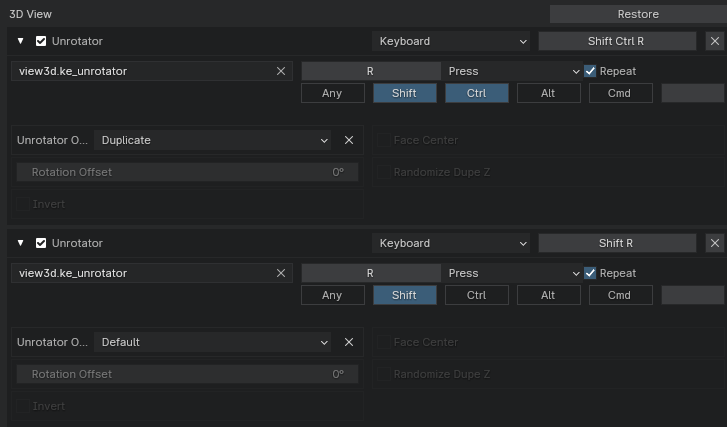
Yes, for Unrotator all previous shortcuts work (though there is an error message):
yeah the error is just one of those lovely api props that was renamed for shits and giggles.
They are lower priority right now, since I still cant get any of my shortcuts to work.
I am still leaning on reworking all operators so that this CANT happen again.
Just tried it again: deleted 4.0 folder, then launched B4.0.2 and imported 3.6 settings. Then restart. And the shortcuts are preserved. OS Win10, Blender downloaded as ZIP file, daily build
Anyone else for testing/feedback?
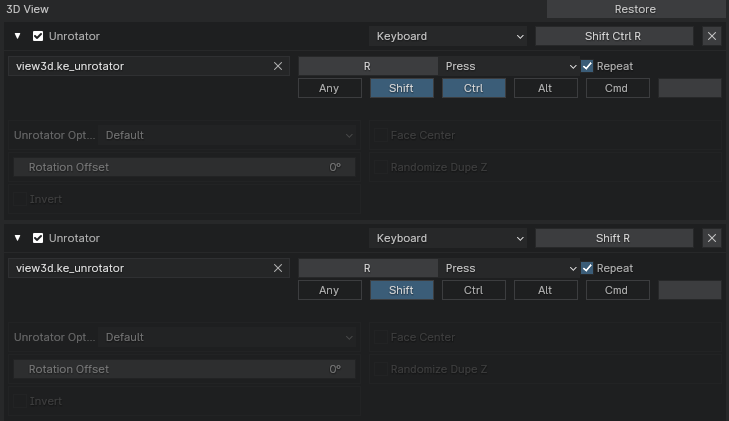
Just to make it clearer for anyone else; This is what happens after restarting. Everything is correct at first after loading 3.6 settings in 4.0, but after restarting, all kekit shortcut props are reset, like this:)
i can just reload the keymap, and things are restored. again. until i restart blender:
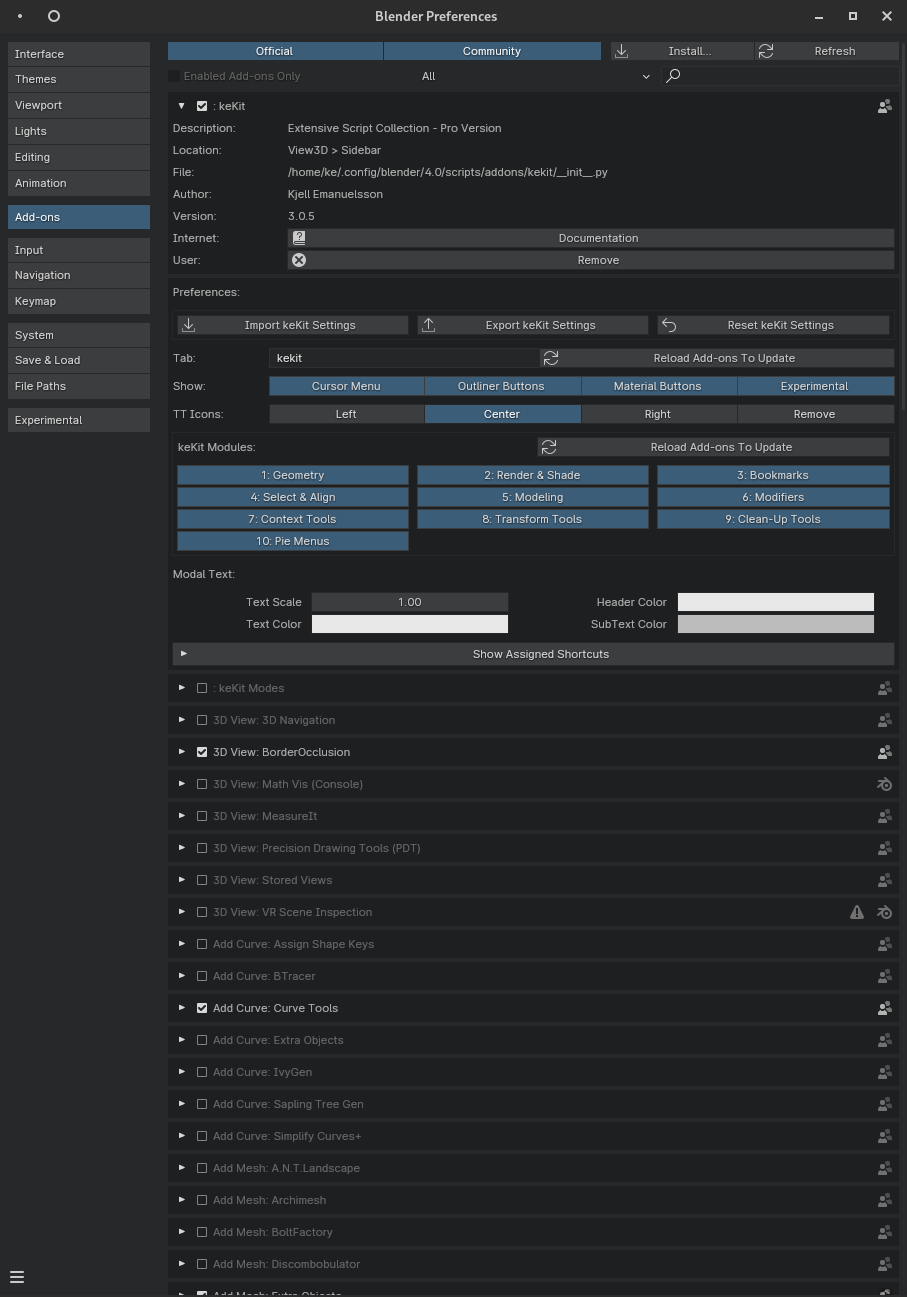
Prob some issues with Import/Export keKit Settings/File? I’ve never used this functionality. Only backup/restore the whole folder (…AppData\Roaming\Blender Foundation\Blender\3.1-3.6) in case I need it
oh but you have ;> It (export) is run automatically everytime you close blender.
(Import is manual use only)
Either case, it does not handle shortcuts, at all. only the add-on prefs. (disabling the feature does nothing- I tried just in case)
Heh, I guess you’re right! 
Regarding the problem - it looks like your shortcuts are preserved, but the settings are reset.
Couldn’t it be Linux Blender-related thing only?
yes. that is what I have been trying to say ;D
linux only issue: it is possible.
Regardless, I do not know how to proceed. There are a lot of errors in the console (not related to kekit) and I am tempted to just leave 4.0 alone for a bit.
in summary:
Well. Sorry guys, I do not use windows. So I am a bit blocked at the moment with other 4.0 fixes. I can just run temp/default keys to get the 4.0 fixes done, and I probably will, but not today. And probably not tomorrow. etc…
There seems to be some related bug reports in process, that I tried to contribute to, but I have no ETA for you.
If you need some bug-report upvote, let us know! We’ll be glad to help with solving this problem as fast as possible.
Played a little with 4.0 today. And the most annoying thing for me is a bug with Frame All script. And broken Advanced Transform addon… So, Blender 4 is unusable for me atm. unfortunately .
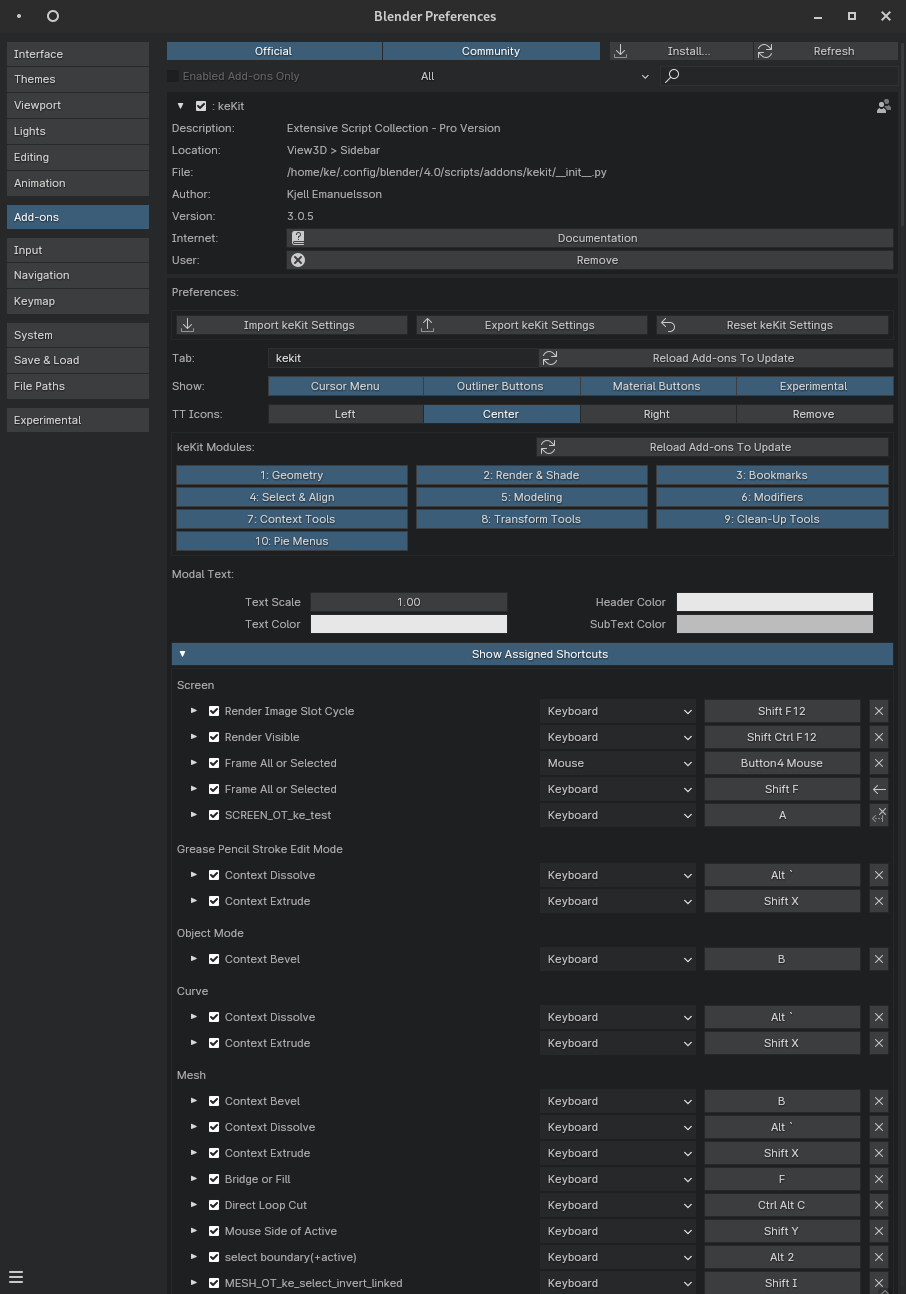
meanwhile, some shortcut-management wip:
upd: I have also resumed 4.0 fixing. It is going slower than planned as I also discover other bugs ;D
upd2: I had to make some drastic changes to some scripts. The “only the current release version is supported” will stay in effect. (but evidently not day of release!)
I found a workaround for the shortcut issues (that seem to be linux-only (or me-only) ?):
(or, “How to avoid re-doing your ENTIRE keymap!”)
Note: This only seems to apply for kekit shortcuts, or, I do not have that many (any?) add-ons with similar properties-setup, so I don’t know. But the standard shortcuts with props seem unaffected?
Recap:
I did notice that removing the shortcuts, and just re-adding them made them retain the set props. So;
Workaround:
I suspect I can automate this in python, including the re-adding. But as it turned out to be relatively few shortcuts, it does seem a bit overkill. And it just feels wrong.
Anyway, hope it helps if you have the same issue!
P.s. in the next version keKit will have a shortcut editor for easier kekit shortcut management (see previous post)
kekit 3.05 is now out. with 4.0 fixes. Available on gumroad or blendermarket.
(for both Pro and Standard users, at the same time: Happy black-friday-xmas-newyear!)
Edit: release notes available. (check ke-code.xyz)
Super! 
Downloading atm.
Is it backward-compatible with 3.6(couldn’t find in the description) ?
Nope. Too much had to change for me to support 3.6 as well.
If you are stuck on earlier versions of Blender, you will be stuck on earlier versions of keKit as well.
welll… not really. I suspect most ops will work fine, but snapping combos will not work at all for example. Oh good reminder, need to add that to the release notes: You will need to redo all snapping combos, as I had to rewrite a lot of it.