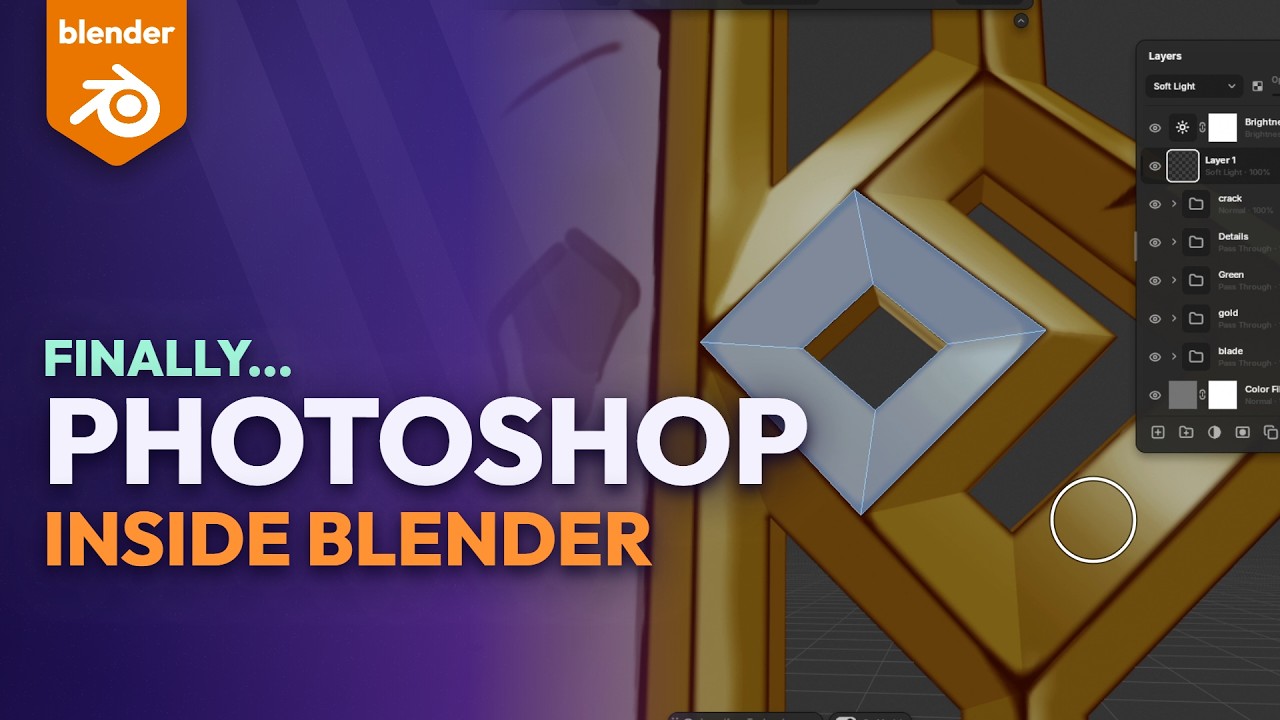
Hey everyone, I’m Peakz. Layerify is a Photoshop-style editor that runs right inside Blender’s Image Editor, so you can edit textures and renders without leaving Blender. Version 1.2 just came out, and the big part is painting right on the model, fast even on 8K textures.
**
New in 1.2: On Model**
- Layerify’s tools, options and layers show up in the 3D view too
- Paint right on the model: the Brush, Pencil, Eraser, Smudge, Clone Stamp, Healing Brush, Paint Bucket, Gradient and more, live, into your layers
- Stamp, symmetry and layer masks on the model too
- Select on the model: Rectangle, Ellipse, Lasso and Magic Wand, across UV seams
- Polygon Fill: click the model’s faces to fill or select them
- Mirror on Model: copy one half of a layer, mask or selection onto the other, whatever the UVs
Also new
- Pixel brushes: hard pixel circle and square, and a Pencil mode for the Eraser
- Both colors on the tool bar like Photoshop (X swaps, D resets), plus a transparent color with Shift+X
- F / Shift+F for brush size and opacity, like Texture Paint
- Lock Transparent Pixels, favorite brushes, and picking a color from anywhere on the screen
- Blender’s Texture Paint strokes on UDIM tiles come into your layers
Everything else
- Layers with blend modes, masks, clipping and groups
- Adjustment layers and smart filters you can change any time
- Healing Brush, Clone Stamp, your own .abr brushes, text and shapes
- Open and save real PSD files
- Edit Render: press F12, click Edit Render, and your render opens as layers with its passes. Click any object in the render to select it, grade with Camera Raw, and when you re-render, Render & Update keeps all your edits on the new render
Works in Blender 4.2 to 5.2 on Windows, macOS and Linux.
Get it here: https://superhivemarket.com/products/layerify
Happy to answer any questions!